
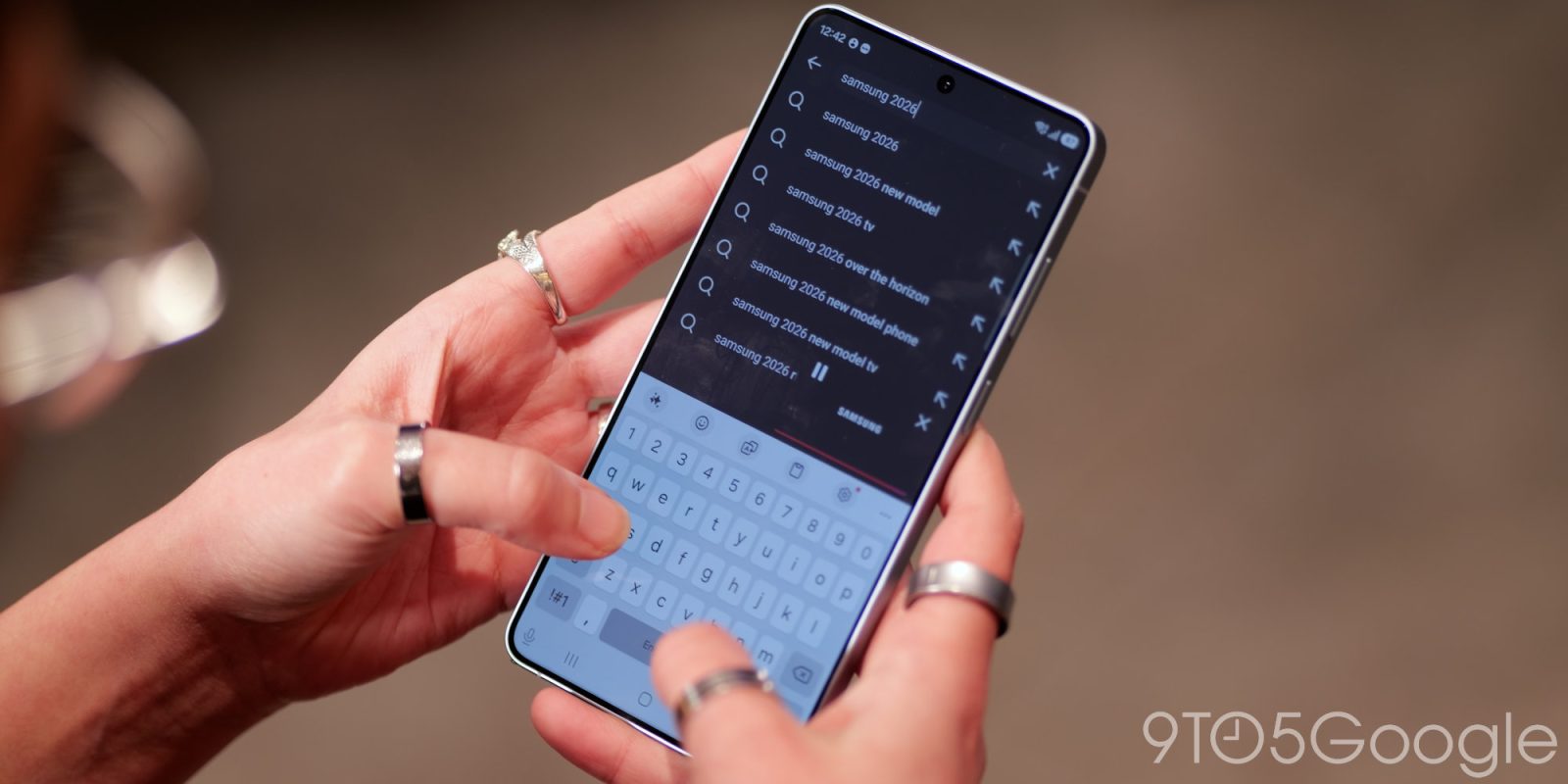
If you’re looking for the most customizable out-of-the-box experience on a smartphone today, it’s tough to go wrong with Samsung. Unlike some of the more locked-down launchers you’ll find on Android — sorry, but I’m looking at you, Pixel — the amount of personal touches you can apply to any Galaxy phone can feel endless, and that’s before you install something like Good Lock. However, with One UI 8.5, it seems like Samsung made the rare move to remove some of this functionality in the name of security, and users aren’t pleased.
As spotted by PiunikaWeb (h/t SammyGuru), a lengthy thread on r/OneUI in the wake of One UI 8.5 rolling out to older devices has fans venting their frustrations out over Samsung’s decision to quietly remove third-party font support from the update. One UI — and the company’s various predecessors — have always offered some of the best font support you’ll find on Android, making it easy to swap between several built-in offerings in addition to utilizing your own. Most of the users had no idea One UI 8.5 would remove this functionality, and unsurprisingly, they’re not too pleased about it.
Samsung, for its part, didn’t completely keep this move a secret — it just buried the change in its security fixes post for March. Listed under “moderate” patches, the company cites “improper verification of cryptographic signature in Font Settings” in previous releases that could’ve allowed “physical attackers” to use custom font. The change doesn’t specifically say it’s removing font options, but this patch does add “proper verification,” and that seems to be what’s causing the lack of support following this update.
If you’re an affected user, it seems like your only option at this point is to root your device. Developers behind the popular zFont 3 app confirming on their own subreddit that non-root devices running One UI 8.5 are no longer supported. Some users have reported their custom fonts sticking around after the update, though even so, it appears that trying to adjust your font at all will inevitably swap back to a default offering. Not everyone is so lucky, by the way — other users had their fonts completely reset following the typical update installation reboot. Samsung’s font offerings through the Galaxy Store also still work, since they support the company’s validation system. Even then, those aren’t a perfect replacement, since they’re often a far cry in quality from unofficial tools like those found with zFont 3.


FTC: We use income earning auto affiliate links. More.


Comments