
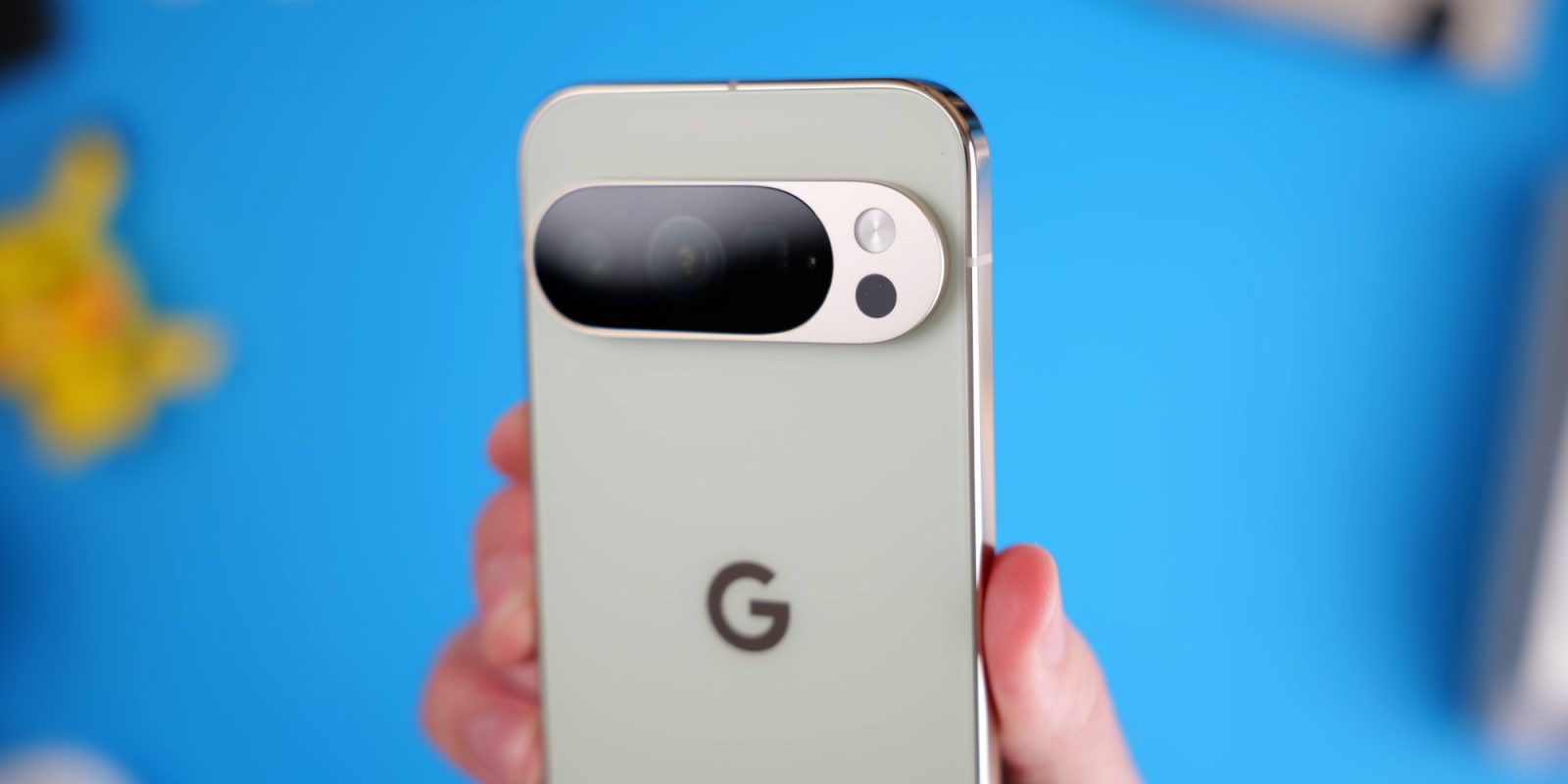
Earlier this month we first reported on “Pixel Glow,” a new feature in the works for future Pixel phones and an incoming “Pixel laptop” and, thanks to recent updates, a few more details have now surfaced.
In our initial reporting, we found that “Pixel Glow” would use “subtle light and color on the back of your device to inform you of important activity when it’s face down.”
But, unfortunately, there’s still no clear explanation of how this works, where it shows up, or what else it might tie into. All we knew off the bat is that it will work with Gemini, as well as notifying you of “calls from favorites.”
Now, there are a few more tidbits.
About APK Insight: In this “APK Insight” post, we’ve decompiled the latest version of an application that Google uploaded to the Play Store. When we decompile these files (called APKs, in the case of Android apps), we’re able to see various lines of code within that hint at possible future features. Keep in mind that Google may or may not ever ship these features, and our interpretation of what they are may be imperfect. We’ll try to enable those that are closer to being finished, however, to show you how they’ll look in case that they do ship. With that in mind, read on.
The Pixel Diagnostics app contains strings around a “Color LED Check,” which would flash “Pixel Glow” in red, green, and blue colors. The test would be able to help identify LEDs that aren’t working properly, with user confirmation required. Some of these strings were in previous Diagnostics versions, too.
- <string name=”color_led_title”>Color LED Check</string
- <string name=”color_led_description”>The LED lights will turn into red, green and blue in order. Please flip the device to observe.</string>
- <string name=”color_led_image_description”>A lightbulb that will change color in the test.</string>
- <string name=”color_led_blue_light_abnormality”>Blue light abnormality</string>
- <string name=”color_led_dialog_message”>Do you see the LED lights change correctly?</string>
- <string name=”color_led_dialog_negative_button_text”>Fail</string>
- <string name=”color_led_dialog_neutral_button_text”>Rerun</string>
- <string name=”color_led_dialog_positive_button_text”>Pass</string>
- <string name=”color_led_dialog_title”>Please confirm color LED result</string>
- <string name=”color_led_green_light_abnormality”>Green light abnormality</string>
- <string name=”color_led_instruction”>Please flip the device</string>
- <string name=”color_led_item”>Color LED</string>
- <string name=”color_led_red_light_abnormality”>Red light abnormality</string>
The folks over at Android Authority first noticed these strings, and we’ve been able to confirm their existence.
On further digging, though, we also spotted that Google is using eight LEDs for “Pixel Glow,” with an additional error message saying that “Not all 8 Color LED lights are found,” a message that seemingly appears if there is a hardware failure with one of the lights.
The number of lights here suggests that “Pixel Glow” isn’t just a simple notification LED, but very likely something that takes up a bigger footprint on whatever device it appears on.
Beyond details about “Pixel Glow” on phones, we also noticed an animation giving us a better idea of what this will look like on Google’s incoming “laptop.” As a reminder, we initially confirmed that Google is building out this functionality not only for phones, but for a laptop as well.
Top comment by Mckillio
I flip my phone over so that I don't get notifications, but I still like the option, and I bet it will look cool.
An animation in the Google app – which first showed up a couple of months ago – shows what appears to be an LED strip on the inner portion of the laptop, perhaps the bottom of the display, that lights up with Gemini-like colors. This is probably just a relatively generic laptop shape being used, not necessarily reflective of the actual hardware Google is preparing. We found the animation when Google updated some surrounding files in the latest update.
Dylan contributed to this article.
More on Google Pixel:
- Pixel phones hit with battery drain issue, Google investigating
- Tensor G6 reportedly bringing latest ARM CPU cores but outdated GPU to Pixel 11
- Google Pixel is growing in 2026 as almost everyone else struggles in the chaos
Follow Ben: Twitter/X, Threads, Bluesky, and Instagram
Update: Added context that laptop animation was not new to latest update and had previously surfaced.


FTC: We use income earning auto affiliate links. More.


Comments