
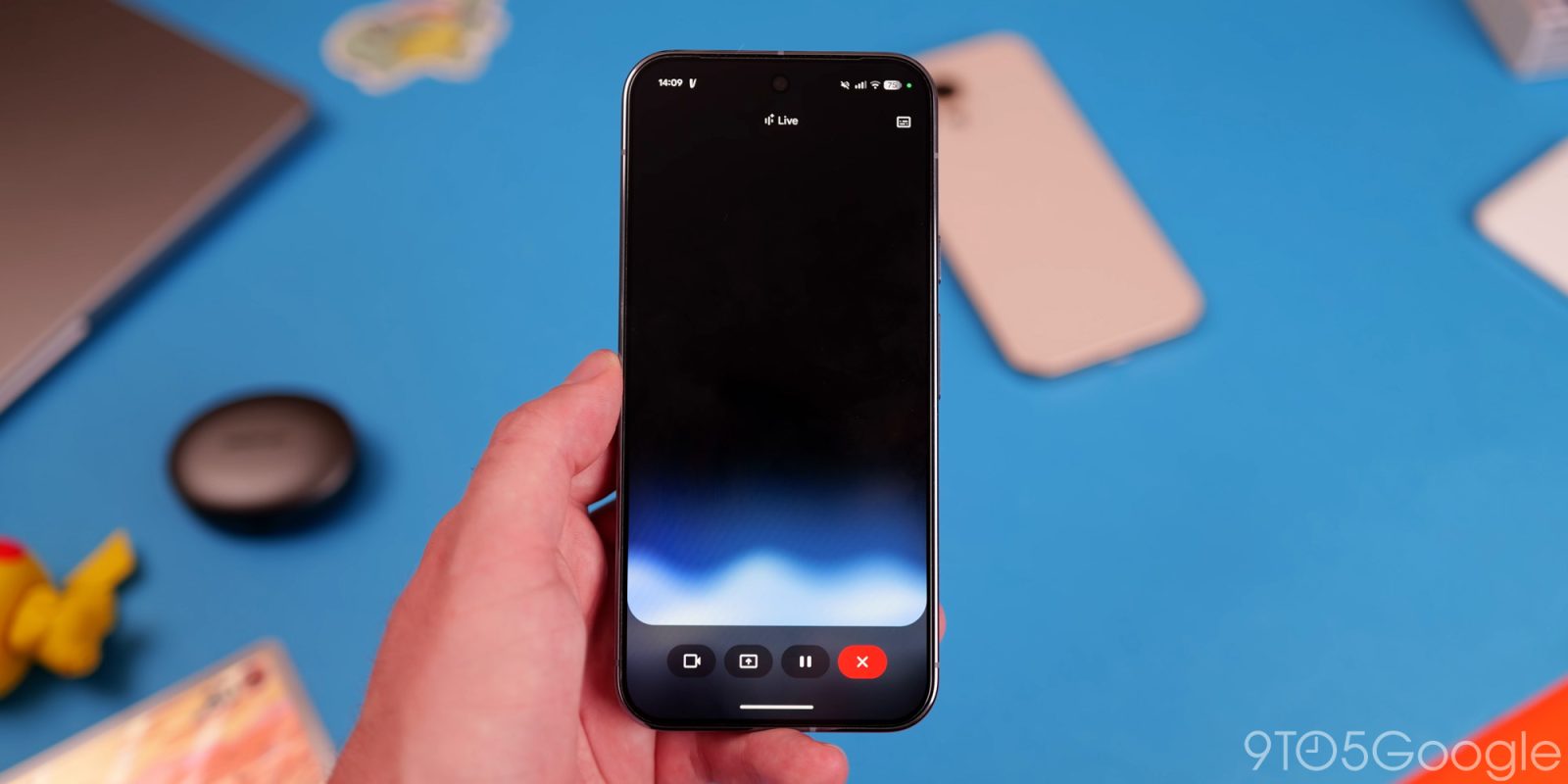
As announced alongside the Pixel 10 launch, Gemini Live is more widely rolling out native audio output for a “more responsive and expressive conversation” on Android.
In August, Google teased “new model updates” — presumably Gemini 2.5 Flash Live API native audio — that will “dramatically improve how Gemini Live uses the key elements of human speech.” This includes taking into account your intonation, rhythm, and pitch. For example, if you sound stressed or are conversing about a topic that is stressful, Gemini Live “might respond with a calmer, more measured voice.”
Meanwhile, you can control how Gemini speaks, like having it take on an accent (British, Australian, etc). There’s also the ability to slow down or speed up the output. This lasts for the duration of that conversation, though you can return to it by going to the chat transcript and tapping the corner Live button. Otherwise, previous controls reset upon starting a brand new conversation.
In late August, Google said this was rolling out “in the coming weeks.” Over the past few days, we’ve seen wider availability across paid (Google AI Pro) accounts. This is the case on Pixel and other Android phones.
Top comment by B.Hardcheese
I've had Native Audio output since the first of this month (must have been in the very first wave) and it's been a night and day improvement. I really wasn't too jazzed about native output until I had it and have been blown away by it. It's also made me use Live a ton more. I rarely touched Live before except when I knew I was going to have more than one input to do what I needed, but native audio plus also the apps it can tap into has transformed it into my default mode.
In a similar vein, visual guidance that can highlight objects in the real world has widely rolled out on Android, including for free accounts. Debuting on the Pixel 10 series, this rounded rectangle slightly dims the background with a neat focusing animation. Add “show me” or “where is” in your command to trigger.
Native audio or onscreen guidance is not appearing on iOS devices we checked today.

Finally, the fullscreen Google Account menu redesign is now available in the Gemini app on Android (and iOS). Like the Google app, Gemini makes use of the entire page and you have to scroll down for Settings.
Old vs. new


FTC: We use income earning auto affiliate links. More.


Comments