
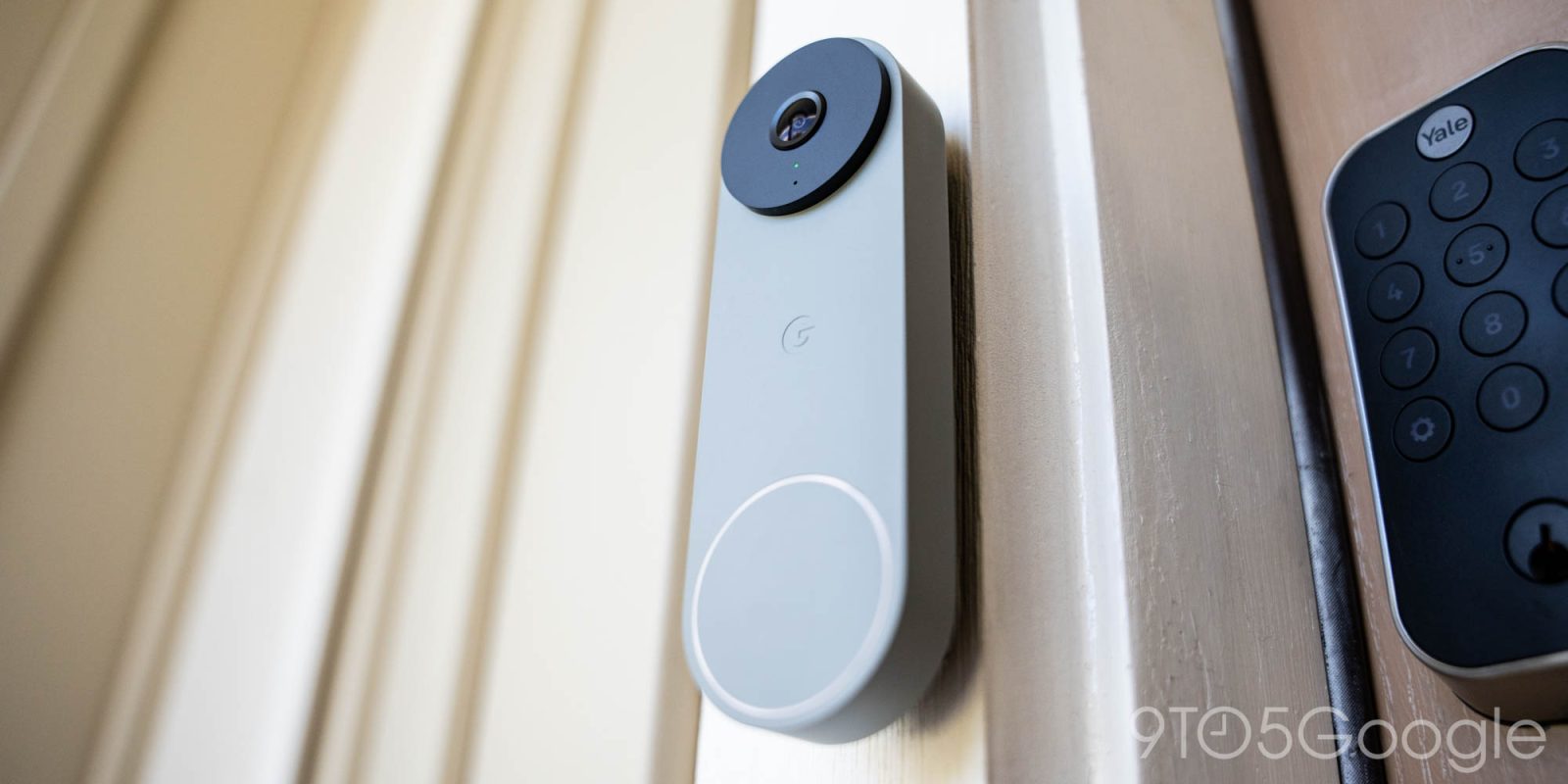
If you need to turn off your Nest Doorbell chime for any reason – such as trying to limit the ringing on a night full of trick or treaters – here’s how to do it.
The biggest reason most people install a video doorbell in their home is generally to be able to see around your door and also to get notifications on your phone, but most models, including the Nest Doorbell lineup, can also work with a traditional chime. That could be through one that’s already wired up in your home or a third-party option.
In any case, there are certainly times where you don’t necessarily want the chime to be active.
Thankfully, it’s pretty easy to turn off.
Through the Google Home app, you can turn off the Nest Doorbell chime by going to your Doorbell in the app and then going to Settings > Chime and toggling the feature off.
Similarly, you can also turn off Visitor announcements – the spoken alert that comes from your Google Nest speakers – through the same Settings menu.


More on Google Nest:
- Google’s new Nest Doorbell is a worthy 5-minute upgrade over the last one [Gallery]
- Google’s new Nest Learning Thermostat faces are fully available – how to use them
- Nest Mini and Audio lights switching to new Gemini colors
Follow Ben: Twitter/X, Threads, Bluesky, and Instagram


FTC: We use income earning auto affiliate links. More.


Comments