
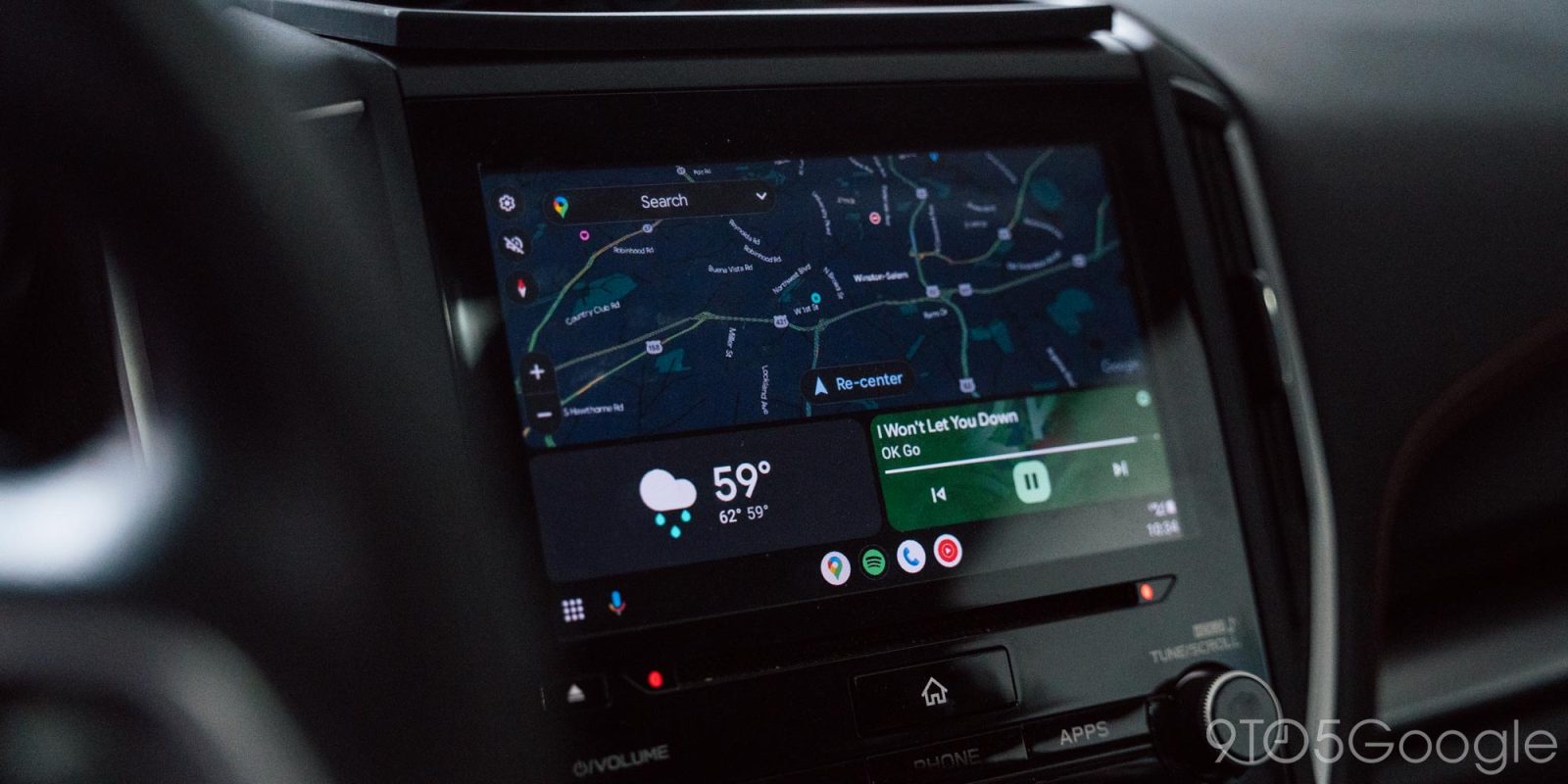
As Samsung’s Android 16 update rolls out more widely, a growing number of Android Auto users are reporting connection issues.
Android Auto updates can cause problems with connections and more from time to time, but this latest headache seems to be caused by the system update to Android 16 instead. Over the past few weeks, a number of Android Auto users have taken to Google’s forums regarding slow or failed connections to their phones which had recently been updated to Android 16.
Affected users are mostly on Google Pixel or Samsung Galaxy devices that were updated to Android 16 rather than running the update out of the box.
The issue presents itself mostly in Android Auto disconnecting after some time being connected to the car’s display, or just not fully connecting at all.
As for a fix, some say that new updates temporarily alleviated the problem, only for it to return later on. That said, the issue doesn’t seem particularly widespread, with only a handful of reports thus far being able to attribute the issue to Android 16. There are near-constant reports of Android Auto connection errors, but it’s hard to know how many are directly a result of an Android 16 update as is more or less the case for these.
Have you run into a problem since updating your phone? Let us know in the comments below!
More on Android Auto:
- Android Auto prepares support for app widgets as latest updates roll out [Gallery]
- Google Maps for Android Auto gets partial redesign to surface ‘Report’ button, hide suggested locations
- AAWireless TWO+ turns wired Android Auto and CarPlay wireless, available today
Follow Ben: Twitter/X, Threads, Bluesky, and Instagram


FTC: We use income earning auto affiliate links. More.




Comments