
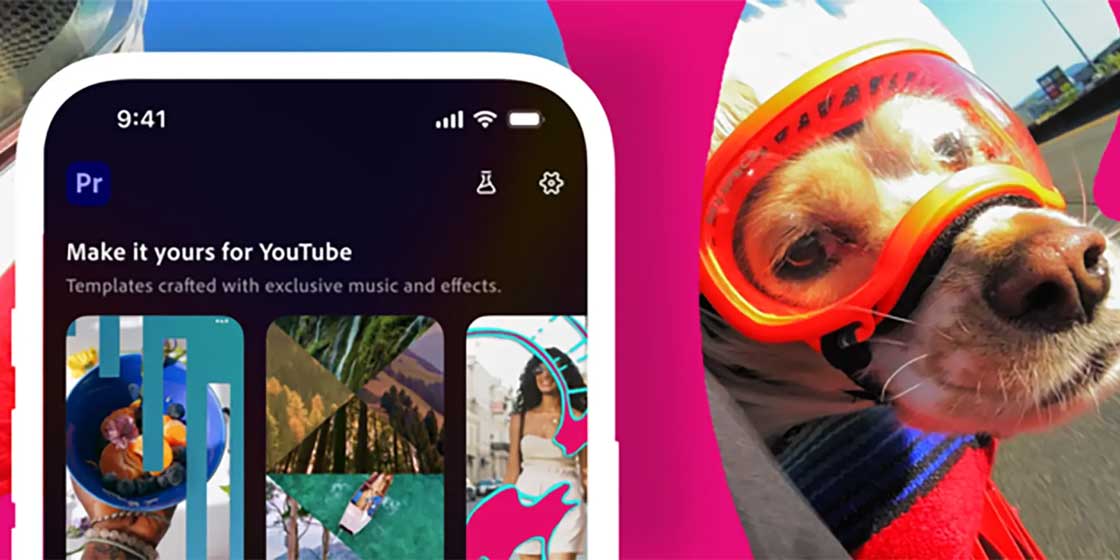
Adobe’s new Premiere app for mobile is introducing an editor specifically designed for YouTube Shorts, but it is currently only available on iOS.
Adobe recently launched a mobile app aimed at editors on the go. It falls under the same “Premiere” moniker that its more powerful desktop program goes by, but it offers a more streamlined experience with smaller displays in mind. That app was announced in September 2025, with the promise of an Android version in tow.
After announcing that the Adobe Premiere app would bring an official partnership with YouTube for a Shorts-focused editor, the company has finally begun rolling the tool out. The Premiere app will house a new section built with short-form YouTube videos in mind.
The company notes that the suite will house exclusive templates, transitions, and effects built for the platform. The app should make creating videos easier, as it provides specific export options for YouTube Shorts, which should allow for faster uploads.
Here’s what Adobe says the YouTube Shorts creation tool will do:
- Provide exclusive effects and transitions.
- Provide ready-to-use templates and transitions.
- Let users create and reuse original templates.
- Share to YouTube in “just a few taps.”
This is all on top of the other features that Adobe Premiere provides to mobile users.
The launch of the YouTube Shorts editor didn’t come with any news of an Android version of Adobe Premiere. Adobe notes that one is in testing, but no further information is available.
The new YouTube Shorts editor is available through Premiere for iPhone now.


FTC: We use income earning auto affiliate links. More.






Comments