
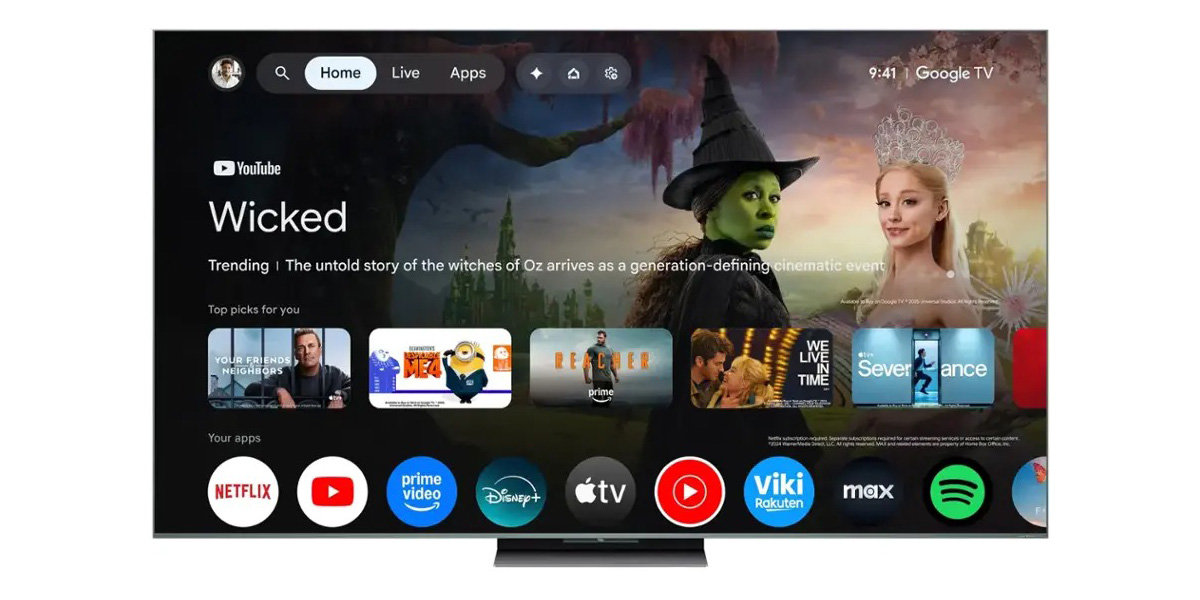
Google TV is testing out new “Free” and “Shop” tabs for the homescreen, with both tabs showcasing additional content in a slightly new way.
The Google TV homescreen hasn’t changed a whole lot since the platform debuted in 2020, but one recent tweak was the removal of a couple of tabs to simplify the homescreen a bit. Specifically, Google ditched the “Library” and “Watchlist” tabs, putting those under a new profile menu.
But, now, Google has added two more tabs back.
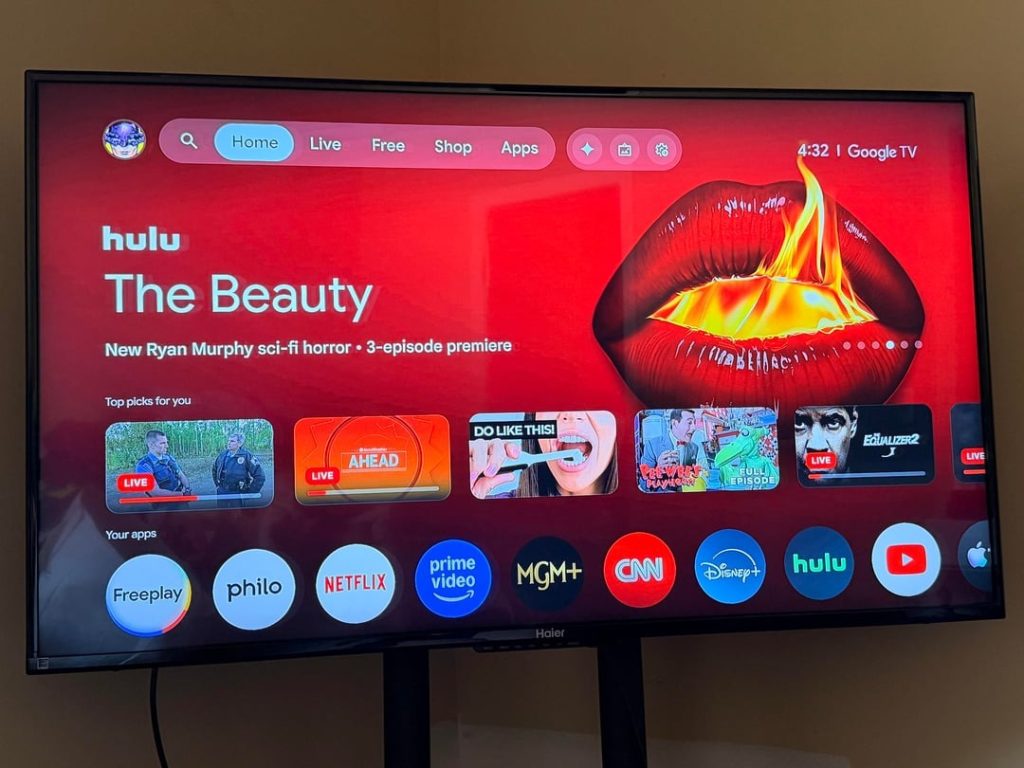
In what seems to be a relatively isolated test for now, Google TV is showing new “Free” and “Shop” tabs in between the existing “Live” and “Apps” tabs. The “Free” tab showcases content that can be viewed for free through streaming apps such as Tubi, and presumably includes content from Freeplay, though we can’t see much in these initial images that were posted to Reddit.
The “Shop” tab, meanwhile, showcases movies that can be purchased from Google TV directly (Google Play, which also shows up in YouTube). This one is a bit surprising to see, actually, as Google has de-emphasized movie purchases in recent years, even ditching the ability to purchase TV shows not long ago.
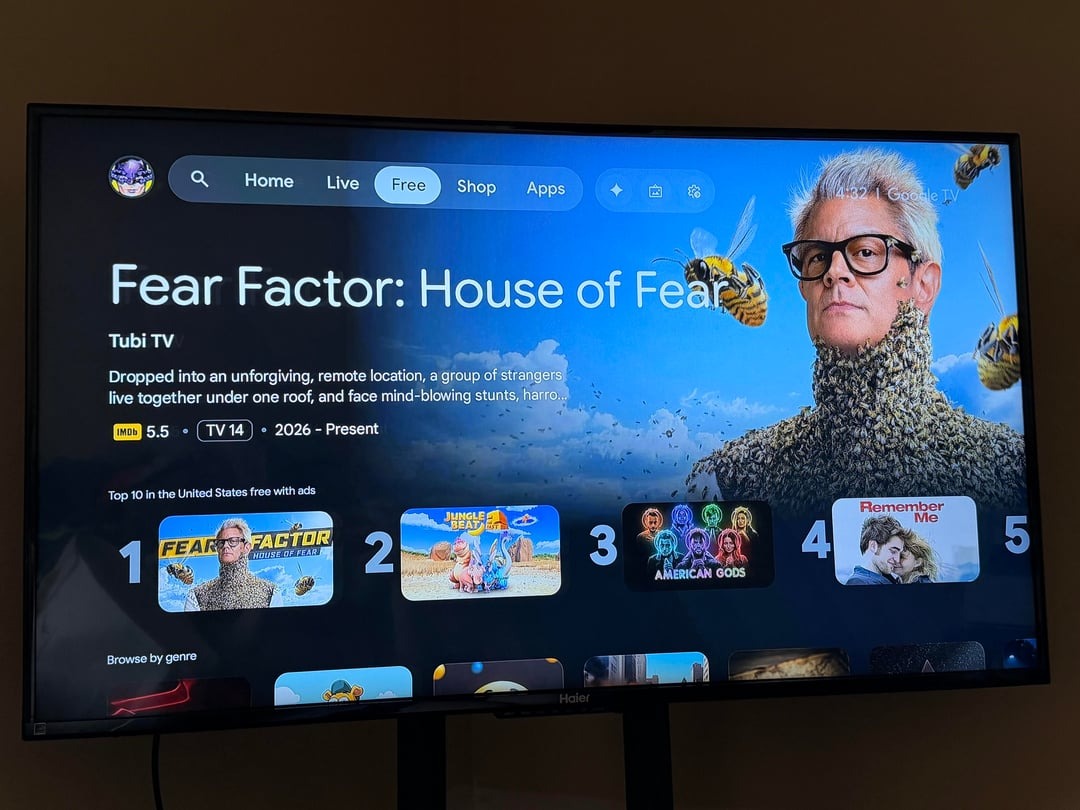

As mentioned, these new tabs do not appear to be widely available just yet. We’re not seeing the change on any of our Google TV devices yet (including TCL and Hisense TVs, as well as Google TV Streamer), but Google did start rolling out a similar tab on Android TV last year.
Let us know in the comments below if you’re seeing this change!
More on Google TV:
- Google TV’s future sounds a bit bleak even as TCL nears the crown
- Some of Epson’s Google TV projectors are getting a major Gemini upgrade
- Google TV update rolling out with homescreen tweak, new settings
Follow Ben: Twitter/X, Threads, Bluesky, and Instagram


FTC: We use income earning auto affiliate links. More.


Comments