
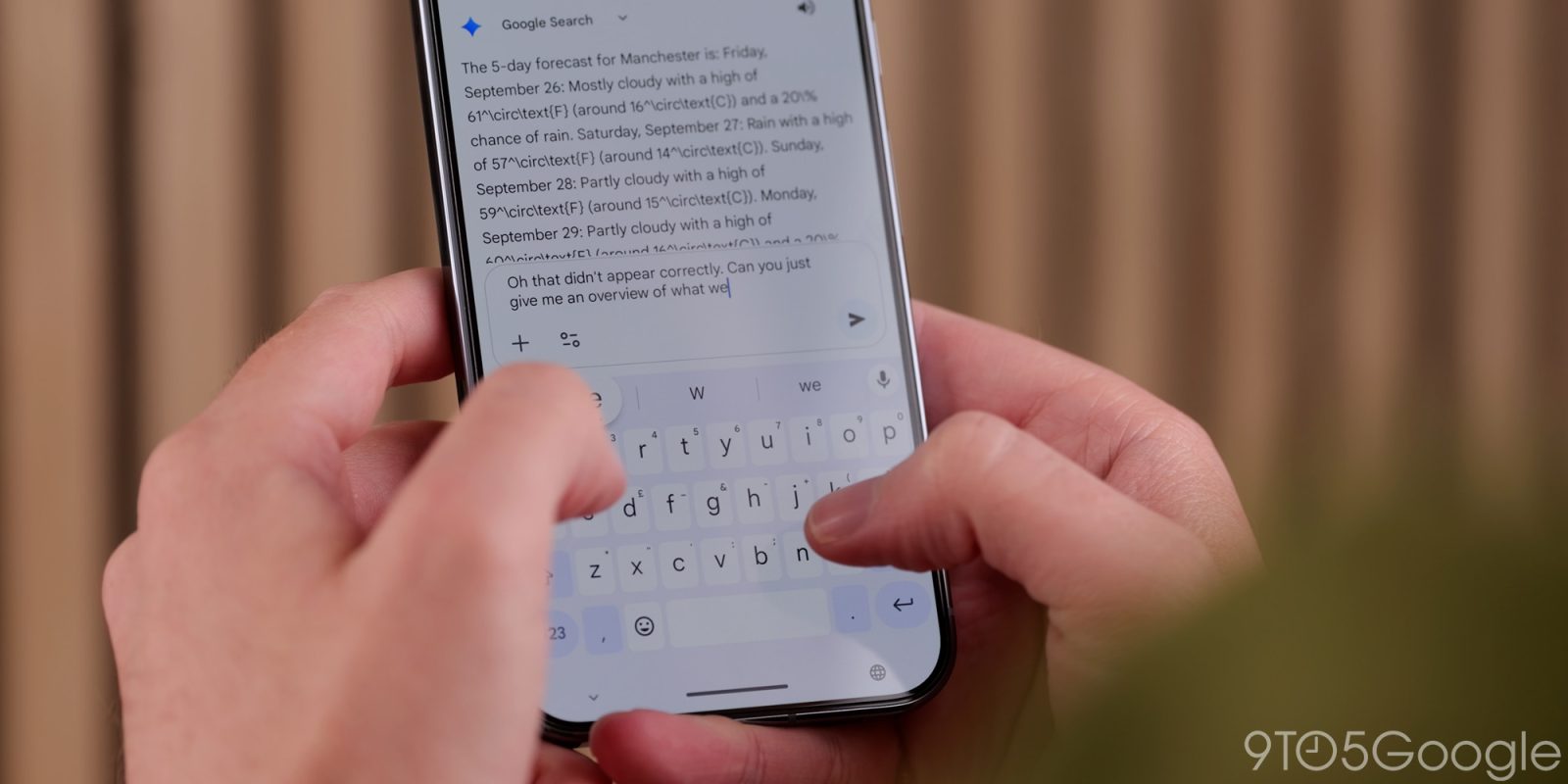
I’m not the first to sing the praises of Gboard. Google has done an excellent job evolving the once-basic AOSP keyboard into the most obvious choice on Android, to the point where I’m not sure why I’d recommend using anything else besides it. Now, Google might be working on fixing the one shortcoming I’ve found while typing on Gboard daily since its initial branding, and in a strange twist, it’s an idea taken directly from iOS.
The folks at Android Authority managed to uncover a hidden cursor mode in the latest Gboard beta APK that should make moving around documents a whole lot easier. Right now, pressing and holding on Gboard’s space bar allows you to move the cursor left or right in a line of text to make adjustments with a simple slide gesture, but if you’re looking to move more than a few words back in your entry, it can be exhausting. This new cursor mode replaces the keyboard with a virtual trackpad, allowing you to move the cursor to anywhere on your display — even, in its current implementation, outside of the text field.


If you’ve used an iPhone in the last decade or so, you’re probably familiar with this general approach. Apple initially added cursor mode back in the 3D Touch days of iOS, but you needed hardware that supported the company’s haptics-enabled display panels to use it. With iOS 12 in 2018, the company expanded the feature to every iPhone, allowing for easy text adjustments by — you guessed it — holding down the spacebar.
While I find Google’s keyboard on Android better than Apple’s iOS offering in practically every way, I do have to hand it to the iPhone: it got this one right. I almost never use Gboard’s currently cursor-scrolling method because it’s tedious and slow; even with a pair of fat thumbs, it’s faster for me to try and select wherever I need the cursor to be on-screen. That’s not true any time I’m typing on an iPhone, where adjusting your cursor takes milliseconds to get exactly right. And on iOS, that speed is especially important — after all, you’re going to make a lot of mistakes on that keyboard, and many of them won’t even be your fault.
Assuming this feature eventually rolls out to a wide audience, I’m curious to see how it feels compared to Apple’s implementation. Lots of aspects of this are similar: the spacebar shortcut, replacing the on-screen keys with a touchpad, the freedom to move your cursor wherever it needs to go. The big difference is the cursor’s current ability to hop outside of the text field, though I could absolutely see that being a quirk that quietly disappears before a full launch.
With this change, I can’t imagine any virtual keyboard dethroning Gboard from the top of the pile anytime soon, though we’ll likely need to wait a while longer for any kind of rollout. But after finally delivering the bottom address bar of my dreams in Chrome on Android last year, I’m excited to see Google once again taking a page out of a competitor’s playbook whenever their closest rival gets something right.


FTC: We use income earning auto affiliate links. More.



Comments