
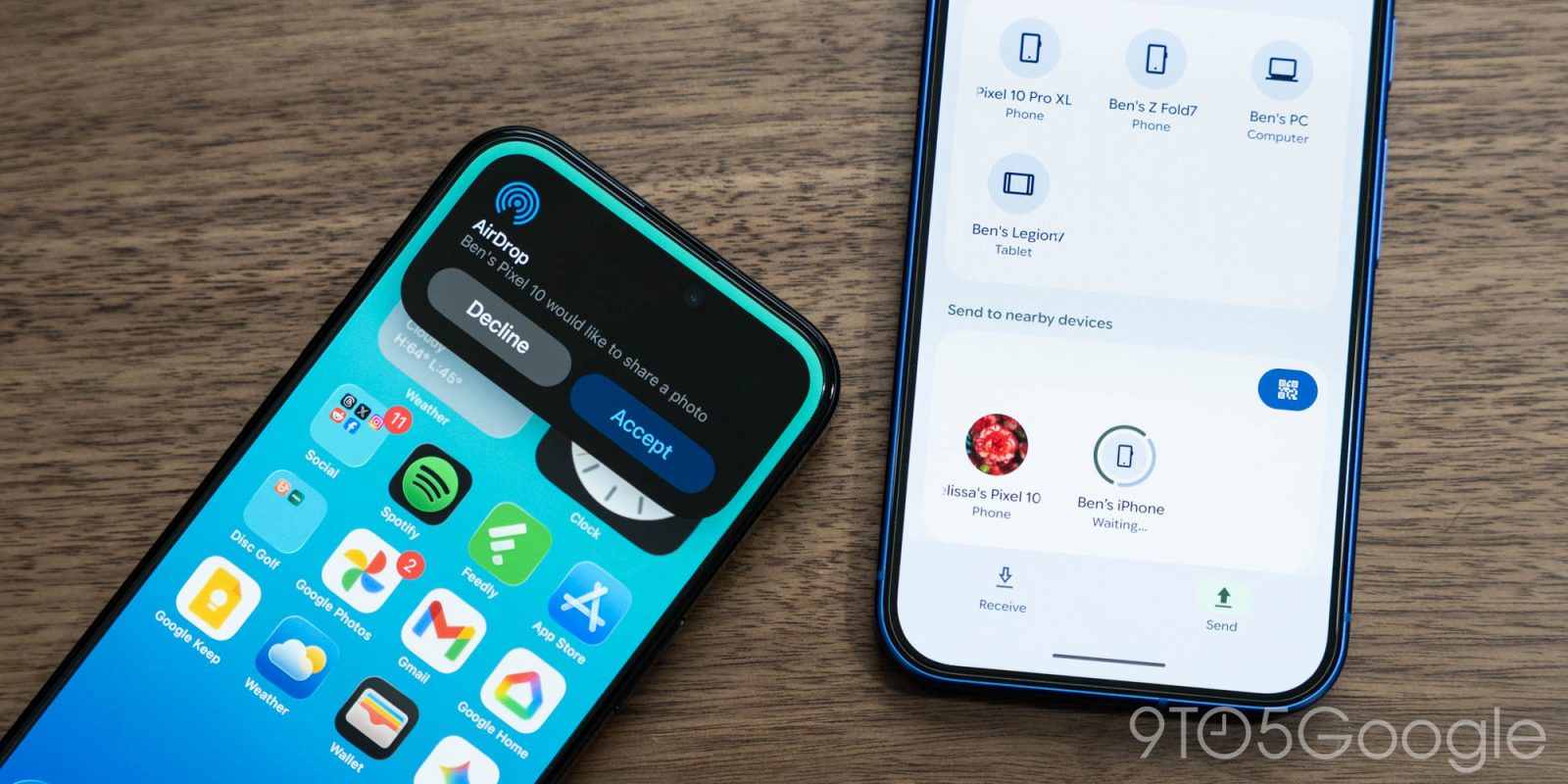
After introducing on the Pixel 10 last year, Google is expanding Quick Share support with AirDrop to the Pixel 9, 9 Pro, 9 Pro XL, and 9 Pro Fold.
To send files from your Android phone to an iPhone, iPad, or macOS device, have the Apple user open AirDrop settings and switch to “Everyone for 10 minutes.” On your Android device, Quick Share as you normally would and look for the desired Apple device. Make sure the other person accepts.
This is rolling out now and will be fully available “over the coming weeks in phases.” You have to install the Quick Share Extension on your Pixel 9:
- Open the Settings app
- Search for System services
- Scroll to the Available Updates section
- Tap Quick Share Extension > Update


Google implemented this cross-platform sharing on its own, taking care to ensure security and privacy. It’s open to collaborating with Apple to enable “Contacts Only” support that would make sharing more seamless.
This feature does not use a workaround; the connection is direct and peer-to-peer, meaning your data is never routed through a server, shared content is never logged, and no extra data is shared.
Today’s rollout explicitly excludes the Pixel 9a. (Update: Google has since updated the announcement to include the Pixel 9 Pro Fold.)


FTC: We use income earning auto affiliate links. More.



Comments