
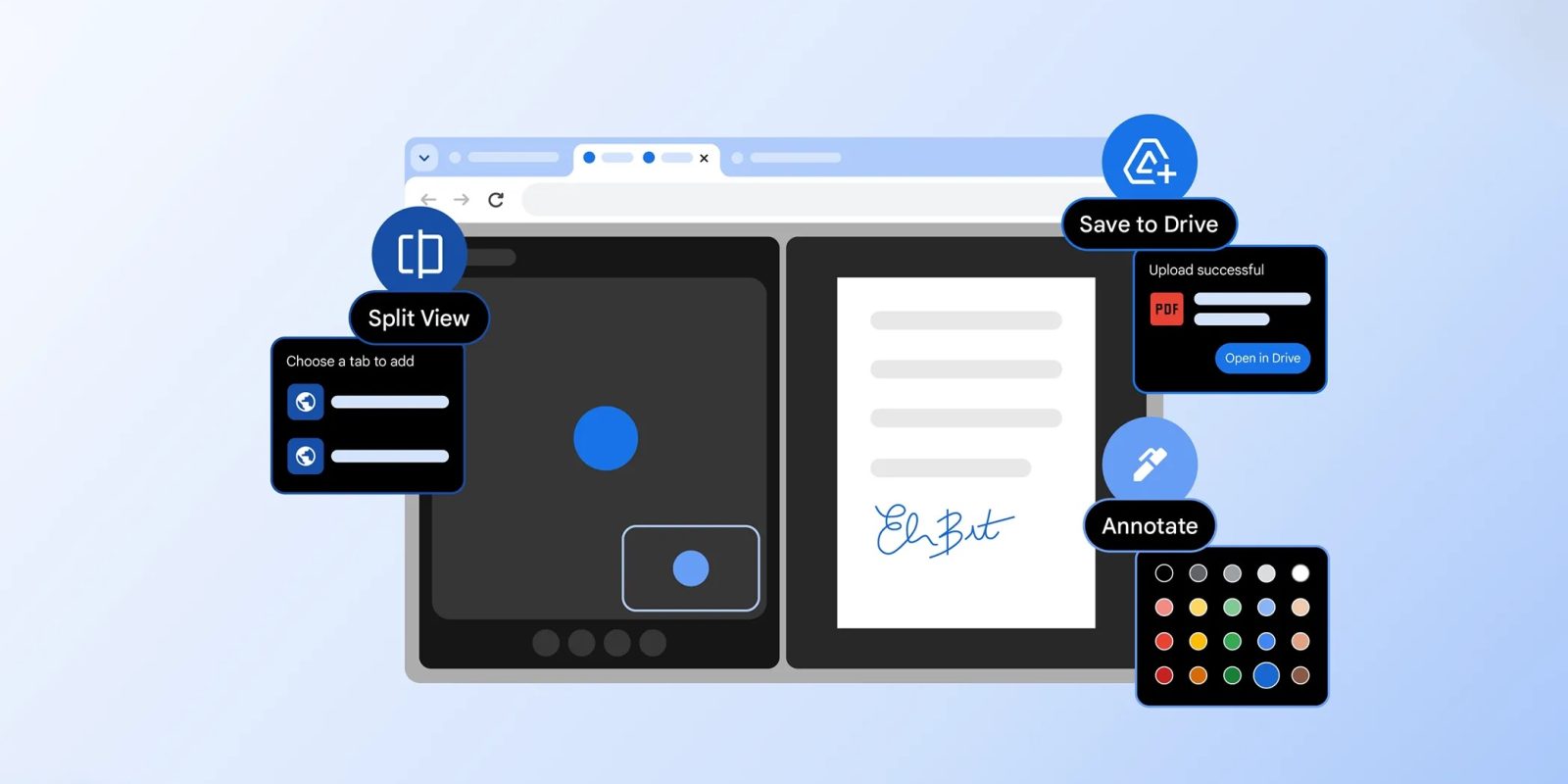
Google is officially announcing a trio of new desktop Chrome productivity features today: Split View, PDF annotation, and Save to Google Drive.
Up first is Split View to have two tabs open side-by-side. Meant to cut down on “back-and-forth tab fatigue,” you activate it by right-clicking on a URL for the new “Open Link in Split View” option alongside New Tab, Window, and Incognito.
This brings you to a dual-pane interface beneath the Omnibox, with the URL updating based on the page you’re currently interacting with. There’s a new Split View icon — Pin by right-clicking — to the left of the address bar with options to Separate, Close, and Reverse. You can adjust the width by dragging the center, while the Split View nature is reflected in the tab strip.

Example use cases include watching a video and taking notes, or having a meeting window and Docs open at the same time.
Meanwhile, the Chrome PDF Viewer is adding annotation support. You can highlight text and add notes by tapping the squiggle icon in the top row. The panel at the right gives you Size and Color options. This “eliminates the need to download the file and open a separate application just to make a quick note,” and can be handy for quick signatures.

Similarly, you’ll now find “Save to Google Drive” in the top bar of Chrome’s PDF Viewer. You can select which account it’s uploaded to, while it’s automatically added to a “Saved from Chrome” folder.
These three features have been rolling out for some time, and should be widely available as of Chrome 145 today.


FTC: We use income earning auto affiliate links. More.



Comments