
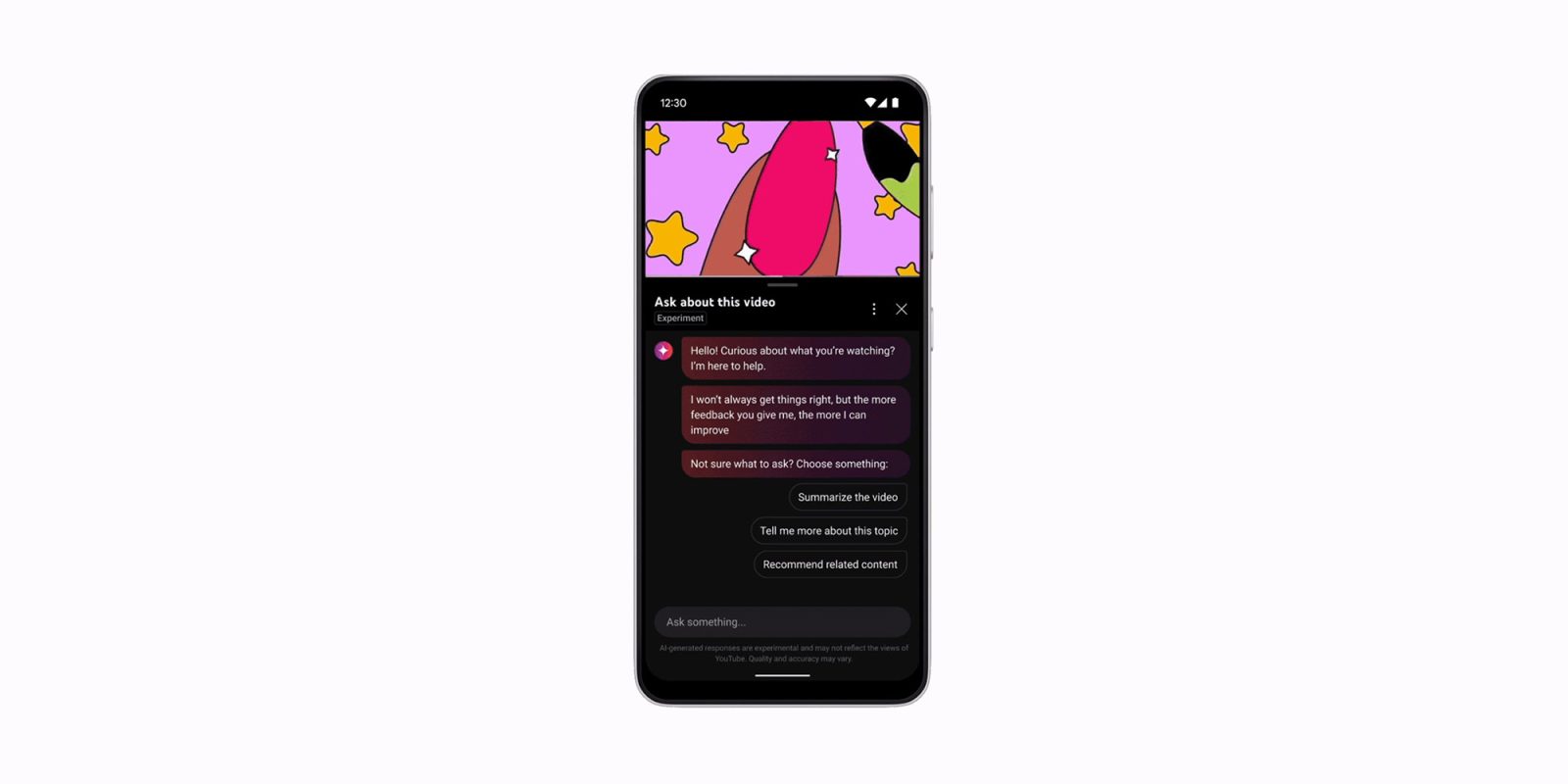
Google says that it is now testing a new “conversational AI” tool on its TV apps for YouTube, enabling new features if you use the microphone.
Conversational AI on YouTube comes in the form of the “Ask” box underneath videos. It appears on the YouTube website as well as the mobile apps, but TVs were left out at first.
Google says that’s now changing in a test with “a small group of users.”
Just like on other platforms, YouTube on TVs will add an “Ask” button and enable you to use your microphone to ask questions about the video. Gemini then works in the background to deliver that answer.
Google explains:
Testing the conversational AI tool on TV’s: We’re experimenting with bringing YouTube’s conversational AI tool to smart TVs, gaming consoles, and streaming devices! If you’re eligible, here’s how to access it:
- While watching a video, select the “Ask” button to open the AI tool
- Select from suggested prompts, or use the microphone button to ask questions using your voice
If your TV remote has a microphone button, you can also use that button to trigger the conversational AI tool and ask questions. For example, you could say, “What ingredients are they using for this recipe?” or “What’s the story behind this song’s lyrics?”
There’s no image shared of this test, so if you’re seeing it, snap a picture and send it to our tip box (gtips@9to5g.com). Google also notes that this tool is currently only available in English, Hindi, Spanish, Portuguese, and Korean in “select regions.”
More on YouTube:
- YouTube ad blocker war continues as comments and video descriptions go missing
- YouTube test might not send you channel notifications even if you select ‘all’
- YouTube is killing free background play workarounds in third-party browsers
Follow Ben: Twitter/X, Threads, Bluesky, and Instagram


FTC: We use income earning auto affiliate links. More.



Comments