
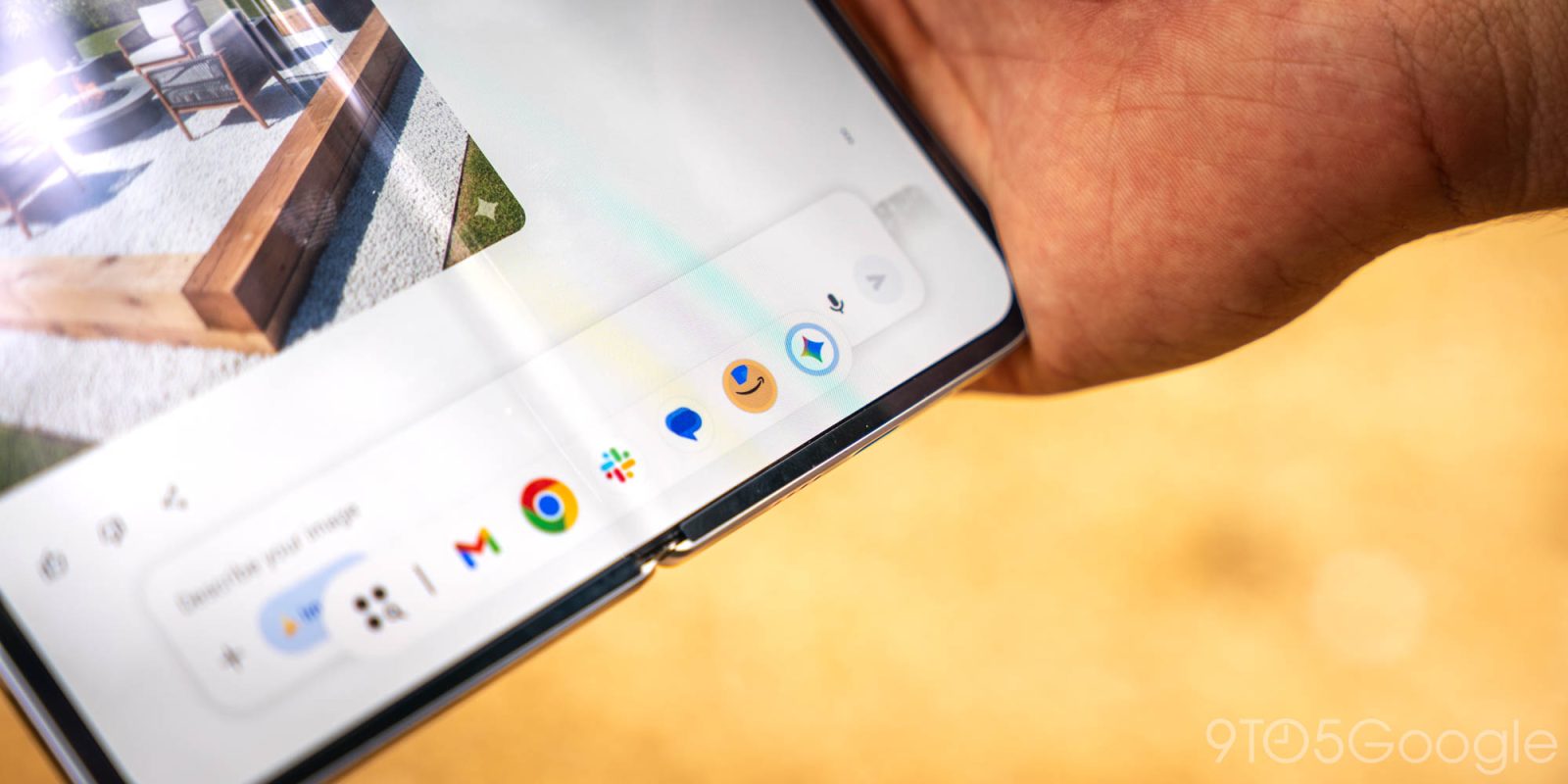
Android 17 Beta 2 fell into our laps today, and unlike Google’s first build, this one is chock full of new features, including an all-new windowing mode that takes bubbles to the next level.
In our initial Android 17 leak last month, we saw the option for activating non-messaging apps as “bubbles,” Android’s built-in picture-in-picture mode for quickly responding to conversations while actively in other applications. Today’s announcement paints a much clearer picture when it comes to Google’s plans for bubbles, which is a term that now effectively covers two entirely unique system actions.
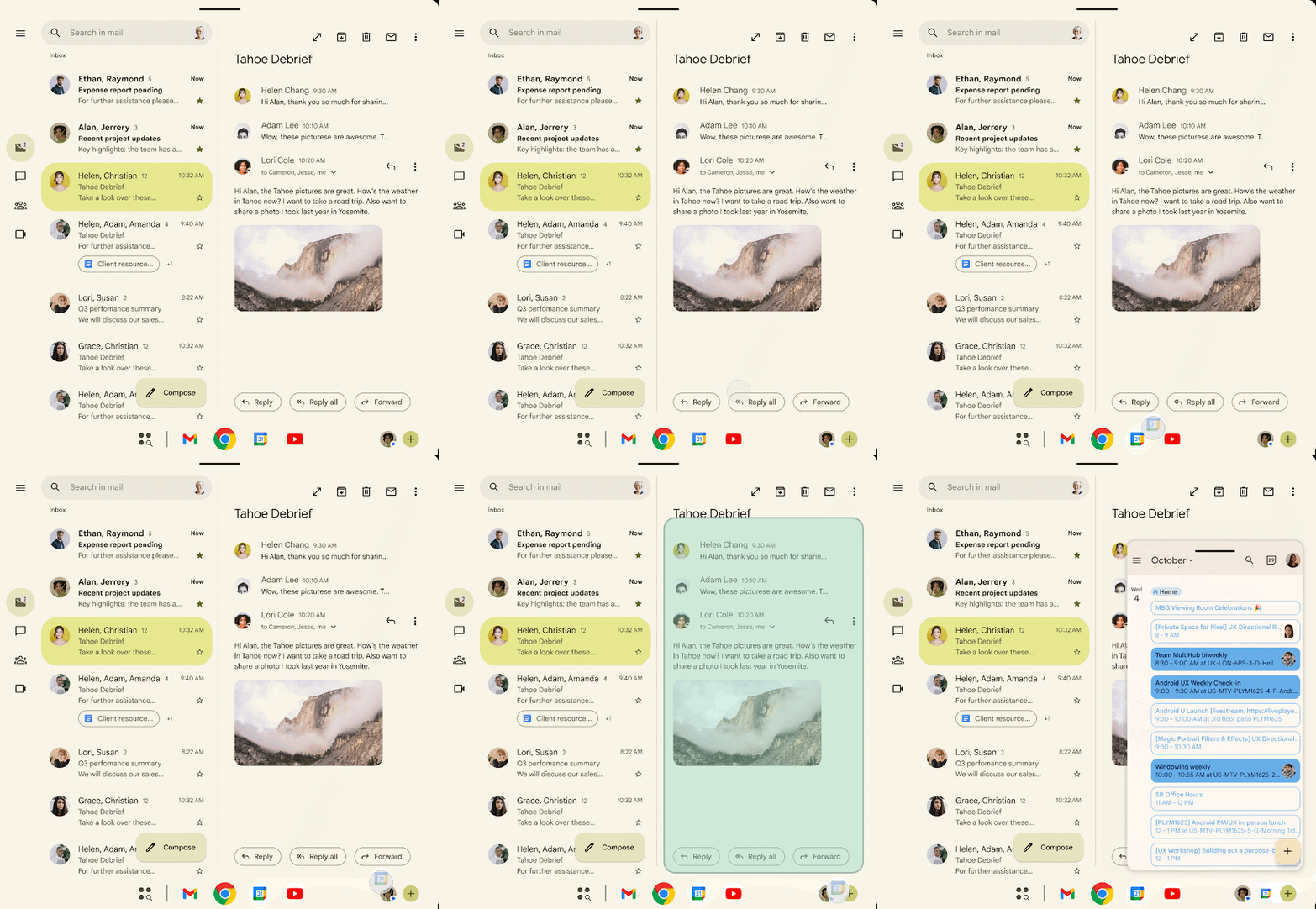
Previously, only messaging apps supported Google’s bubbles API. That’s still true — the company’s blog post says its Android 17 addition is a separate experience from the long-standing conversations mode — but now, “bubbles” can also refer to floating windows. It’s an experience that is particularly reminiscent of how other OEMs handle multitasking, with companies like Samsung or OnePlus giving users the ability to run entire apps in resizable, movable windows across the OS.
Google’s example shows off this feature in the most obvious way: on foldables. Next to its competitors, the Pixel Fold series has never quite excelled at the same level of power user-focused multitasking, but with bubbles in Android 17, that might change. While it appears that any Android device can take advantage of floating app bubbles, foldables and tables include a shortcut for quickly launching windowed apps from the taskbar by dragging the app icon into the lower-right hand corner. Once launched, the app works like any
The confusing use of “bubbles” to mean two similar-but-different features aside, this is an awesome addition to Android 17, especially for those rocking a Pixel 10 Pro Fold or a Pixel Tablet. Google’s long been behind the times here, and while something like Samsung’s Galaxy Z TriFold might give these floating windows a bit more of a relaxed canvas in which to exist, even on Google’s squared-off folding phones, this is bound to feel like a big upgrade.
Meanwhile, for developers, Google says you should follow the existing multi-window mode guidelines to ensure your apps work as bubbles.
More on Android 17:
- Here’s everything new in Android 17 Beta 2 [Gallery]
- Google teases ‘amazing things’ in Android 17
- App ‘Handoff’ coming to Android 17 for cross-device continuity


FTC: We use income earning auto affiliate links. More.



Comments