
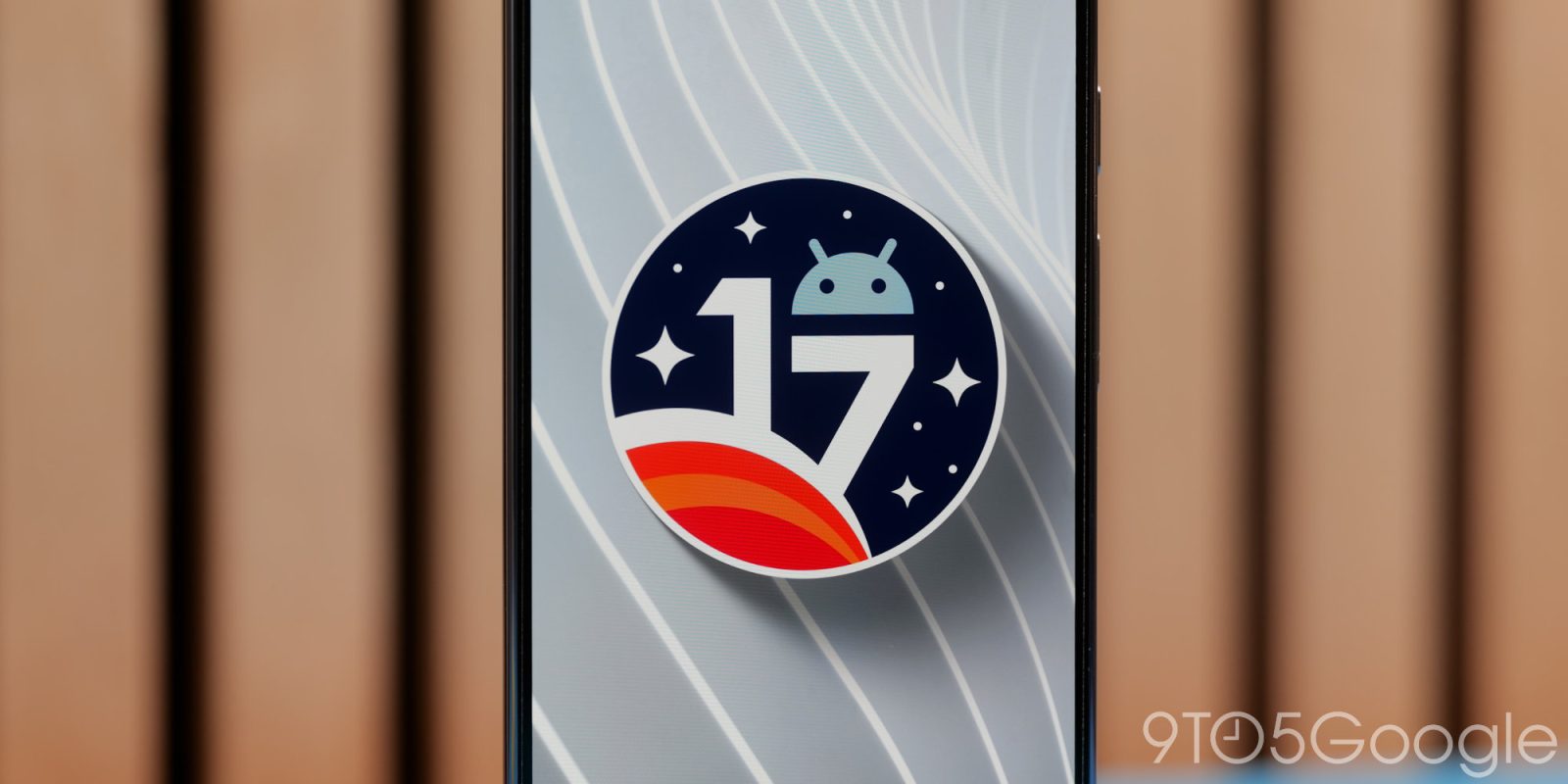
Google today released Android 17 Beta 2 for Pixel devices. This comes less than two weeks after the first release.
Over the coming hours, we’ll dive into all of Android 17 Beta 1’s new features and every single change. (The newest updates will be at the top of this list. Be sure to check back often and tell us what you find in the comments below.) Android 17 Beta 1 screenshots appear on the left and Android 17 Beta 2 on the right.
If you want to quickly install Android 17 Beta 1 on your compatible Pixel 6, Pixel 6 Pro, Pixel 6a, Pixel 7, Pixel 7 Pro, Pixel 7a, Pixel Tablet, Pixel Fold, Pixel 8, Pixel 8 Pro, Pixel 8a, Pixel 9, Pixel 9 Pro, Pixel 9 Pro XL, Pixel 9 Pro Fold, Pixel 9a, Pixel 10, Pixel 10 Pro, Pixel 10 Pro XL, and Pixel 10 Pro Fold be sure to check out our step-by-step guide.
Updating…
Combined ‘Accounts and backup’ menu
This replaces “Back up or copy data” and “Passwords, passkeys & accounts.”


Redesigned privacy indicators
Top comment by android2288214
How did I know Google would revert the pixel launcher search bar? Probably because they seem to do something like this every year and add something that makes sense in beta 1 only to remove it in beta 2. It should have been customizable ever since the Google search widget was. Makes no sense to remove it smh.
Old vs. new


Satellite Quick Settings Tile


Pixel Launcher search bar reverts

New app Bubbles
Bubbles is a new windowing mode separate from messaging (chat) bubbles. This floating UI lets users “create an app bubble on their phone, foldable, or tablet by long-pressing an app icon on the launcher.”
On large screens, there is a bubble bar as part of the taskbar where users can organize, move between, and move bubbles to and from anchored points on the screen.

Contacts picker
This new system-level contacts picker “grants temporary, session-based read access to only the specific data fields requested by the user,” while also letting you select from personal or work profiles. It reduces the need for the broad READ_CONTACTS permissions.


EyeDropper
A new system-level EyeDropper API allows your app to request a color from any pixel on the display without requiring sensitive screen capture permissions.

Issues fixed in Beta 2
- A platform stability regression in Android 16 that caused active apps to unexpectedly restart or refresh, preventing lost user progress and intermittent UI flickering during app usage. (Issue #440017096)
- A UI layout regression in the Recent Apps screen for users with German-language settings. (Issue #476830557, Issue #486511401)
- Improved video streaming reliability by enabling developers to confirm temporal layering support via getOutputFormat after encoder configuration to address missing frame dependency metadata. (Issue #306222291)
- A bug where the Clock screensaver omitted the leading zero in 24-hour format during low-light mode. (Issue #444255729)
- An issue where closing a folder blocked immediate subsequent interactions like opening another folder or switching screens. (Issue #470541347, Issue #471533397, Issue #477848604)
- A system crash and spontaneous reboot issue that interrupted device usage. (Issue #413562426)
- A critical system instability causing device freezes and reboots during app transitions or service calls. (Issue #419070024, Issue #428572458, Issue #430393241, Issue #424912278, Issue #431440391, Issue #426346396)
- A System UI deadlock that caused lock screen unresponsiveness and display hangs after disconnecting from Android Auto. (Issue #457527675)
- A UI typo in the system location permission disclosure dialog where the Back button was incorrectly displayed as ‘Bac’. (Issue #460242870, Issue #477245738)
- An issue where Live Translate and Rules were incorrectly categorized in the System menu. (Issue #476754995)
- A critical System UI crash and subsequent device instability triggered by repeated navigation into Display and Touch settings. (Issue #474486679)
- A persistent crash that prevented users from opening Wallpaper & style settings from the home screen. (Issue #478520173)
- A UI layout issue in the Wireless Debugging QR scanner where the back arrow overlapped the QR icon. (Issue #474769647)
- An issue in the Sound settings where ringtone previews failed to play upon selection. (Issue #355086959, Issue #375840924, Issue #381007949, Issue #381077928, Issue #419301121, Issue #452646483, Issue #468837747)
- A bug that caused redundant notifications to appear following a system update by improving the notification service logic to correctly clear stale alerts during the post-update initialization process. (Issue #454647834)
- A GPU shader compiler optimization bug on Pixel 6 Pro that caused specific GLSL mathematical expressions to evaluate incorrectly as constants, resulting in visual rendering artifacts in apps. (Issue #473226715)


FTC: We use income earning auto affiliate links. More.



Comments