
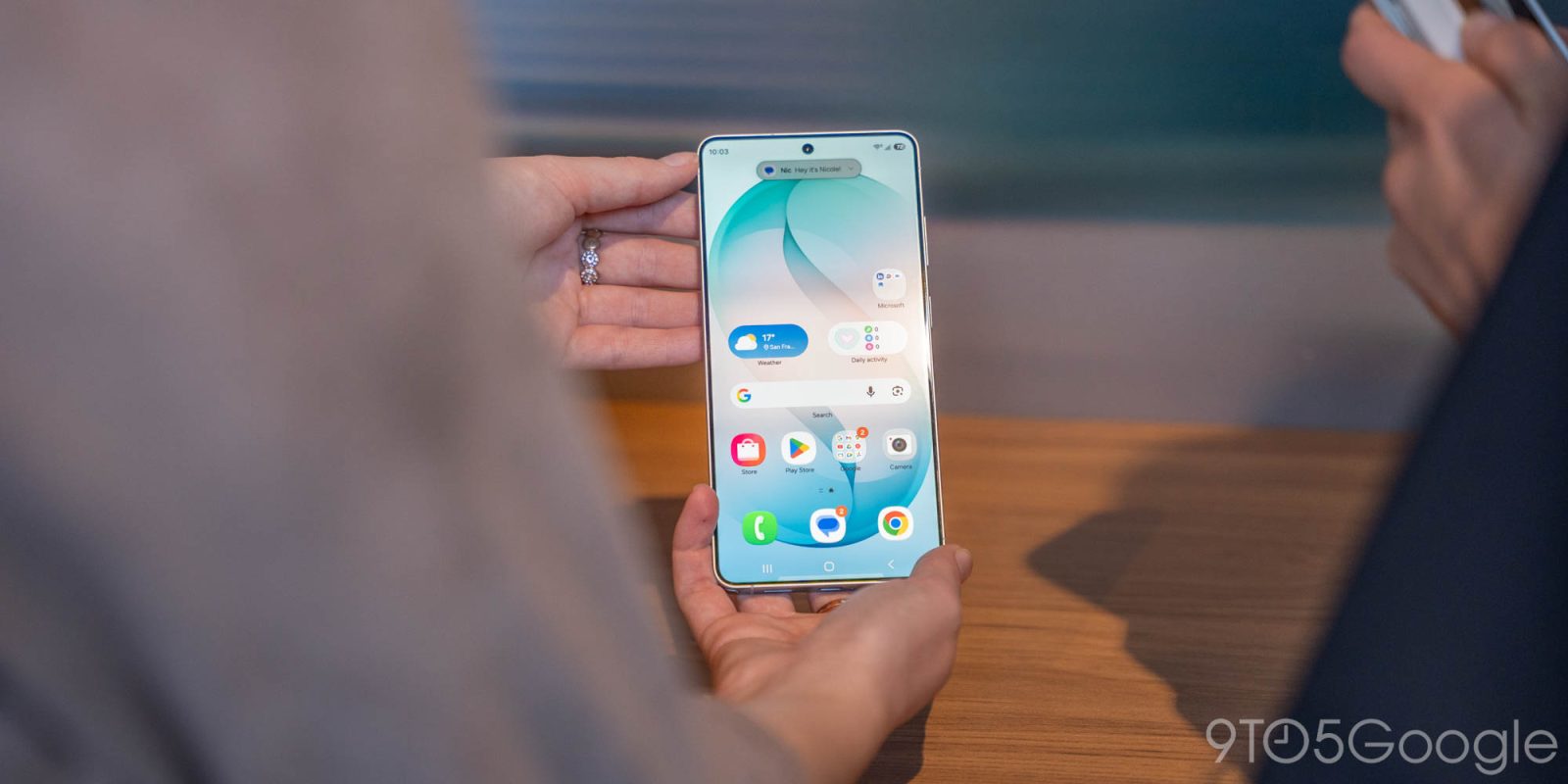
AirDrop support exists on Android, but only on Google Pixel phones. There was word that Samsung’s Galaxy S26 series might further expand that, but the Galaxy S26 series does not support AirDrop just yet, but it might soon.
Google shocked everyone last year when it announced that Quick Share on Pixel 10 would now support Apple’s AirDrop with iPhones, iPads, and Macs. It works really well, and expanded to the Pixel 9 family recently as well.
But we’re all waiting for a wider release.
Samsung’s Galaxy S26 series seemed like an obvious candidate for an expansion, and a leaked screenshot seemed to imply it was happening. But we’ve confirmed that, no, the Galaxy S26 series does not yet support AirDrop via Quick Share. Apple devices in “Everyone” mode do not appear as share targets, nor do we see Galaxy S26 devices available to share from iPhone. That’s on the current software build.
Leaker @chunvn8888 posted a screenshot showing AirDrop support on One UI 8.5, but this is not live on the Galaxy S26 series at this time.
The leaker confirmed with 9to5Google that this was a build for early test units and appeared just a day before Samsung’s launch event. So, at the earliest, we might see it in a few weeks. That’s still great news, but just temper your expectations – Samsung’s software rollouts haven’t exactly been the most predictable thing for the past year or two.
The Galaxy S26 series is available for pre-order now, with Samsung’s usual pre-order perks in full swing. You’ll find boosted trade-in values and more available now through March 11, when these phones are available on store shelves. You’ll also get an additional $30 credit if you buy using our links below!
More on Samsung:
- Samsung confirms satellite connectivity for Galaxy S26 and older Galaxy devices
- The Galaxy S26 in ‘Cobalt Violet’ has a bit of an identity crisis [Gallery]
- Galaxy S26 Ultra ‘horizon lock’ keeps video stable no matter what – you have to see it [Video]
Follow Ben: Twitter/X, Threads, Bluesky, and Instagram


FTC: We use income earning auto affiliate links. More.



Comments