
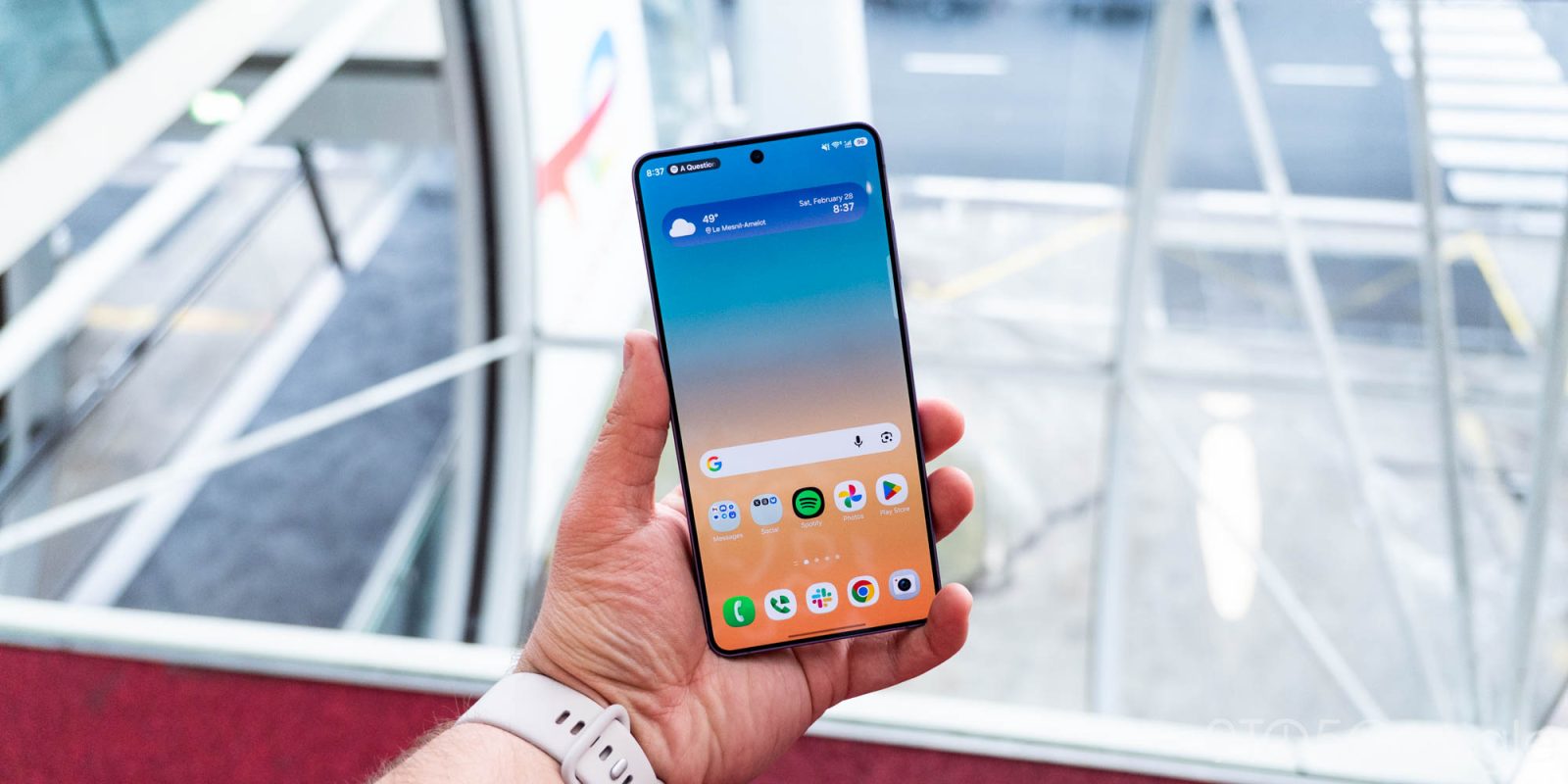
The Galaxy S26 series as a whole isn’t anything all that groundbreaking, but if there’s one feature that should have your attention, it’s the Privacy Display on the Galaxy S26 Ultra. This feature is rightfully the standout addition to this year’s lineup and, after spending a busy couple of days in exactly the situation where Privacy Display is the most useful, there are a few things I think you should probably know.
9to5Google Weekender by Ben Schoon is a part of our free newsletter that also includes ‘Inbox,’ a twice-weekly roundup of key stories from around the web by Daniel Bader. Sign up here to get Weekender delivered to your inbox every Sunday along with ‘Inbox’ on Tuesday and Thursday. You can find past issues here.
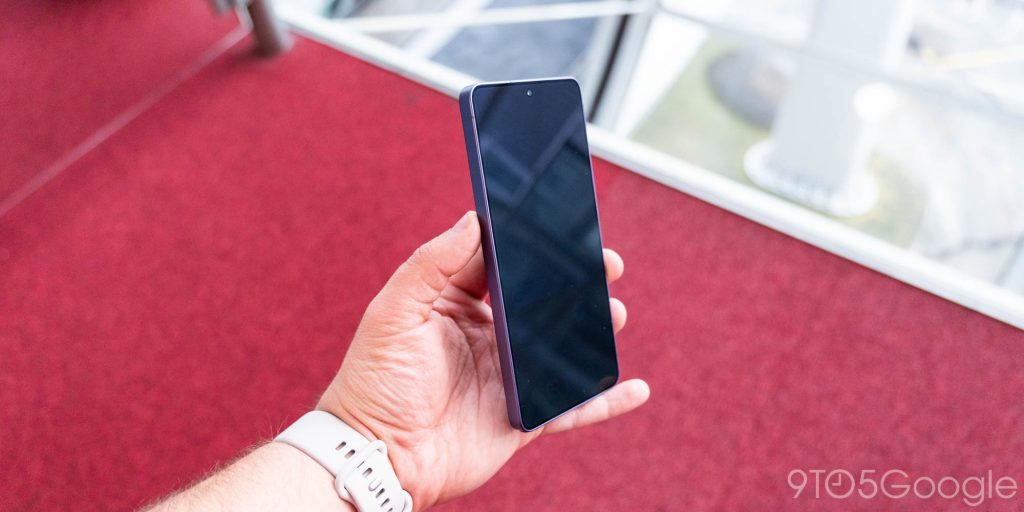
To quickly recap, the Privacy Display on the Galaxy S26 Ultra is a new display tech that, at the flip of a switch, hides your display’s contents to anyone around you. It does this, in very simplified terms, by employing a “shield “gate” around half of the pixels on your screen and focusing the light output straight ahead. So when Privacy Display is activated, you end up with a display that’s not nearly as visible from the sides.
It’s a brilliant idea, and one that I was enamored with in early impressions.
But, as I suspected, there are some aspects of the Privacy Display that can really only show themselves in real-world usage and, oh boy, have I given it quite the test. Since setting up the Galaxy S26 Ultra, I’ve basically been on planes, trains, and everything in between all weekend. Admittedly, I’m using the term “weekend” lightly here, but after cross-country and cross-Atlantic flights back-to-back, what even is time?
Anyway, I think there are three main things I’ve figured out about the Privacy Display on using it for the past couple of days.
This starts with the question I’ve seen thrown around more than any other – does it impact the display while Privacy Display is turned off? The answer is a little bit complicated. In normal, day-to-day use, I’d say mostly no. The mere presence of the hardware changes needed for Privacy Display has no impact the screen’s brightness, clarity, or overall quality. The only hiccup I’ve seen is that there are a couple of degrees of viewing angles that look a little… off. It’s a very minor thing, but the display’s viewing angles are slightly affected.
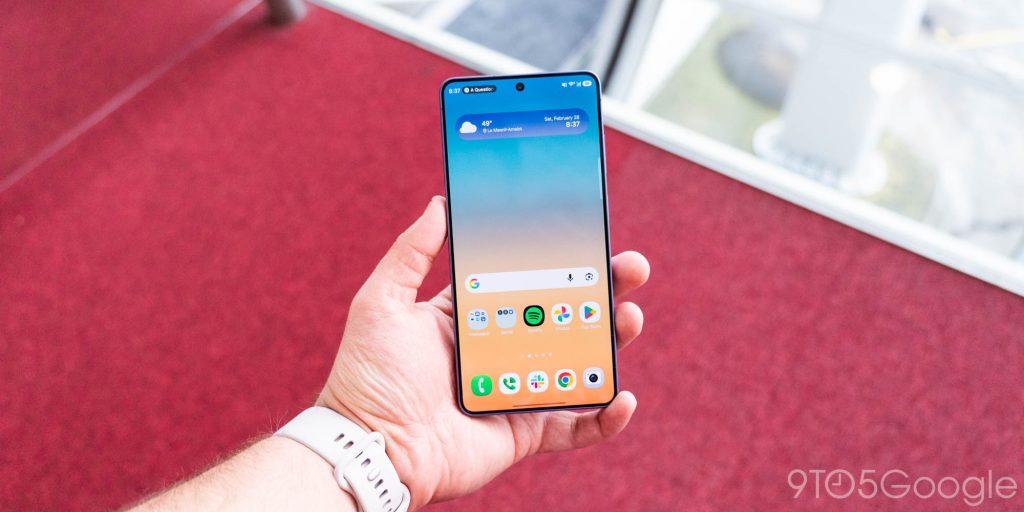
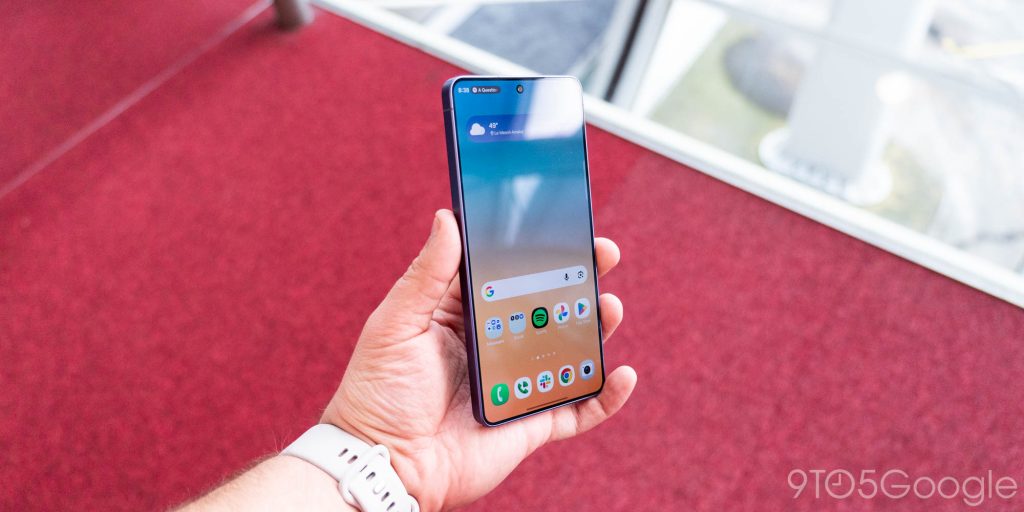
Next up, there’s the actual performance.
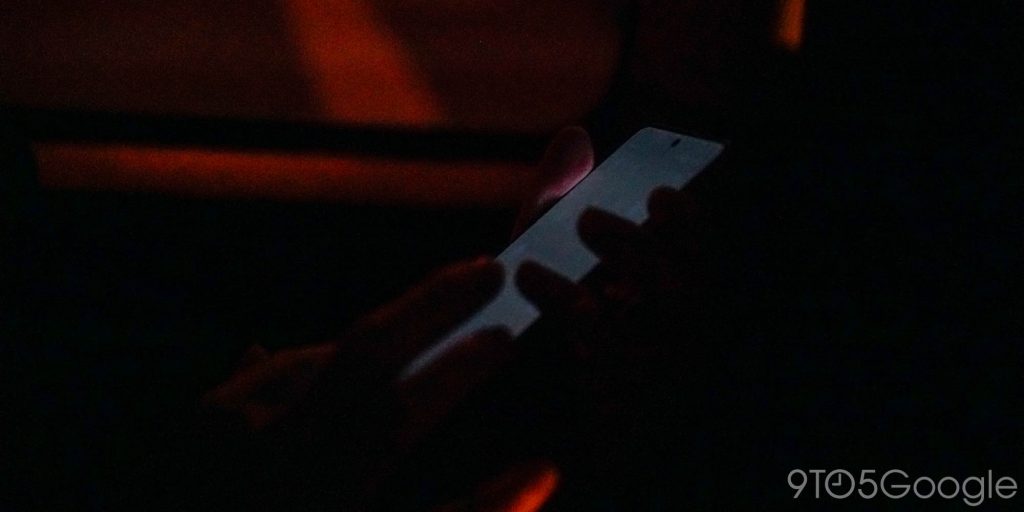
The “Privacy” part of the “Privacy Display” doesn’t always work as well as I’d hoped it would. In real-world use, the display tends to be a bit more visible in most scenarios than you’d expect. It all depends on what’s around you. In a bright area like outdoors or in a place with loads of natural light, the Privacy Display works at its best. A slight shift leads to the contents of your display vanishing. But, by comparison, the effect doesn’t work nearly as well in dimmer environments. Places like a dark airplane, or even just my house in “normal” lighting, took away from the display’s ability to shield itself. I had a feeling this might be the case, but I am sad to see just how much of a problem it can be. That’s especially a shame when one of Samsung’s primary pitches here is around using this on the subway. It’ll work well enough there since a lot of subways tend to be fairly well-lit, but it’s definitely not going to be as drastic of a difference as you see in broad daylight.
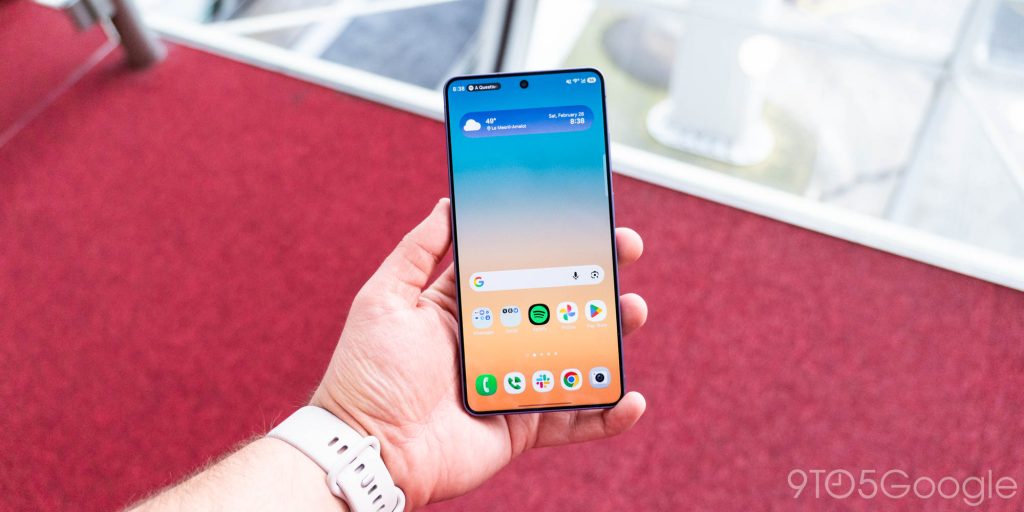
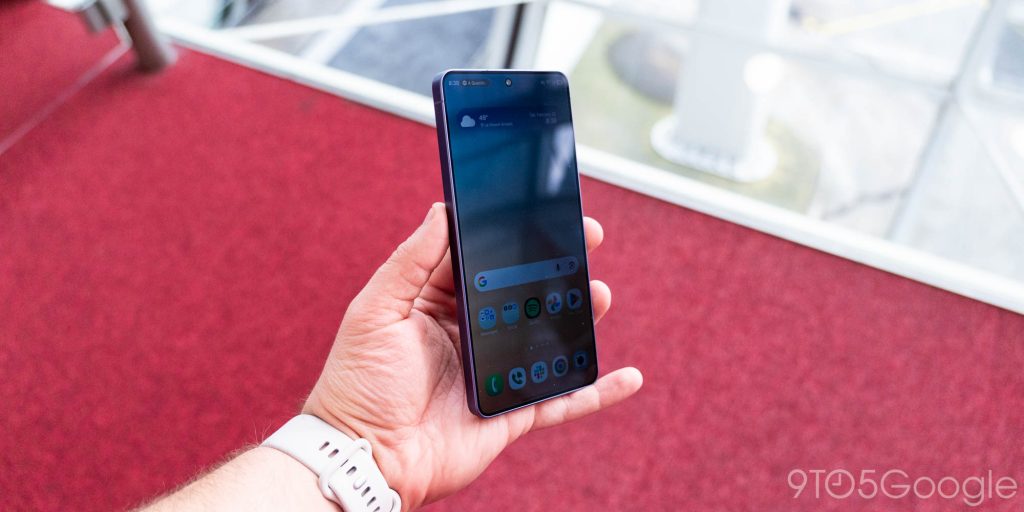
And that brings me to the last concern.
“Maximum protection” is built for exactly that sort of situation, but it comes with a hefty trade-off. When activated, this mode really washes out the display. There’s a greyed-out look to everything, and colors don’t have near as much punch. It’s as if you’re looking out of the window on a foggy day.
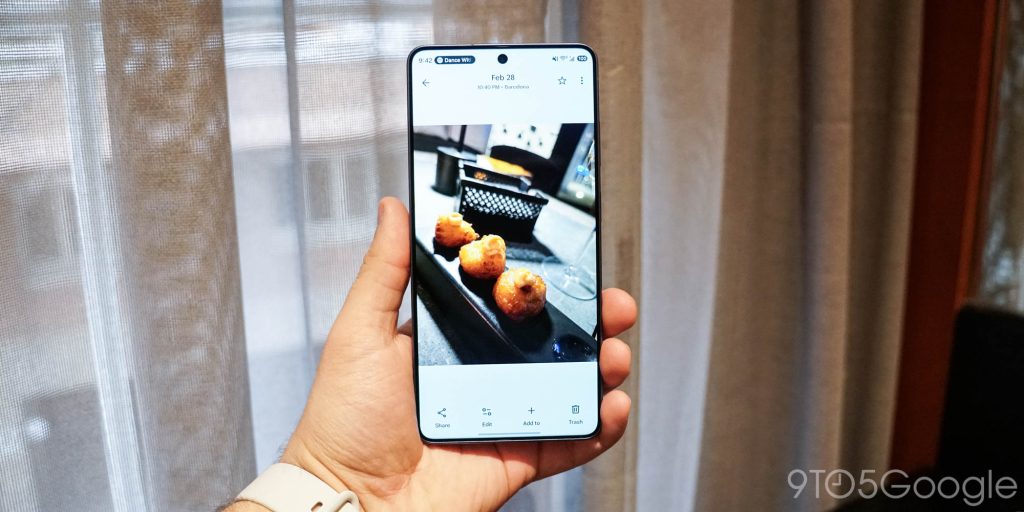
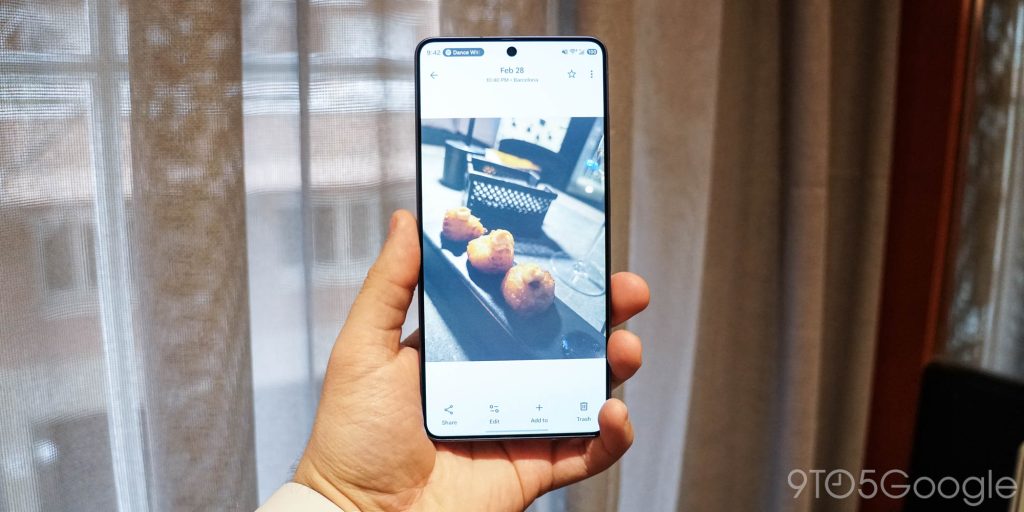
The good news? The Privacy Display works really well here in basically all conditions. Contents vanish at an angle, even in a darker environment. It’s just a really big hit to the overall usability while that mode is on. Combined with the inherent resolution hit that comes from effectively turning off half of the pixels, and the screen just looks a lot worse when this feature is set to its highest level.
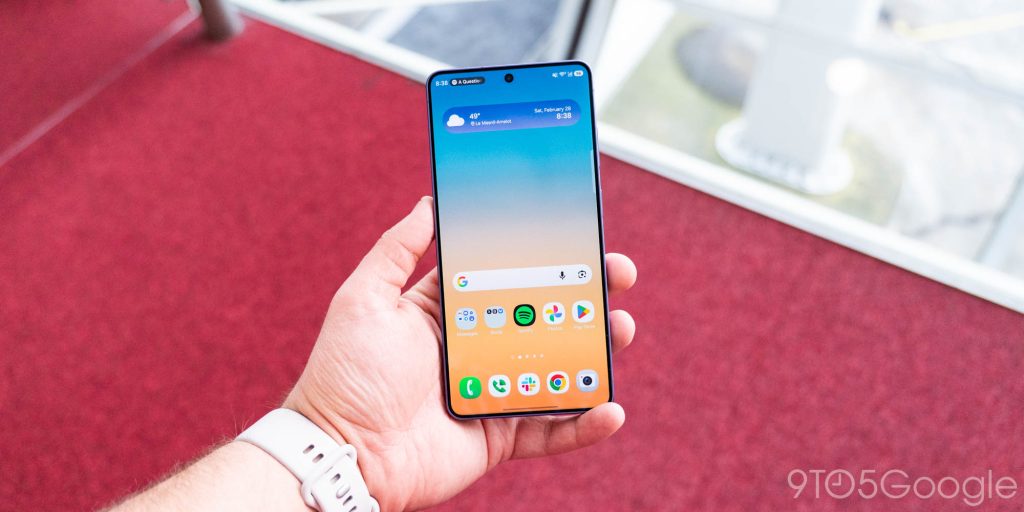
That said, that’s kind of the point, isn’t it?
Samsung built Privacy Display not as a way to constantly keep your screen hidden, but to give you the option to do so. If you were to buy one of those privacy screen protectors for this device, you’d end up with a darker screen all of the time, whereas the Galaxy S26 Ultra gives you control over when it shows and how strong it is.
I stand by my original comments on the Privacy Display – this is easily the best new smartphone hardware feature we’ve seen in years – but after a few days of use, it’s not quite the home run I thought it would be.
What do you think? Do you want a phone with a Privacy Display?
The Galaxy S26 series is available for pre-order now, with Samsung’s usual pre-order perks in full swing. You’ll find boosted trade-in values and more available now through March 11, when these phones are available on store shelves. You’ll also get an additional $30 credit if you buy using our links below!
This Week’s Top Stories
More from the Galaxy S26 launch
While Privacy Display was the “big” feature, Samsung’s Galaxy S26 series arrived this week with a few other things to talk about, including several new software features, a lack of Qi2 (boo), and more. Here are a few highlights:
- Galaxy S26 series hands-on: More of the same, but not in a good way [Video]
- Samsung is cloning Pixel features for the Galaxy AI suite on S26
- Galaxy S26 series gets faster wired and wireless charging, but you’ll need your own Qi2 magnets
- Samsung’s Galaxy S26 Ultra packs these quiet, but powerful camera upgrades
- Samsung’s Audio Eraser now works with YouTube and other apps, and it’s impressive [Video]
- Galaxy S26 Ultra ‘horizon lock’ keeps video stable no matter what – you have to see it [Video]
- Samsung confirms satellite connectivity for Galaxy S26 and older Galaxy devices
Android 17 Beta 2
Google released Android 17’s second beta this week, bringing with it quite a few major changes not present in the first iteration. Here’s what you should know:
- Here’s everything new in Android 17 Beta 2 [Gallery]
- Android 17 Beta 2 brings a pop-out windowed mode to all apps with ‘bubbles’
- Android 17 Beta 2 adds secure contacts selection and color picker API
- Android 17 Beta 2 refreshes location and camera access indicators, ditches wide design
- How to install the Android 17 Beta on Google Pixel
More Top Stories:
- Google Messages more widely rolling out circular read receipts redesign
- Hands-on: I tried the Galaxy Buds 4 Pro, and I’m not sure I could ask for anything more [Gallery]
- Google, Apple start testing encrypted RCS on Android and iOS 26.4
- Google touts ‘Pixel Colors Through the Years’ – here’s a look back [Gallery]
- YouTube finally gave you a proper alternative to ad-blockers, and now it’s time to pay
- ‘Flow’ dramatically improves Android voice typing without replacing Gboard
- Nvidia Shield TV is getting a new update following promise of continued support
- Discord is holding off on its age verification rollout as it aims for ‘full transparency’
- Google teases ‘amazing things’ in Android 17
From the rest of 9to5
9to5Mac: The 1Password price hike discourse is overblown
9to5Toys: Pokémon Day 2026: Pokémon Winds and Waves revealed for Switch 2, GameCube release, and more
Electrek: Tesla launches Model Y 7-seater in Europe for €2,500
Follow Ben: Twitter/X, Threads, Bluesky, and Instagram


FTC: We use income earning auto affiliate links. More.



Comments