
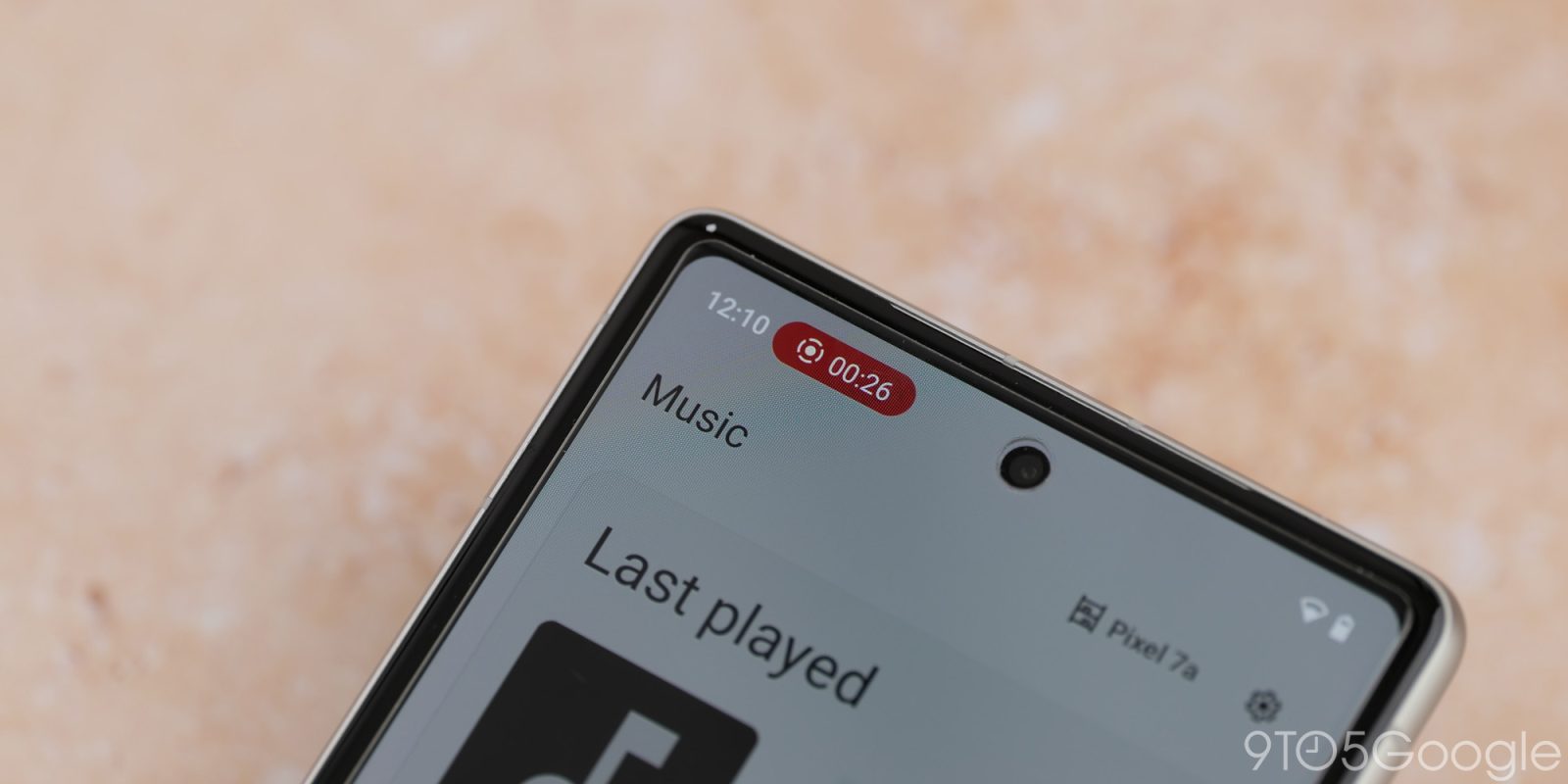
Google just pushed a new version of Android Canary out to its most cutting-edge beta testers, and alongside a bunch of the features we expect to launch with Android 17, we’re also getting an all-new UI for capturing whatever’s happening on your display.
As we saw in early Android 17 leaks, Google is prepping a complete overhaul of its screen recording controls, ditching the previous pop-up menu for a pill-shaped layout that takes up less real estate. While the current UI disappears after you begin recording — with the ability to end a recording existing either in your notification tray or by tapping on the Live Update card in the top-left corner — this redesign reappears whenever you select it from the status bar.


This new menu gives you a handful of familiar settings depending on whether you’re recording your entire screen or just a single app. Full screen recordings contain toggles for recording device audio, recording external audio via your microphone, and showing touches on display. Recording with a single application allows you to select the app you want to record alongside those first two audio toggles, but doesn’t contain a setting for including touch indicators. You can adjust these settings by tapping the status bar indicator to bring back Google’s floating UI, which is also how you’ll end recordings now.
In fact, changes continue to pop up even after you’ve tapped that red “Stop” button. Google has added a new post-recording playback preview screen that allows you to quickly dive into a new edit, share your video with a friend or loved one, delete it outright, or begin a new recording entirely. It’s a more comprehensive system than previous notification-based systems, which let you quickly share or edit in Photos, but without much else in the way of options.


There are a couple of small changes between the early Android 17 leak first seen two months ago and the version of this feature first rolling out via Canary. By far, the missing drawing tool is the most impactful change; early leaks showcased that, during recording, the pill-shaped icon would include a pen tool alongside the typical settings and stop buttons for on-screen drawings. That’s gone, and it’s unclear if it’ll surface again before an eventual wide release. Likewise, Google has added some contextual information about privacy to this menu,
It’s not quite a full app experience for Google’s built-in screen recorder — you’re still activating it from the quick settings menu, for example — but in comparison to previous iterations, it’s a huge change.


FTC: We use income earning auto affiliate links. More.



Comments