
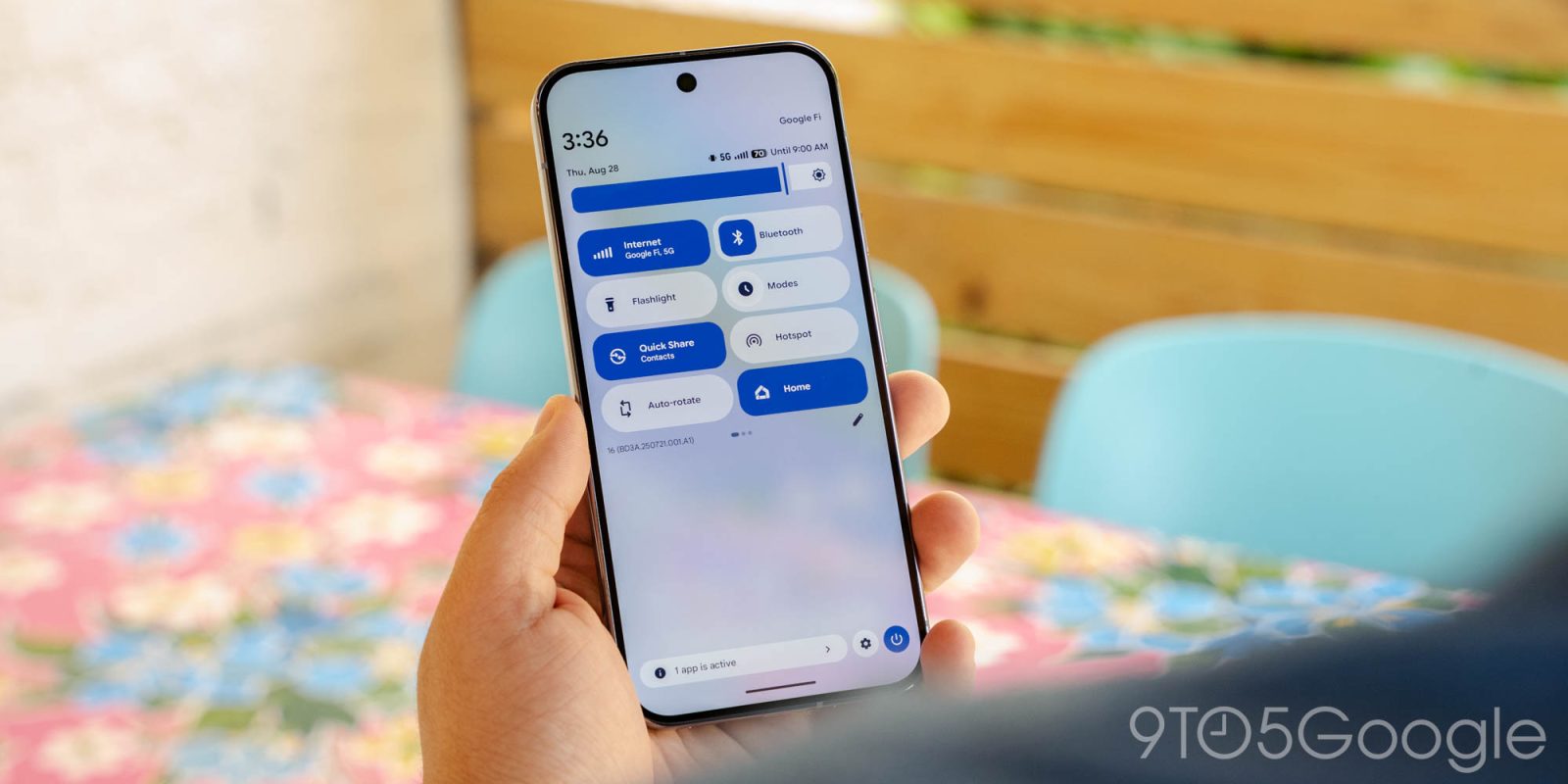
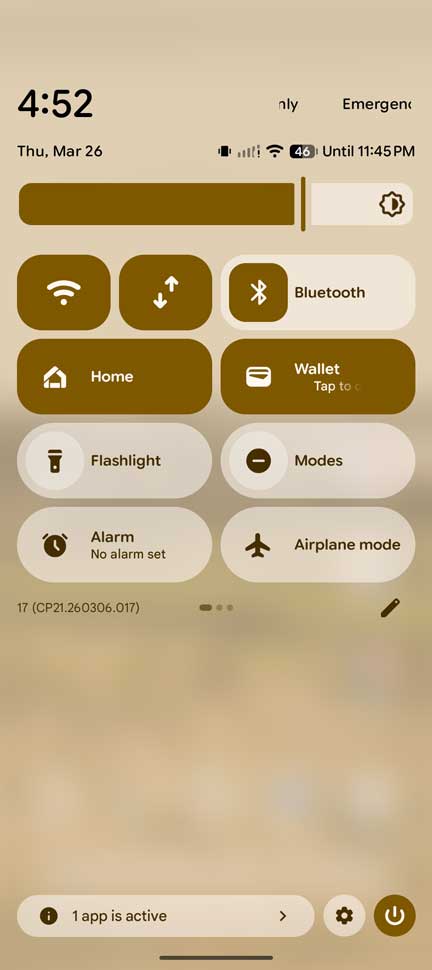
For a very, very long time, Android has combined mobile data and Wi-Fi into one Quick Settings button. It looks like data and Wi-Fi are splitting up in the latest Android 17 Beta 3 update.
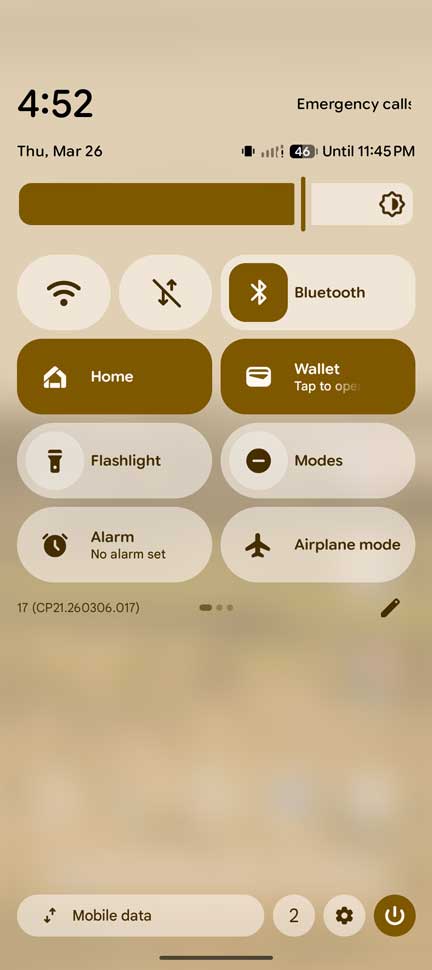
There are a few changes throughout Android 17 Beta 3, but none are as jarring as what’s happened in the Quick Settings menu. Rather than a single Wi-Fi icon housing access to the internet connection as a whole, the beta has added a mobile data icon. The move splits the button into two, separate tiles.
The move to split Wi-Fi and mobile data in Android 17 makes sense. When mobile data needs to be turned off quickly, previous builds would have you tapping the tile to then toggle the feature off. In the new method, a single tap to either tile turns the respective connection method off. Wi-Fi turns back on instantly when tapped, while mobile data requires confirmation.
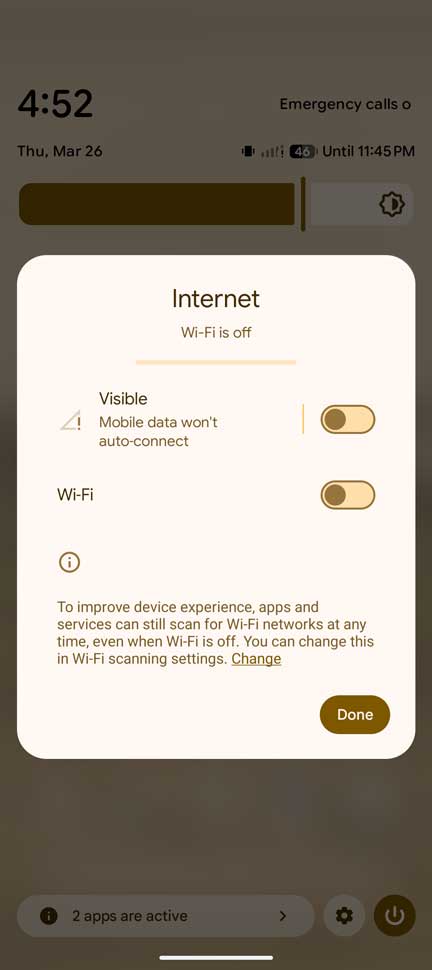
Funny enough, long-pressing either button will open the same menu that’s been around for ages. That might change in future updates, as this looks like a proof of functionality.
Just like any other QS tile, the new addition can be stretched to fit your preferred layout.
The new look is now live in Android 17 Beta 3.
More on Android 17:
- Multitasking ‘Bubbles’ now live in Android 17 Beta 3 update
- Here’s everything new in Android 17 Beta 3 [Gallery]
- How to install the Android 17 Beta on Google Pixel


FTC: We use income earning auto affiliate links. More.





Comments