
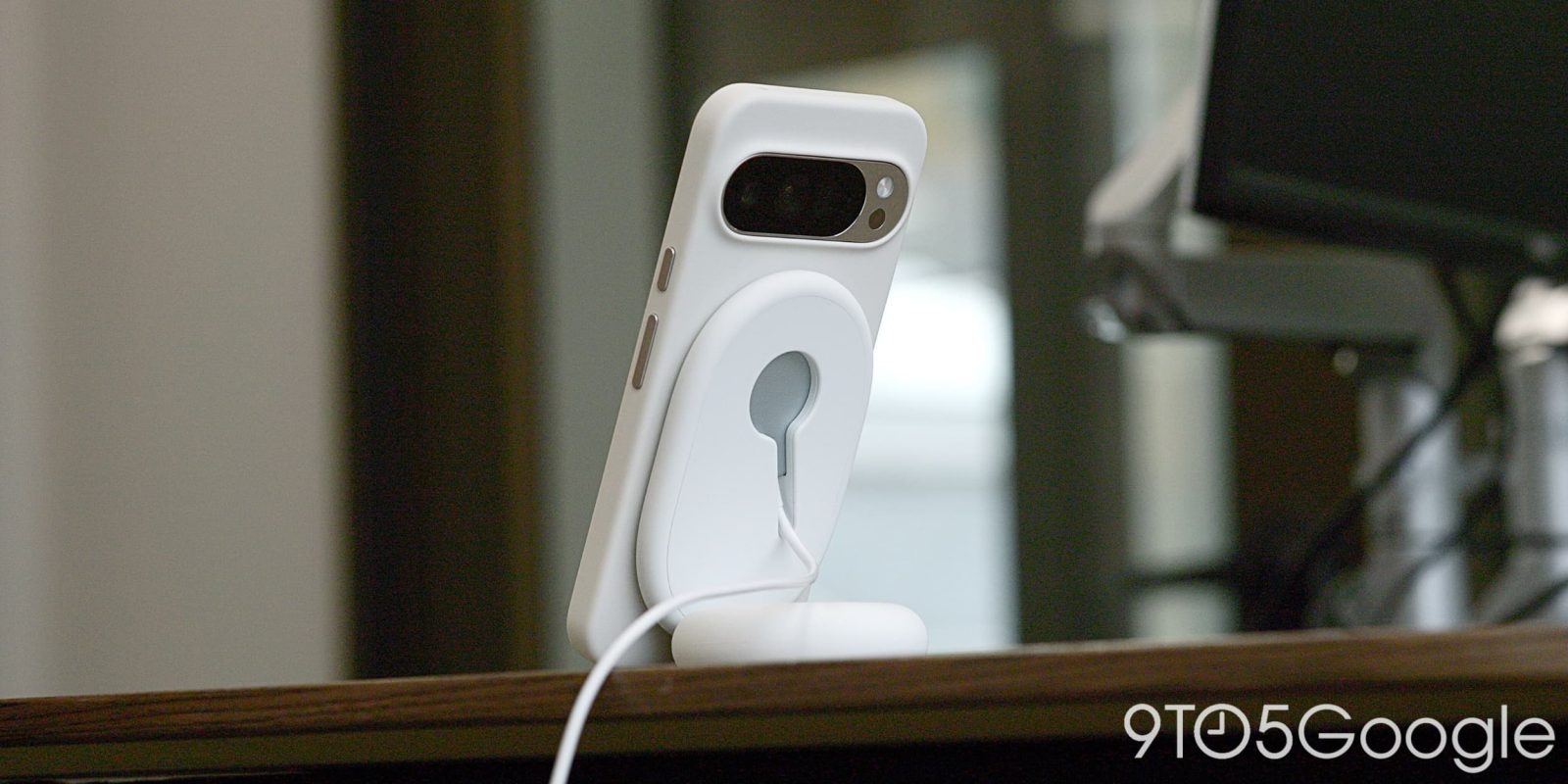
We already knew that the Pixelsnap Charger gets firmware updates, but Google has also created a dedicated site to manually install new releases.
Google says Pixelsnap Chargers will automatically and silently update as they charge your Pixel phones. Go to Settings > Connected devices and select a charger to check the firmware. (Version 1.51.0 is the latest release.)


If you’re not using a Pixel device but have purchased the $39.99 Pixelsnap Charger, Google offers “Manual updates.” This approach involves plugging the USB-C end of the puck into an Android 16+ phone and visiting pixel.google.com/pixelsnap in mobile Chrome. (This won’t work on the desktop browser.)
After selecting the Pixelsnap Charger, you can check firmware versions and install by following the onscreen instructions.
These updates “ensure your Pixelsnap Charger performs at its best and maintains the latest Qi compatibility.”
Google updated the Pixelsnap support article with these details in the past three months.


More on Google Pixel:
- Google Store Certified Refurbished adds Pixel 8a, expands to Amazon
- Google Pixel rolls out ‘Transit mode’ and real-time At a Glance commute
- Google’s Gemini AI and Pixel phones are going to show up a lot during the 2026 World Cup


FTC: We use income earning auto affiliate links. More.



Comments