
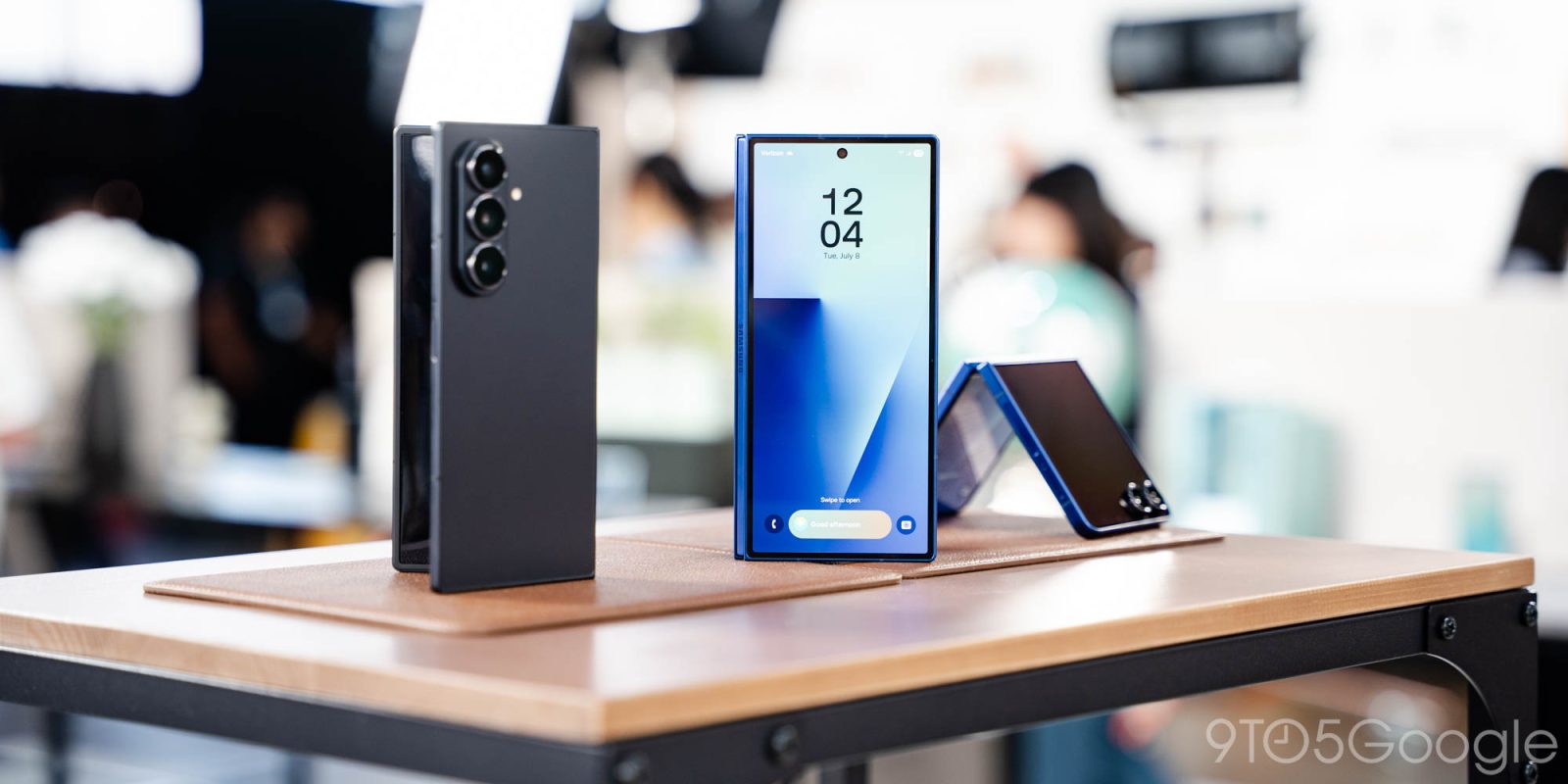
Samsung is officially expanding AirDrop over Quick Share support to more Galaxy devices, but it requires a specific software update first.
AirDrop over Quick Share support first arrived on Google’s Pixel phones last year, but arrived on the Galaxy S26 series just last month. Now, it’s already expanding to more Galaxy smartphones.
Samsung today confirmed that AirDrop over Quick Share is expanding to 10 more new Galaxy smartphones this week, including Samsung’s 2025 and 2024 flagships. That’s wider support than even Google has released on its Pixel devices.
Supported Galaxy devices getting AirDrop include:
- Galaxy S25
- Galaxy S25+
- Galaxy S25 Ultra
- Galaxy Z Fold 7
- Galaxy Z Flip 5
- Galaxy S24
- Galaxy S24+
- Galaxy S24 Ultra
- Galaxy Z Fold 6
- Galaxy Z Flip 6
The Galaxy S25 FE and Galaxy S24 FE may or may not be included, but Samsung hasn’t confirmed as much just yet.
The catch? You’ll have to install the One UI 8.5 beta. This has been made widely available at this point with signups available via the Samsung Members app, but beta programs also carry the risk of bugs, apps that don’t work properly, and other concerns. That said, if you’re absolutely dying to get your hands on AirDrop support, installing the update shouldn’t be much of an issue.
More on Samsung:
- Apple cuts foldable iPhone numbers, but still might outsell Samsung
- Samsung Messages is about to shut down for good – why were you still using it? [Poll]
- Galaxy S27 ‘Pro’ reportedly packs Ultra specs, maybe cameras, as a fourth model
Follow Ben: Twitter/X, Threads, Bluesky, and Instagram


FTC: We use income earning auto affiliate links. More.



Comments