
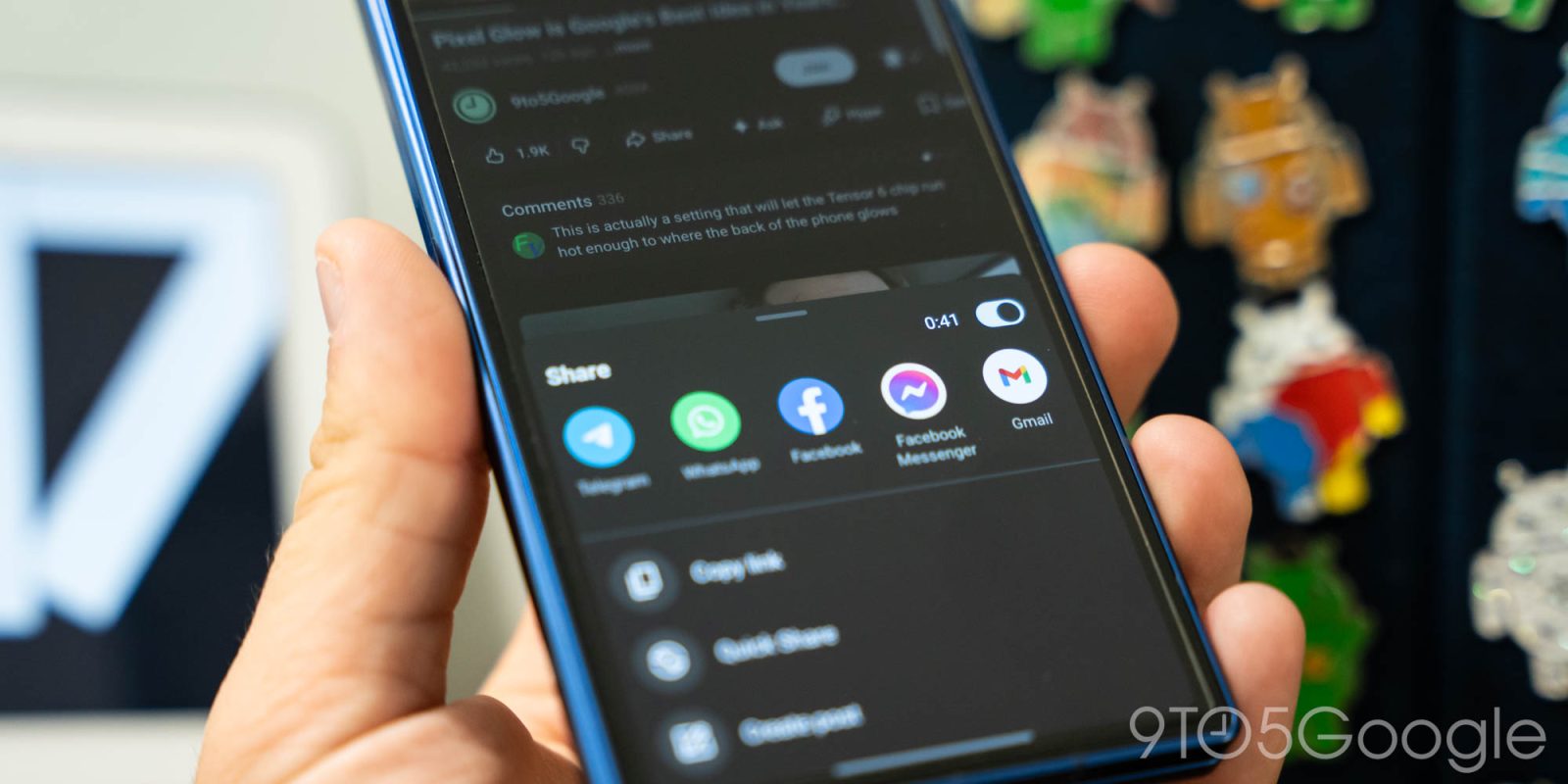
YouTube is changing how you share specific moments in videos, ditching its “Clips” feature and more prominently showing on phones.
YouTube Clips have been around for some time now, allowing users to cut out specific portions of a video for easier sharing. The feature, which some used to promote videos. YouTube says that it “recognize[s] that community clipping is an important way for creators to reach new audiences.”
Existing Clips will remain viewable, but YouTube is removing the ability to create new video clips. New creator-led clip features will be made available this year, YouTube says:
We are focused on launching more clipping tools for creators in 2026. Video Clips is available in Studio today, allowing you to republish clips from longer videos and archived live streams (see our Help Center article for more info). Later this year, we will be rolling out Video Clips to Shorts, and launching auto-suggestions to help you identify your most “clippable” moments.
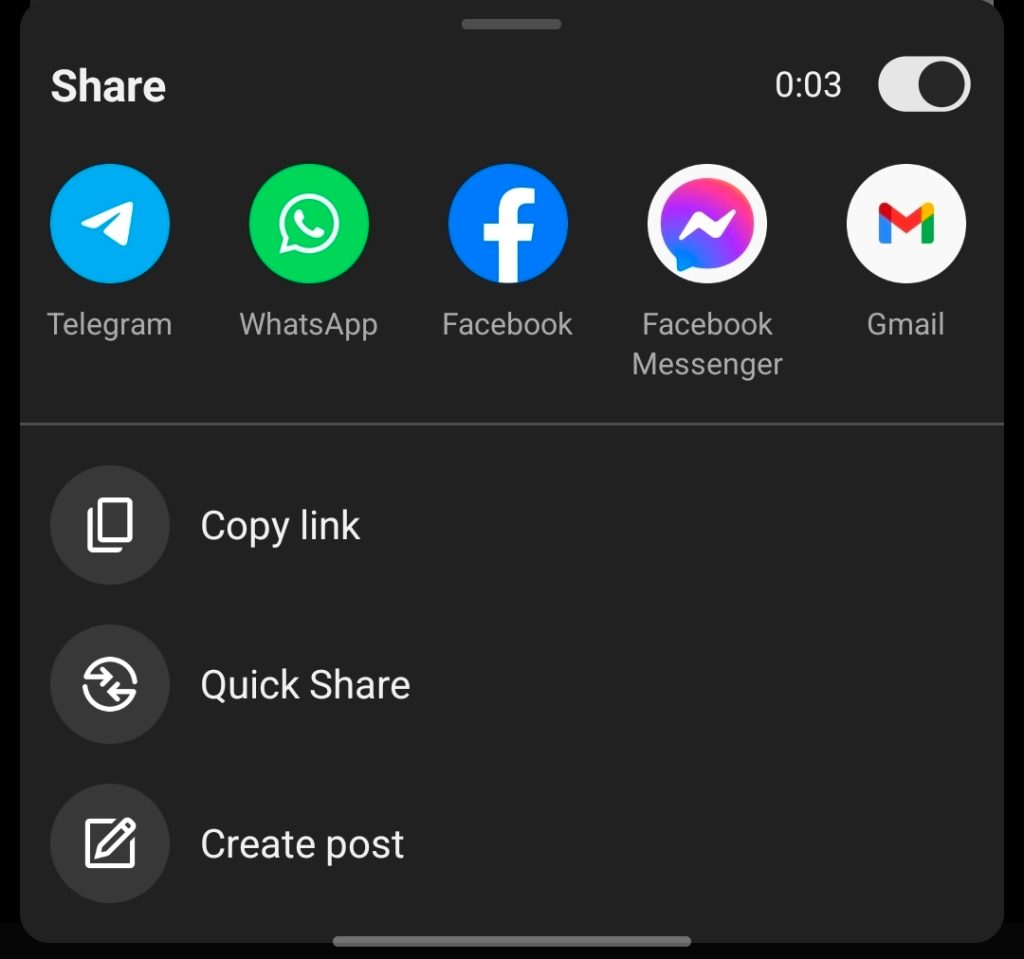
With this, YouTube is finally bringing the “share at timestamp” option to its mobile app on phones and tablets. This has been in place on Android for a while now, though it has popped in and out for the past couple of years. It’s been readily available for some users but not others for a while, but now it’s officially a thing for everyone – YouTube technically never announced it originally.
The toggle to share a video at a specific timestamp lives in the top-right corner of the share pop-up.
More on YouTube:
- YouTube Shorts are a lot easier to ignore with this new setting [Gallery]
- YouTube will start showing fewer ads during livestreams, if the vibe is right
- YouTube testing ‘Auto speed’ and motion-activated YouTube Music-like controls
Follow Ben: Twitter/X, Threads, Bluesky, and Instagram


FTC: We use income earning auto affiliate links. More.


Comments