
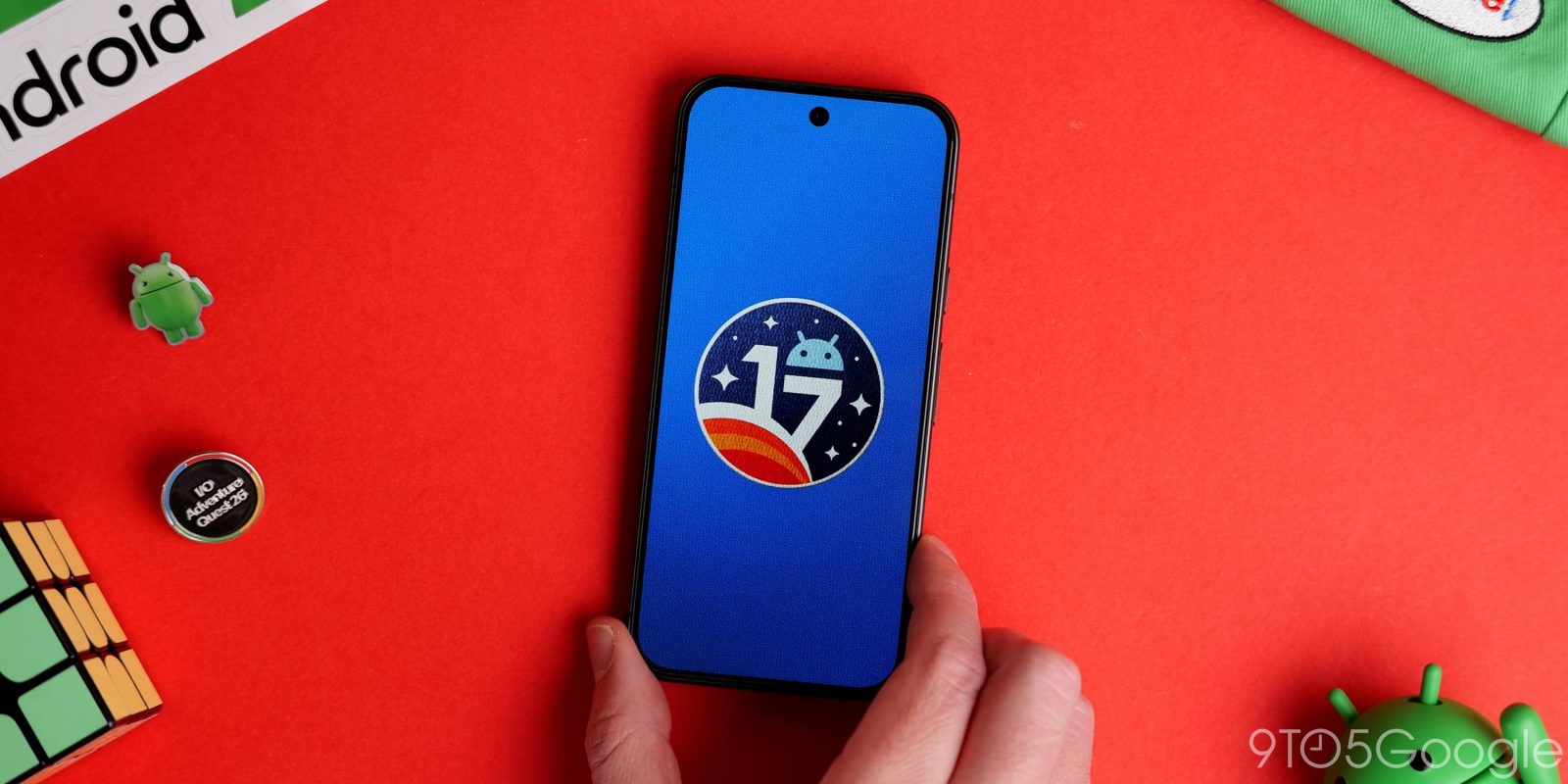
Android 17 touch recognition issues persist, as Pixel users report another bug affecting touchscreen input while a video is playing.
The bug in question is affecting some Pixel phones, but only during video playback in landscape mode. According to multiple reports, including one from the official Google forum and another from Reddit, the top portion of the Pixel during landscape mode no longer recognizes touch input.
The reports indicate this issue appeared after the update to Android 17 rolled out widely to Pixel users. When the phone is turned and in landscape mode, video apps like YouTube will not recognize touch near the top of the screen.
Tapping the middle of the screen works, but if the goal is to enter the settings in YouTube, the device simply doesn’t register a tap. You can’t cast, turn on/off autoplay, or toggle captions.
It doesn’t stop at YouTube. The user report says Android 17’s touch recognition bug is happening in web browsers, streaming apps, and any others that expand video in landscape. Once the phone returns to its portrait orientation.
We were able to reproduce the issue on a Pixel 10 Pro XL here at 9to5Google. What’s interesting about this bug is that while touching the top of the screen shows no response, swiping down from that same spot will successfully trigger the notification shade animation. It’s also not just affecting video, but any app in landscape mode. We tried this in the Settings app and could not successfully navigate back with the arrow at the top of the screen.
This bug comes after some reported a separate issue that causes Pixel phones on Android 17 to completely miss swipes. Some users reported lapses in recognition when swiping or scrolling through apps, and while Google seems to be aware, there is no word of a fix.
As for this latest oddity, there is no word on an upcoming fix. You can stay tuned for updates to this story, or report directly to Google if you’re seeing the same issue – are you?


FTC: We use income earning auto affiliate links. More.





Comments