
Gemini in Chrome now lets you focus a prompt with a new “Select from screen” tool, while developers can tap into Gemini 3.5 Flash computer use capabilities.
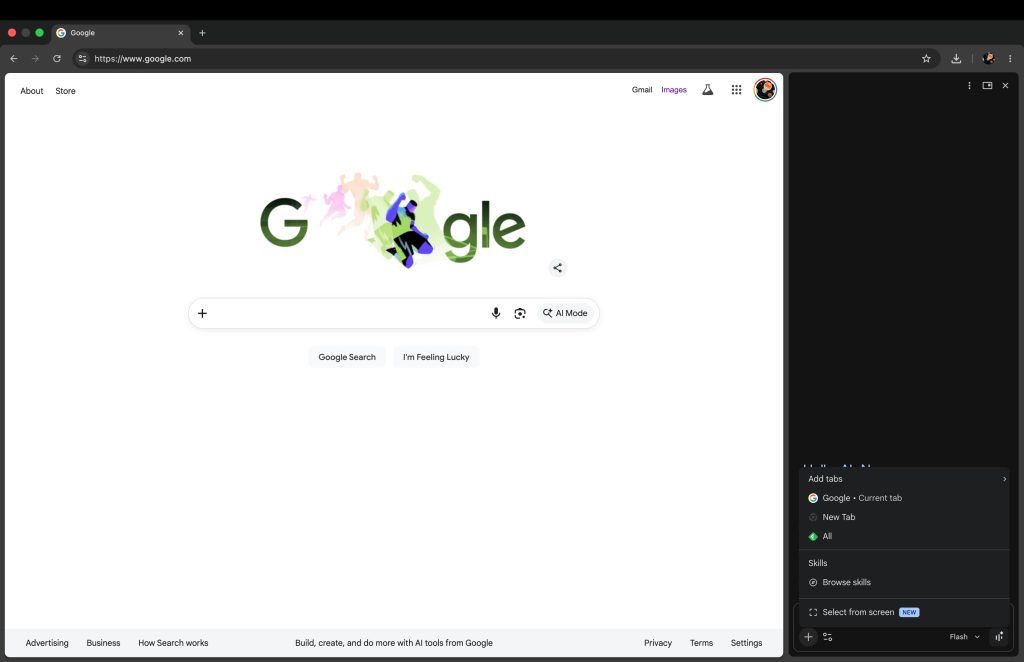
Gemini in Chrome now has a “Select from screen” tool that lets you quickly add an image to prompts. You can find it at the bottom of the ‘plus’ menu.
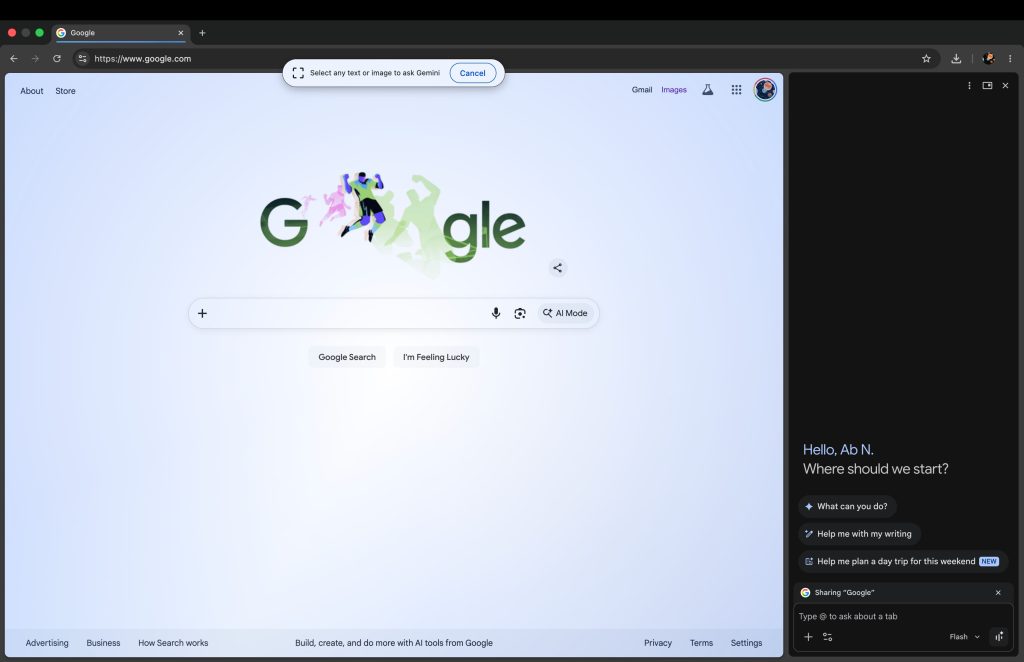
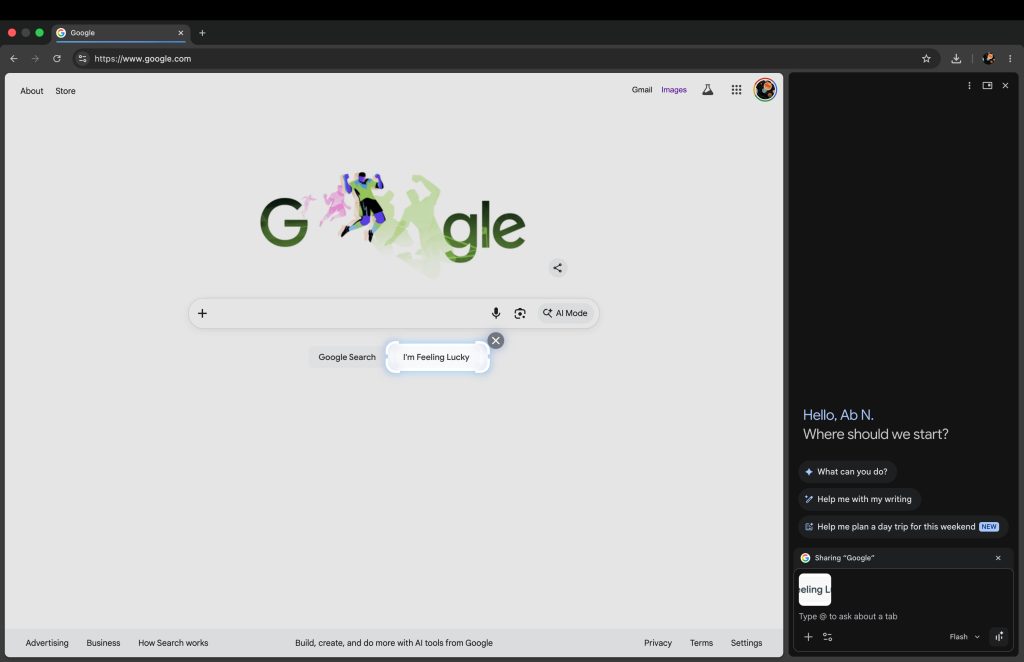
This highlights your current tab and has you “Select any text or image to ask Gemini.” Afterwards, that image is added to the prompt box.
Select from screen is rolling out as part of Chrome 149, with a browser restart introducing the feature if you’re not seeing it yet.
In other related developments, Google announced today that the Gemini 3.5 Flash model now has a built-in computer use tool. Joining Search and Maps grounding, this native integration replaces the standalone Gemini 2.5 Computer Use model.
Developers can use the new functionality to “build custom agents that can see, reason and take action across browser, mobile and desktop environments.”
Improved long-horizon and enterprise automation task performance allows for “continuous software testing and knowledge work across professional applications.”

In the example below, 3.5 Flash leverages computer use to “analyze the Gemini app and return a categorized list of features.”
On the safety front, enterprise customers can:
- Require explicit user confirmation for sensitive or irreversible actions.
- Automatically stop tasks if an indirect prompt injection is identified.
Gemini 3.5 Flash is available today in the Gemini API.
- Try it now: Test the capabilities in a demo environment hosted by Browserbase.
- Start building: Dive into our reference implementation and documentation via Gemini API and Gemini Enterprise Agent Platform.


FTC: We use income earning auto affiliate links. More.




Comments