
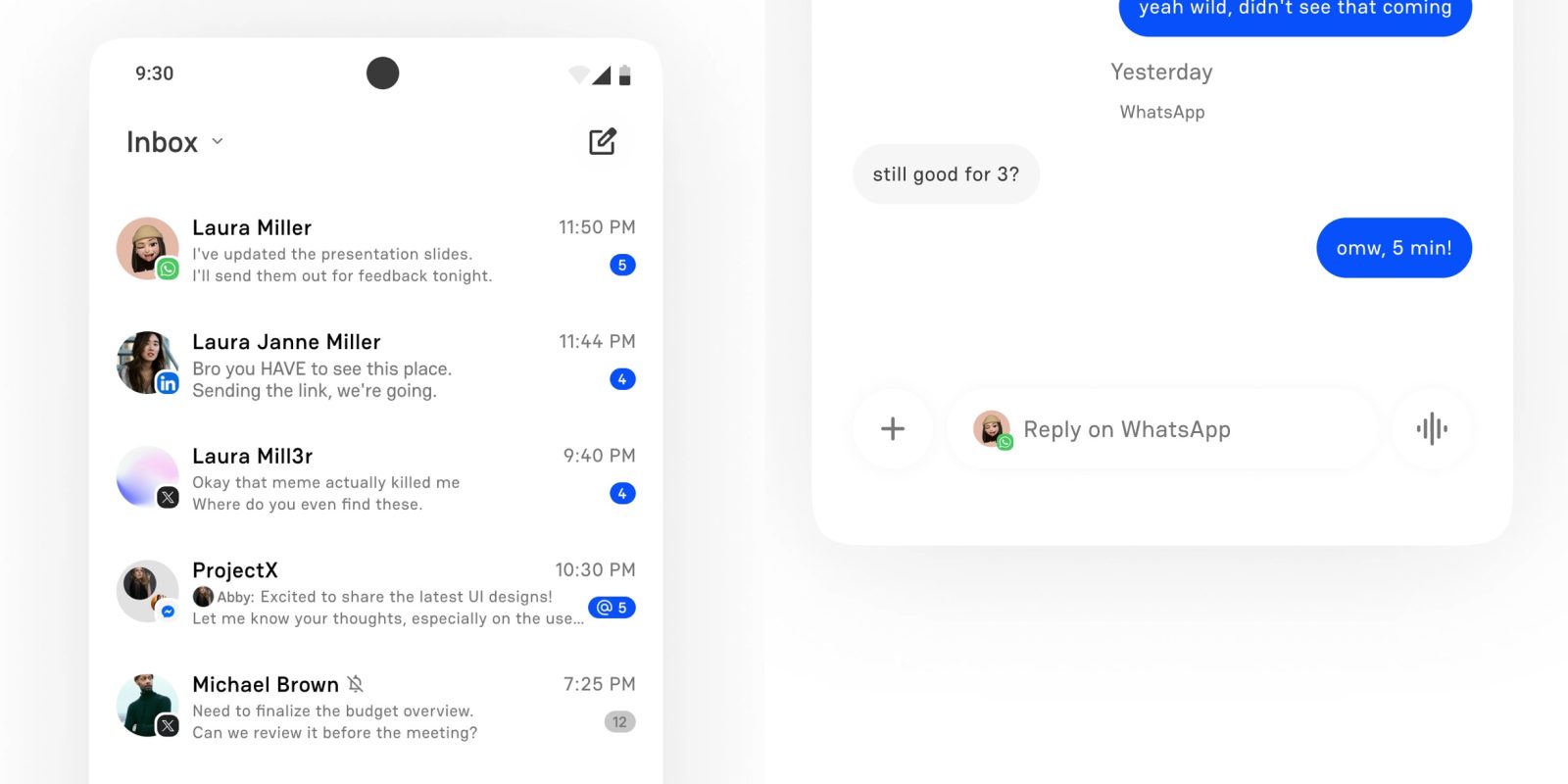
Beeper is rolling out a new update that takes advantage of the ability to use all of your chat apps in one place by also now letting you merge chats with the same person from across your different apps.
With a million different messaging apps out there, you probably talk to the same person across more than one app. That’s something Beeper is looking to help with by condensing those down into a single conversation. Just one chat, no thought about what app is being used.
Beeper explains:
Beeper solved bringing all your people from different apps in one app. Now, Beeper goes a step further and lets you merge chats with the same person across multiple apps into one chat. One person, multiple networks, one view. You can simply chat with your people instead of thinking about the underlying chat app.
Personally, I’ve got mixed feelings around this once since those silos can be useful for different contexts of conversation – Slack, for example, will probably have very different messages compared to WhatsApp – but it still seems useful.
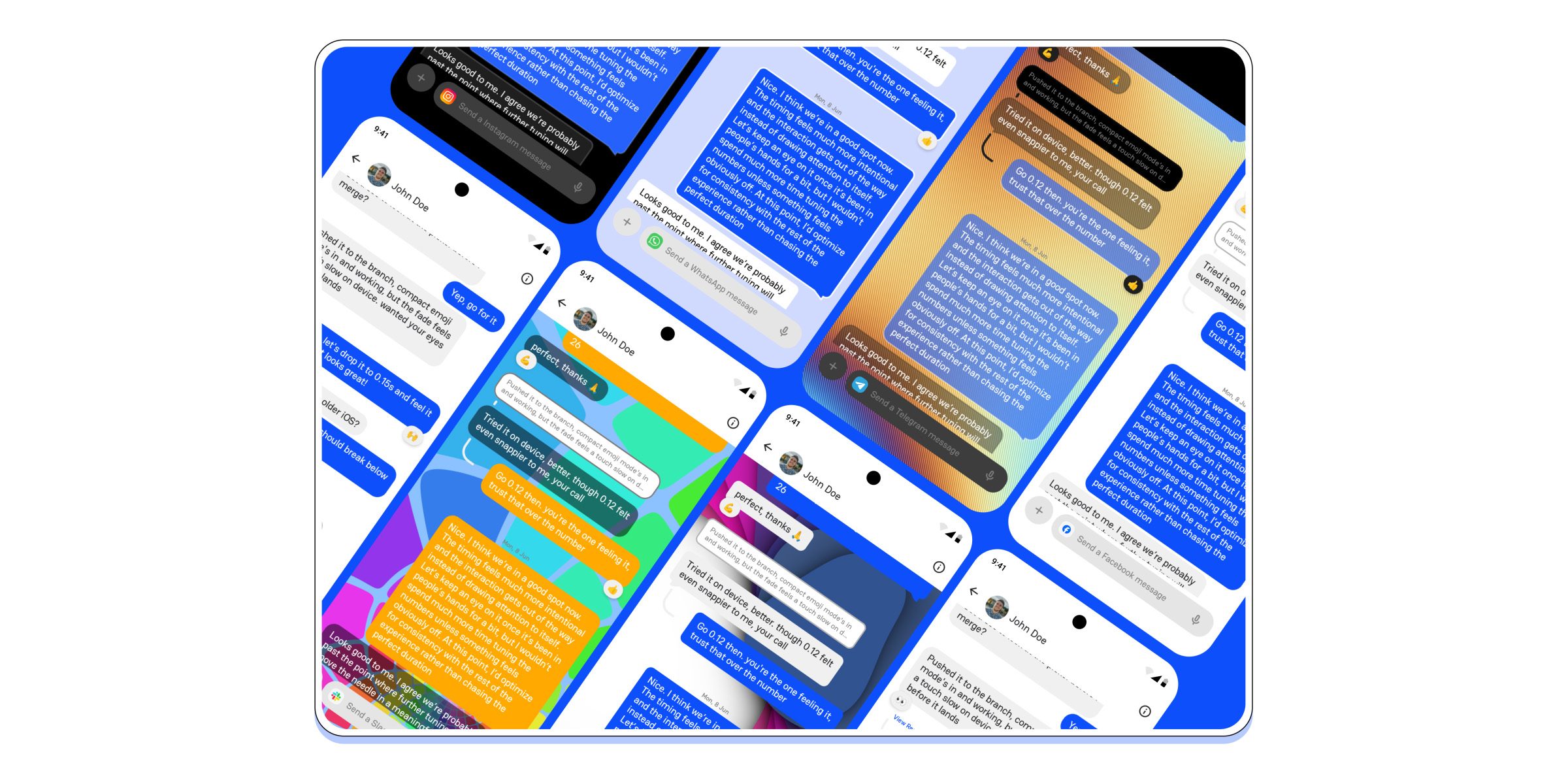
Beyond that, Beeper is rolling out customizable backgrounds on Android, the ability to sort messages into different labels, support for polls on select messaging networks, added languages through the desktop app, and expanding several usually-paid features to free users, albeit in a limited capacity. Free Beeper users will now be able to try the features below for a limited time before needing upgrade to Plus to continue.
- Read messages without being seen with Incognito Mode
- Send messages at exactly the right time with Send Later
- Transcribe voice notes to read instead of listen
- Set chat reminders so important conversations get followed up on
- Create a label to keep your inbox organized
The iPhone app is also adding CarPlay integration.
Follow Ben: Twitter/X, Threads, Bluesky, and Instagram


FTC: We use income earning auto affiliate links. More.

Comments