
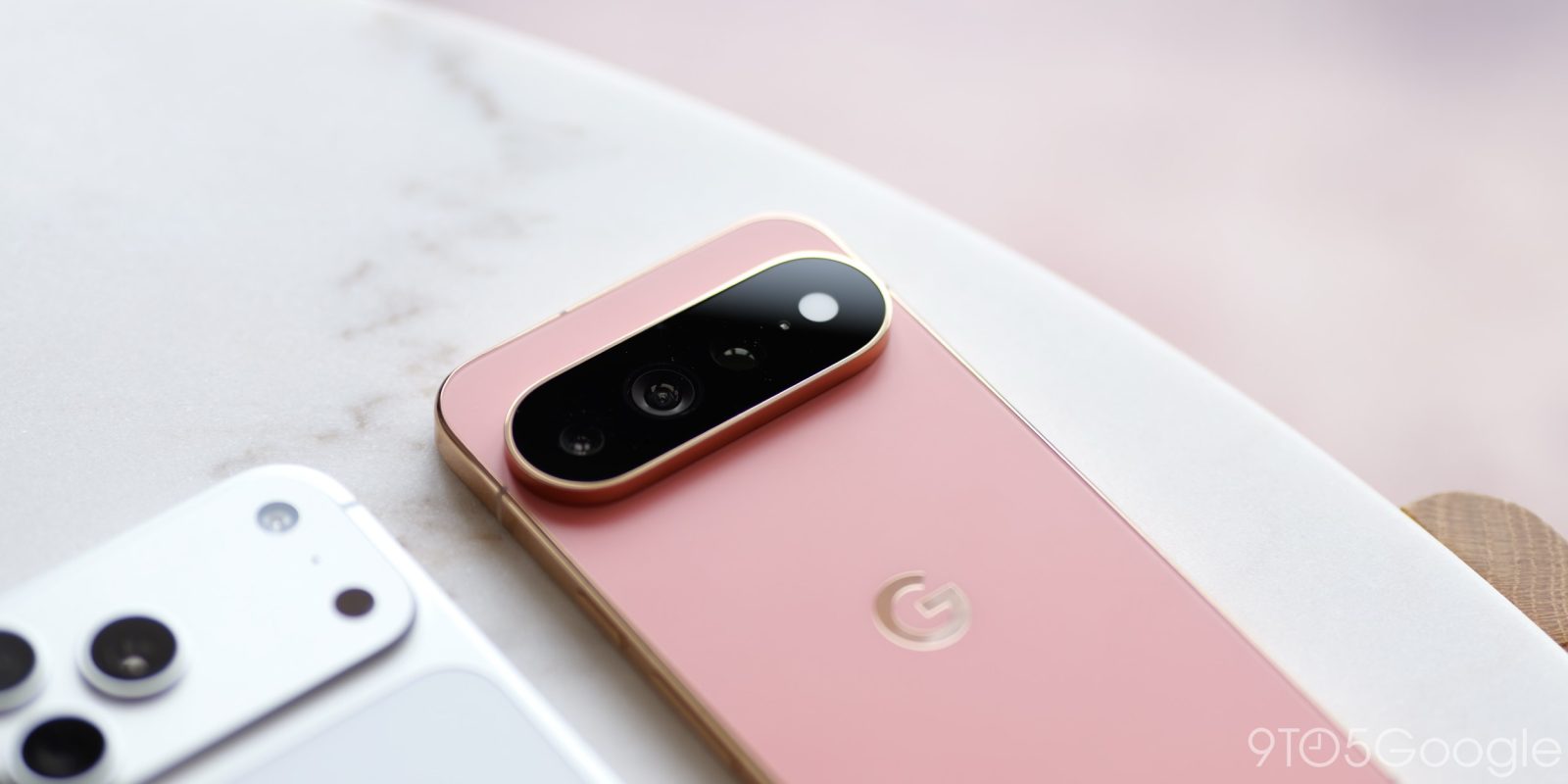
Google’s Pixel phones have had killer haptic motors for several generations now, with the Pixel 11 further emphasizing these with a new ability to match the vibration patterns to your ringtone.
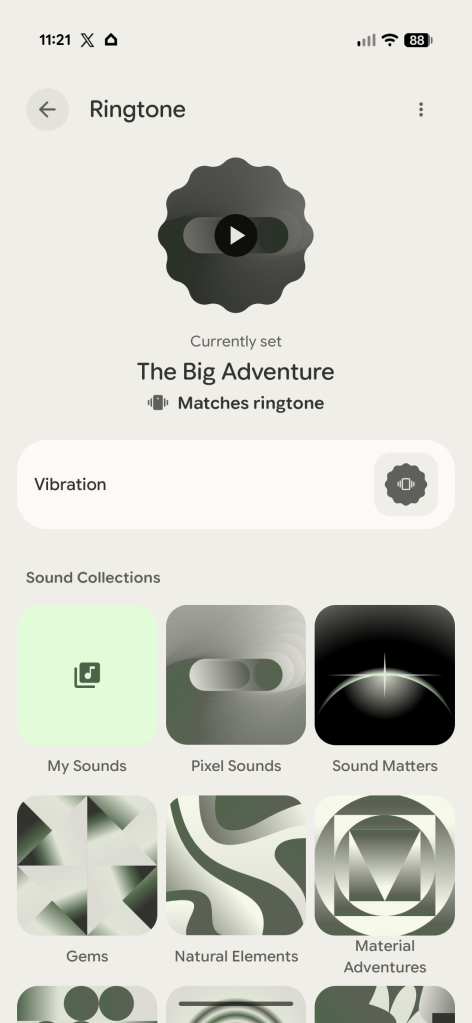
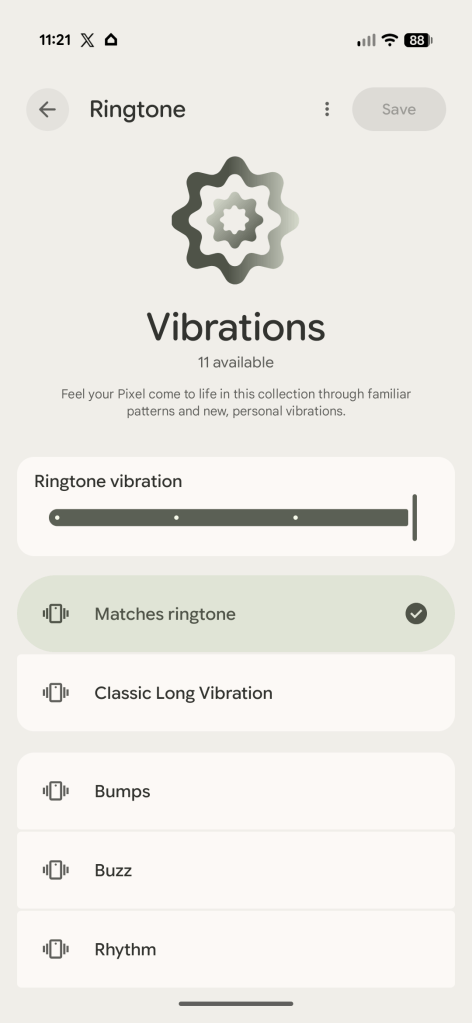
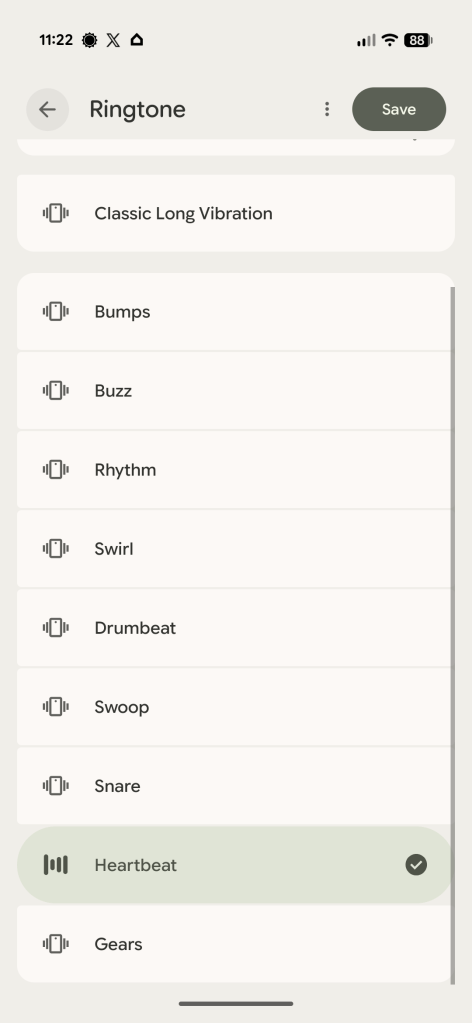
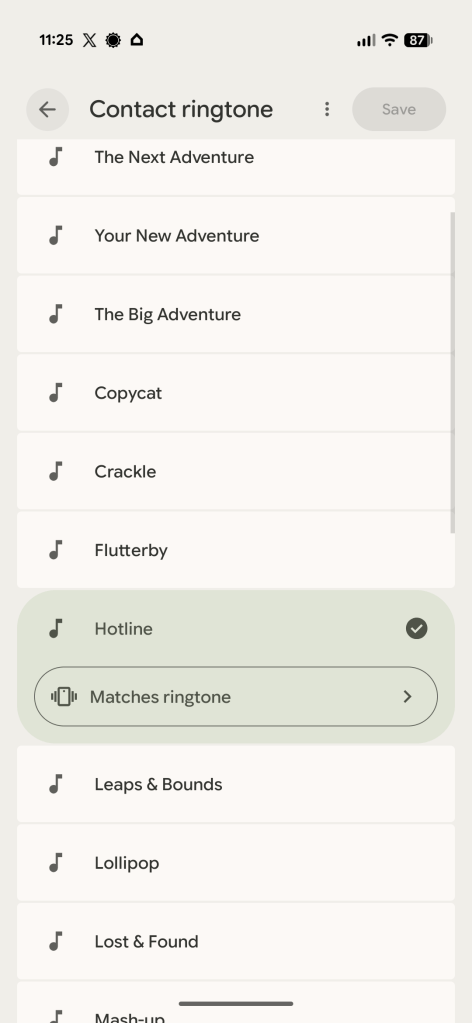
A new feature in the Pixel Sounds app that has debuted with Pixel 11, added quietly, pairs your ringtone with a specific vibration pattern. So instead of the default pulsing you can now feel the tone resonating through the device.
Each ringtone’s vibration pattern is different, with some also being subtler than others. It’s also not universal, only being supported on select ringtones. As far as we can tell, this includes only a handful of options from the “Pixel Sounds” collection including “The Next Adventure,” “Your New Adventure,” “The Big Adventure,” “Copycat,” “Crackle,” “Flutterby,” “Hotline,” “Leaps & Bounds,” “Lollipop,” “Lost & Found,” “Mash-up,” “Monkey Around,” “School’s Out,” and “Zen Too.”
Any other ringtone can have a custom vibration pattern attached to it, also new on Pixel 11.
It’s a fun way for the Pixel to flaunt its excellent haptic motors, something Google has snuck into bits and pieces of the software over the years.
All of this first surfaced way back in early 2025, but is only live now for the first time.
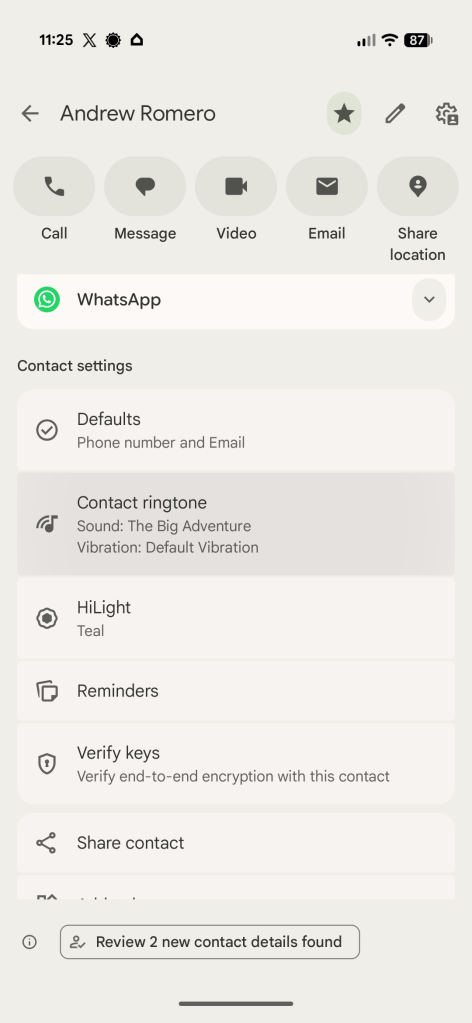
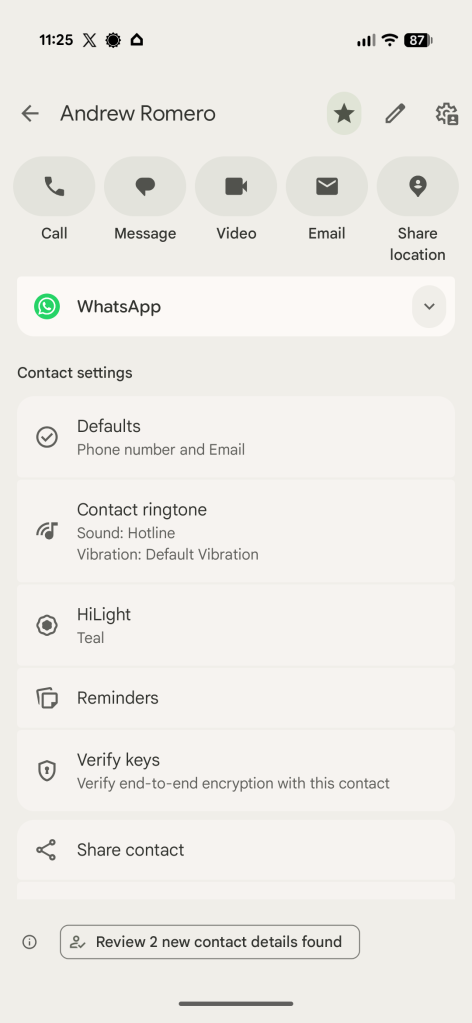
Notably, these new vibration patterns are also customizable on a per-contact level, as Android Authority notes. Through the Google Contacts app, you can assign both a custom ringtone and a custom vibration pattern to individual contacts.
More on Pixel 11:
- Camera Looks on the Pixel 11 delivers what I’ve wanted from Google’s photos for years
- The Pixel 11 ditches the ‘Powered by Android’ boot logo for Gemini Intelligence
- Pixel 11 ships with Android 17’s new 3D emoji [Gallery]
Follow Ben: Twitter/X, Threads, Bluesky, and Instagram


FTC: We use income earning auto affiliate links. More.


Comments