
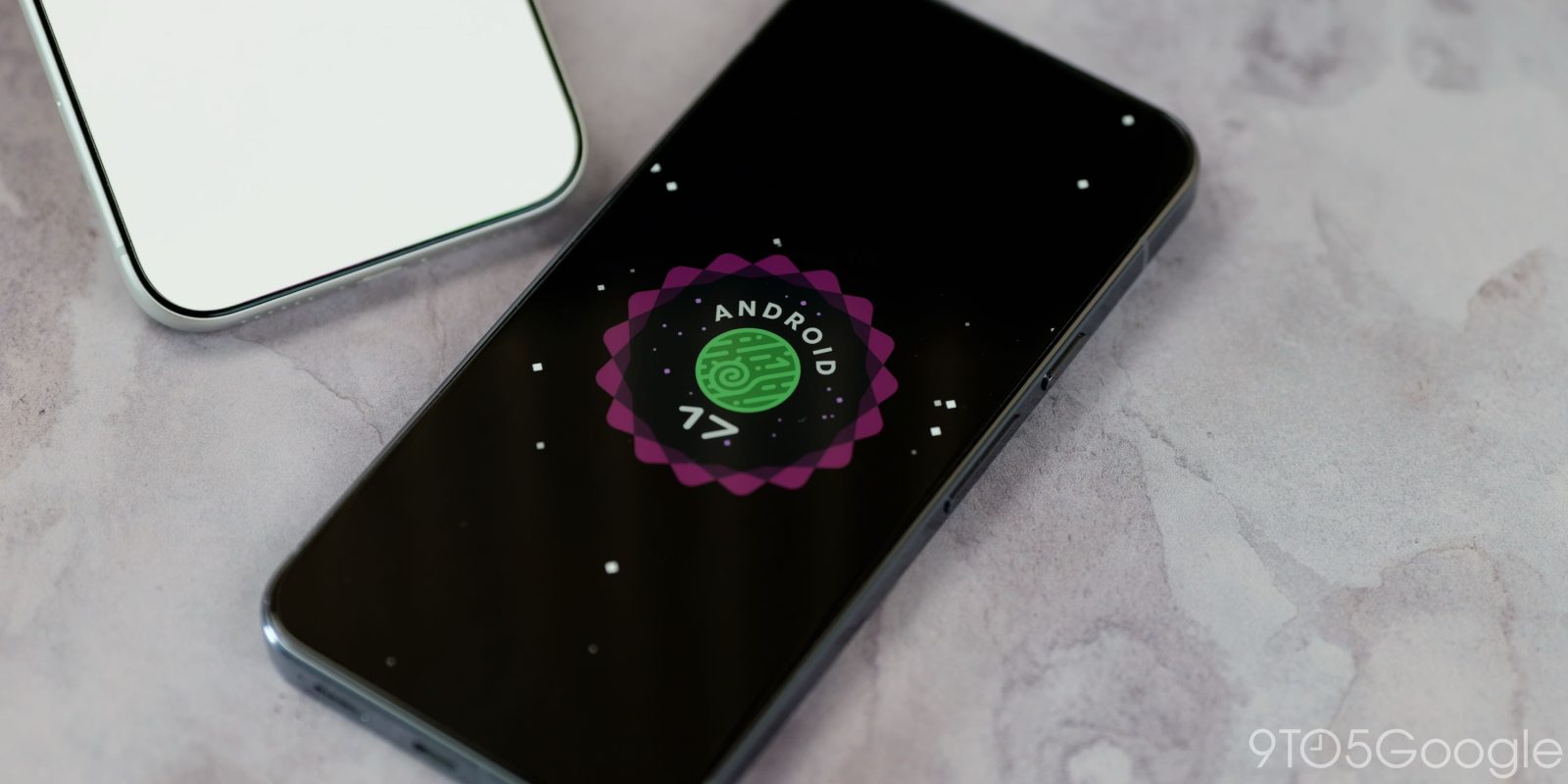
Android 17 QPR2 continues to add user-facing changes with new Status bar settings in Beta 4.
Top comment by Andre Mendes
I don't get it. This is a beta release? But wasn't android 17 already officially released for pixel devices in June?
Can someone please clarify?
Cheers
In Settings > System, you’ll find a new “Status bar” menu under System management. It appears alongside Date & time and Users. There’s also a link to it in Settings > Notifications.
Notification icons has three options, with “Priority only” being the default:
- All: Show all notification icons
- Priority only: Show priority notifications only
- None: Show no notification icons
There are another three options in System icons, though Battery and Vibrate already exist as preferences in other places.
- Mute: Show when device is muted
- Vibrate: Show when device is set to vibrate
- Battery percentage: Show battery level


FTC: We use income earning auto affiliate links. More.
You’re reading 9to5Google — experts who break news about Google and its surrounding ecosystem, day after day. Be sure to check out our homepage for all the latest news, and follow 9to5Google on Twitter, Facebook, and LinkedIn to stay in the loop. Don’t know where to start? Check out our exclusive stories, reviews, how-tos, and subscribe to our YouTube channel


Comments