
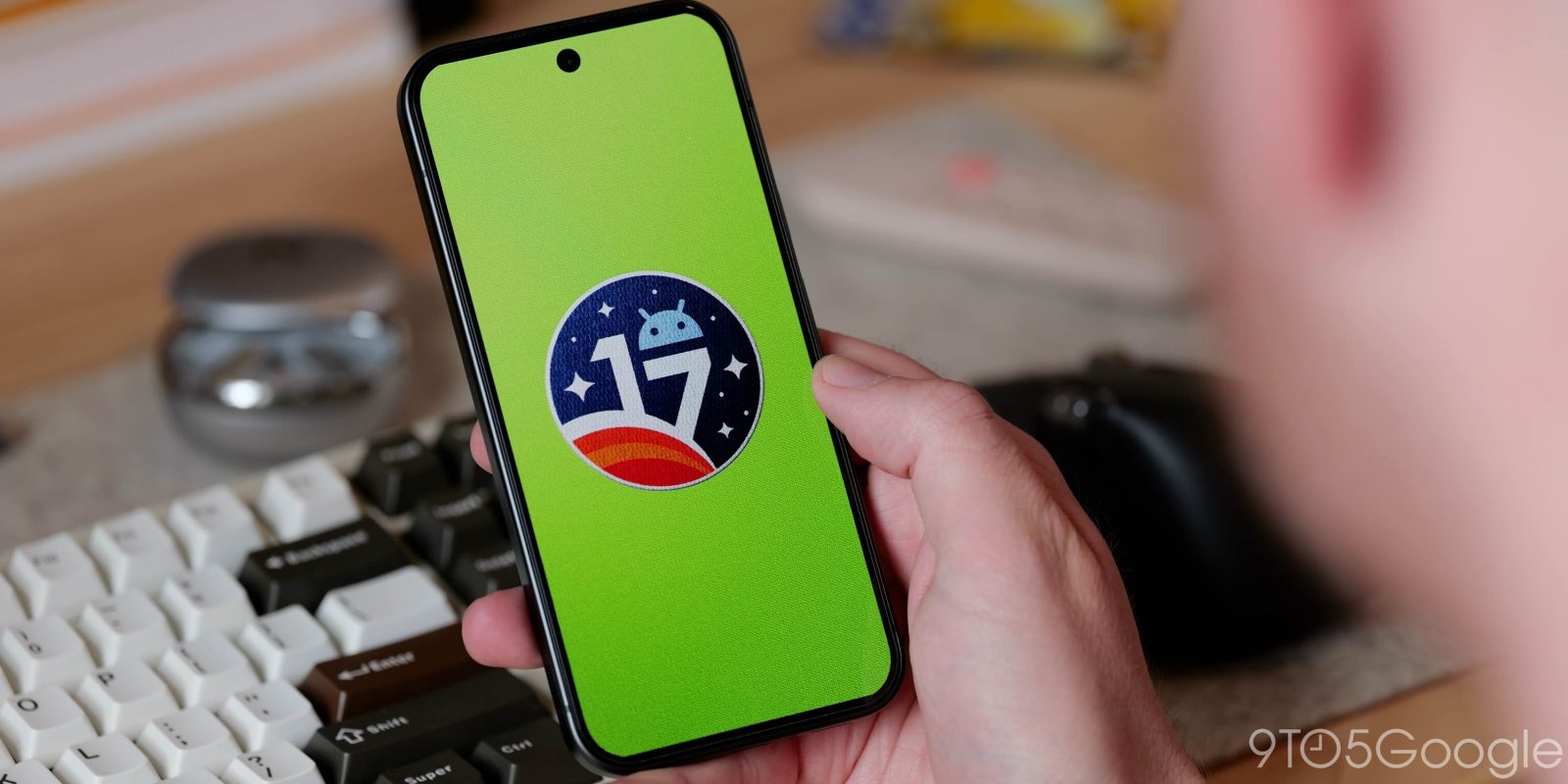
Following the big release two weeks ago, Google is rolling out Android 17 QPR2 Beta 4 for Pixel devices. As of Friday afternoon, the Pixel 11 series is not yet compatible, but Google says support is coming “soon.”
Here’s everything new in Android 17 QPR2 Beta 4 [Gallery]
Android 17 QPR2 adds Status bar customization for notification, system icons
Top comment by Mckillio
What a nice surprise! Hopefully my casting issue is fixed. It usually works after a reboot, so I'll have to wait to see for sure.
Edit - So far so good!
With Beta 4, Android 17 QPR2 has reached Platform Stability. This build addresses the following issues:
- Enabling the “render apps below the cutout area” developer setting caused a transparent status bar on the launcher after exiting fullscreen video playback. (Issue #295747911)
- A thermal management issue that caused devices to overheat and unexpectedly reboot during use. (Issue #437116407)
- An issue preventing screen mirroring to external USB-C XR glasses. (Issue #439269938)
- Gesture navigation became unresponsive when rendering apps below the display cutout. (Issue #441378954)
- The 80% battery limit optimization caused excessive charge times during the final 2% threshold. (Issue #477009501, Issue #476803337)
- A launcher UI issue where searching for apps in the app drawer failed to process text input. (Issue #505157934, Issue #527921034, Issue #530531588, Issue #537704656)
- Invoking the power menu via hardware buttons caused a missing background blur effect behind the navigation bar. (Issue #537202501)
- An issue where phone call audio defaulted to the phone speaker instead of connected Bluetooth devices. (Issue #537908014, Issue #541501134, Issue #541772860, Issue #545047074)
- A Recents app switcher rendering bug where the first task card could intermittently freeze and visually clip behind other apps during horizontal scrolling. (Issue #530484511, Issue #505564040, Issue #545574713, Issue #551022006)
- An audio service resource lock triggered during screen recording that prevented microphone usage across apps and input methods like Gboard and Gemini until a device restart. (Issue #538229807)
- A System UI visual inconsistency where turning off the screen from the home screen triggered a plain fade instead of the power-button screen-off animation. (Issue #541261786)
- A low-contrast rendering issue in dark mode where the connected Wi-Fi settings cog icon was barely visible. (Issue #536320341)
- Enabling 3D mode on connected smart glasses resulted in a blank screen. (Issue #536628506)
- A User Interface issue that prevented the notification bar from being pulled all the way down. (Issue #539244095, Issue #547801203, Issue #547017781, Issue #546896889, Issue #547163658, Issue #547281675)
- An issue where WebGL applications could freeze or crash the browser process when combining shadow maps with vertex color attributes by resolving an invalid memory read in the PowerVR GPU driver’s texture state processing. (Issue #541322087)
- Low-light Face Unlock failures bypassed Fingerprint Unlock and forced PIN entry. (Issue #547597971, Issue #545329611, Issue #541723970)
As always, you can report issues via the Android Beta Feedback app on Pixel devices. Access it from the application drawer or Quick Settings to file bugs in Google’s issue tracker. There’s also the Android Beta community on Reddit.
- CP41.260814.003.A2: Pixel 6a Pixel 7/Pro/7a Pixel Fold Pixel Tablet
- CP41.260814.003.B1: Pixel 8, 8 Pro, 8a, 9, 9 Pro, 9a, Pixel 10, 10 Pro, 10 Pro XL, 10 Pro Fold, 10a
- CP41.260814.003.C2: Pixel 11, 11 Pro, 11 Pro XL, 11 Pro Fold “Will be available soon“
Android 17 QPR2 Beta 4 system images are available for the Pixel 6a, Pixel 7, Pixel 7 Pro, Pixel 7a, Pixel Tablet, Pixel Fold, Pixel 8, Pixel 8 Pro, Pixel 8a, Pixel 9, Pixel 9 Pro, Pixel 9 Pro XL, Pixel 9 Pro Fold, Pixel 9a, Pixel 10, Pixel 10 Pro, Pixel 10 Pro XL, Pixel 10 Pro Fold, and Pixel 10a, as well as the Android Emulator.
You can easily join via the Android Beta Program to get an on-device OTA.


FTC: We use income earning auto affiliate links. More.


Comments