
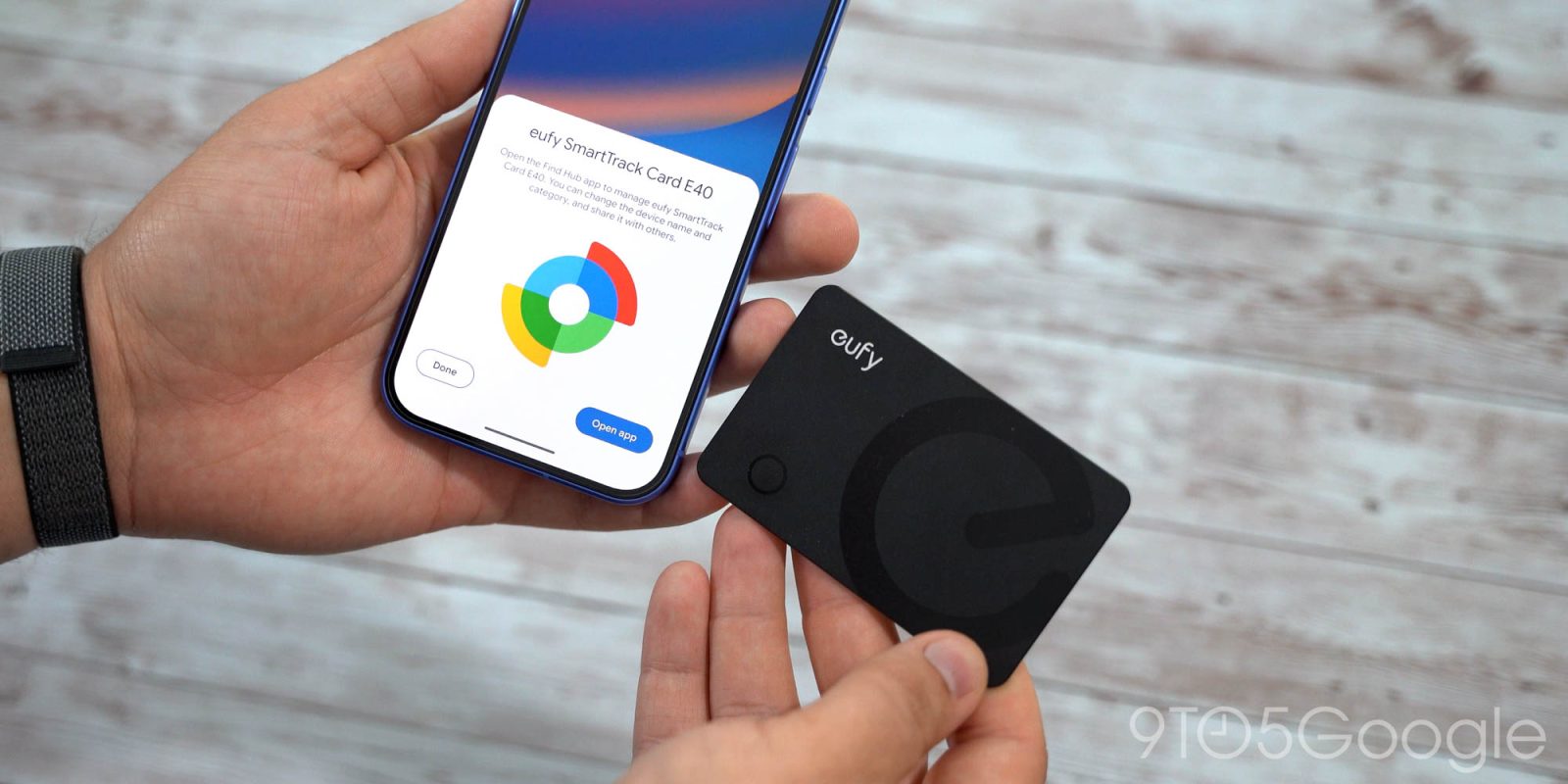
According to the latest version of Google Play services, Find Hub tags are getting two new capabilities.
Version 26.39 of Google Play services has two Security & Privacy features related to the Find Hub network.
- [Phone] With NFC support, you can quickly access Find Hub tag details and settings or identify lost tags when you tap the tag with your phone.
Find Hub devices that support NFC can be tapped with a phone to reveal “details and settings or identify lost tags.” At the moment, you have to place lost tags in an identification mode to get details, with the process varying between products. Tapping would be much easier.
NFC is not a common feature on Find Hub trackers. For example, it’s absent on the upcoming Pixel Tag. The Xiaomi Tag released earlier this year has NFC, but it appears limited to Apple’s Find My network. That said, Play services adding this support suggests such devices are coming.
- [Phone] With the new registration flow, you can now set categories, rename tags, and configure features like Left-Behind Reminders when you first set up your Find Hub network tags, so you don’t have to configure them manually in the app later.
The second update introduces an improved setup process. It lets you set a category (Bag, Bike, Car, etc.), rename tags, and control other settings when you first register a device. Previously, you had to open the Find Hub app to do all this.
More on Find Hub:
- Google Find Hub rolls out new ‘Remembered’ tab with Gemini
- Pebblebee’s latest Android Find Hub trackers have bright neon colors
- Hands-on: Orbitkey elevated its time-tested key organizer with a built-in Google Find Hub tracker


FTC: We use income earning auto affiliate links. More.


Comments