
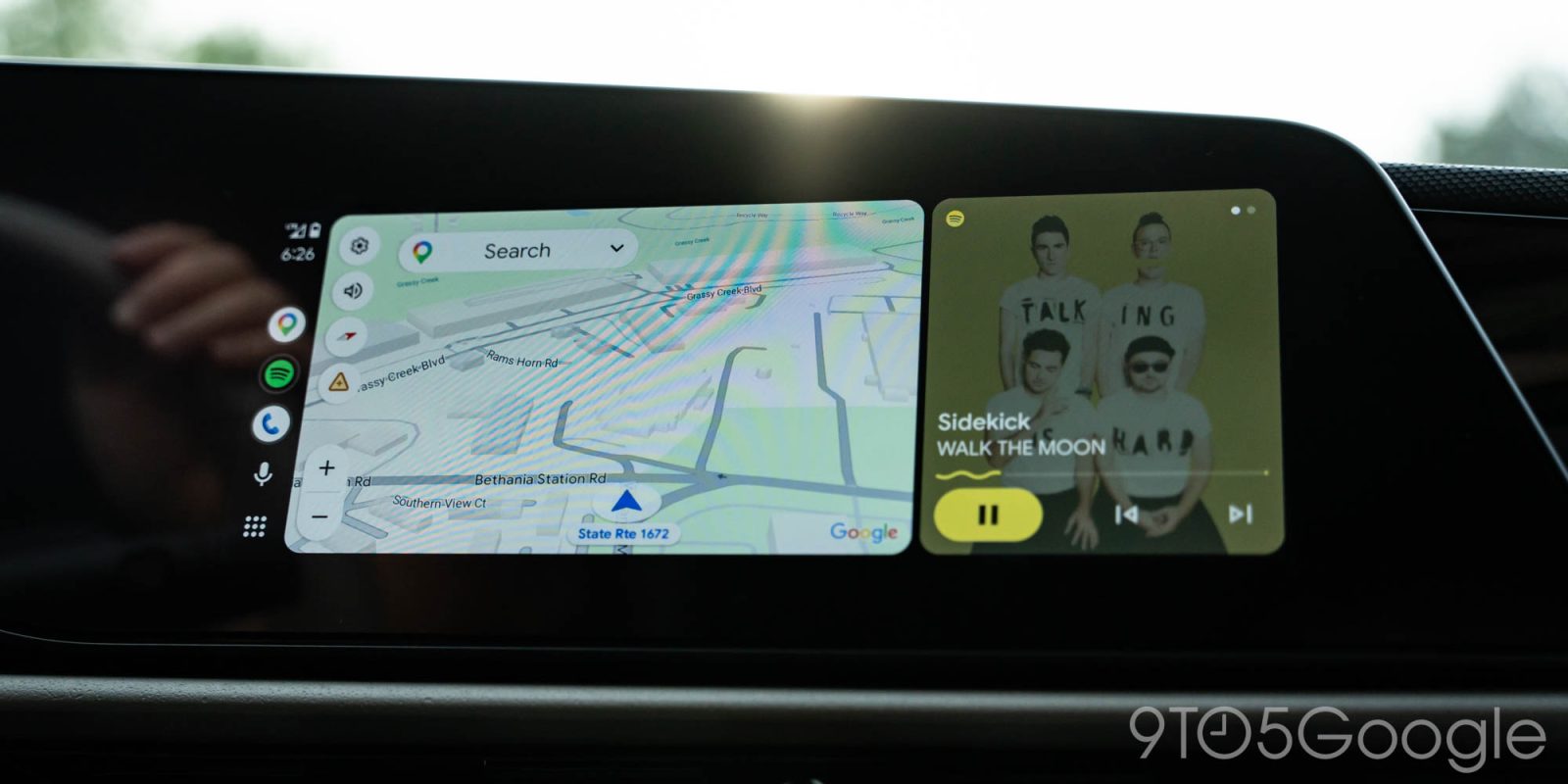
Google has confirmed that a fix is rolling out for a bug that leaves Android Auto briefly auto-playing music when your car starts, even if you have autoplay disabled.
Most of the time you’d want Android Auto to start playing music as soon as it starts up. That’s one of the big benefits of the platform, after all. But if you don’t want music to start playing automatically, there’s a toggle that lets you disable autoplay.
It just hasn’t been working properly for a while.
For some, Android Auto would start playing music briefly when your vehicle starts before ending playback a few seconds later. It’s more than a bit frustrating, but a fix is apparently rolling out.
In a post on Reddit, Google confirmed that “unsolicited play commands” will no longer be sent during startup if autoplay is turned off in Android Auto. This is alongside other improvements to autoplay including a prompt to opt out of autoplay if Android Auto notices you frequently pause playback immediately after it starts.
We’ve made a couple of bug fixes so autoplay* works more predictably and accurately based on your listening preferences:
- Autoplay app selection: Apps that you haven’t recently or ever used will no longer be selected for autoplay.
- One-tap opt-out: If you prefer manual playback and frequently pause autoplay, Android Auto will notice and provide a convenient one-tap notification to quickly disable autoplay.
- Infotainment startup handling: We’re rolling out a fix so unsolicited play commands won’t be sent when you have autoplay turned off.
There’s no mention of which Android Auto update fixes autoplay, but it is “rolling out,” Google says.
More on Android Auto:
- Google confirms fix for Android Auto’s missing signal icon is rolling out
- Android Auto might start requiring Android 11 or later soon, driver reports suggest
- Gemini for Android Auto is just giving up on answers for some drivers
Follow Ben: Twitter/X, Threads, Bluesky, and Instagram


FTC: We use income earning auto affiliate links. More.


Comments