
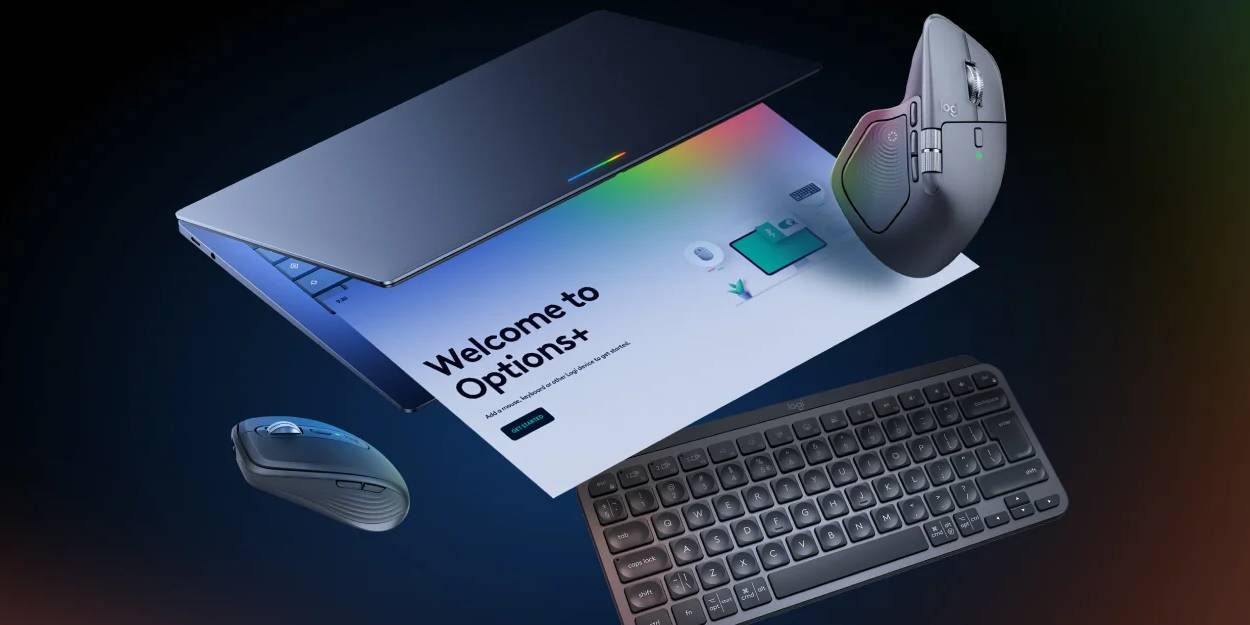
Logitech has just launched its Logi Options+ app for Googlebook, bringing support for controlling its keyboard and wireless mice to the Android-based platform.
Previously available on Windows and macOS, Logi Options+ is the app needed to control Logitech peripherals such as the MX Master mouse, various keyboards, and more. This includes adjusting the functions of Logitech’s added buttons and shortcuts, as well as updating firmware on the products.
Logitech does warn that features are “limited” at launch, but there are plenty of supported peripherals including MX Master 4, MX Keys S, Logitech Lift, Pebble Keys 2, and more.
For Logitech mice, this also ensures Googlebook’s Magic Pointer feature works. Logitech says:
Pair your supported Logitech device with Googlebook using the Logi Options+ App. Get the best of Gemini with features like Magic Pointer, Circle to search, personalize mouse buttons or keyboard keys, optimize pointing and scrolling experience with Options+, designed specially for your Googlebook.
Logi Options+ for Googlebook is available now via the Google Play Store.
More on Googlebook:
- Googlebook Glowbar doesn’t have the ‘knock-knock’ Chromebook Pixel battery gesture
- Googlebooks don’t have the same web app or Linux app support as Chromebooks
- The first thing you should do on Googlebook is fix the trackpad
Follow Ben: Twitter/X, Threads, Bluesky, and Instagram


FTC: We use income earning auto affiliate links. More.


Comments