
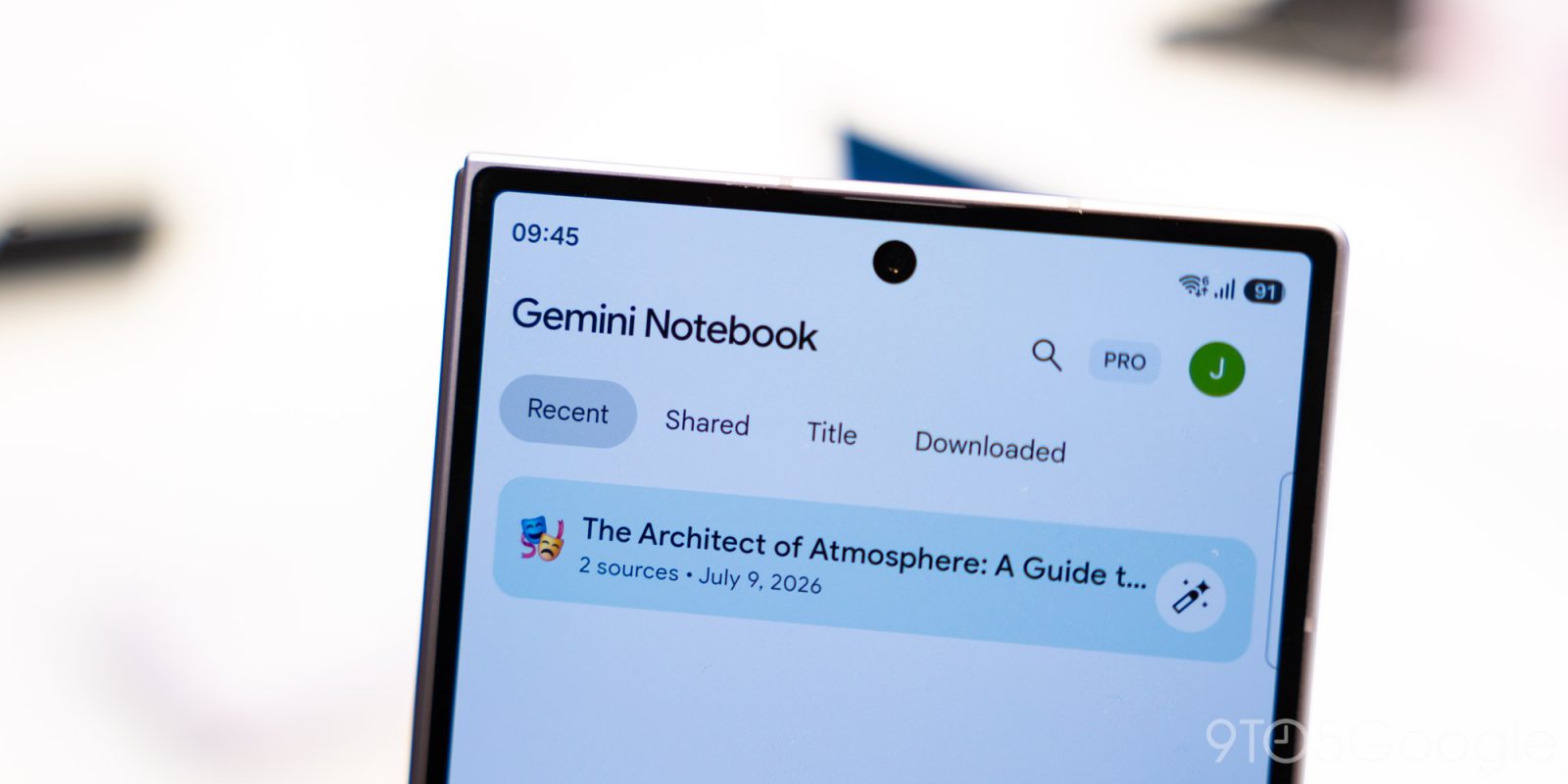
After introducing Connected App integration last week, Gemini Notebook has rolled out an audio recorder on Android and iOS.
Between the camera and “Create New” floating action button at the bottom, you’ll see a new microphone icon. This lets you “capture lectures and record your thoughts on the go,” with the audio file creating a new notebook if you launch the recorder from the homepage.
Your notes will live directly alongside your sources, meaning you can chat, cite, and build from them anytime, all while making ongoing edits.
Recordings will be saved to an existing Notebook if you tap the microphone from the Sources tab.
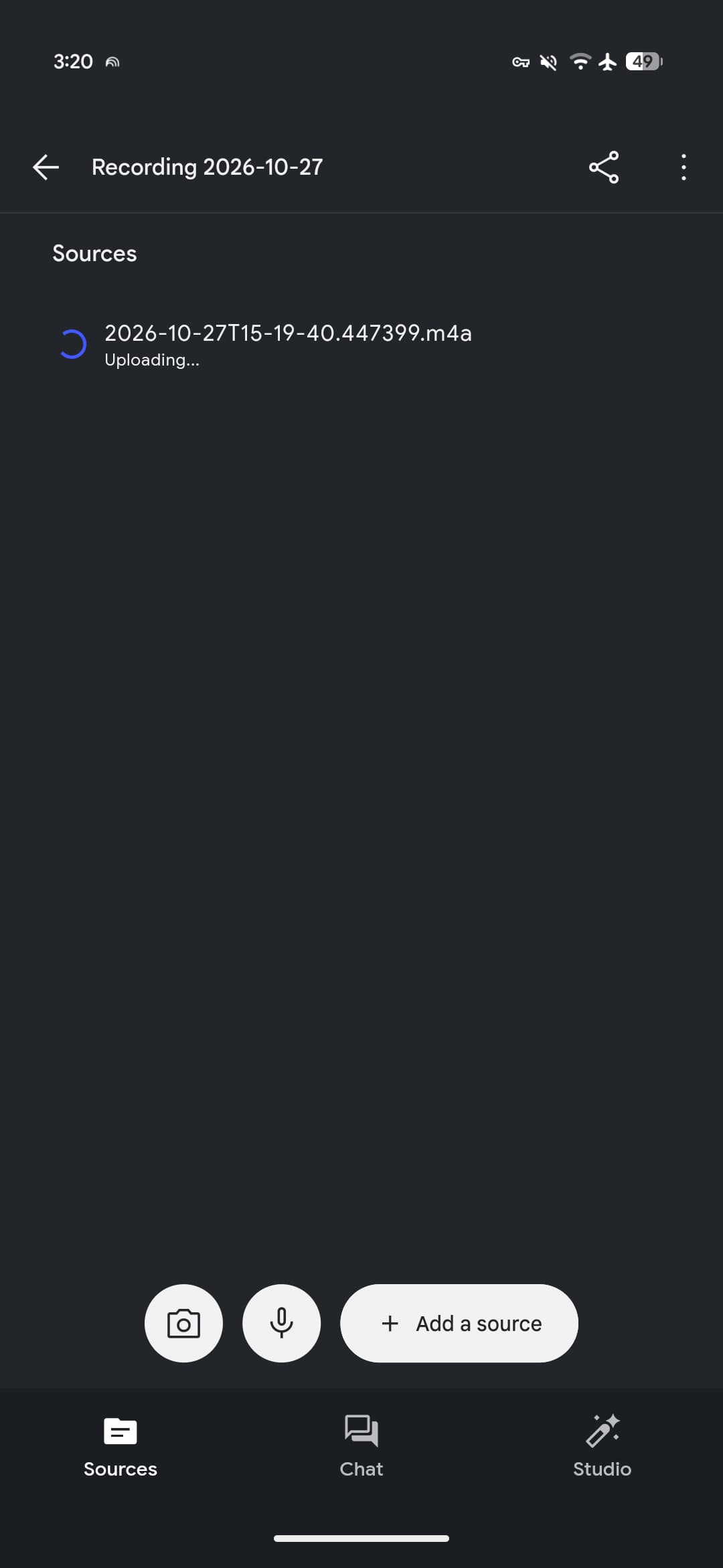
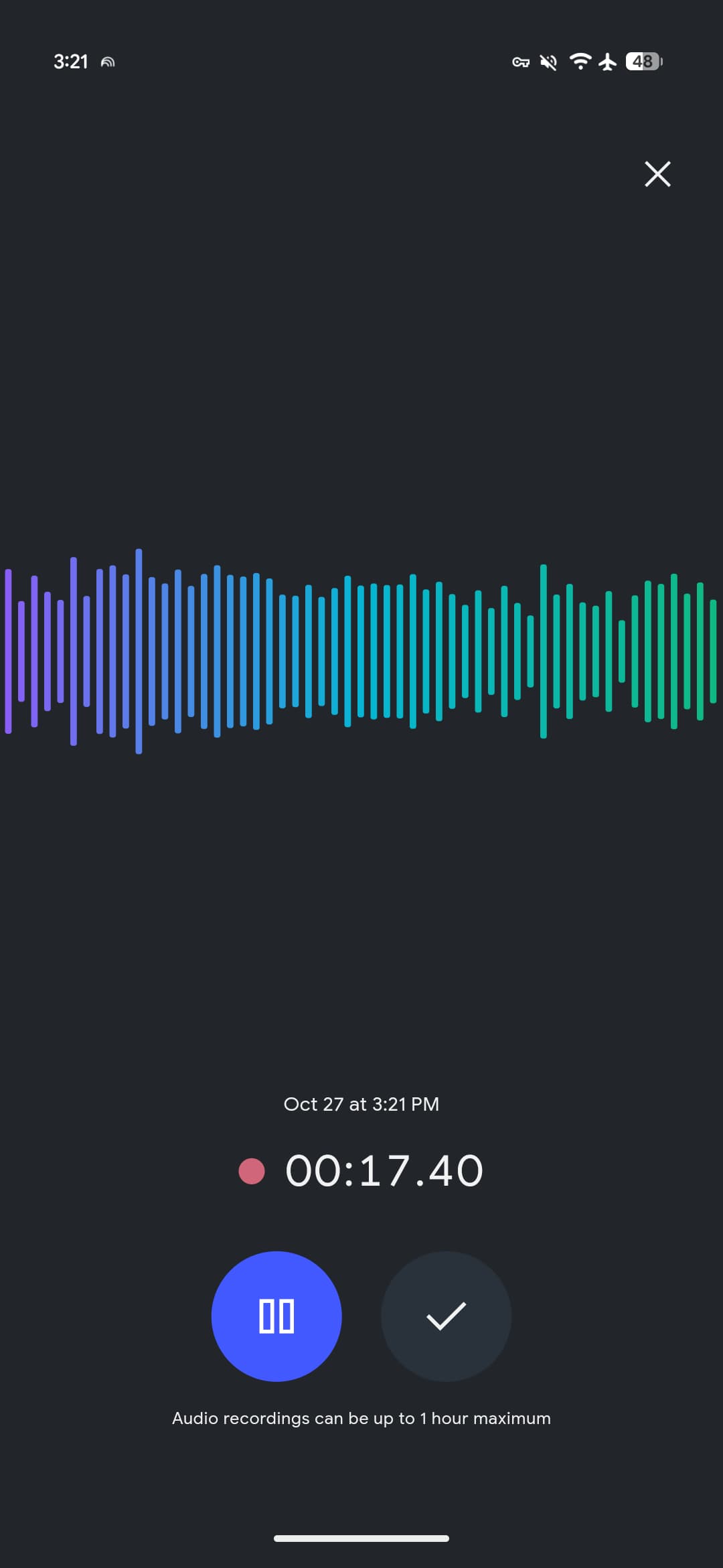
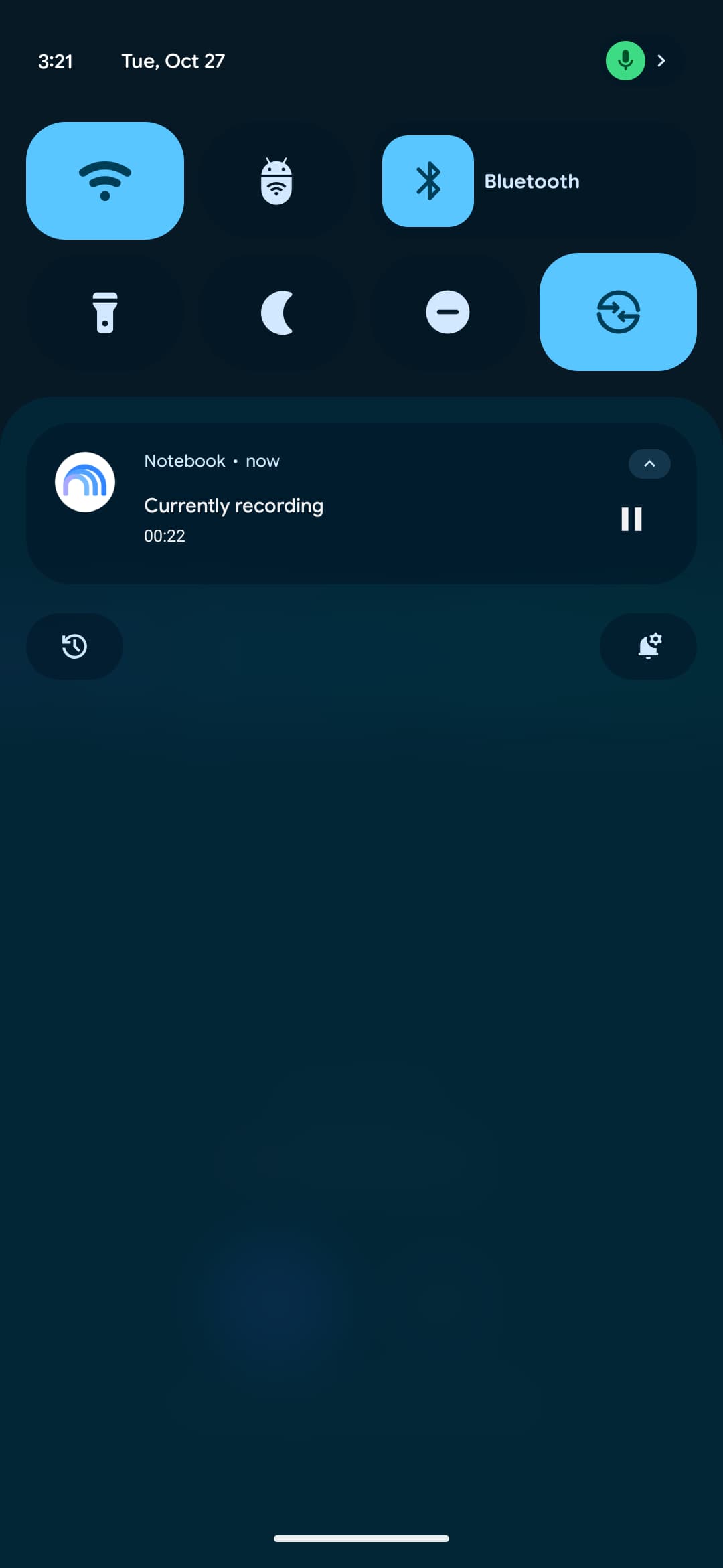
The recorder interface is very simple with a pause button and checkmark that starts the upload once you’re done. A Gemini Notebook-themed waveform and live count appear above. You can switch to another application or lock your screen and have recordings continue in the background. There’s a 1-hour capture limit.
Google first announced the audio recorder in September, and it’s now widely rolling out today on Android and iOS. Force stop the app if it’s not live on your device.
Meanwhile, Google this week made a small tweak wherein tapping the “Create New” FAB immediately starts a new notebook rather than sliding up the “Add a source” panel.
These updates follow the recent launch of the Live button in the Chat tab that lets you have a real-time conversation with your notebooks.


FTC: We use income earning auto affiliate links. More.


Comments