
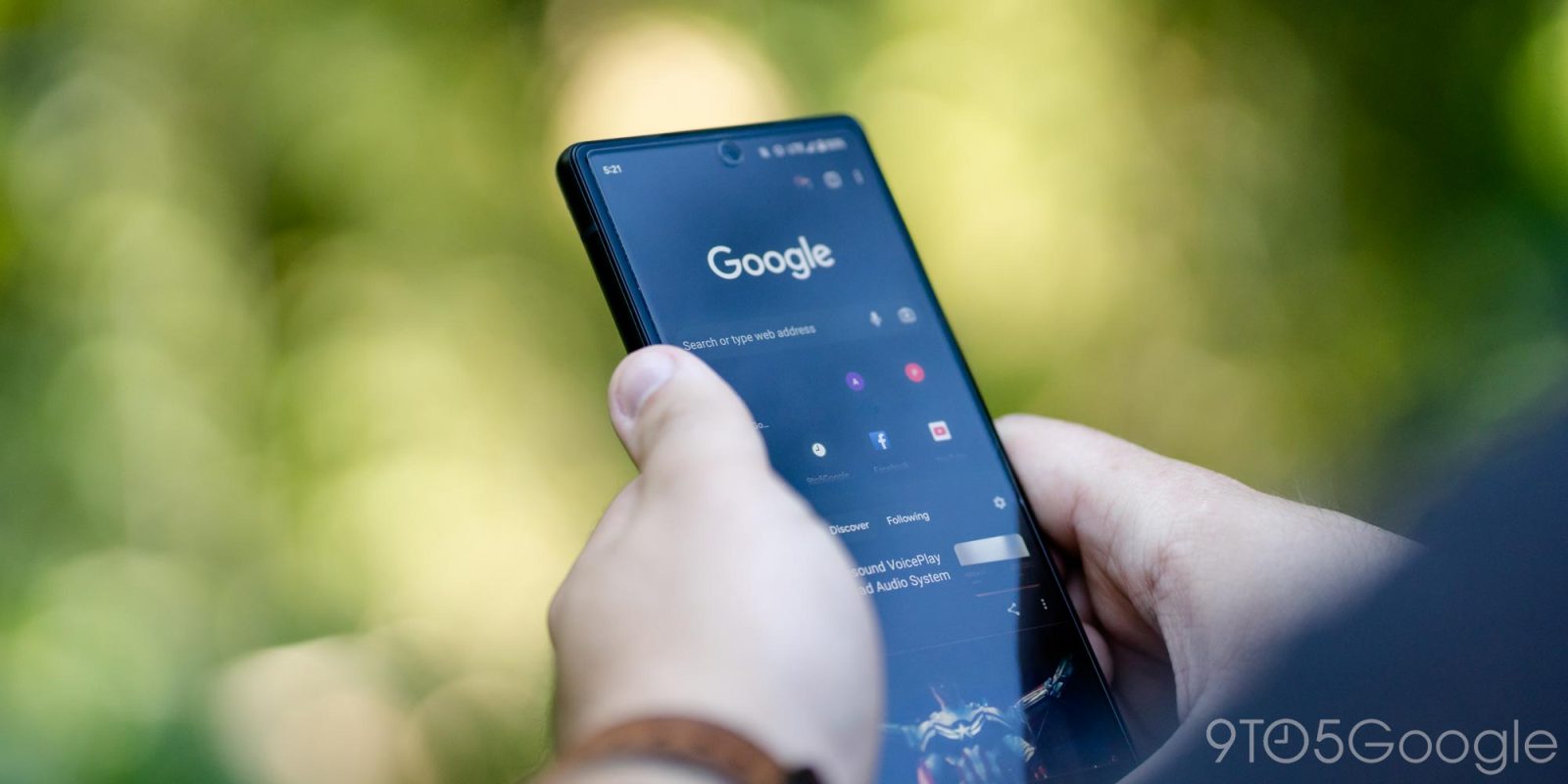
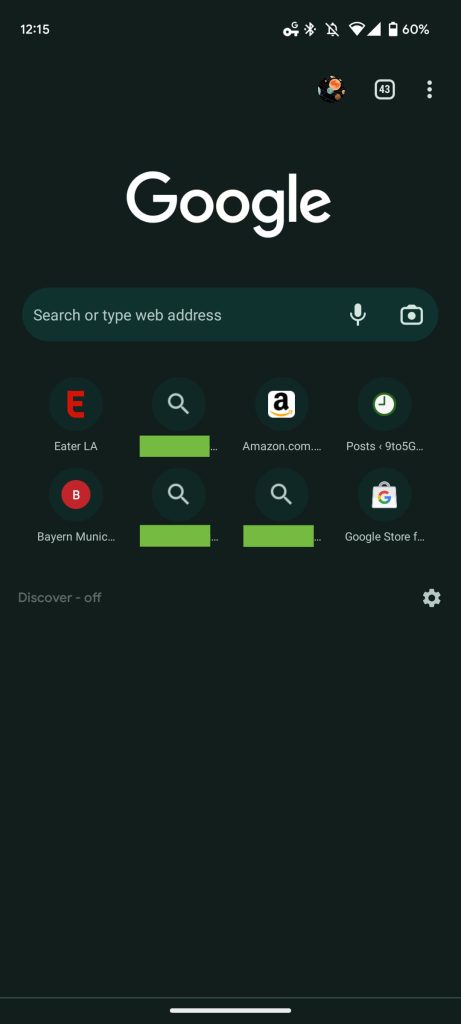
In recent days, Chrome has added your past search queries to the New Tab Page on Android so that they appear alongside frequently visited sites.
This feature has been in testing for the past few months, but Google looks to have just widely rolled it out on Android. It’s live in the stable channel on all devices we checked today.
Top comment by matteventu
This is useless as
1- To see recent searches, I can just tap the Google search bar in my home screen (Pixel Launcher) or the omnibox in Chrome.
2- The recent/frequent searches it shows to me, are completely random. They're not recent, and they're not frequent.
Going to disable this now.
People, if you're disabling this, please also send feedback via the app. Don't just disable it.
Instead of a site favicon, there’s a magnifying glass icon as the text of your query is shown underneath. About 14 or so characters can appear, with longer terms truncated. Tapping launches a new Google Search results page.
You can long-press on each one to “Remove” and that should bring back a frequently visited webpage.
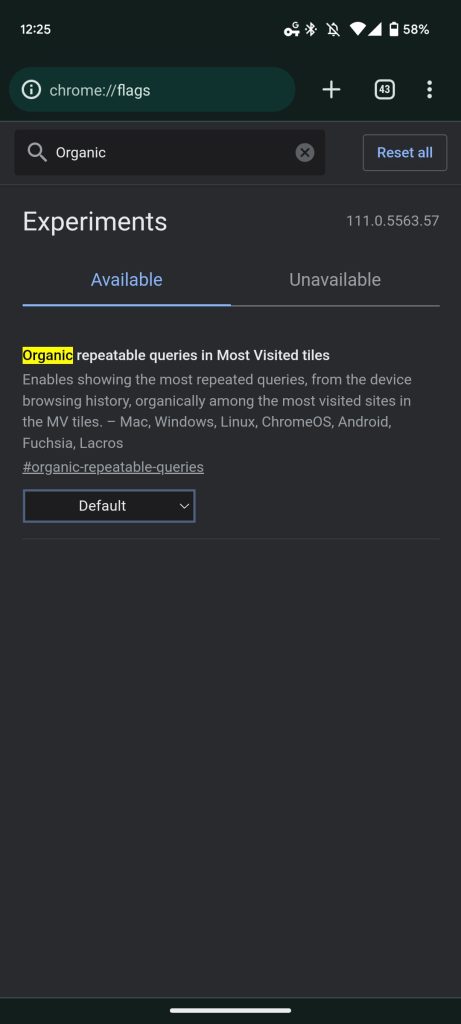
Enables showing the most repeated queries, from the device browsing history, organically among the most visited sites in the MV tiles.
A more permanent solution is to disable the feature — “Organic repeatable queries in Most Visited tiles” entirely via chrome://flags/#organic-repeatable-queries.
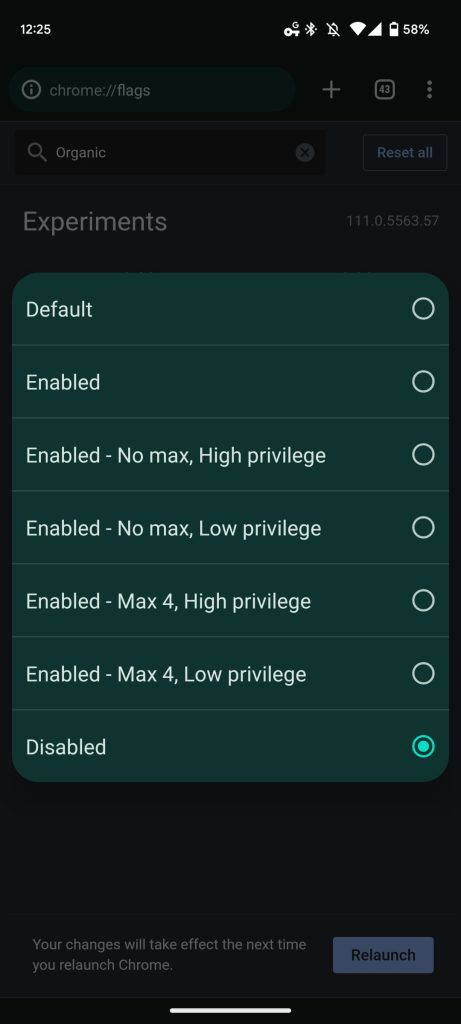
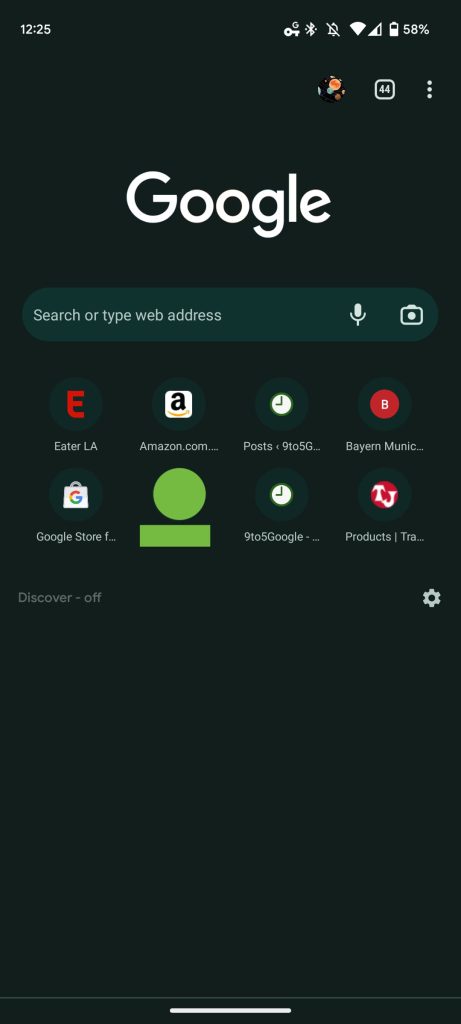
Chrome should really add a user-facing setting to customize the New Tab Page now that searches are widely rolling out. You can leave feedback for Google from the bottom of the overflow menu > Help & feedback > Send feedback.
More on Chrome:
- Google removing Chrome Cleanup Tool that deleted ‘unwanted’ Windows apps
- Chrome will soon let you delete your last 15 minutes of browsing history on Android [U]
- Google Chrome is making it easier to delete autofill data
- Chrome ‘Search Companion’ will use Google Lens to add context to the web


FTC: We use income earning auto affiliate links. More.




Comments