
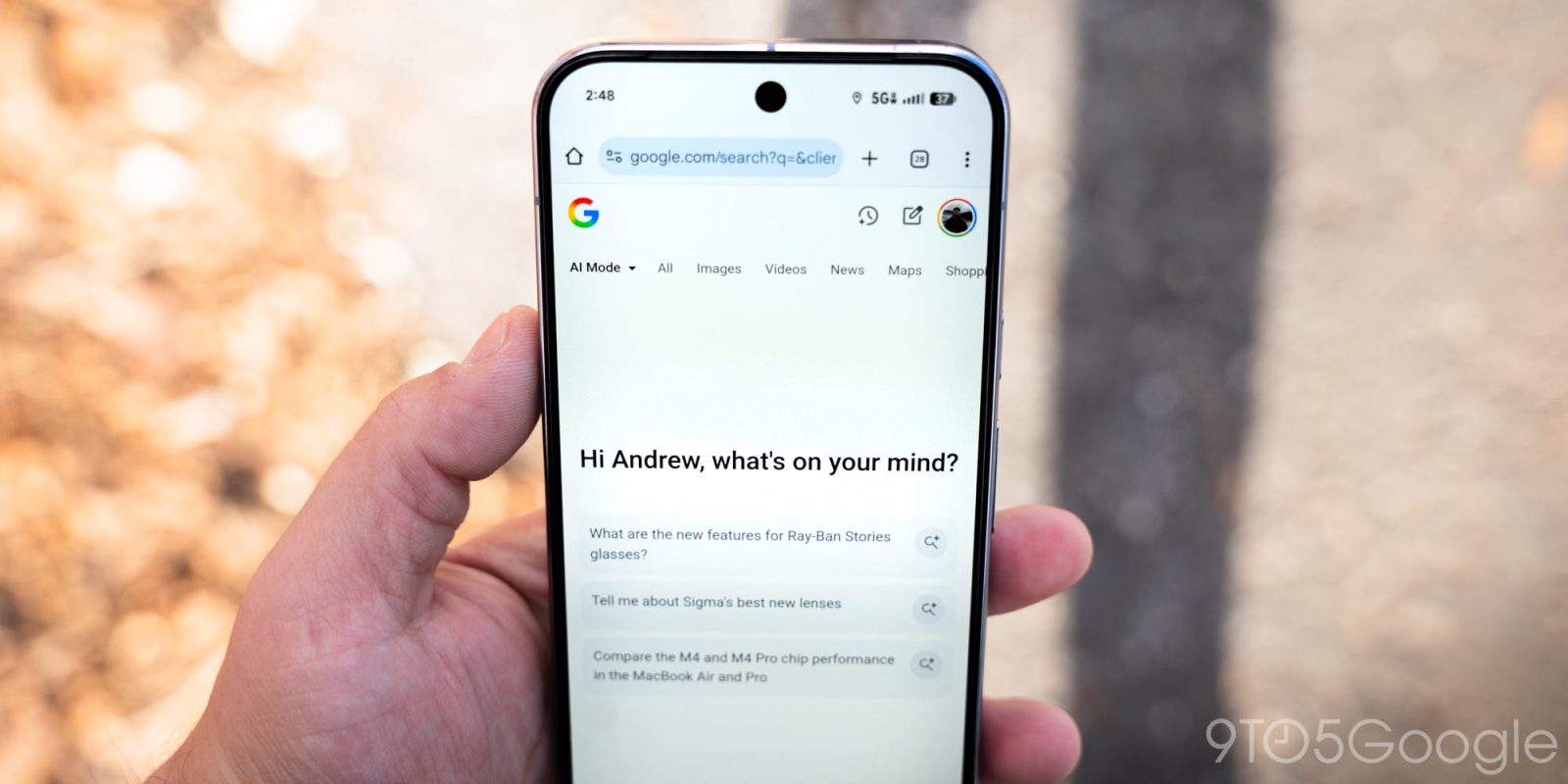
Google is rolling out two notable updates to AI Overviews in Search, starting with Gemini 3.
“Gemini 3” is now the new default model for AI Overviews around the world. Google touts a “best-in-class AI response right on the search results page.” This follows AI Mode getting Gemini 3 Flash and Pro at the end of last year.
Additionally, tapping “Show more” to finish reading an Overview will take you to AI Mode’s chat interface. This lets you quickly ask a follow-up question.
This has been in testing since December, and Google found that “people prefer an experience that flows naturally into a conversation.” Additionally, “asking follow-up questions while keeping the context from AI Overviews makes Search more helpful.” This is now rolling out globally on mobile.
It’s one fluid experience with prominent links to continue exploring: a quick snapshot when you need it, and deeper conversation when you want it.
Meanwhile, AI Mode on Android now lets you access the model switcher (and use Thinking) before your first prompt.
AI Mode in the Google app on Android and iOS has a unique ‘homepage’ experience that differs from google.com/ai in your browser. The ‘plus’ menu has now gained the “Models” picker to select between Default and Thinking. Previously, you could only switch models on mobile after your initial prompt.
This was a weird mobile limitation, and comes as this experience still lacks access to Deep Search. We’re seeing this rolled out to the Google app beta with an AI Pro subscription today.
Web vs. Android


FTC: We use income earning auto affiliate links. More.




Comments