
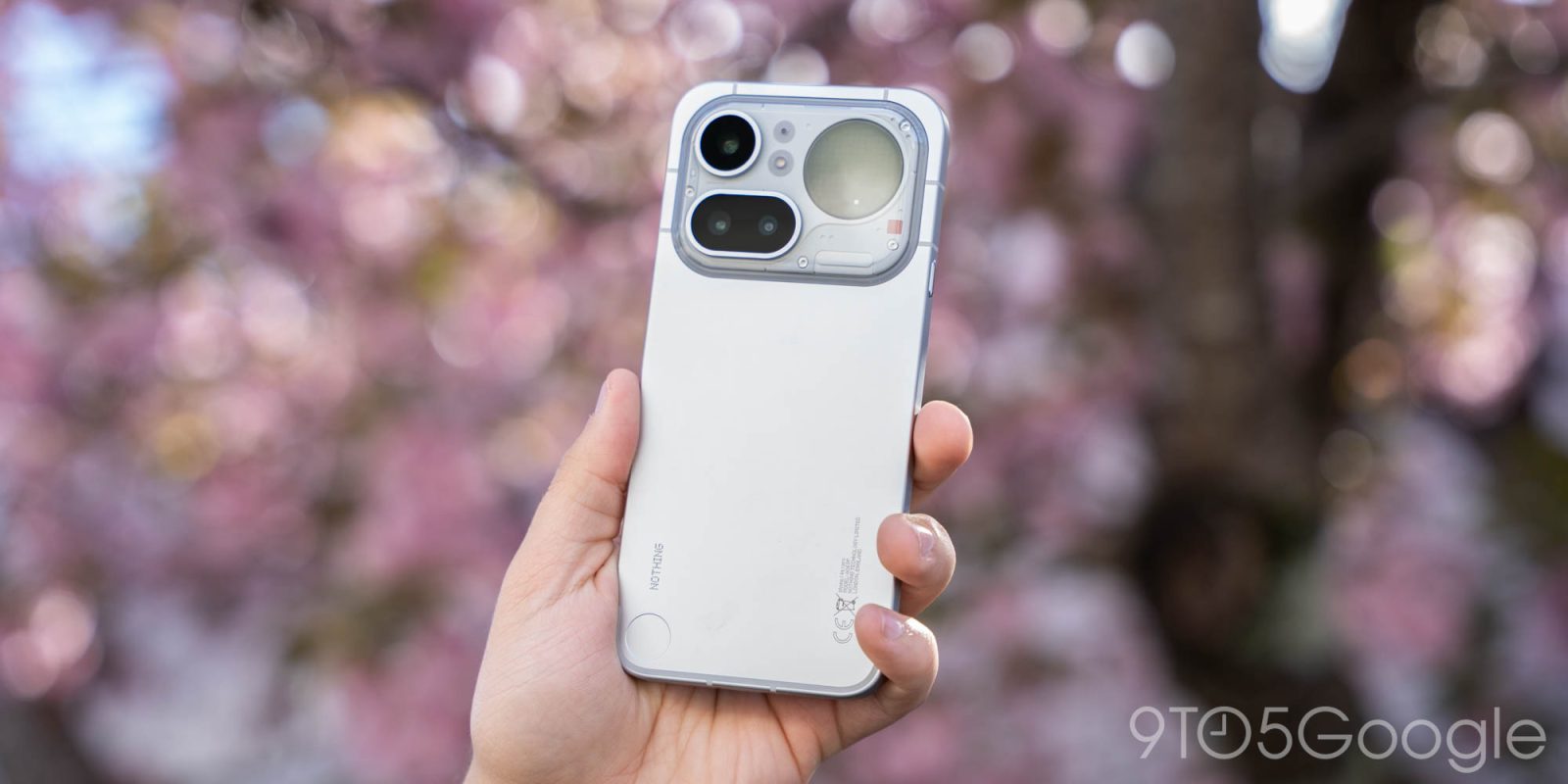
Nothing has really hit its stride with the whole budget smartphone thing, with two generations that really got the fundamentals right without breaking the bank. Throughout the company’s history, though, I’ve always felt like something was missing, and I think they’ve finally found it. The Nothing Phone (4a) Pro is the “something” I’ve been waiting for and, as it turns out, the formula was really quite simple.
Hardware |
Something great doesn’t have to be something new
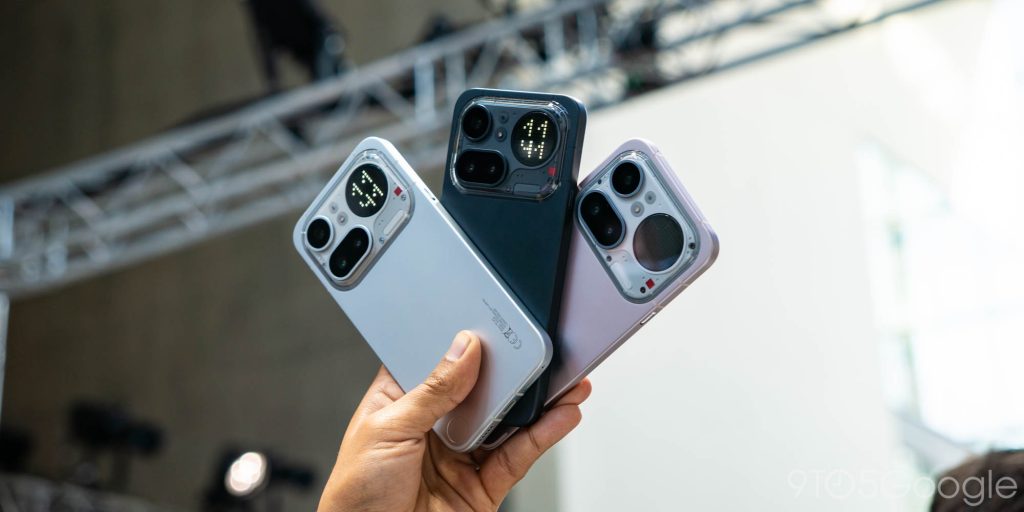
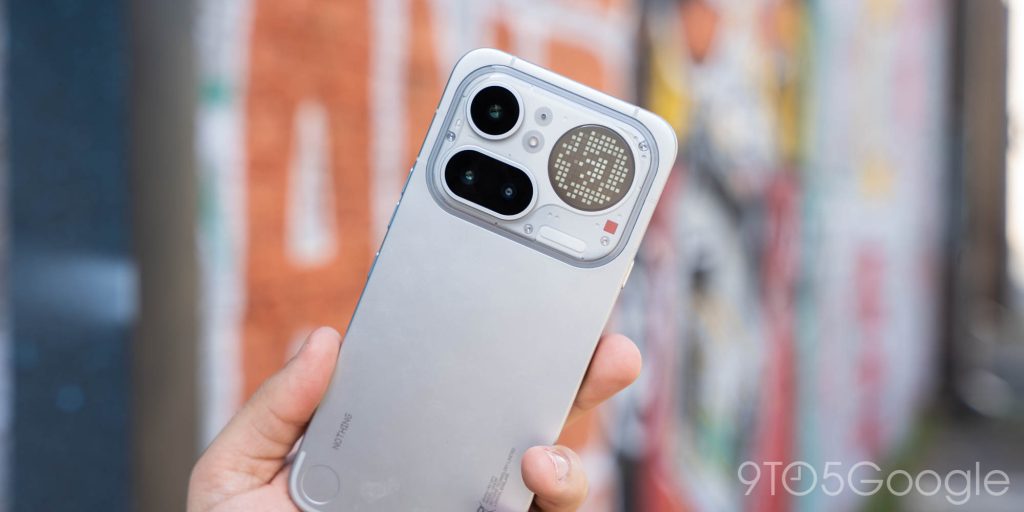
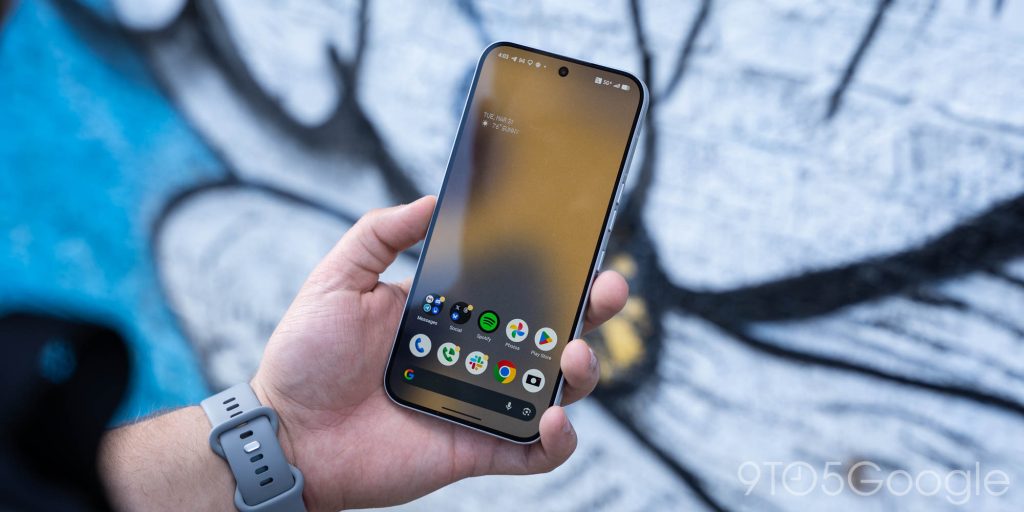
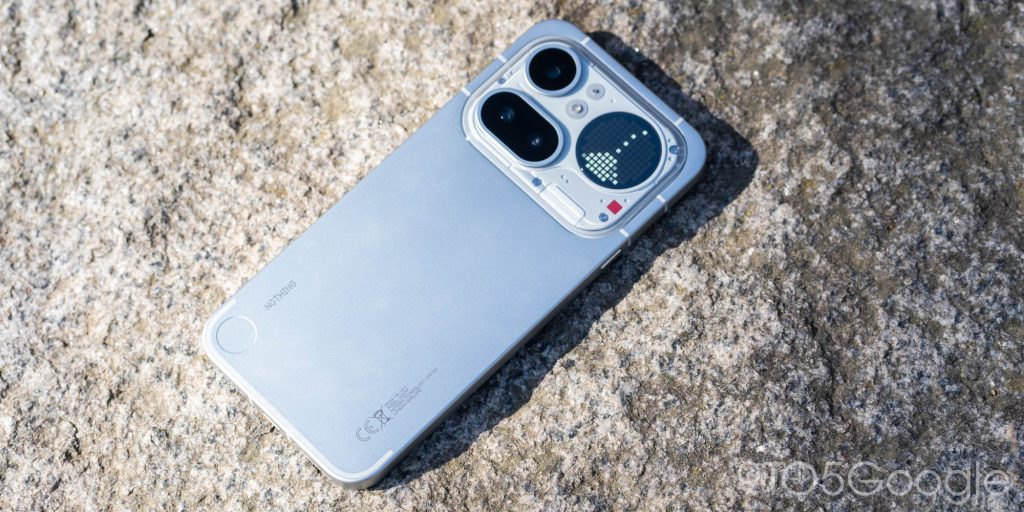
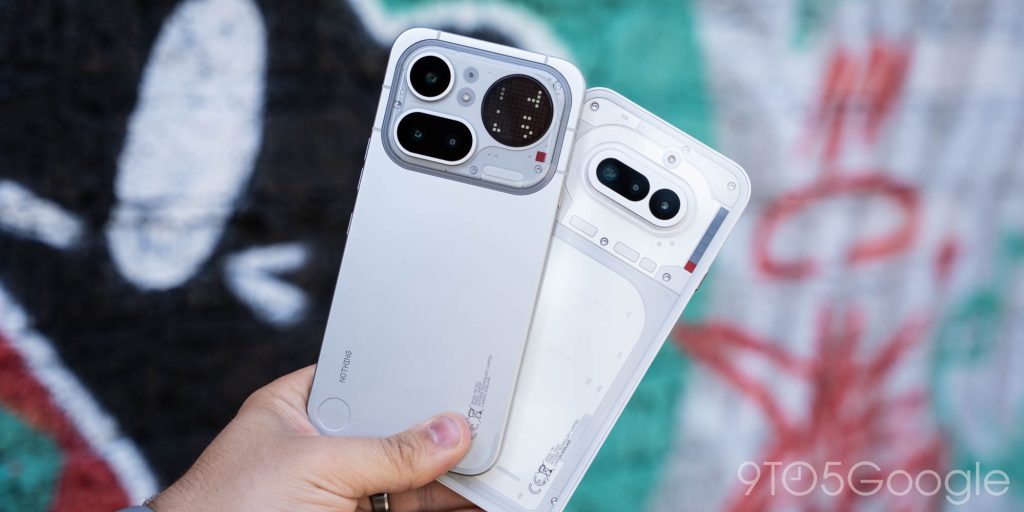
Transparency has always been at the core of Nothing’s design language, so I was pretty shocked to see the Nothing Phone (4a) Pro moving over to a new mostly-metal look. The aluminum build is far from the unique design Nothing has been known for but it really works well. The new look here delivers a dead-simple matte metal finish for the part of the phone you’re actually holding, while keeping Nothing’s heart and soul in the “window” towards the top. That’s the only part that really stops it from looking like an iPhone 17 clone, but it’s just really nice across the board.
After years of using glass slabs, going back to the mostly-metal designs of the early 2010s is actually quite refreshing.
That’s not to say it’s perfect. The metal tends to pick up a lot of smudges and holds dirt if you’re using it without a case. But it’s grippy in your hand, easy to slide in and out of your pocket, and just looks really nice. That is, at least in the silver color option. The black finish is an insane fingerprint magnet, while the pink is so understated that it’s actually my least-favorite of the bunch.
Other changes to the hardware continue to build on what was already a good foundation. The ridiculously massive (and ugly) camera bump of the Nothing Phone (3a) Pro is thankfully gone, and the phone as a whole strikes a nice balance in terms of thickness (8mm). It’s a surprisingly hefty device (210g), but not in a bad way.
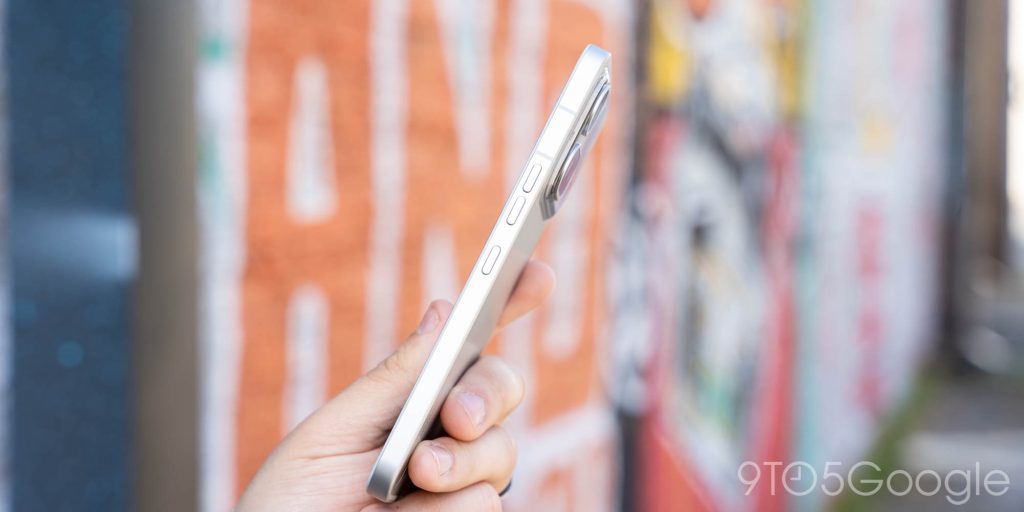
Nothing has also moved around its buttons, adopting the Samsung layout of a power button on the bottom right side with volume keys above, and now pushing the “Essential Key” to live alone on the left side. This is a very good change, as the former iPhone-like layout led to a lot of accidental screenshots, and putting the Essential Key underneath the power button was frankly an insane decision in the first place.
A perfectly good display
As far as the 6.83-inch display goes, I’ve had no real complaints. It’s a big display, but the hardware doesn’t make it feel overbearing. At 1260×2800, it’s not the sharpest panel, but it gets the job done just fine. Colors are great, as you’d expect from AMOLED, while the 144Hz refresh rate and up to 1,600 nits of peak brightness make for solid day-to-day use. In direct sunlight on a cloudless day it’s a little hard to see at times, but it’s absolutely good enough.
My only complaints really boil down to what’s on top of that display. For a phone that Nothing actively encourages you to place face down – more on that later – you’d think there would be better protection. The upgrade to Gorilla Glass 7i is welcome, but the pre-installed screen protector is one of the worst I’ve ever used. It picked up deep scuffs and scratches in just days, and it attracts dust and hair like nothing I’ve seen before. I’m a huge advocate of screen protectors, and I usually keep the pre-installed one on as long as possible, but this is an area that could use some improvements, especially with the scarcity of third-party options.
Glyph Matrix |
Does anyone know what this is for?
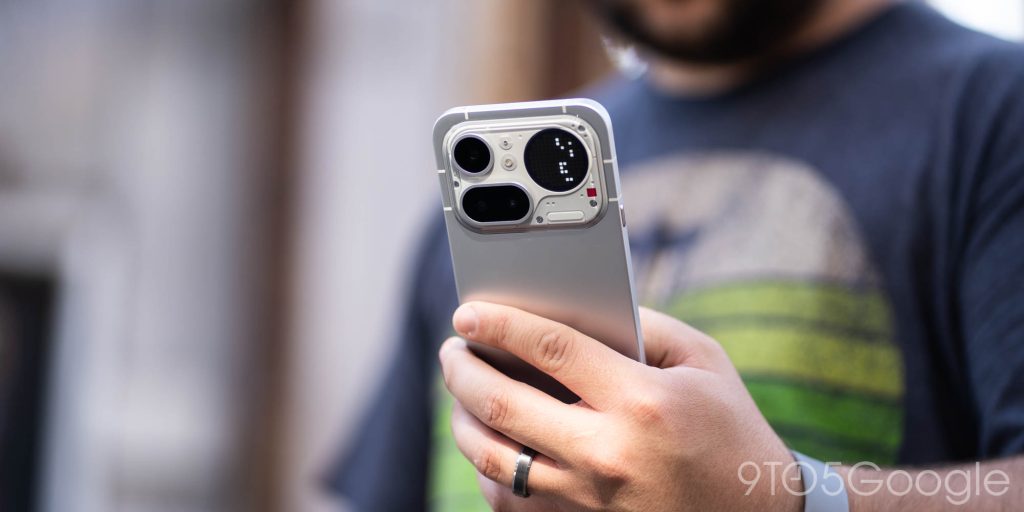
Nothing’s Glyph Matrix made the jump from Phone (3) to this upper-mid-range phone and, somehow, became a bit more pointless on the way.
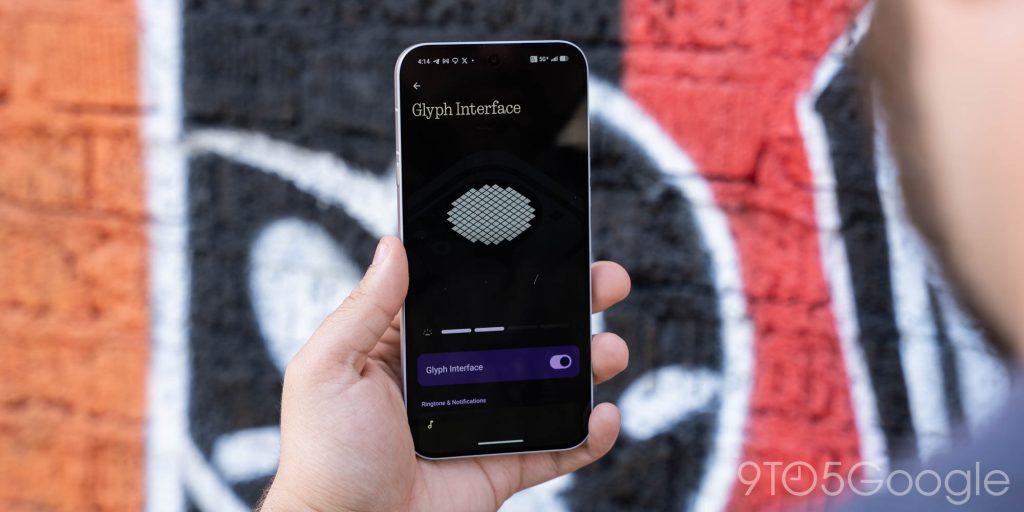
I wasn’t a huge fan of the Glyph Matrix on Phone (3). It was clunky to interact with and its utility was… idealistic at best. Phone (4a) Pro solves the clunky interactions by simply ditching them. Now, you can’t do anything with the display beyond seeing always-on “Toys” like the clock, while also seeing the display react to things like notifications, timers, and act as a flashlight. Yet, it remains clunky.
The always-on clock is a good idea, but “always-on” shouldn’t have a literal definition. That clock is always on, whether that’s in my pocket, while I’m using the phone, or when it’s on a table. It’s distracting at times, and annoying at night. Nothing should use some on-board sensors to give this some automation when you put the phone in your pocket, or at least set up a schedule to disable the always-on “Toy” around bedtime.
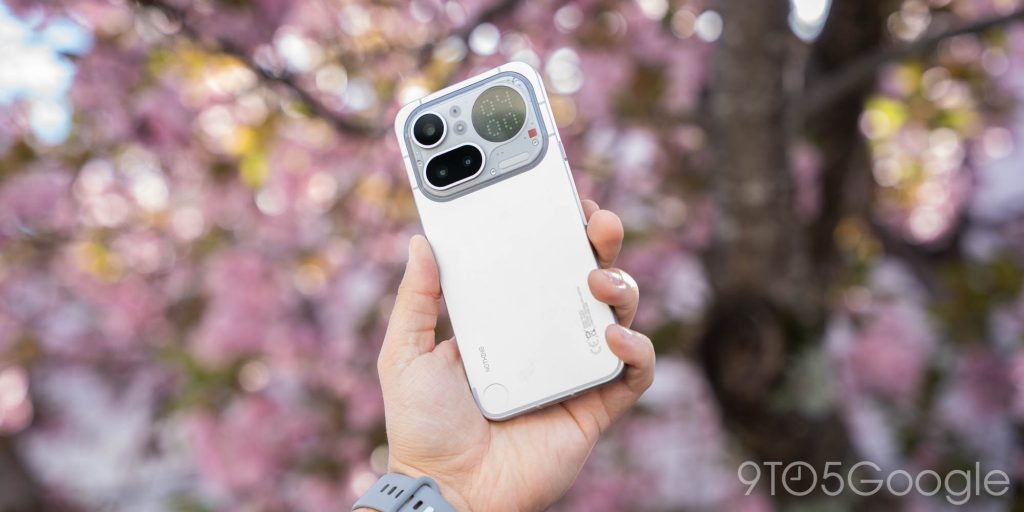
I’m also increasingly sure that no one, not even Nothing, really knows what the Glyph Matrix should be used for. Timers and notification progress feel better handled by the base Phone (4a)’s new Glyph Bar, and “Flip to Glyph” as a “silence on demand” feature defeats the purpose by just adding a second display. My younger brother – who sits right in Nothing’s target age group – put this best when he asked me about the phone, saying “if I put my phone face down like that, it’s not because I want to keep seeing notifications.” You can, of course, limit that to “Essential Notifications,” which include messages and such, but I feel like the visual reminder betrays the goal here. Even a simple dot is enough to pull your attention away, and I’m not sure who wants that now more than ever before.
The one good thing I liked about the Glyph Matrix on Phone (3) was its ability to act as a camera preview. Black-and-white dots don’t do a great job of that, but it’s better than nothing. On the new verison, though, the individual pixels are so big that this is worthless. Where the Phone (3)’s Matrix at least showed a slightly recognizeable blob of a preview, Phone (4a) Pro’s Matrix is quite literally nothing. In a well-lit environment, that preview might simply be a fully-lit Matrix, and even in ideal circumstances, I could never tell what was going on.
Glyph has been a core part of Nothing from the beginning, but it’s well past time to figure out what to actually do with it.
Software |
Nothing OS is a good Android skin because it lets you choose
From its beginning, Nothing has been pretty good about software. Things generally run smooth and look clean, and it’s not a huge departure from the experience found on Pixel.
That remains true.
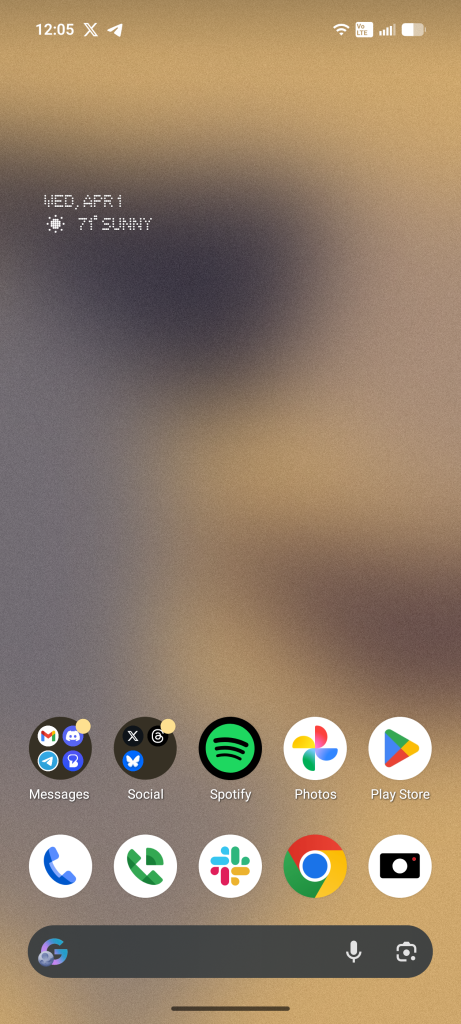
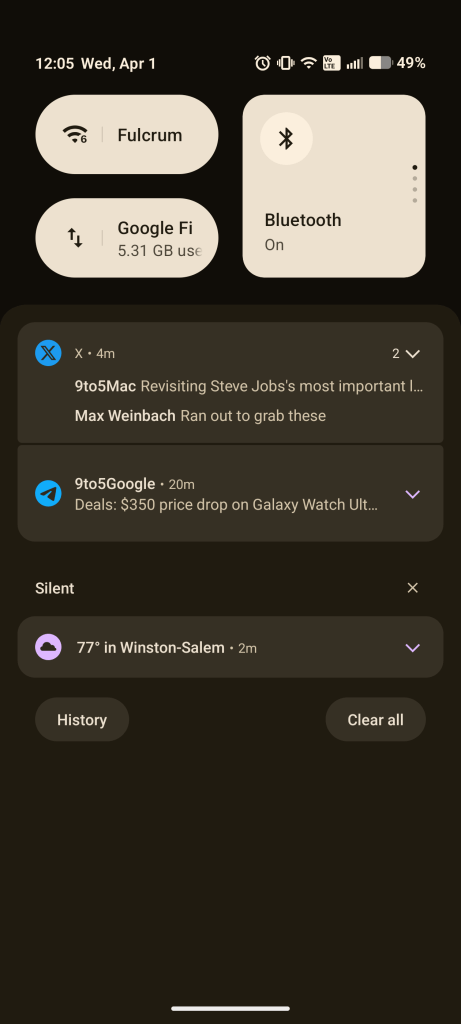
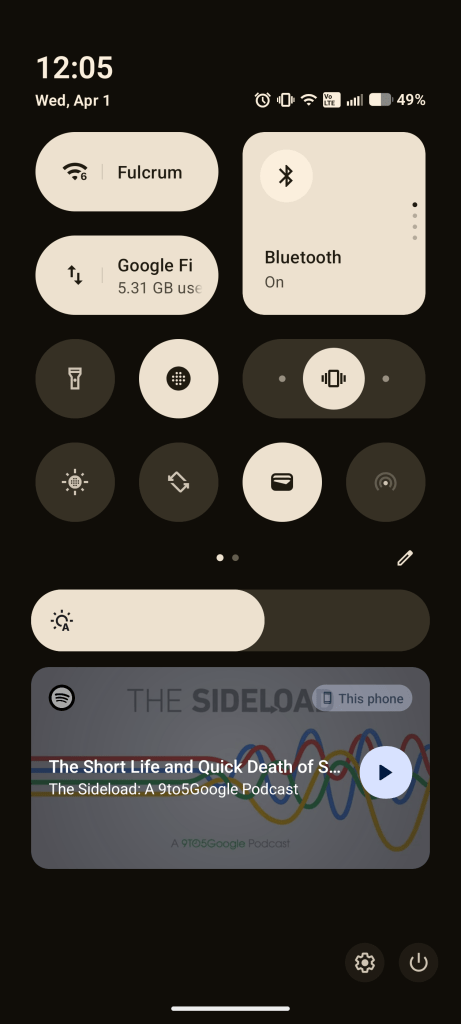
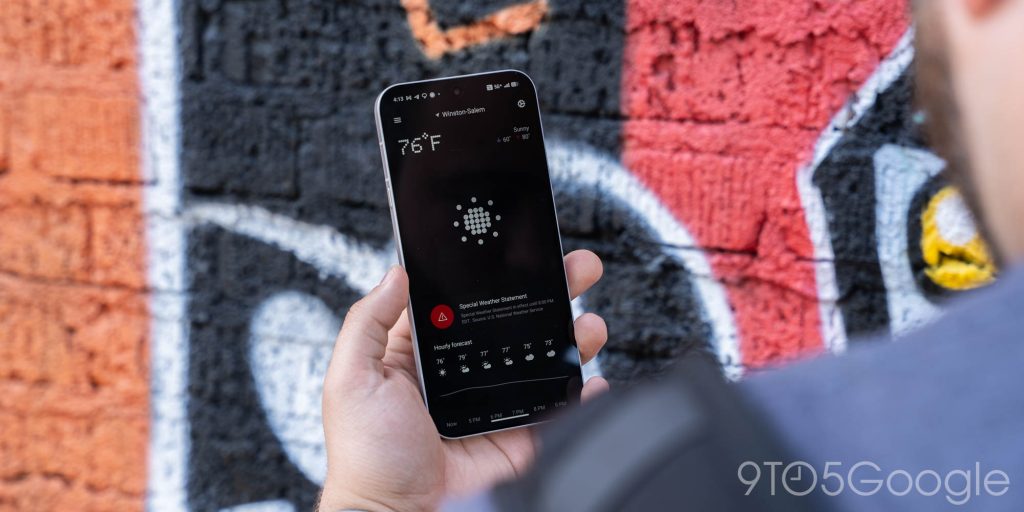
Nothing OS 4.1 is based on Android 16 and, I think, is a shining example of a “good” skin on Android. It makes changes to the design to fit Nothing’s aesthetic, to work with Nothing’s features, but it never goes so far as to ignore Google’s work in Android. Compared to a Pixel and then to a Galaxy, Nothing leans way closer to Pixel. The notification tray works just as well with some of the same great shortcuts, tweaks to the Quick Settings panel are well done (though I don’t love the horizontal swipe to get to other buttons), and you get genuinely nice additions like better lockscreen widgets. Nothing’s “Smart” app drawer is just an iOS clone that I’m happy to disable, but the experience as a whole is just something you can use however you want – especially true with the addition of “Essential Apps” that let you vibe code pretty advanced (sometimes) homescreen widgets on the fly. There are also well-designed first party apps, like Nothing’s weather app (pictured below).
But the thing is, I really just don’t find myself using most of Nothing’s add-ons.
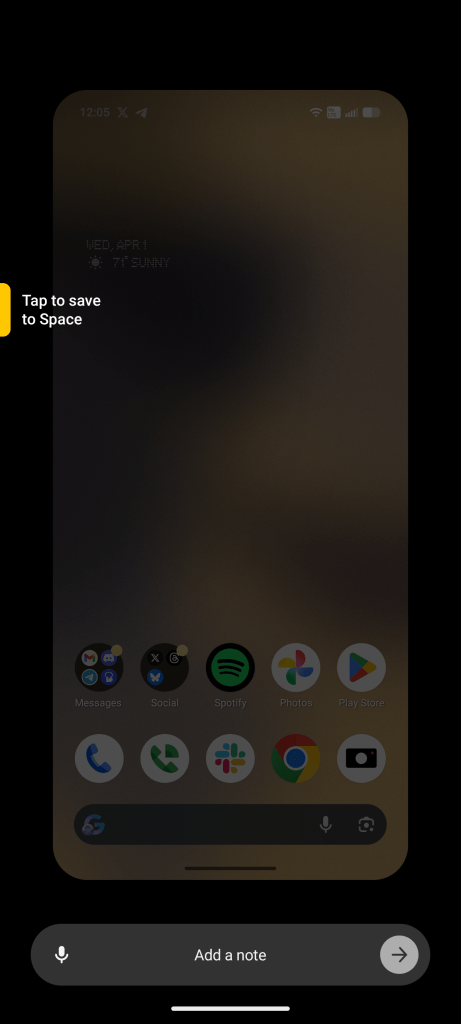
Essential Space, for example, is a really good idea for saving details through pictures, screenshots, and voice recordings – even all at the same time – but its fundamental flaw is that it’s solely on your device. I struggle to remember to use it because, even if I just want to access that information on my laptop, I simply can’t. Nothing’s implementation is great, as is the concept as a whole, but I just have a hard time investing in something that works on a single device. And while I’m certainly in the minority carrying multiple phones and a host of other devices, I can’t imagine there aren’t more people who would love to use a tool like this beyond just their phone.
That’s the nice thing about Nothing’s software, though. I’m just not forced into anything I don’t want to use. It’s all up to me and, outside of that dedicated hardware button, I never really think about the aspects that don’t interest me.
As far as updates go, Nothing commits to three years of OS updates and six years of security patches – a little underwhelming, but acceptable.
Snapdragon 7 Gen 4 is good, but Tensor might be better
As far as the performance goes, Nothing Phone (4a) Pro is usually good. 90% of the time, this phone is smooth and reliable, but every once in a while I catch it struggling to keep up with even simple tasks like scrolling social apps or responding to messages. There’s not much rhyme or reason to that, which makes me think it’s an optimization issue rather than a problem with the chipset.
Snapdragon 7 Gen 4 is what you’ll find under the hood here alongside 8GB of RAM – 12GB on the review unit Nothing provided to 9to5Google. That has all the makings of a solid device, and it is. That said, I can’t help but point out that Google’s Pixel 10a and its Tensor chip outpower Nothing here, and the experience there is on average a bit better and more consistent. Especially when you consider that I’m running into hiccups on the $599 version of Nothing’s phone, Google’s mid-range might be a better choice for some in the end if performance is top of mind.
Camera |
Making an argument for first place*
Perhaps the thing that surprised me most about the Nothing Phone (4a) Pro has been its camera. This is something Nothing has been working to improve for quite some time, and it shows.
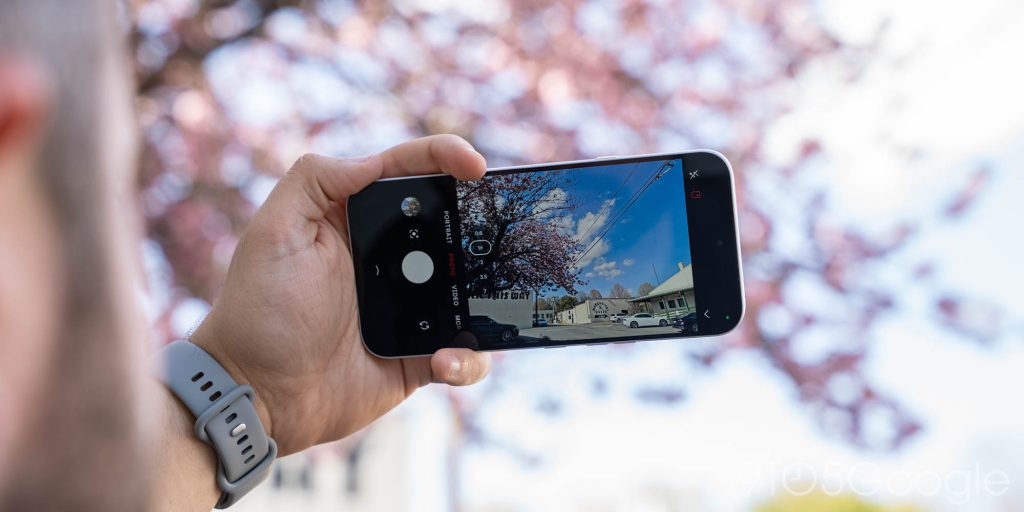
The duo of 50MP cameras for wide and telephoto (3.5x optical) lenses put out consistently solid results. Shots are crisp with good colors, and the processing is really solid. A slightly underwhelming shot pre-processing generally turns into something good after a few seconds. I’ve yet to take a shot where I thought it came out worse than expected, something I cannot say about phones nearly 3x this price.









It’s not a perfect camera, of course, and video leaves some room for improvement, but Nothing is at the very least competing with Pixel 10a for the best camera at this price point. Even in low-light, it’s a good shooter, and the camera app only adds to that with a simple UI with all of the features you’d want. Auto-focus, I will say, can be a bit wonky at times too.
Battery Life |
Good enough to barely miss wireless charging
Nothing Phone (4a) Pro packs a 5,080 mAh battery under the hood and, while not a huge number, that’s good enough to make battery anxiety a complete non-issue.
On a usual day, 3-6 hours of screen time is easily achievable and, on lighter days, I’m going to bed with this phone barely below 50%. Combined with speedy wired charging (50W), that’s led to a pattern of using this phone on an “as needed” charging schedule. I’ll often just leave it off the charger overnight and top off while I’m in the shower, in the car, or just at my desk if I need it.
Of course, that’s partially because this phone lacks wireless charging, a result of both its price point and that mostly-metal build. But, given the endurance, I’m not really mad at it.
Final Thoughts |
A perfect Pixel proxy
Nothing has been pretty hesitant to fully embrace the US market, but Nothing Phone (4a) Pro feels like the one finally taking it seriously. Good as it was, Phone (3)’s higher pricing was never going to do well in the US without carrier help, but at $499, Nothing Phone (4a) Pro is a really enticing option.
While I think Pixel 10a, overall, is a better phone, it’s hard to argue against Nothing Phone (4a) Pro as the best alternative for those who want a bigger screen or simply want something other than a Pixel.
I do wish, though, that Nothing had brought its cheaper Phone (4a) to the States. In the $350~ bracket it would have fallen into, it would be a killer choice on the low-end, especially seeing as there’s no Pixel to compete with at that price. Hopefully next time around. Stay tuned for more on the Phone (4a) soon – I can only review phones so quickly.
What do you think of Nothing Phone (4a) Pro?


FTC: We use income earning auto affiliate links. More.



Comments