
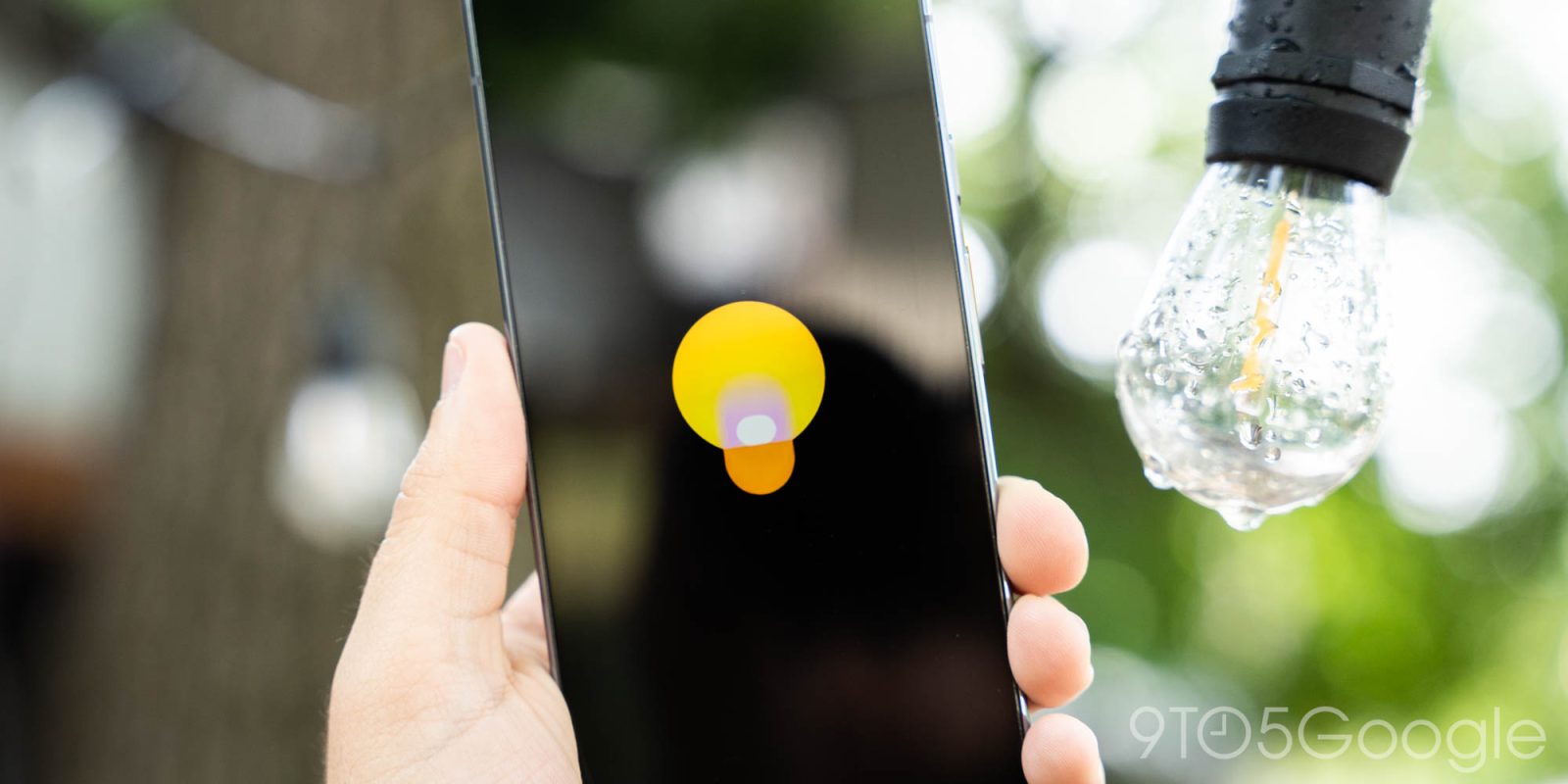
The last big update to Google Keep was at the start of this year with the reminders-Tasks migration. Google has now updated Keep for Android with “Find in note” search.
Top comment by Paul Jamieson
Android should have a global search option (unless I am missing something?) where it will find all references through all local apps and also the internet (if selected)
Open a note and tap the three-dot overflow menu in the bottom-right corner for the new option. “Find in note” appears at the top of this list and gives you straightforward text search.
The term you enter is highlighted in yellow across the current note. Be sure to minimize the keyboard for more space when cycling through results with the up/down arrows.
We’re seeing this rolled out as part of a server-side update with version 5.26.331.02.90 of Google Keep for Android.


The next big Google Keep update should be the addition of Keep Live that allows you to create notes and lists just by talking. This capability was previewed at I/O 2026 and is set to arrive this summer.
More on Google Keep:
- You can thank AI for Google Keep’s new large FAB on Android
- Docs Live and voice AI in Google Keep let you talk to create, ‘Google Pics’ announced
- Google Keep for Wear OS can no longer set reminders after Tasks migration


FTC: We use income earning auto affiliate links. More.


Comments