
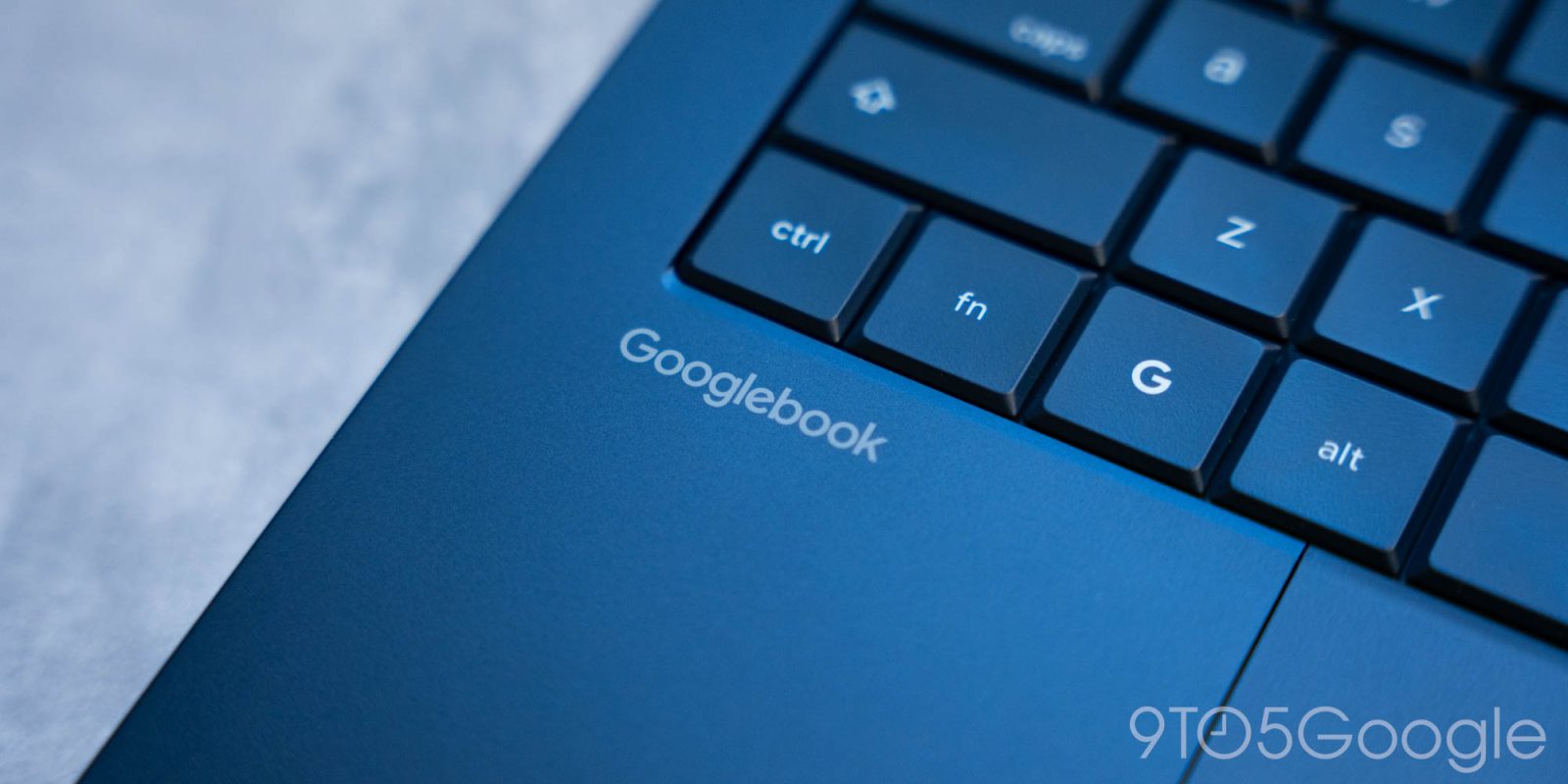
The big selling point for Googlebook is that it’s a desktop platform that deeply integrates with your Android phone but, at launch, those “Better Together” sync features are in a messy place. Google is now rolling out updates, including the bafflingly-missing support for Samsung devices.
There are several core features that work between Android phones and Googlebook including app streaming, notification sync, “Continue On” for compatible apps, and more. But, at launch, not everything works as expected. Some features, like Instant Hotspot, seem to work widely, but others are either inconsistent, slow to activate, or simply unavailable. One of the problems is that it takes a bit of work to fully activate these features.
In a post on Reddit, Google explains that it has started rolling out “smoother first-time setup” for these features, reducing the needed steps to actually set up these cross-device features. A bug where the QR code used to pair your phone continues to show even after Googlebook pairing is complete is apparently also fixed with this update. Google Play Services 26.37 (on the phone) is the version you’re looking for. You can check for Play Services updates through the Play Store. Cross-device Services also needs to be updated to 1.0.1346, again through the Play Store.
Apparently, these updates also seem to enable support for Samsung devices.
Missing Galaxy smartphone support was perhaps the biggest gap in Googlebook at launch, at least in terms of compatibility. Google originally said this would arrive “in the coming weeks,” a phrase that continues to be incredibly vague.
Here’s Google’s full breakdown of everything you’re looking for:
- Confirm your phone runs Android 17: Your Android phone must run Android 17. To check your version, open Settings > About phone > Android version (your phone’s settings may vary). Better Together features work with Pixel and compatible Android 17 phones including Xiaomi, Oppo, OnePlus, Motorola, Lenovo, Honor, Sharp, Sony, Samsung (One UI 9.0), and more.
- Check your Bluetooth and Wi-Fi: Confirm your phone and Googlebook use the same personal Google Account with both Bluetooth and Wi-Fi on.
- Use a private home Wi-Fi network: Hotel, cafe, office, and guest Wi-Fi networks frequently use client isolation, which blocks direct local connections between your phone and laptop. Pause any active VPNs or network DNS blockers and test on a standard home Wi-Fi network.
- Update Google Play services: Google Play services must be at version 26.37 or higher. To ensure your phone has the latest version, select Settings > Apps (or Apps & notifications)> See all apps. If Google Play services doesn’t appear, select More and then Show system. Select Google Play services from the app list, then App details (or App details in store). If an update is available, select Update.
- Update Cross-device services: Cross-device services must be at version 1.0.1346 or higher. To ensure your phone has the latest version, select Settings, then Apps (or Apps & notifications), then See all apps. Select Cross-device services from the app list, then App details (or App details in store). If an update is available, select Update.
- Verify Continue activity sub-toggles: On your phone under Settings, search for Cross-device services > Continue activity, and confirm that Tasks, Apps, Notifications, Files & media sharing are all turned On.
- Restart both your phone and your Googlebook to ensure changes take effect.
Some Samsung Galaxy users have already confirmed that “Better Together” features are working on their Googlebooks following these updates.
Missing Samsung support was initially attributed to missing updates on Samsung’s end by some, but it sounds like everything is worked out at this point. You’ll still need One UI 9, though, which is only rolled out to a small portion of Samsung’s device catalog at this point.
Sound off in the comments below if you’ve been able to use any of these new Googlebook features, or if you even bought a Googlebook in the first place.
More on Googlebook:
- Googlebook’s app situation is a mess, and not just because things are missing
- Logitech brings its mouse & keyboard controller to Googlebook, supports Magic Pointer
- The first thing you should do on Googlebook is fix the trackpad
Follow Ben: Twitter/X, Threads, Bluesky, and Instagram


FTC: We use income earning auto affiliate links. More.


Comments