
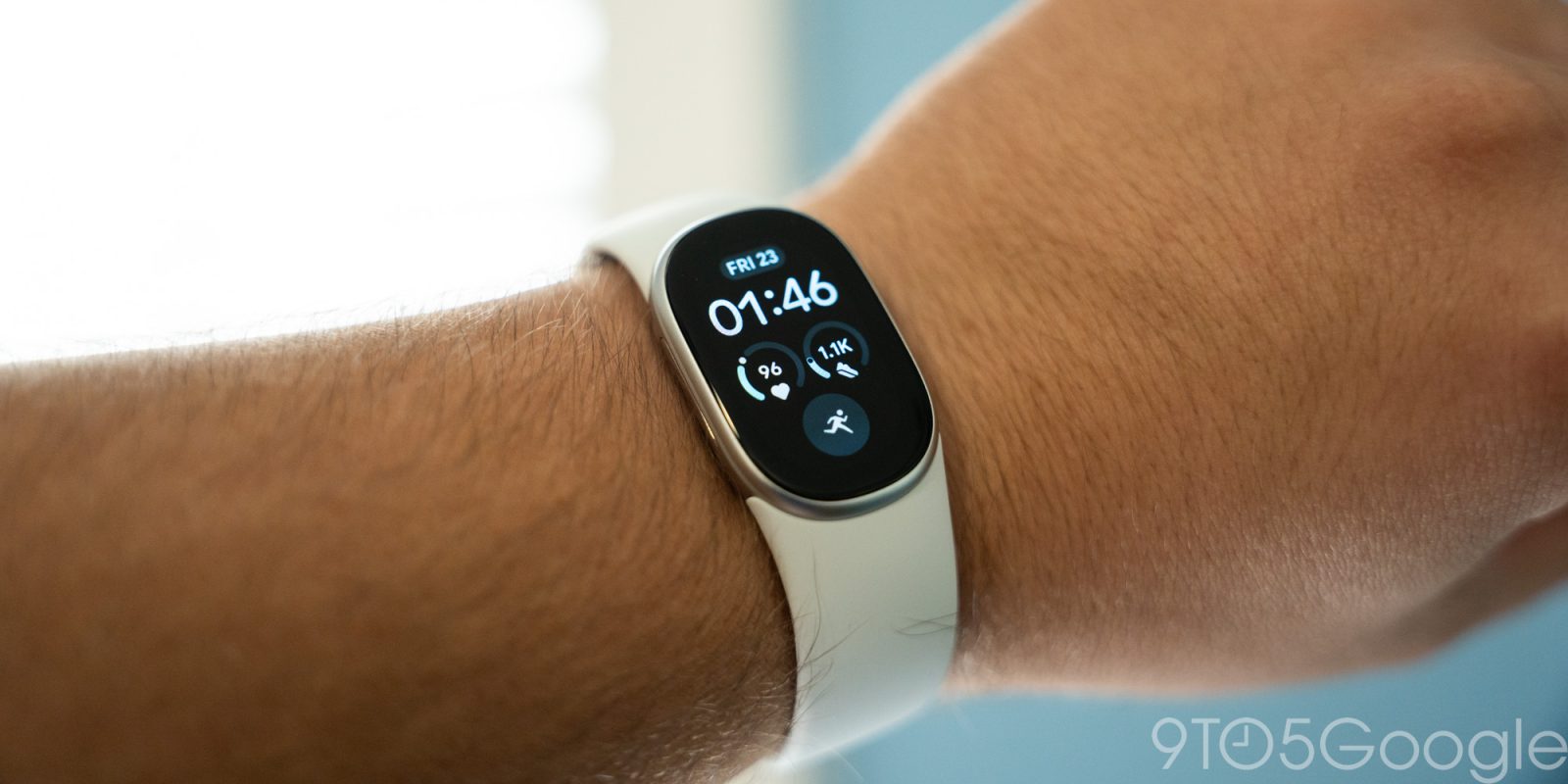
When Google announced the Fitbit Edge, my assumption was that it would be a great in-between for the Pixel Watch and Fitbit Air. In a way, that’s true, but this isn’t the product I thought it was – it’s just a new, slightly better Fitbit that leaves me wanting more.
At $180, the Fitbit Edge is closer to the lower end of Google’s wearable lineup than it is a proper middle ground. It’s closer to a Fitbit Air with a screen than it is a “Pixel Watch Lite.”
That starts in the software, which has been updated to visually resemble this new era of Google Health. The main “Clock” face brings about a new assortment of options that draw inspiration from the Pixel Watch. There’s a baker’s dozen of these faces available, with the “Modular” series being my personal favorite.
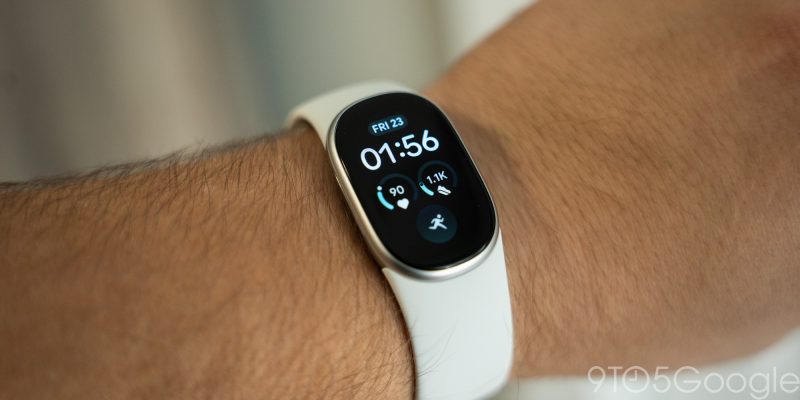
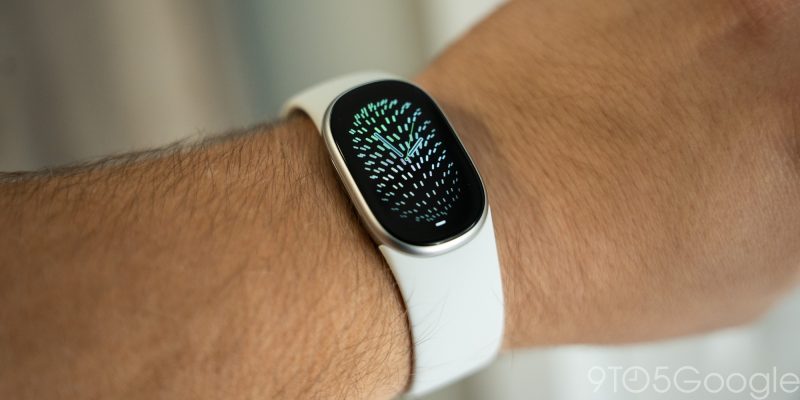
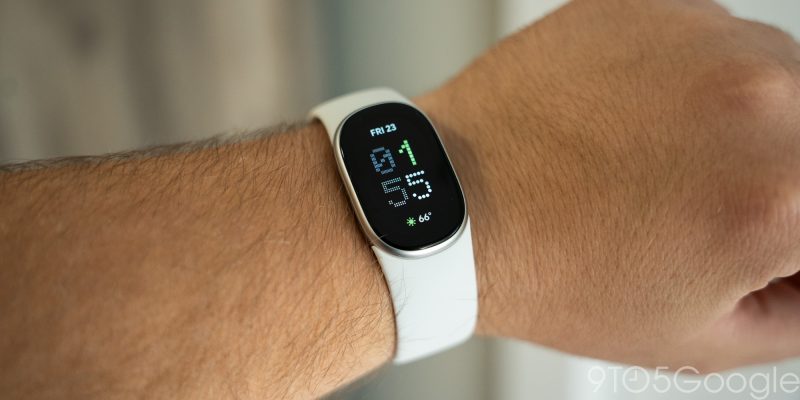
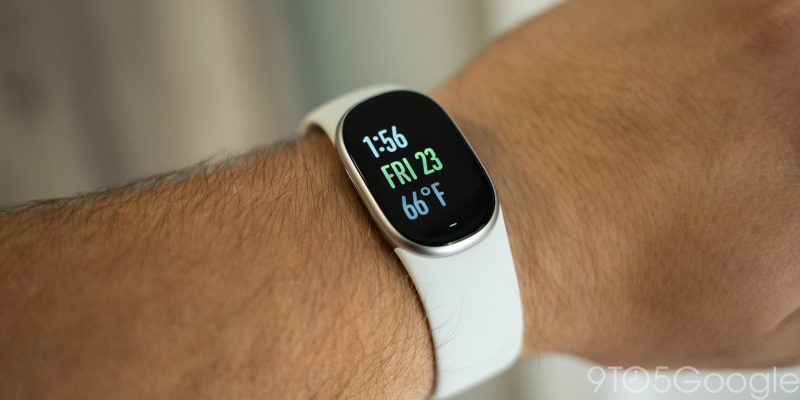
These support complications just like on Pixel Watch, allowing you to quickly see various data points around fitness tracking, or even pull in weather conditions. It’s not nearly as flexible as Pixel Watch – personal favorite weather data points such as UV index and sunset are missing, for example – but it’s a good glanceable bit of information, something the Air completely lacks.
What’s more frustrating than anything about the faces is that it’s all powered through the same basic and clunky interface that Fitbit trackers used for years. It’s incredibly slow and clearly not native to the Health app. It gets the job and works better than I remember it being the last time I used a Fitbit tracker, but it’s still a poor experience compared to the rest of the software.


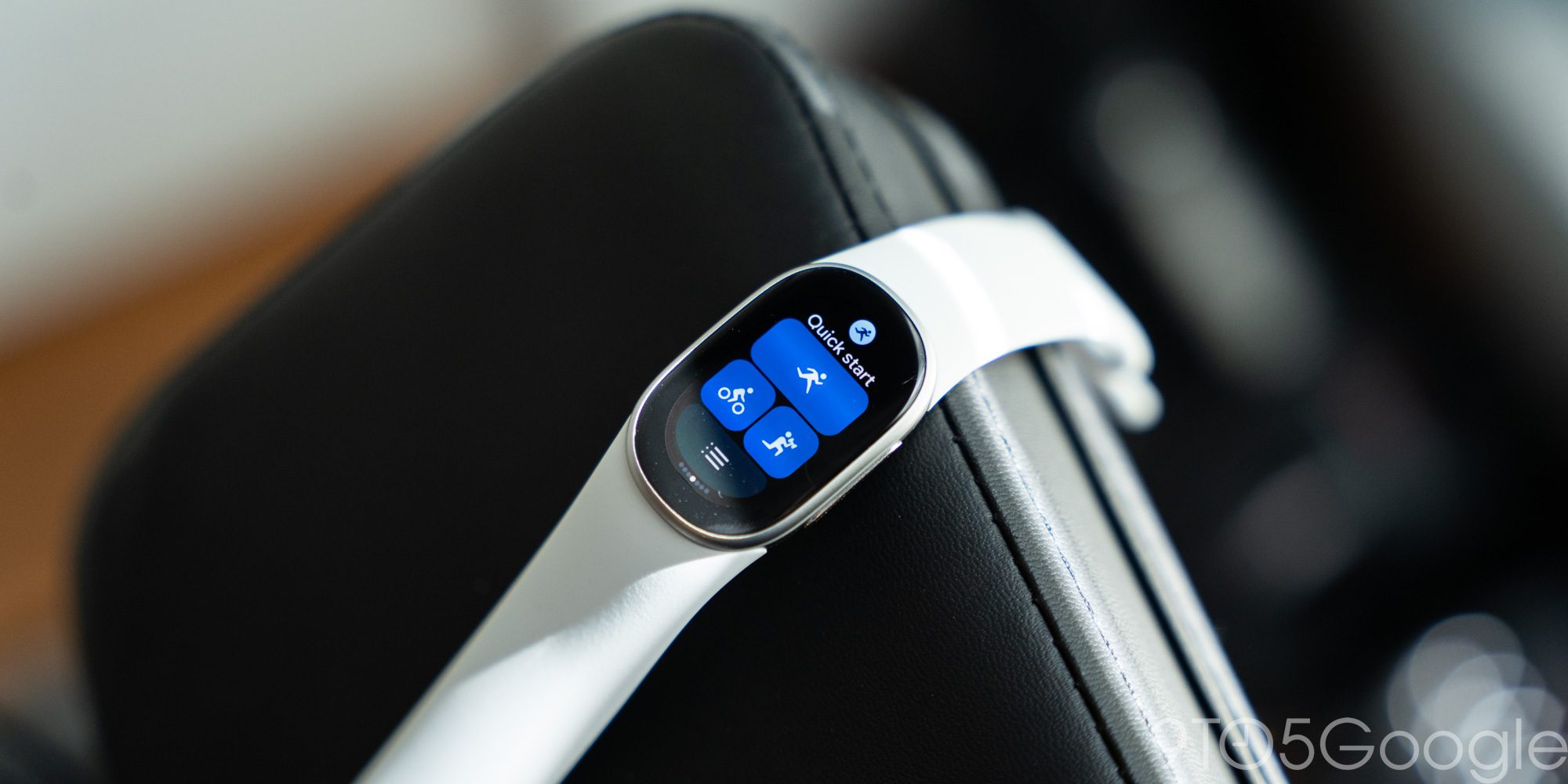
Using the software on the tracker, you’ve got notifications below the clock and Quick Settings above, with Tiles to either side. It’s very familiar for Pixel Watch owners, and it’s visually a huge upgrade over the Fitbit Charge series. Google’s Material design language is felt throughout and everything is very clean with smooth animations. You can only customize the Tiles via the Google Health app on your phone (through the same clunky UI as faces), with the overwhelming majority being health/fitness-related, with weather and media controls also mixed in. This was the place I found the Edge most useful over the Air. Where tracking a workout on Fitbit Air either required relying on automatic tracking or starting it on your phone, Edge’s display lets you quickly jump into the workout of your choice. The “Quick Start” tile is helpful here, saving your most recent workouts. This was the biggest upgrade I found over the Fitbit Air outside of just, well, having the time shown on the thing on my wrist.
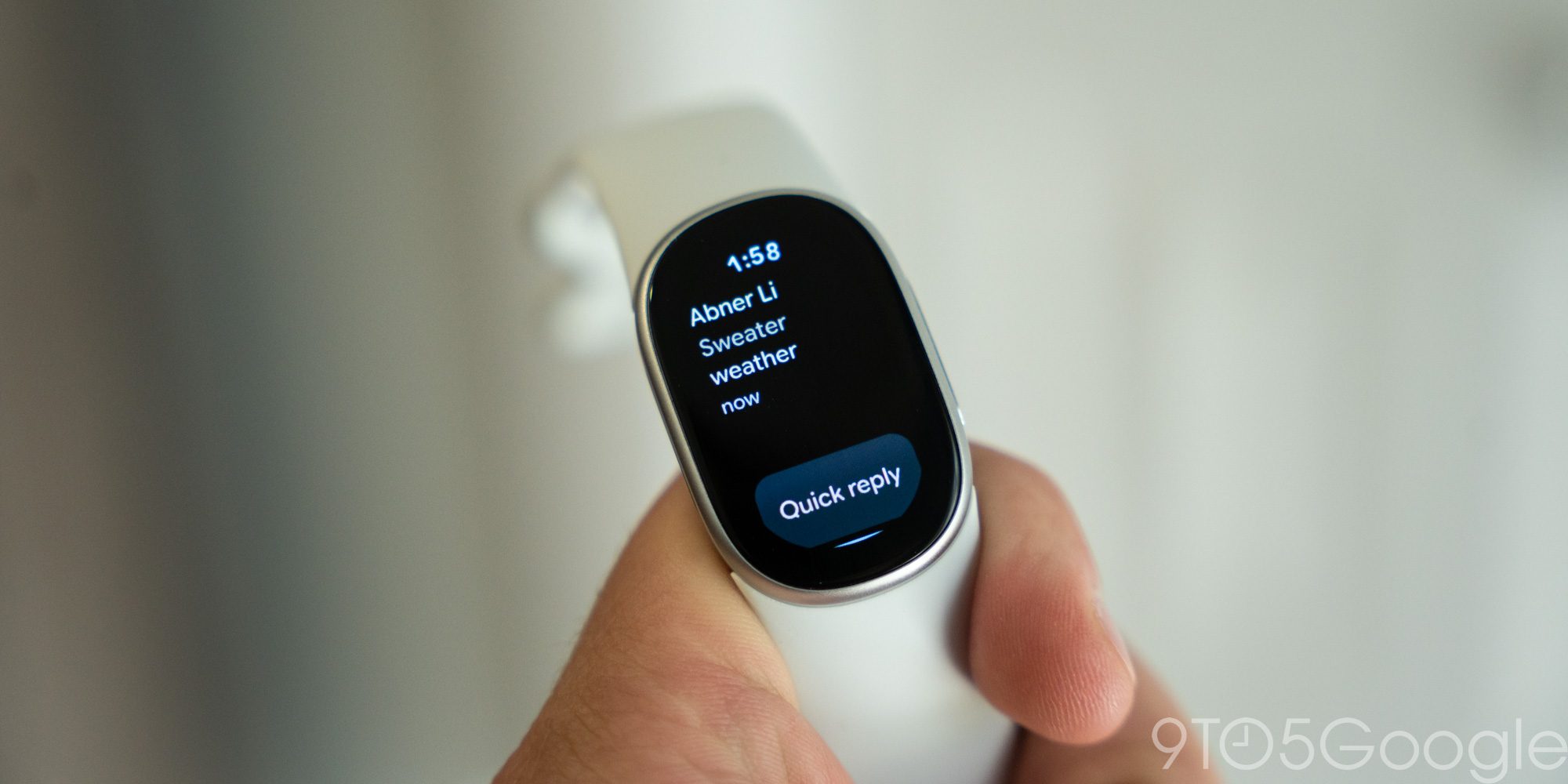
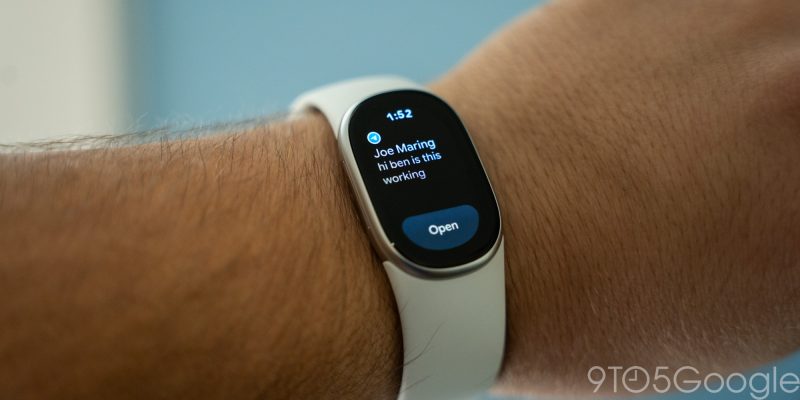
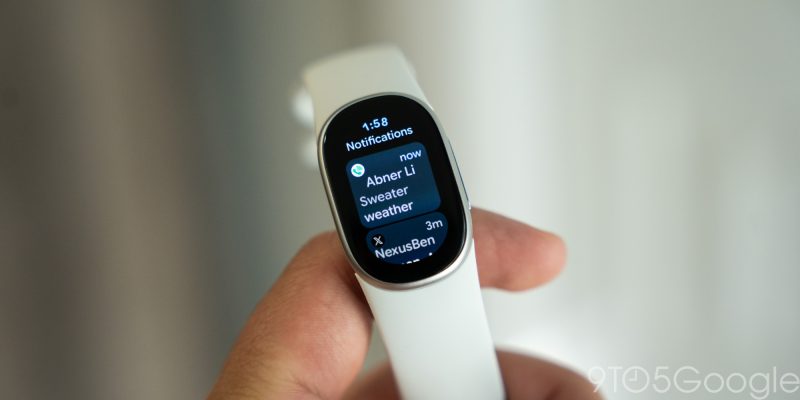
On the note of smartphone notifications, this is where I felt the biggest lacking from Pixel Watch. Inherently, a tiny display like this isn’t going to be as capable or useful as a full smartwatch, but the experience is just not very good. Notification previews can’t scroll through more than the first couple of words from a notification unless you tap “Open,” and incoming notifications also stack in the UI. The side button is used to go “back” in the software, but each notification is treated as its own layer, at least up until a certain point. When several notifications come in at once, this is a dreadful experience. They’re also not working consistently. I couldn’t get notifications working for much of the review period and, after many troubleshooting attempts, they just randomly started working on their own. Jordan Floyd on our video team says he still hasn’t managed to get them up and running. Google tells us that an upcoming Health app update will address notification issues.
Don’t get me wrong, notifications on Fitbit Edge are a huge step forward beyond the Fitbit Charge series, but they’re still not good either.
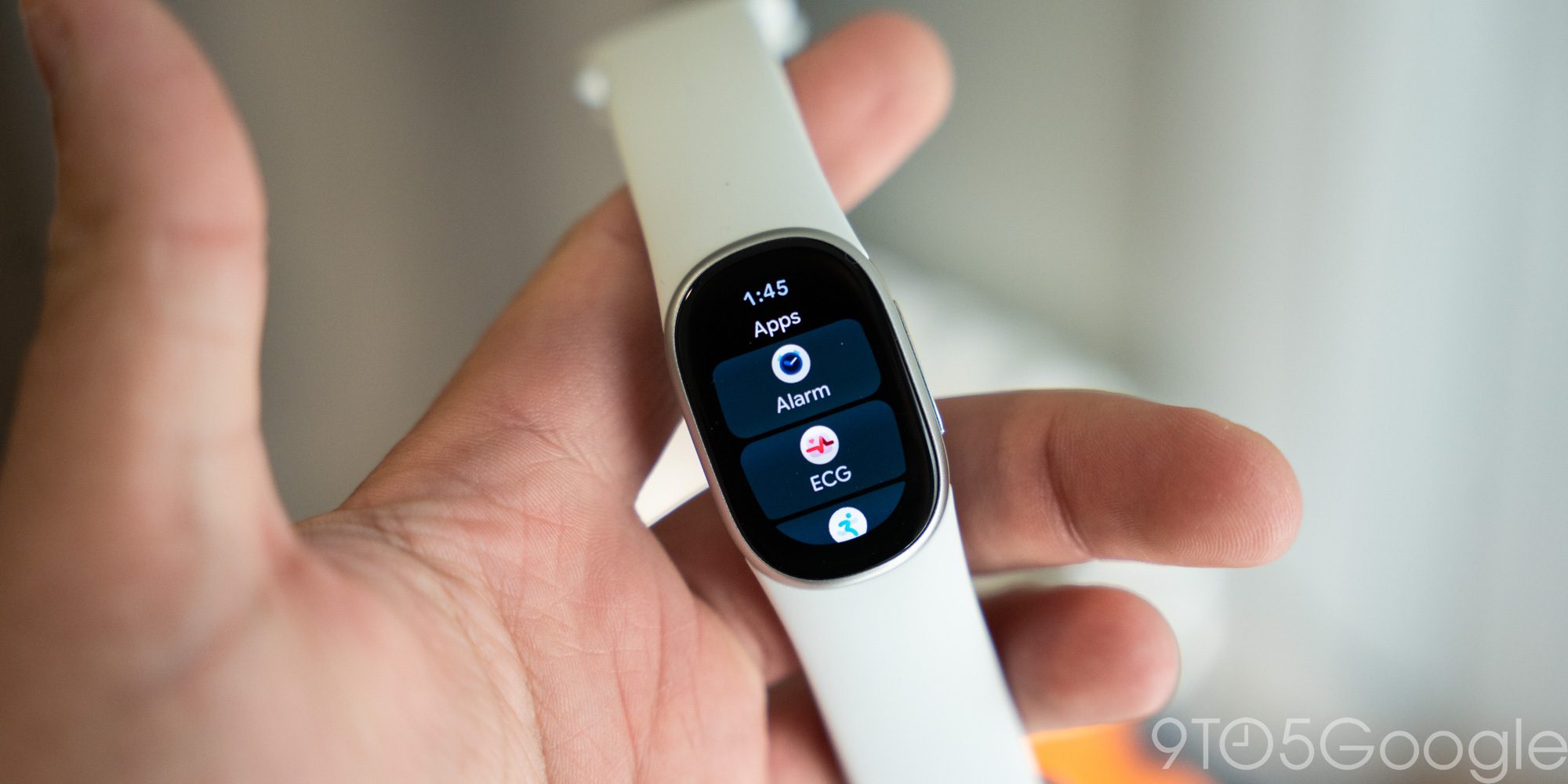
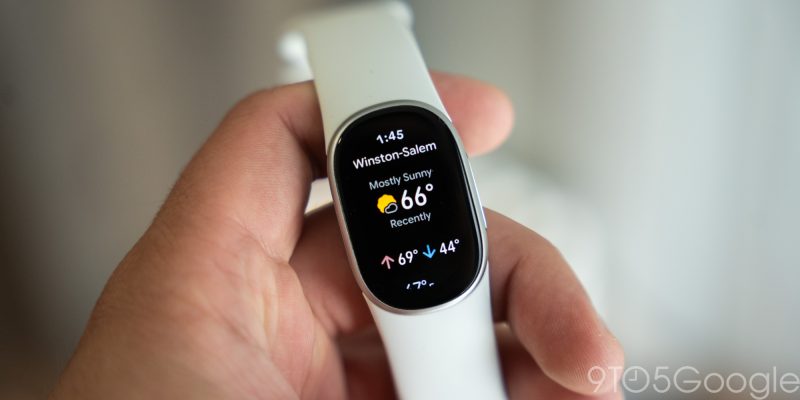
Apps on Fitbit Edge include the usual Health suite, as well as an alarm clock, Google Maps, a stopwatch, a timer, and a very basic weather app. The Google Maps experience leverages the Edge’s GPS but is really just a mirror of walking directions from your phone. You can’t start navigation on the Edge. The Weather app gets the job done, but it’s incredibly basic and lacks information I’d want outdoors such as UV exposure.
On hardware, Fitbit Edge is very much just an Air with a display.
Compared to a Pixel Watch, wearing the Fitbit Edge feels like wearing nothing. It’s very lightweight and, in turn, comfortable. Google’s bands from Pixel Watch also make the jump here, with the included Active band being just as comfortable as it is on Pixel Watch – though it is a hair magnet, picking up dog hairs far more readily than my Pixel Watch bands ever have. Google also sent over the Magnet Band which, personally, I’m not a fan of. It’s uncomfortable when on and, at least for my wrist, is difficult to put on. The two halves of the band are the same length and, if you sit in between the small and large sizes, it’s hard to get it on since there’s nothing for the band to grip on to until it’s fully connected. I’d rather go for something like the default Fitbit Air band here.
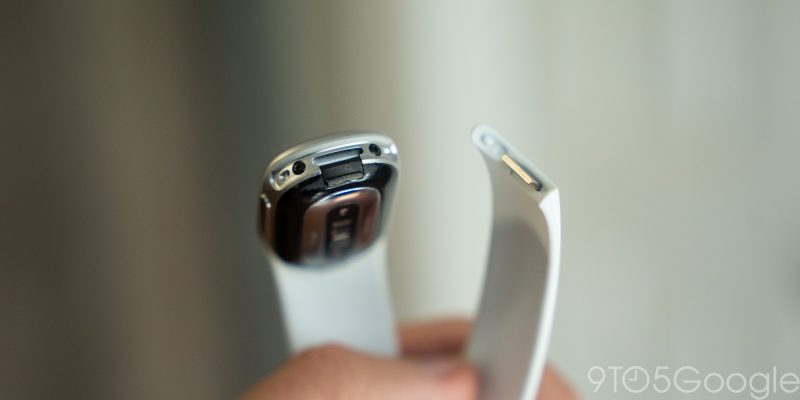
I was disappointed to see a problem from the Charge era make its way to Fitbit Edge. One multiple occasions through the review period, my Edge just fell off my wrist because the band connector failed. This happened once overnight and once as I was just walking through my home. It’s a disconcerting feeling, and was the eventual deal-breaker for me on Fitbit Charge 5 – I nearly lost the tracker while snowboarding, and it was shelved not long after that trip. Fitbit Edge doesn’t seem nearly as prone to this issue, but having it happen twice, with official bands, during my two-week review period is not exactly faith-instilling. A good habit would be to pull on the band to ensure it’s fully seated, but I’d argue this shouldn’t be necessary if you hear it click into place.
The connector here works well for switching bands quickly, but I would have appreciated seeing something new from Google here, especially seeing as it’s not like Fitbit Edge can use bands from the Charge series anyhow.
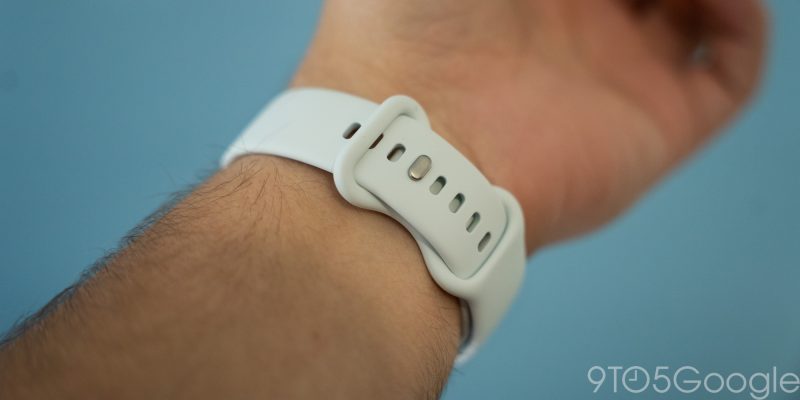
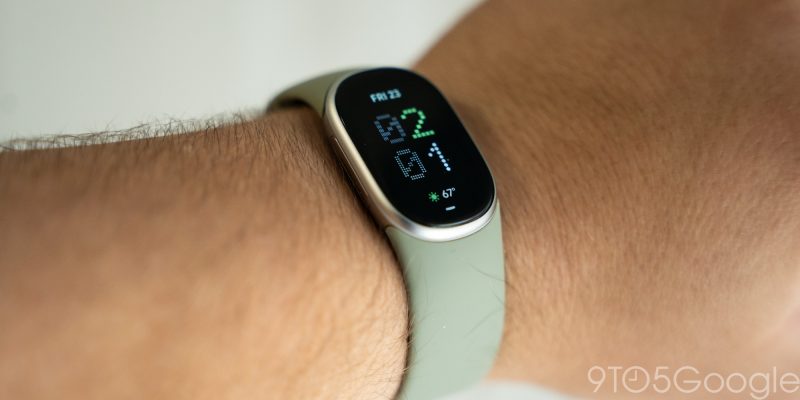
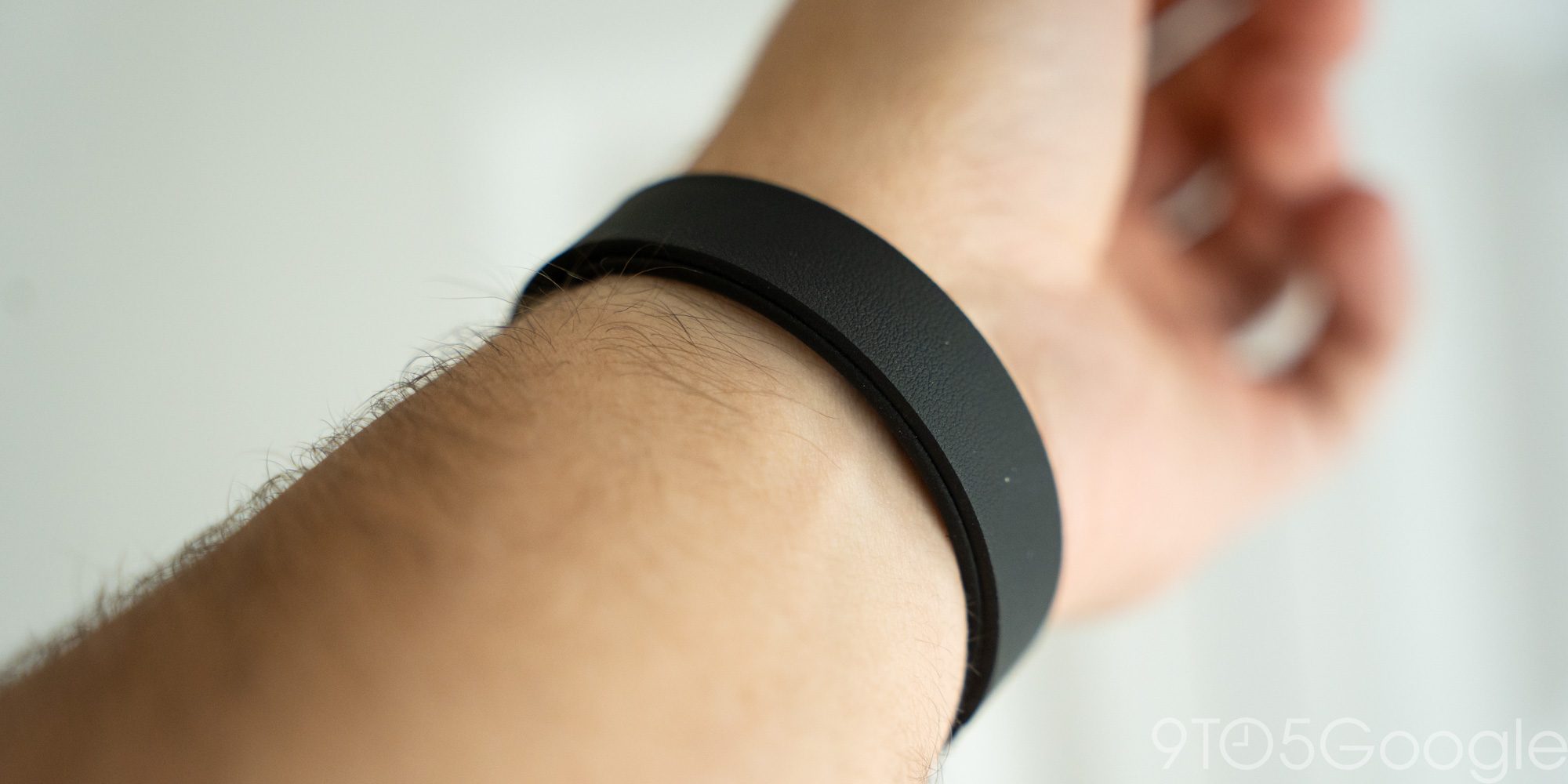
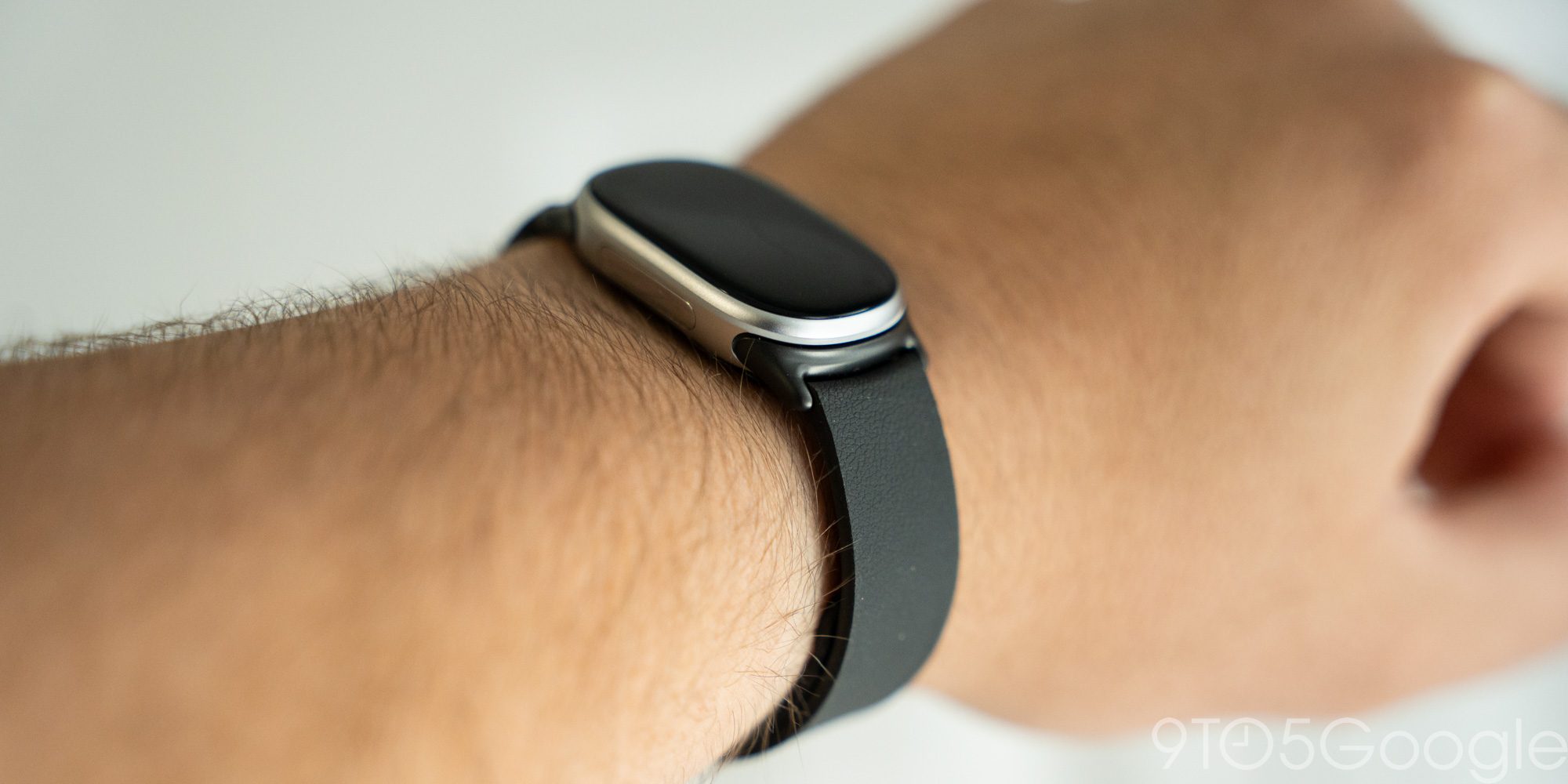
I reviewed the “Fog” setup with a silver tracker, and I do really appreciate that this splits the difference between a smartwatch and tracker in the looks department. With the right band, this is totally passable in a dressy situation.
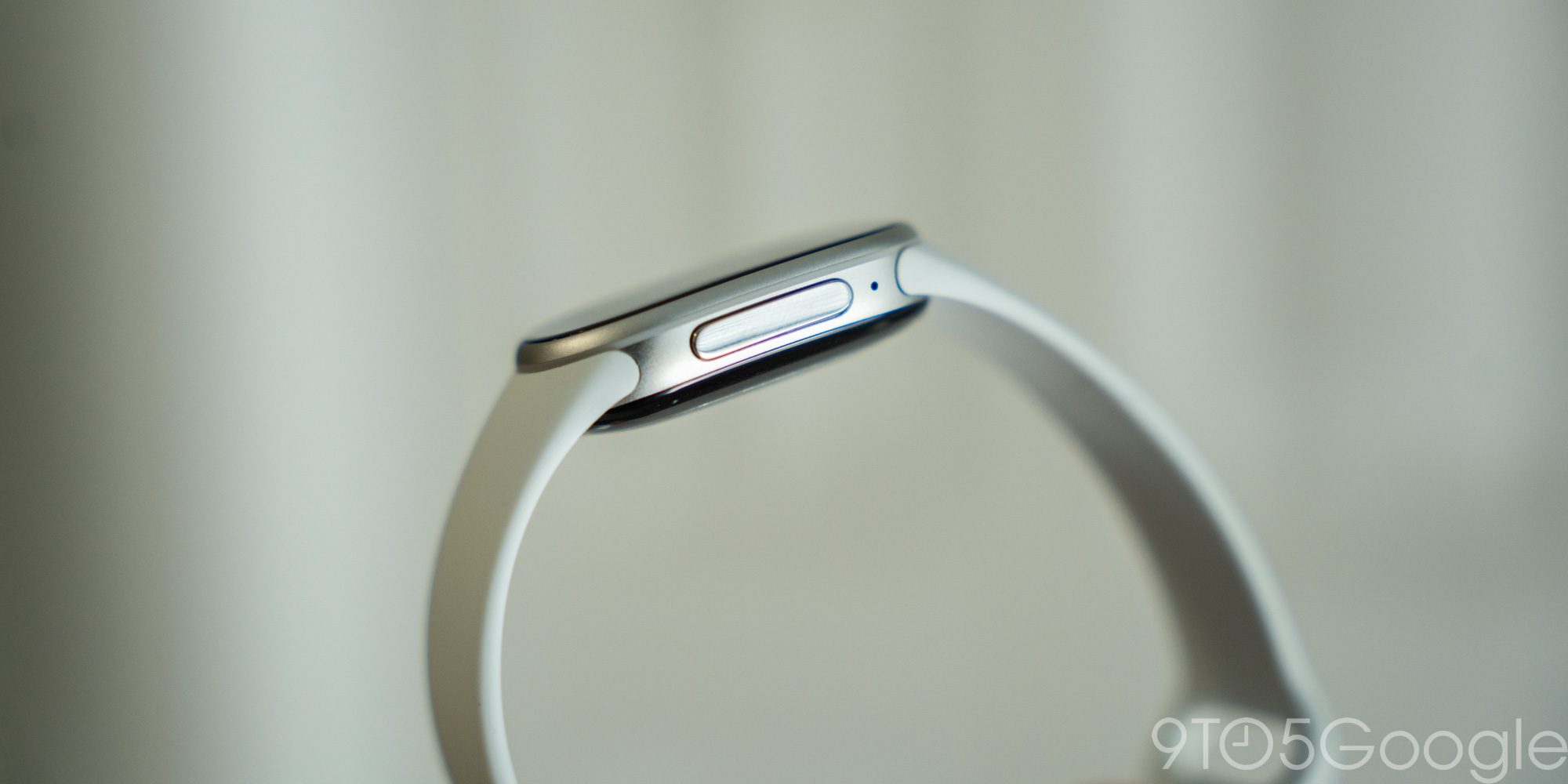
Easily my favorite hardware decision here is the physical button on the side of Fitbit Edge. Prior Fitbit tracker toyed with a haptic button that was not at all a true button replacement. Not once was I fooled into thinking I was pressing a button, and the illusion only broke further when trying to turn the device on from an off state. It wasn’t the worst idea in theory, but a physical button is so much more satisfying. Fitbit Edge’s button isn’t the most premium, but it’s very much good enough and a welcome change on Google’s part.
But of course, none of that matters without fitness tracking to back it up.
I wore Fitbit Edge for the better part of two weeks – and only needed to charge once during that time, battery life is great, at least with the always-on display disabled – and used it mainly for tracking treadmill and strength workouts, with stats roughly lining up with the baselines set by Fitbit Air and Pixel Watch 5. You should never take stats from a fitness tracker as absolute truth, but the Edge is certainly more than capable enough at helping you to establish trends and work towards goals.
That’s all done in conjunction with the Google Health app, which I’ve been using with the Air and Pixel Watch for months at this point. Google Health, like virtually any AI tool, is inherently not perfect, but I’ve certainly come to appreciate it. The app opens to a simple overview of your cardio, steps, and other key data sets before diving into insights from the “Coach” – i.e. Gemini – around your trends. You can speak with “Coach” in natural language to set your goals around fitness, weight loss, strength training, or any number of things.
In that way, this is not the classic Fitbit of years past. This is very much a new experience built on the foundation of the old Fitbit, and one that you’ll either probably come to love, or come to hate. Personally, the experience has really grown on me. The app’s daily notifications summarizing my movement are a good last-minute way to get in some extra movement on quiet days, or a good morale boost when I was particularly active. As a workout novice, it’s also great for helping me figure out strength training workouts that suit my day. If I have more time or want to focus on a specific area, the “Coach” is pretty easy to work with in tailoring your workout.
It’s not perfect, of course. It still tends to randomly get automatic workouts wrong, but for my needs it has done quite well. As we learned in our Fitbit Air review, though, your results may vary – at the end of the day, this is an AI-powered experience we’re talking about and, as Google itself repeatedly stresses, “AI may make mistakes.”
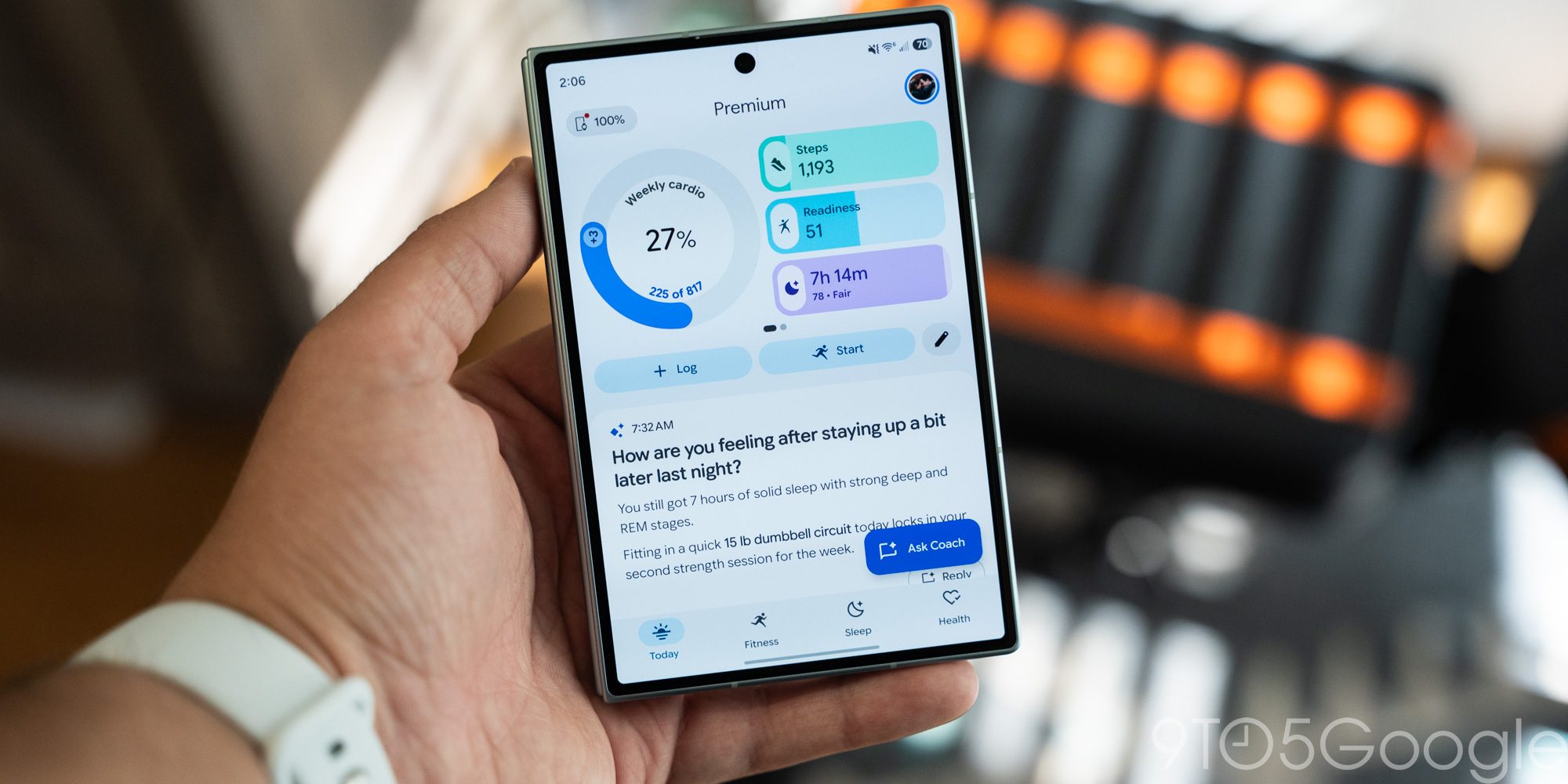
Of course, you’ll need to pay Google for a monthly subscription to use most of those features. Without Google Health Premium, the Edge is still capable, though, with support for basic step, heart rate, and workout tracking. Health Premium is bundled into the AI Pro plan which also includes Google Home Premium.
As a side note, kudos to Google for continuing on with the ability to use Fitbit Edge in tandem with other Google wearables in the Health app. While I used the Edge almost exclusively over the testing period, there were a couple of short Pixel Watch 5 stints mixed in for specific needs, and the Health app does a great job and syncing everything across not just the app, but each device. That said, it’s a less useful feature on the Edge. Where using a Fitbit Air and Pixel Watch in tandem is a fantastic experience, there’s almost no scenario I can imagine where it makes sense to have a Fitbit Edge alongside either one of those devices.
And therein lies my main takeaway with the Fitbit Edge.
This middle-ground wearable exists in a weird little bubble. It’s not a Pixel Watch, not even close, actually, but it’s also not a Fitbit Air.
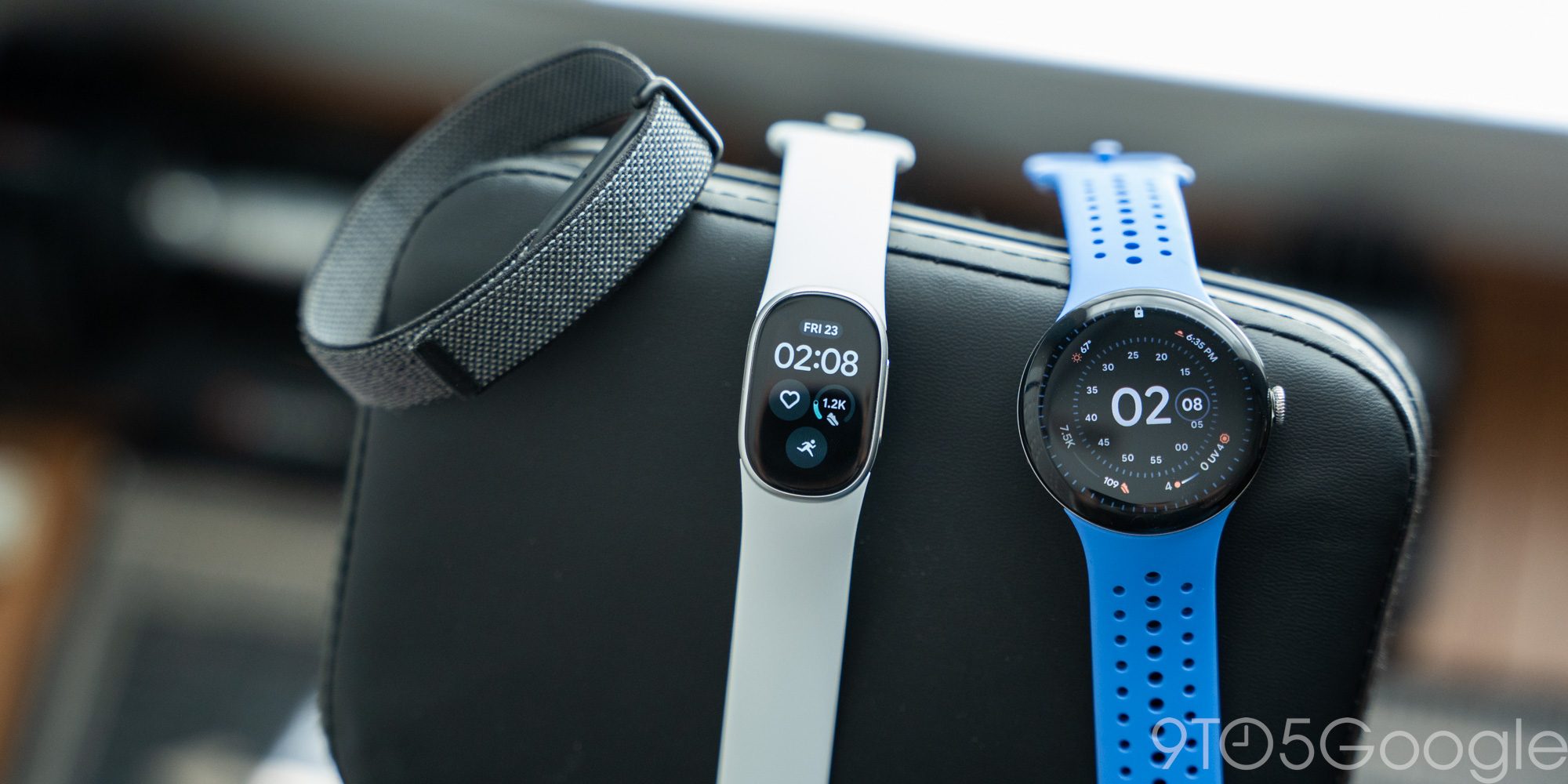
I’ve found myself coming to appreciate the Fitbit Air as a way to find some reprieve from a connected lifestyle, with the Pixel Watch then stepping in when I need that connection or the added functionality of apps. The Fitbit Edge gets everything right on the fitness tracking side, but it also doesn’t really feel like it knows what it wants to be. It’s too connected and complex compared to the Air, but also too restricted compared to the Pixel Watch. It’s somehow both too much and too little at the same time.
That said, the Fitbit Edge might just need to be thought of in a specific light – it’s just not something new. This is a Fitbit tracker, an updated version of the same Fitbit tracker that millions have known and loved for years. In that light, it’s rather good, it just depends on whether or not you’ve moved beyond that point. I think I have.
Fitbit Edge starts shipping on October 27.
Google Fitbit Edge
Pros
- Excellent battery life
- Much better software than Fitbit Edge
- Google Health is a good fitness coach
Cons
- Limited functionality outside of fitness
- Clunky clock face selector
- Paid subscription to unlock most features
Follow Ben: Twitter/X, Threads, Bluesky, and Instagram


FTC: We use income earning auto affiliate links. More.


Comments