

The Find My Device app on Android has taken on new importance with the launch of a network that helps you find smartphones, trackers, and other objects. However, one glaring omission thus far has been the use of UWB, but it seems the Find My Device app is working on it.
About APK Insight: In this “APK Insight” post, we’ve decompiled the latest version of an application that Google uploaded to the Play Store. When we decompile these files (called APKs, in the case of Android apps), we’re able to see various lines of code within that hint at possible future features. Keep in mind that Google may or may not ever ship these features, and our interpretation of what they are may be imperfect. We’ll try to enable those that are closer to being finished, however, to show you how they’ll look in case that they do ship. With that in mind, read on.
As it stands today, the Find My Device app helps you to find a nearby tracker by using Bluetooth and other nearby devices to let you know when you’re close to the device. It won’t help you find the device directionally, but narrows things down quite a bit. The UI also allows you to start playing a sound when the tracker is nearby.
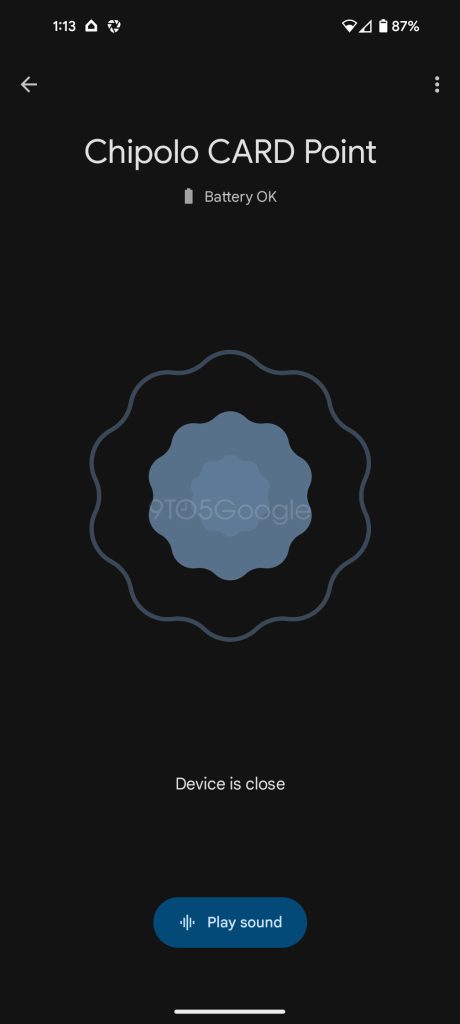
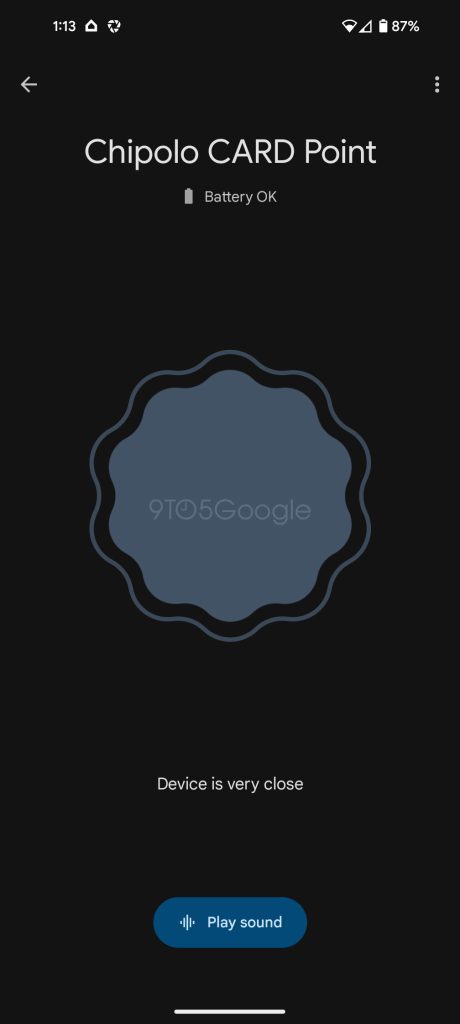
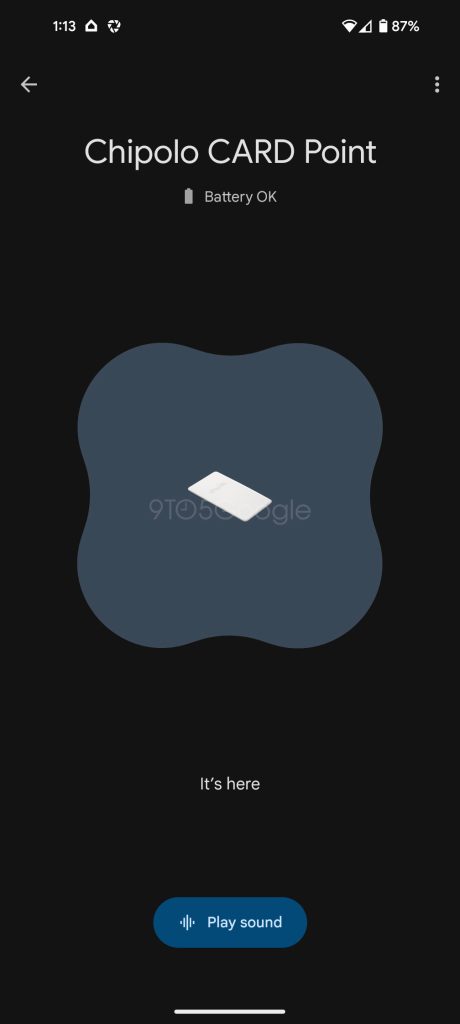
But it sounds like Google has some other ideas in the works.
In a new update rolling out to the Find My Device app today, v3.1.078-1, there’s evidence behind the scenes that Google is working on expanded support for directional tracking. Firstly, we found strings within the app that utilize AR Core.
<string name=”__arcore_install_app”>This application requires the latest version of Google Play Services for AR.</string>
<string name=”__arcore_install_feature”>This feature requires the latest version of Google Play Services for AR.</string>
<string name=”__arcore_installing”>Installing Google Play Services for AR\u2026</string>
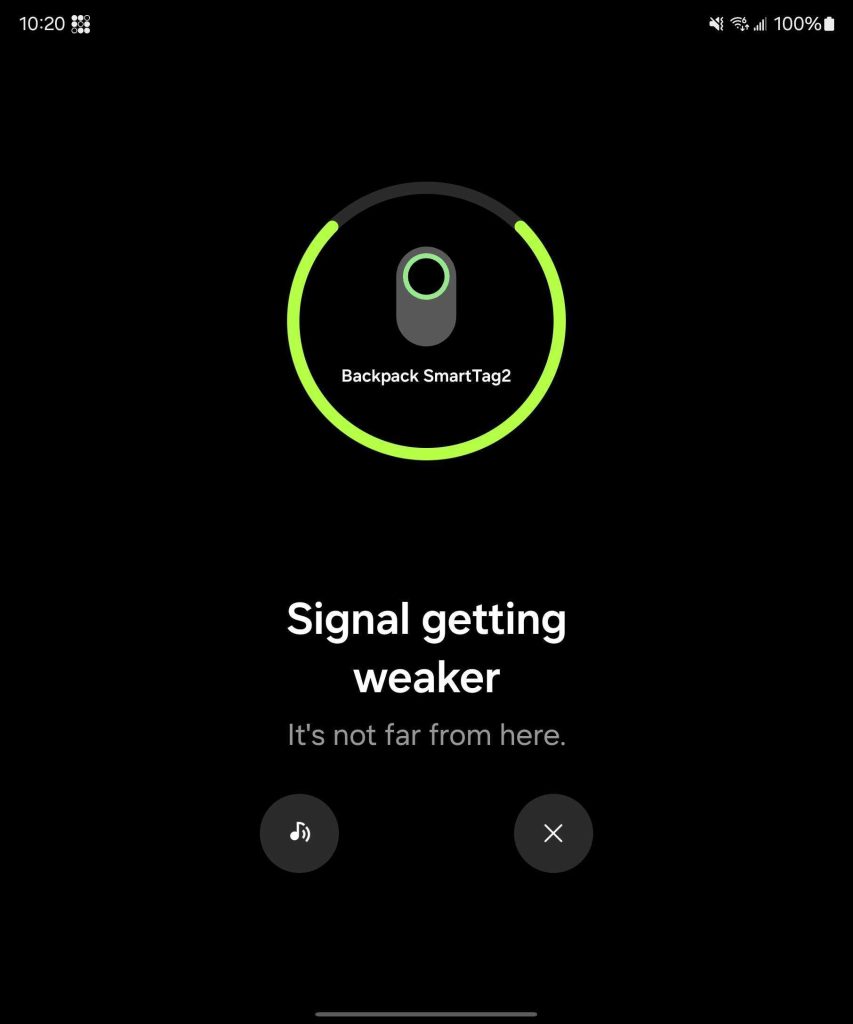
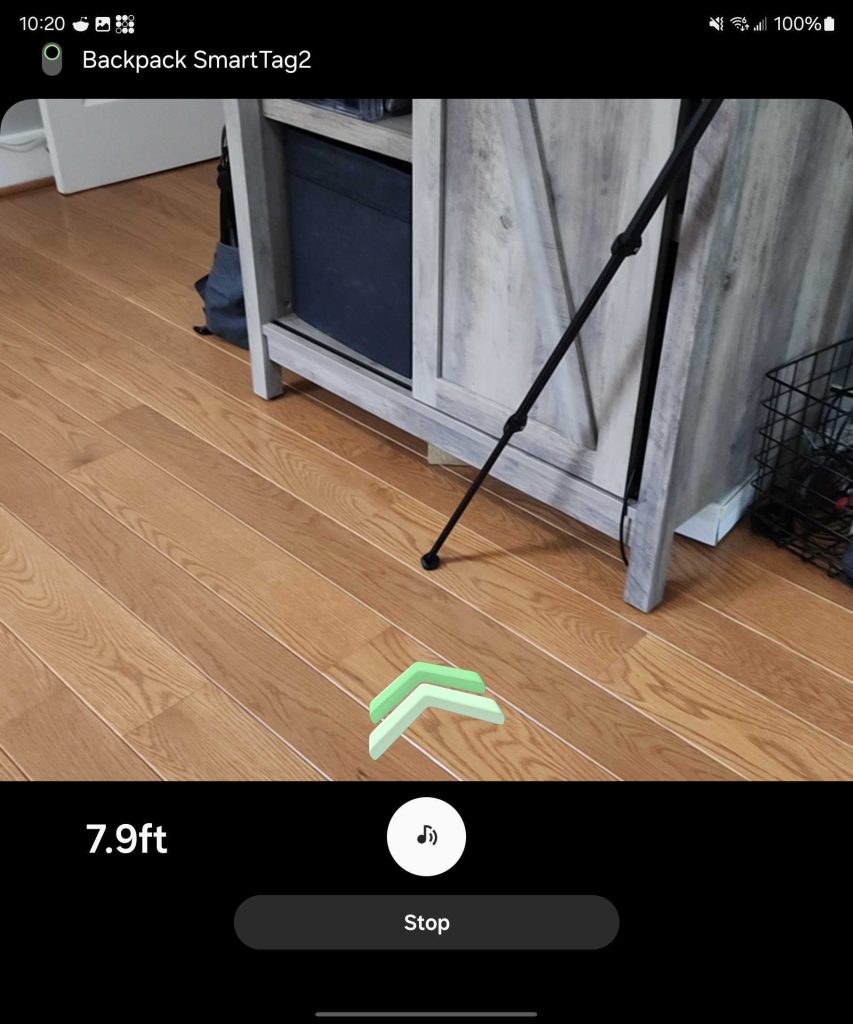
AR Core allows Android apps to use their cameras for AR features. In the case of the Find My Device app, the clear use case for that is an overlay for finding a nearby tracker. Samsung, as pictured below, already does this in the SmartThings app for its SmartTag trackers.
This wouldn’t be very useful for existing Bluetooth trackers, but it would be very handy for trackers equipped with UWB, like Samsung and Apple support. Further code references to UWB were spotted in this app update by the folks over at Android Authority, which refer both to the use of UWB in the app, as well as added libraries for UWB functionality.
None of this appears to be live in the Find My Device app just yet, but given that there are no UWB trackers to test it with anyway, we don’t know for sure. Hopefully, this is a signal that UWB trackers are coming down the road.
Another interesting addition in this latest update is “Location History.” This isn’t live yet, but Google describes it as being able to see “the last known location” of an accessory. That technically already exists, so presumably this is meant for turning off that feature.
<string name=”enable_location_history”>Turn on %1$s to see the last known location for this accessory</string>
As a side note, this latest update also brings several clarifications to descriptions throughout the app, so you may find that some things are worded a bit differently.
Thanks to JEB Decompiler, from which some APK Insight teardowns benefit.
More on Find My Device:
- Here’s how to remove and rename devices in Android’s Find My Device app
- Do you have the Find My Device network for Android yet? [Poll]
- Hands-on: Pebblebee’s Android Find My Device trackers include chargers and accessories
Follow Ben: Twitter/X, Threads, Bluesky, and Instagram


FTC: We use income earning auto affiliate links. More.


Comments