
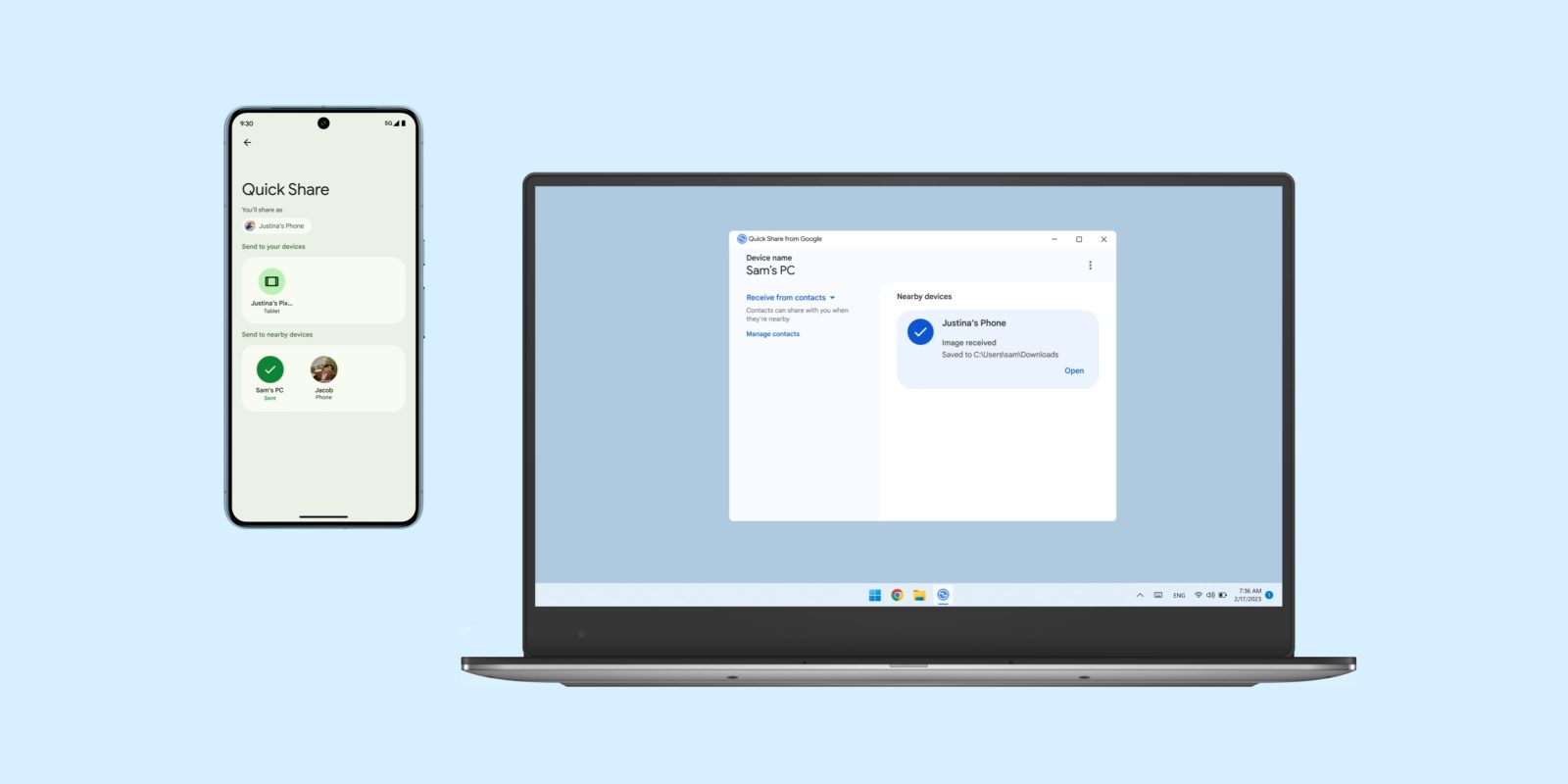
Google is rolling out a new update for the Quick Share app on Windows which improves how you can change visibility settings among other changes and fixes.
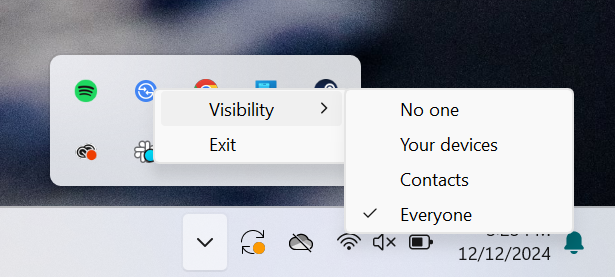
Quick Share for Windows v1.0.2034.4 is now rolling out to users with a few changes in tow. The most prominent update is the ability to change Quick Share visibility settings from the Windows system tray. Right-clicking the Quick Share icon now reveals the ability to change between “No one,” “Your devices,” “Contacts,” and “Everyone” sharing modes, eliminating the need to fully open the app to make that change.
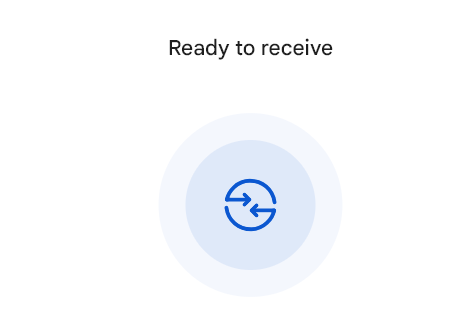
Other updates including new animations within the app (including on the “ready to receive” page) and various bug fixes including when sharing URLs.
Google’s full changelog follows:
- Added an option to change your visibility settings from the tray icon.
- Added the Quick Share logo to app animations.
- Fixed an issue where URLs were classified as text instead of links.
- Fixed an issue that prevented the Quick Share shortcut from being created in the “All Apps” section of the Start menu after you installed the app.
- Fixed an issue that caused a delay in launching the app after you signed in to your Windows account.
This is the first update to the Quick Share app for Windows since the app was made available to ARM-powered Windows PCs, such as Snapdragon-powered CoPilot+ PCs.
There is no way to force an update through the Quick Share app, though you can re-install the app to get the latest version.
More on Quick Share:
- Quick Share gets QR codes for quicker sharing
- Google releases Quick Share app for Windows on ARM
- More Android devices will introduce users to Quick Share during setup, following Pixel
Follow Ben: Twitter/X, Threads, Bluesky, and Instagram


FTC: We use income earning auto affiliate links. More.


Comments