
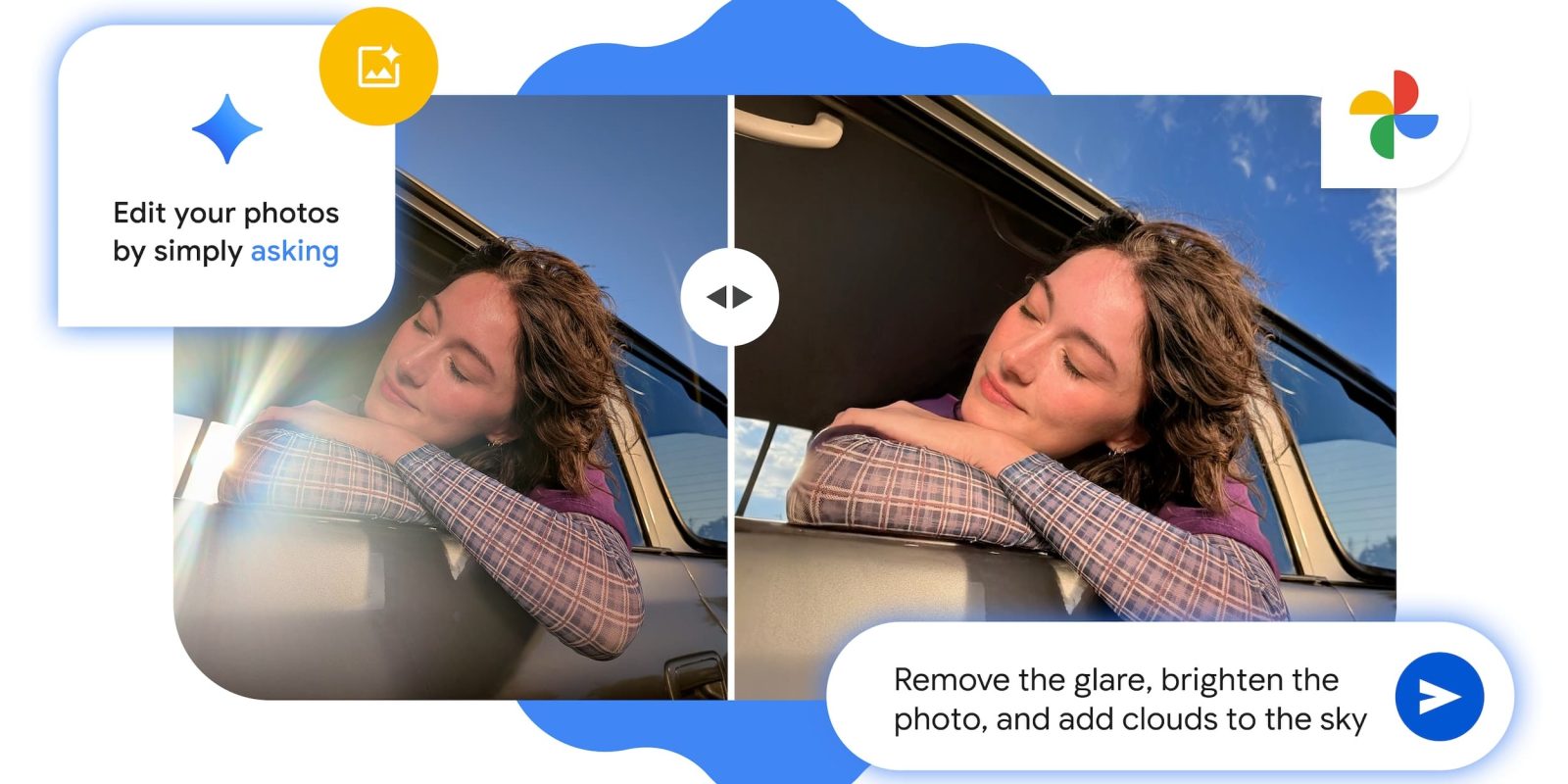
After introducing on the Pixel 10 series, Google Photos is bringing the conversational “Help me edit” experience to all Android users in the US.
You’ll find the “Help me edit” field at the bottom of the redesigned editor. “Tools” just next to it is how you access that existing carousel/redesigned editor. You’re prompted to “Describe the edits you want,” with Google offering context-specific suggestions like remove background or focus on the subject.
Top comment by Lachy MacDonald
I'm in Aus with a P10 pro and yeah confused why a feature like this gets country locked. Even ore so than the many other features Aus misses out on that make more technical sense.
First you needed the latest pixel to have the best nano model for on device stuff, then it was US English but not country locked, and now its geo specific 🙄.
The first on pixel promise is increasingly the first on US pixels promise.
If you know what needs to change, you can enter something like “Remove the glare, brighten the photo, and add clouds to the sky.” This can be faster than selecting the tool and then adjusting the value.


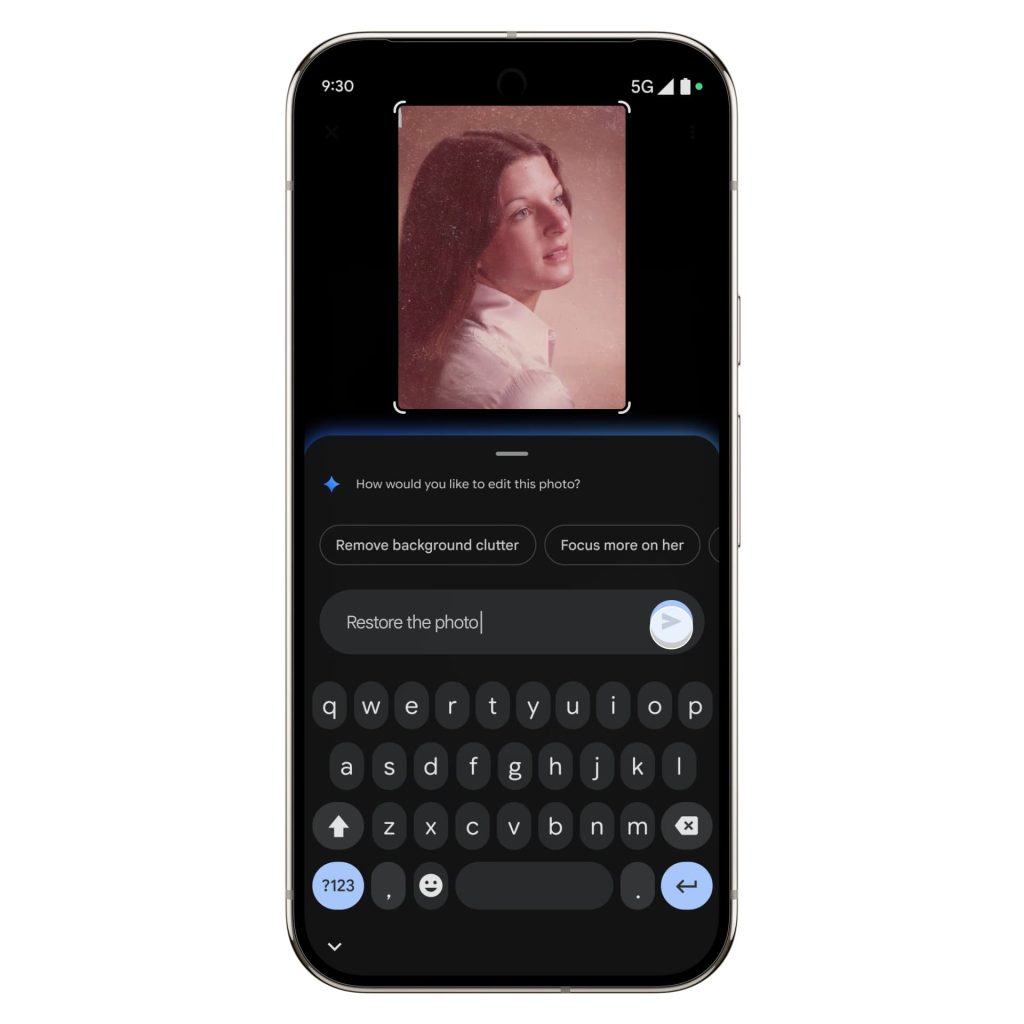
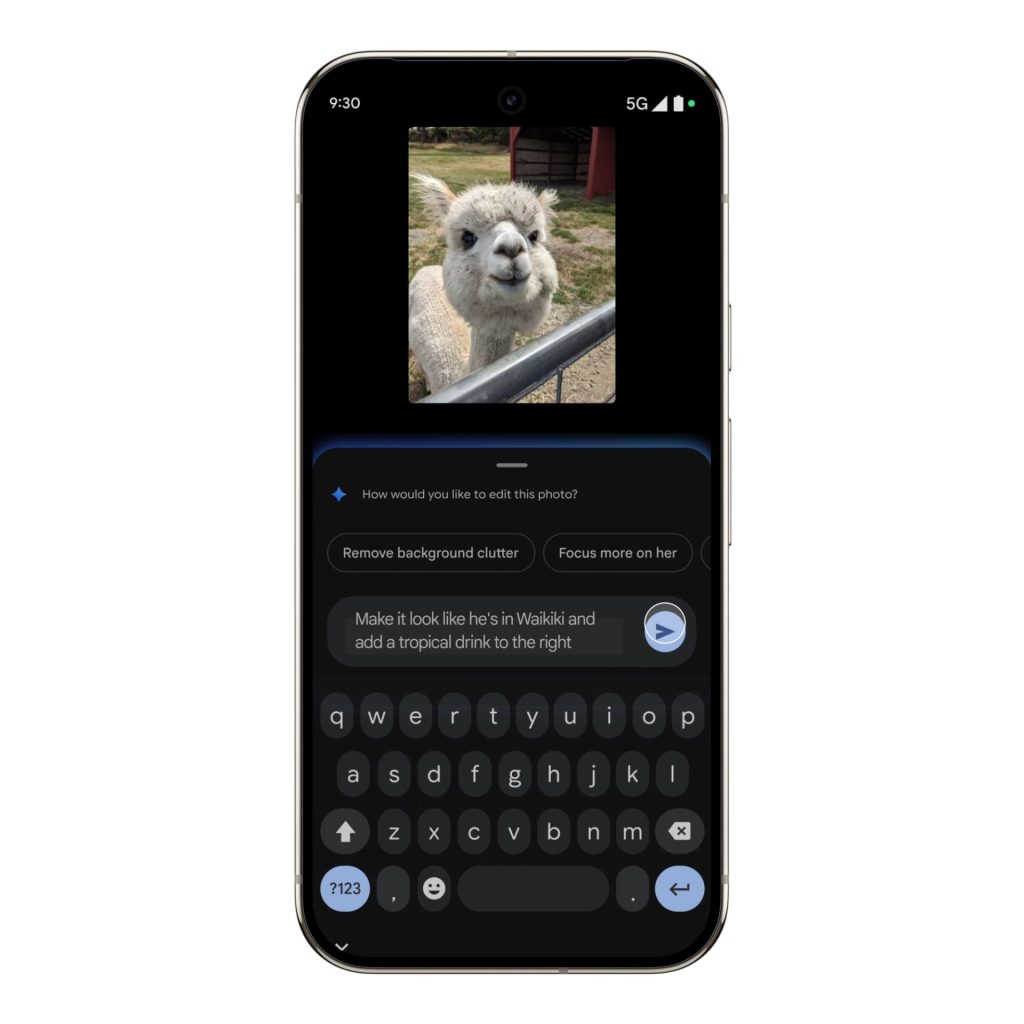
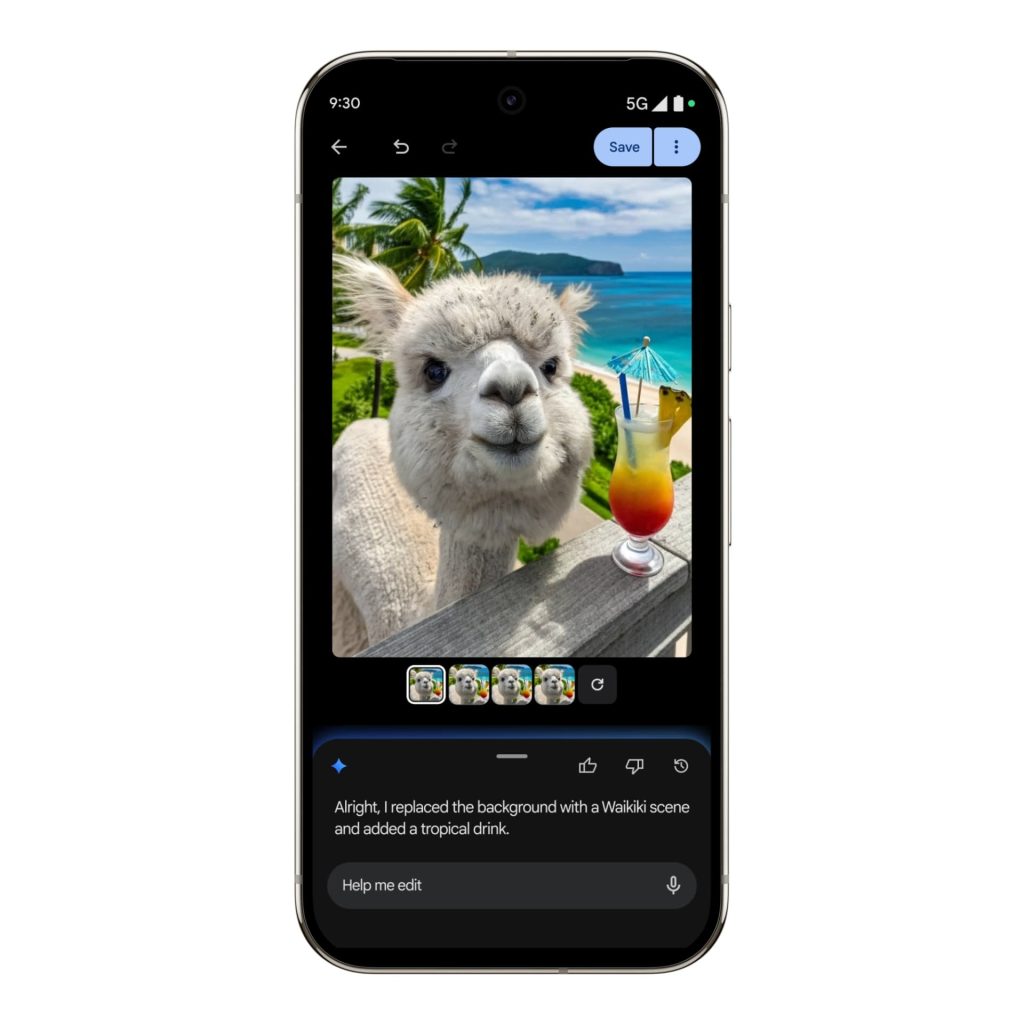
A more open-ended request is “Restore the photo” when dealing with old, faded imagery, while something simple like “make it better” also works. For a more Photoshop-esque experience, you can tell Google to change backgrounds or add items like sunglasses.
A pill at the bottom notes progress. The final result is shown alongside a handful of options, while you can keep issuing prompts to refine the edit.
This first debuted on the Pixel 10 and is rolling out to all “eligible” Android users in the US starting today, with no device/specification requirements beyond having the latest version of Google Photos.



FTC: We use income earning auto affiliate links. More.


Comments