
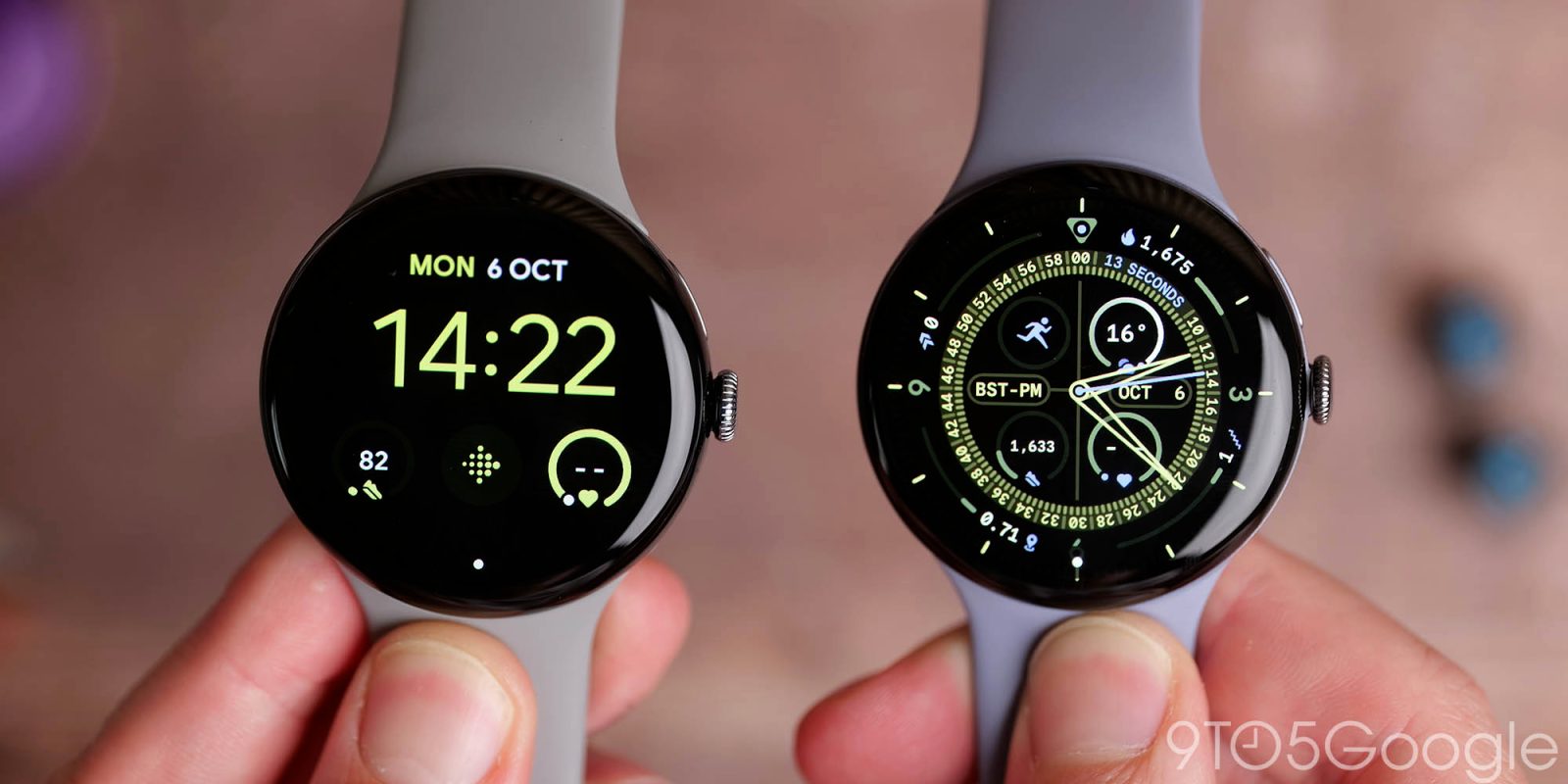
After a protracted wait, we now have Google’s latest smartwatch. With so many similarities with the Pixel Watch 3, where does the Pixel Watch 4 improve or enhance? Find out here.
Table of contents
Design changes and enhancements
On the face of it, these watches look very similar. They are very similar. However, Google has tuned some of the design traits that have defined the Pixel Watch since it was launched four years ago. The dome shape is now, well, more dome-shaped, with a very subtle display curve upward and outward with a greater camber. It seems inconsequential, but in reality, it makes the display feel closer to the surface and, dare we say it, marginally easier to use.
Your finger glides better, you can swipe more smoothly, and it feels great under your digits. However, we worry that this minor increase in bump means more opportunity to damage the edges. The added benefit is a marginally slimmer profile on your wrist. At the edges, the curves are softer, meaning that when wearing a long-sleeve garment, snagging isn’t as pronounced.
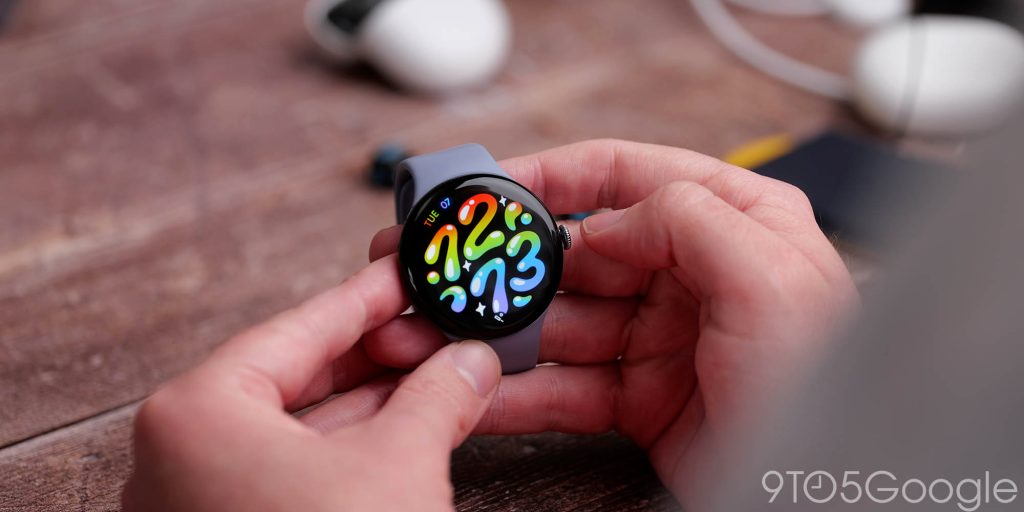
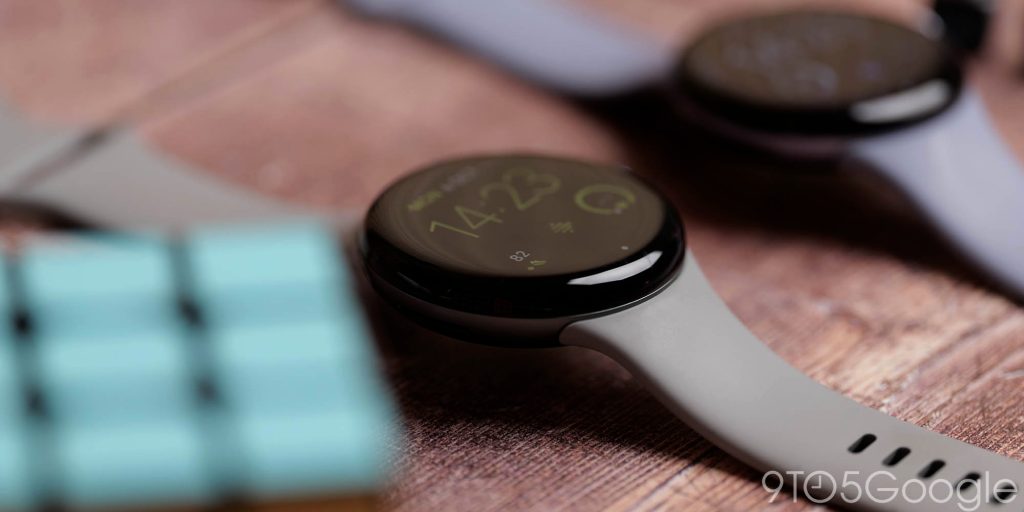
This has allowed for the display to increase outward by a millimeter or so in the centre, and while I expected not to notice, this minor increase in real estate has been really appreciated. Google’s own numbers indicate that the exact dimensions of the Pixel Watch 3 and Pixel Watch 4 are identical, but they feel quite different owing to the improvements.
A boost of up to 50% in the maximum brightness also means that you don’t have to cover the display to see it in direct sunlight. It’s one of the best smartwatch displays out there, and the even smaller bezels make content look better than ever.
One of the few negatives we’ve noticed is that the new charging prongs on the left side of the Pixel Watch 4 frame can rub or dig in compared to the smooth section in the same area of the Pixel Watch 3. This is not an issue unless you are moving your wrist, like when in the gym. It’s a minor complaint, but it also somewhat ruins the aesthetic. The crown is also slimmer on the newer model. It is less bulbous but similarly easy to adjust, press, and interact with the knurled or etched edges.
Wear OS 6 and Material 3 Expressive
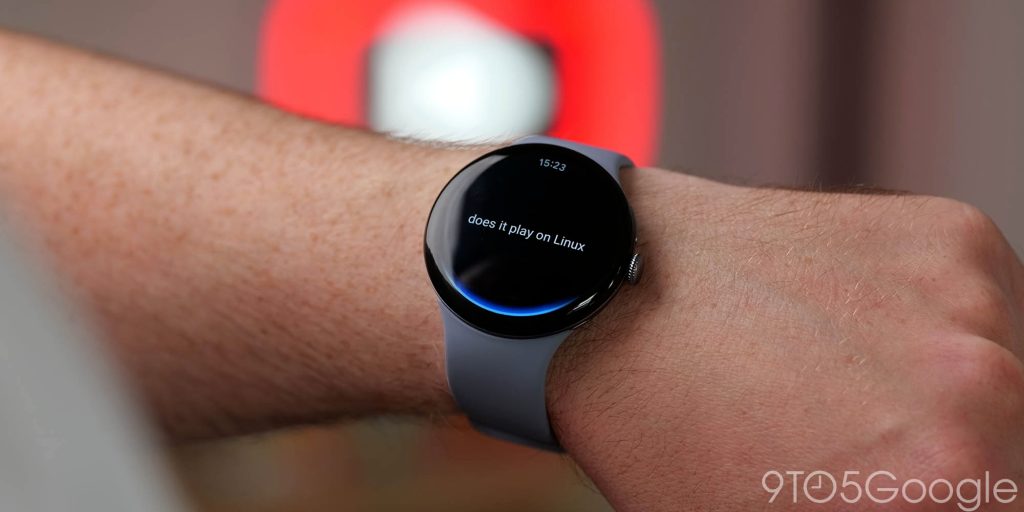
On release, the Pixel Watch 4 has Wear OS 6 pre-installed, while the Pixel Watch 3 still rocks Wear OS 5 for a little while longer. The difference is quite stark now. Material 3 Expressive is visible in some elements of the Pixel Watch 3, but it’s fully realized on the Watch 4. Menus, Quick Settings, and lots of apps now feel more alive. This, in tandem with the design changes, makes the new watch feel a little more cohesive with a Pixel phone and Android 16 QPR1.
Haptics are more liberally applied when dismissing notifications or swiping through menus. The vibrations are well-tuned to the experience you’ll have with this new update. An improved speaker can work in tandem with the haptics for better feedback for alarms, calls, and more.
Sadly, while the chipset has been bumped from the Snapdragon W5 Gen 1 to Gen 2, the only major change is the co-processor. This should provide better or faster AI task processing and allow the Pixel Watch 4 to offload more tasks, like continuous sensing, to this portion of the chip. This does result in a few select tasks being faster, but it really doesn’t make all that much difference in the real world. For anyone expecting a quantum leap, you won’t see it here.
Fitness and health tracking
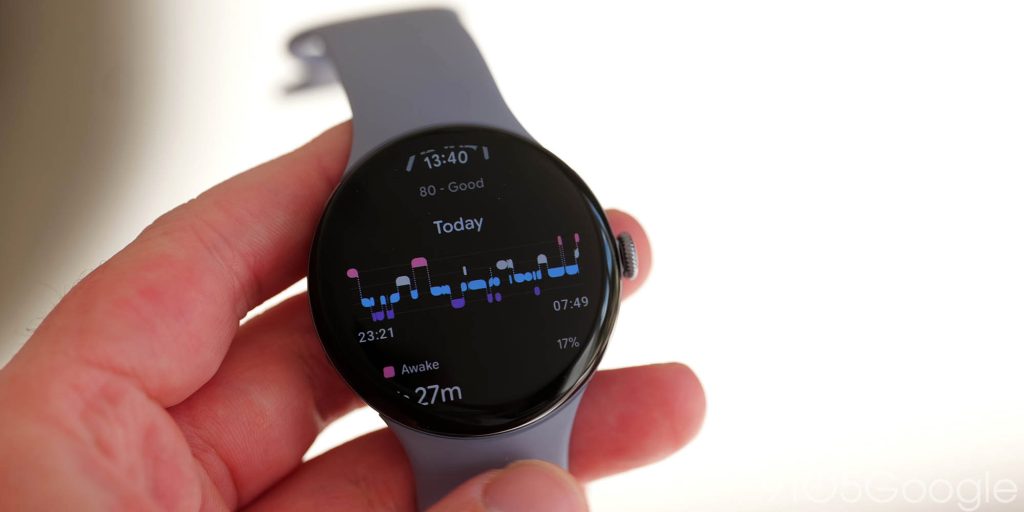
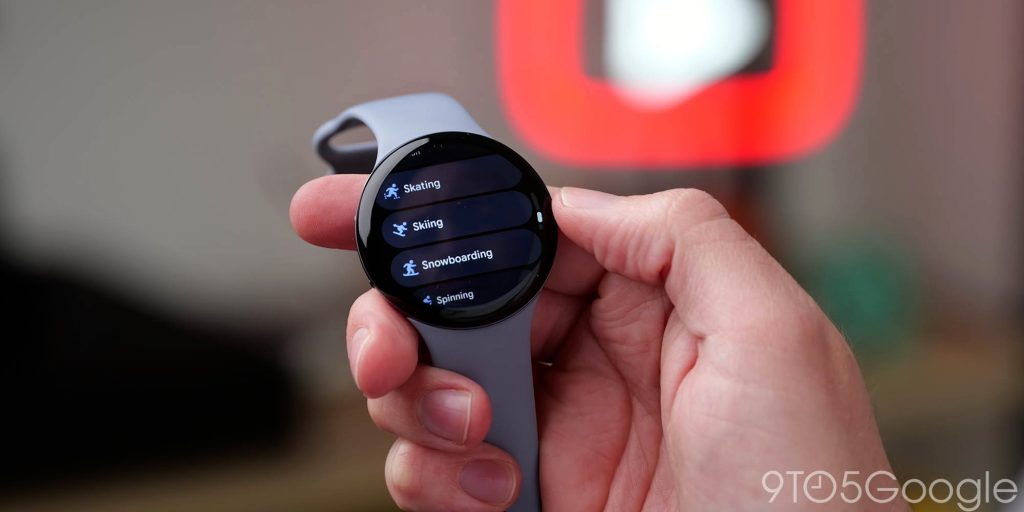
While the Pixel Watch lineup has never really been the best for fitness tracking, the updated post-workout activity detection is a step in the right direction. The Pixel Watch 4 can prompt you to add what it thinks is a workout to your Fitbit account, like if you went for a walk, run, or cycle. It’s still pretty terrible at most gym-based workout tracking, but the improvements for runners and outdoor-based activities are 100% welcome. You don’t need to worry about missing basic workouts, but don’t expect it to be perfect. It’s a failsafe that can help you out in a pinch.
There’s no doubt that a high-end Garmin is better suited to the most active person, the improved Dual Frequency GPS is far better at determining or positioning than the Pixel Watch 3. It’s more reliable in built up areas or cities and although isn’t a reason to upgrade could be a key selling point if you want a little more accuracy in apps like Strava.
Improved sleep tracking gives you deeper metrics for various sleep phases, but the 45mm watch size is not ideal for bed wear. It is by no means cumbersome, but it is not the most comfortable way to track your sleep.
If you’re looking for a true fitness watch. The truth is: the Pixel Watch is not it. Instead, it’s a smartwatch with some acceptable fitness tracking baked in.
Lifespan and charging
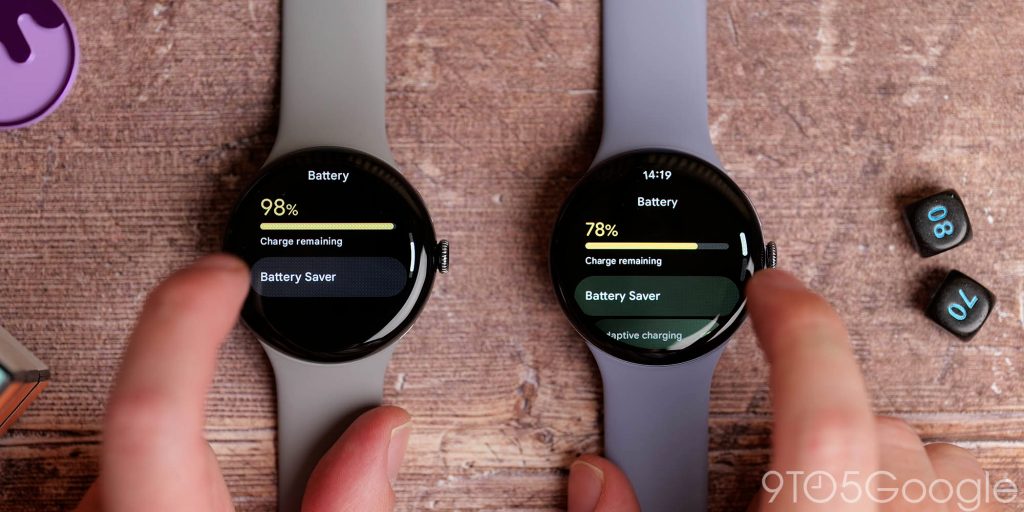
Even though the Pixel Watch 4 has an almost 10% larger battery, you would expect a decent increase in lifespan. The reality is a little more banal; both watches are capable of two days of wear without too much difficulty. In some cases I have been able to push the Pixel Watch 4 into a third day when using the battery saving modes. That seems like an edge-case and not always the norm when you start tracking more than a couple of workouts or a stroll throughout the day.
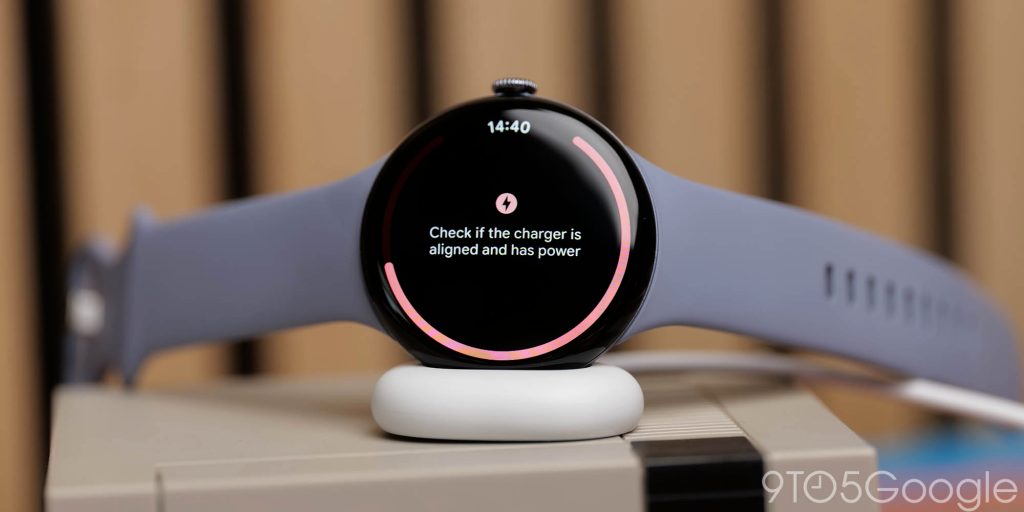
The new charging method is a big step up in speed, though. While getting frustrated at the lack of compatibility is easy and understandable, there are some good things to note. Firstly, the new charging dock is weighty and sits flush on a surface. The Pixel Watch 4 display will adjust and work like a mini clock with time, charging information, and the date. I would love it if Google added a mini Nest Hub-style information screen, but for now, it’s a nice way to add a mini clock to your nightstand when charging.
In my experience, the Pixel Watch 4 charges quite a bit faster than the Pixel Watch 3 and tracks with the improvements that suggest an hour to go from 0 to 100%. Being able to go from 0 to 50% in around 15 minutes has been really beneficial, as you can quickly add some juice and get on with your day. It’s twice as fast as the Pixel Watch 3, which is a big jump.
Pixel Watch 3 vs. Pixel Watch 4: Which is the better buy in 2025?
About upgrading: 9to5Google often gives specific product recommendations. Sometimes, we may suggest not upgrading, due to various reasons including, but not limited to: increased device cost, negligible performance gains, or environmental impact. Whether to upgrade is always your call, but our aim is to help you make as informed a decision as possible.
The most striking thing when comparing the Pixel Watch 3 and the Watch 4 is that, while there are lots of minor tweaks and added tuning, the Pixel Watch 3 is still an incredible package that is a great companion for any Android phone.
Google has made the most improvements in how the hardware and software converge. The new curved screen on the Pixel Watch 4 feels more like a bridge for Material 3 Expressive. It seemed small at first, but it does make an unexpected and substantial difference to how interactive everything feels.
You get 80% of the experience, and with prices coming down, that is a very good thing for patient buyers. Given the lack of Wear OS watch makers in the space, it’s great that you have a marginally older but still solid wearable option to pair with your Android phone.
In many ways, the Pixel Watch 4 is the most improved product in Google’s portfolio this year. It’s still a minor upgrade, but one that could provide the biggest jump from older models. If you have the Pixel Watch 3, just stay put. If you have the Pixel Watch 2 or the original, you’ll be very happy you made the switch.
Get the Pixel Watch 3
Get the Pixel Watch 4
Follow Damien: Threads, Bluesky, Instagram


FTC: We use income earning auto affiliate links. More.


Comments