
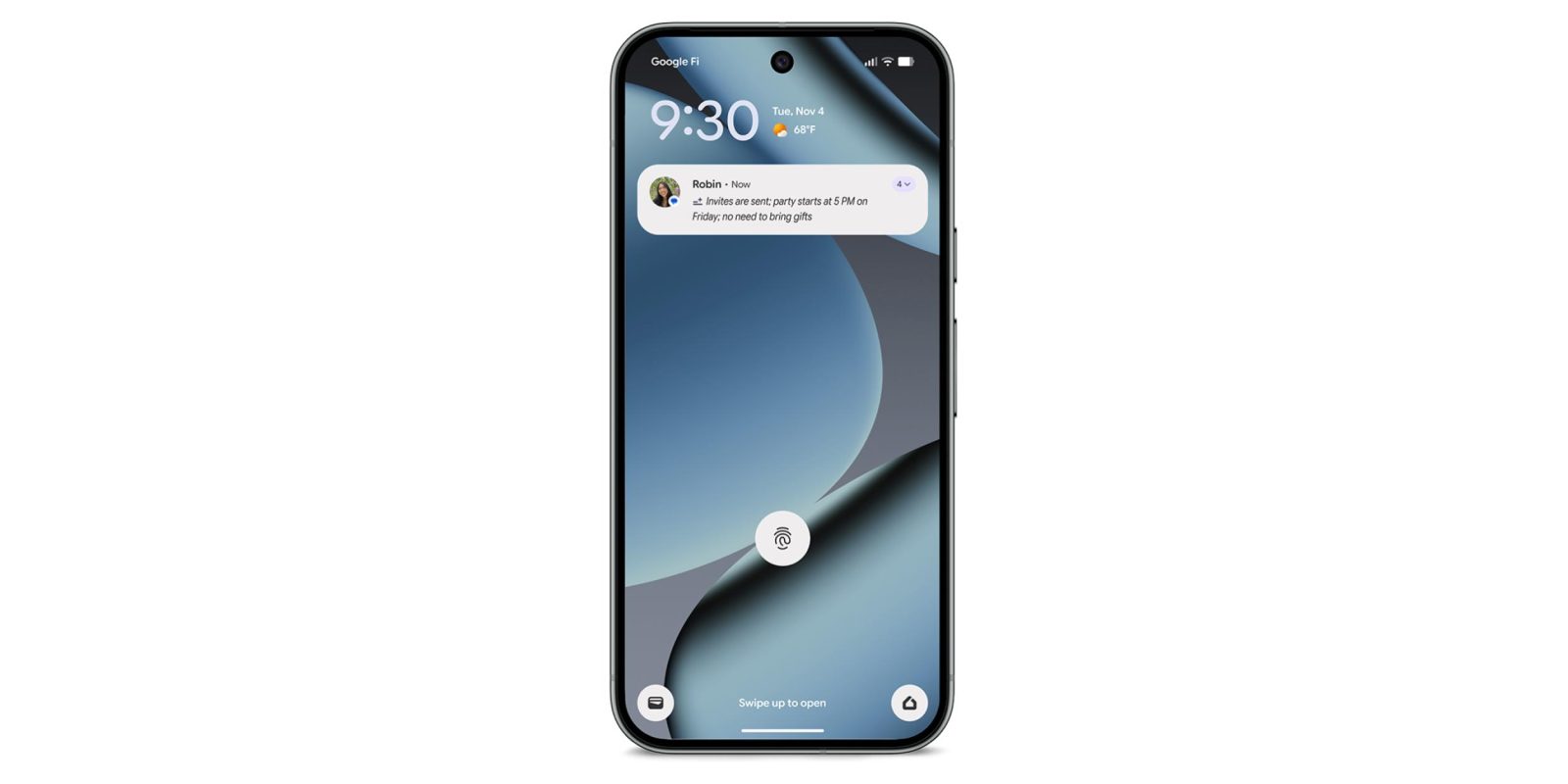
With the November 2025 Feature Drop, Google announced AI Notification Summaries for the latest Pixel phones. The capability is rolling out now, and here’s how it works.
To enable on the Pixel 9 and 10 series (9a excluded), go to Settings > Notifications > Notification Summaries. This feature is off by default, and not yet widely rolled out. It doesn’t automatically appear after updating to the November patch.
Google will only summarize “long conversations” in English from “popular” messaging apps, like Google Messages and WhatsApp. “Shorter notifications, like brief text messages” and text with multiple languages or “only emoji” will not be summarized. The capability is also disabled when Battery Saver mode is active.
Another reason why an AI summary might not be generated is if “you’re actively using your phone” as the “screen must be off for a moment.”
These brief overviews start with a sparkle icon and are italicized. Expanding the notification will show the full message thread.
From Settings, Google offers a “Don’t include these apps” list to control what gets summarized.
Behind-the-scenes, Android System Intelligence is powering this experience and has to be “Allowed” under Settings > Notifications > Privacy > Notification read, reply & control. On-device Gemini Nano is leveraged, so that model has to be up-to-date.
In December, Google will also organize and silence lower-priority notifications into categories like “News” and “Promotions” at the bottom of the shade.


FTC: We use income earning auto affiliate links. More.


Comments