

Smart home cameras are everywhere now, and while there are some great ideas like the ones found in the dual-tracking Baseus X1 Pro, I continue to just wish everything worked better within the Google Home app.
The Basesus X1 Pro is a 2-in-1 camera. It has two cameras on motorized swivel mounts, each packing 3K resolution and combining for a 300-degree field-of-view. The big selling point for Baseus is that if a subject walks into the view of one camera, they’ll still be tracked by the second lens when the first one can no longer see them.
It’s a clever idea, and one that seems to work relatively well. The ideal spot for this would be the corner of a house, but that wasn’t an option in my yard. Instead, I use it on my shed to give another angle for my yard as well as focus in on a location that my existing Nest Cam can barely see. The tracking doesn’t get a ton of work here since there’s not much traffic, but when I do venture to that part of the yard, I can see the cameras following me through.
You can also manually control this through the Baseus app, which is handy for manually checking out portions of the field-of-view.
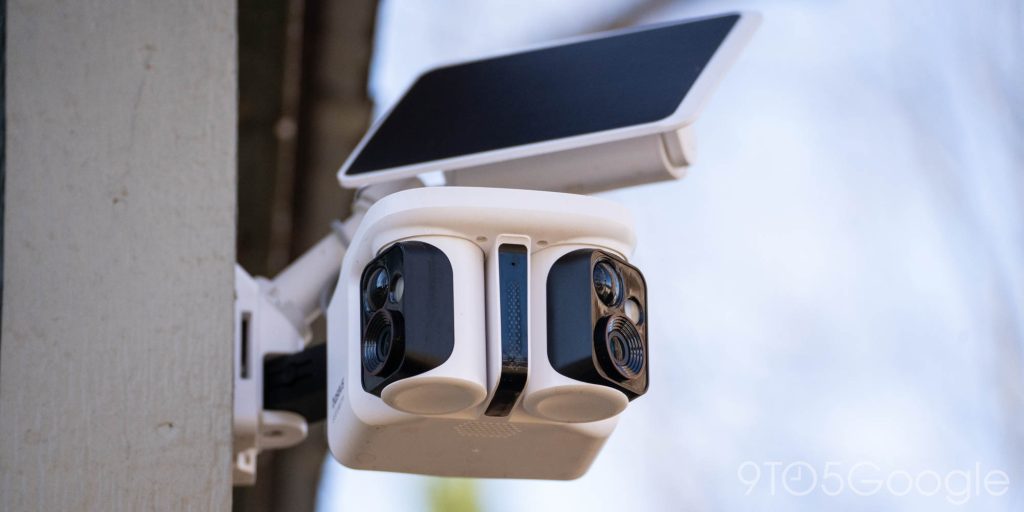
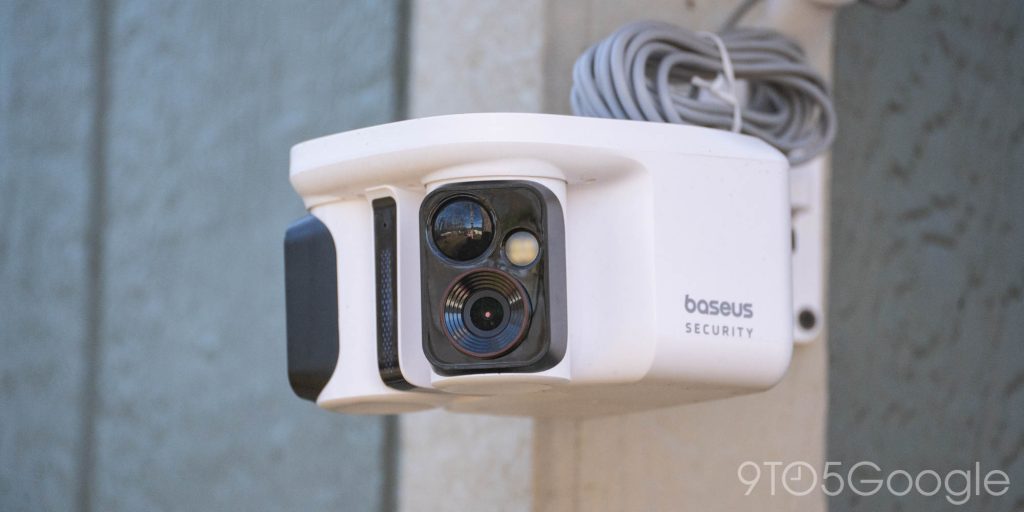
Equally cool to that, though, is the solar panel. The mounting solution puts a solar panel above the two cameras and puts that on a motor too so it can adjust to best capture sunlight. The motor is of negligible benefit I think, but the panel itself works well. To test it, I drained the camera fully, then let it charge solely with solar power. Even on a cloudy weekend, it managed to run 24/7 and have about 20% available within a few days. My only problem is similar to other solar powered cameras – the cable is impossible to neatly hide.
The Baseus X1 Pro further records everything to a local microSD card, and you can use the Baseus app for both watching live footage, getting notifications, and seeing footage. The experience is pretty basic, but it’s also one that requires no subscription fees at all.

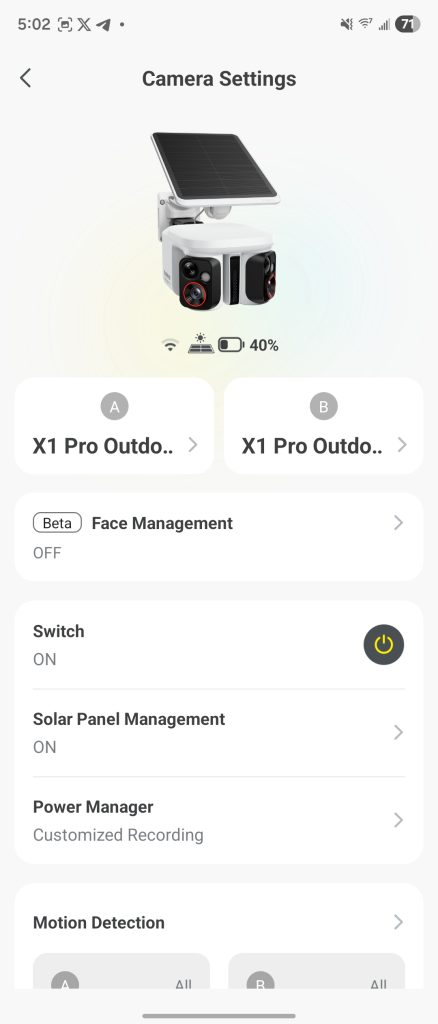
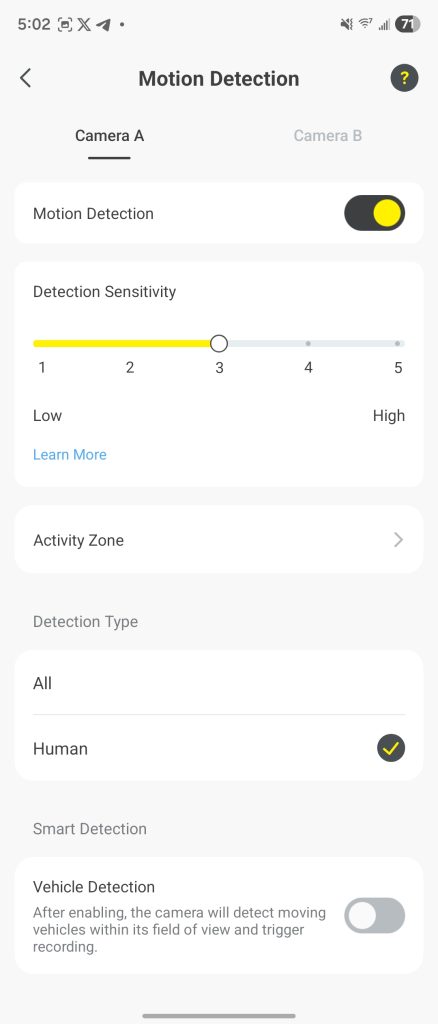
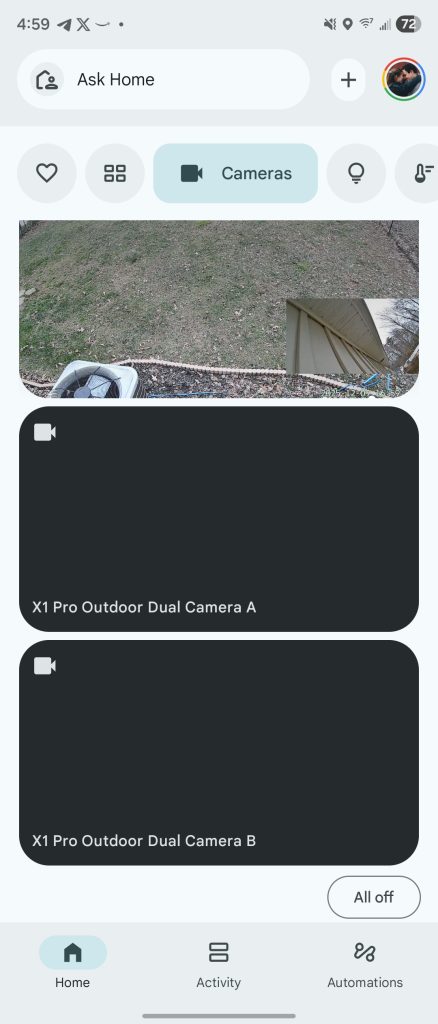
My main issue, really, is just that it doesn’t work with the Google Home app very well. Like many other third-party cameras, you can stream through an Assistant smart display reasonably easily, but the Google Home integration is lacking. Opening the feed either sends you into an endless loading loop or fails completely. My app eventually just decided the device was “offline” and basically ignored that the camera existed.
The clever ideas in this camera, like a similar model from Wyze, are really worthwhile, but I continue to question if I really want to have a different app for every camera. The promise of something like Google Home is to bring my smart home together, and the tools are clearly available for improving on that experience.
If you’re not using Google Home or simply don’t mind heading over to another app, the Baseus X1 Pro works really well, but I’d really like to see this support improved with time. The Baseus X1 Pro is currently in the tail end of a pre-order period on Kickstarter, and will be fully available in February of next year.
What do you think of it?
More on Google Home:
- IKEA’s new lights, sensors, and remotes work with Google Home through Matter
- Gemini for Home update already working on some third-party Google Assistant speakers
- Walmart’s affordable Google Home camera is a no-brainer at $10 sale price
Follow Ben: Twitter/X, Threads, Bluesky, and Instagram


FTC: We use income earning auto affiliate links. More.



Comments