
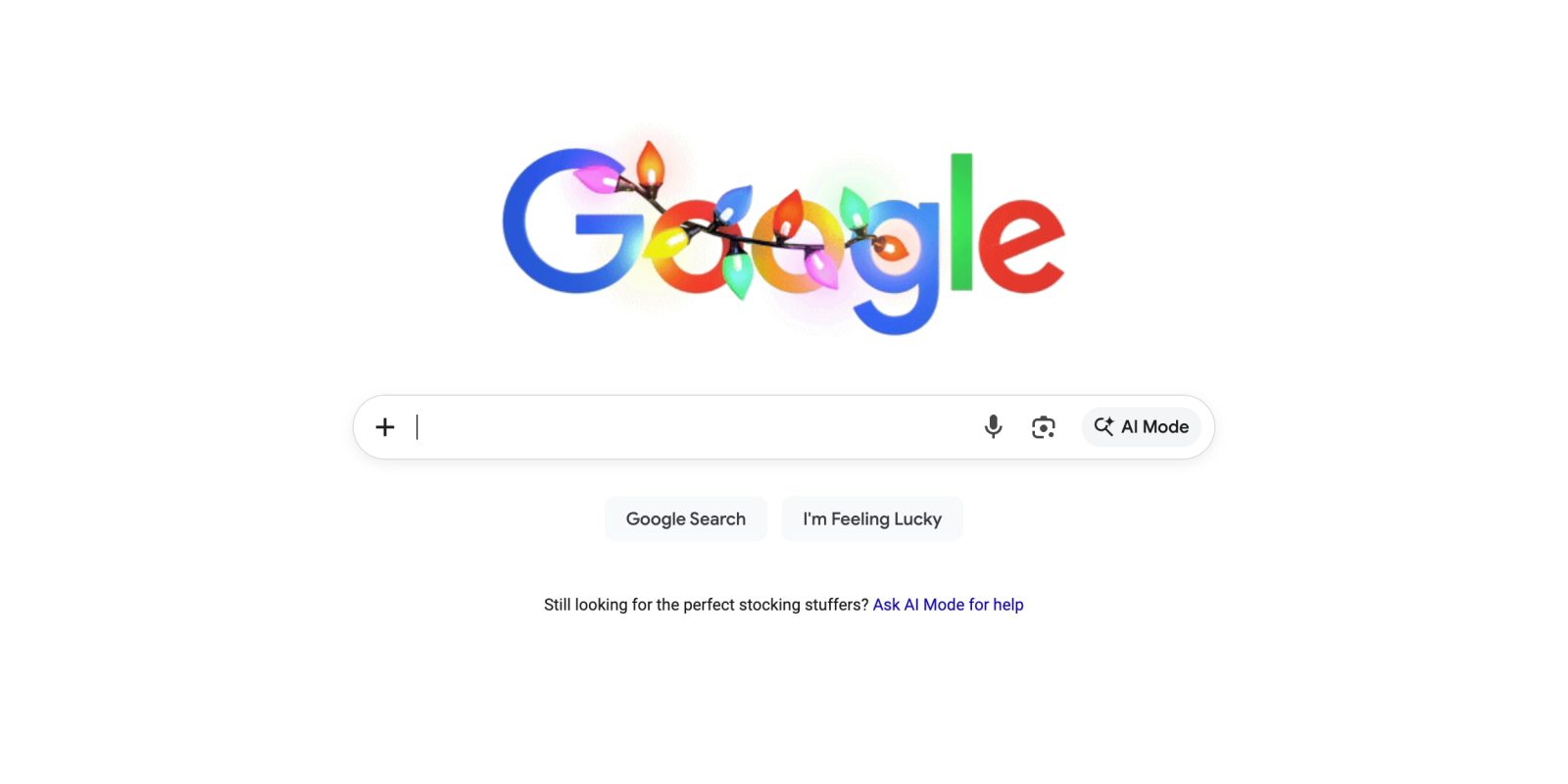
Historically, google.com does not change very often. After adding an AI Mode shortcut earlier this year, there’s now a ‘plus’ menu on the Google Search homepage.
On google.com, the Search bar now has a plus icon at the far left that replaces the magnifying glass. Clicking lets you “Upload image” or “Upload file.” It very much matches the AI Mode experience.
Those two capabilities aren’t new, but this plus menu does help emphasize that you can use Google to accomplish tasks, and not just find information. Additionally, it helps indicate that they can be used with AI Mode and AI Overviews.
This is just available on desktop web (not mobile) and is live on all the devices we checked today, including across signed-out Incognito sessions.
Update 12/16: This has rolled out in the US and is now expanding globally (in English) where AI Mode is available.

Meanwhile, the Google app on iOS recently switched out the Google Labs beaker icon in the top-left corner of the Home tab for a button that opens your AI Mode history. This is extremely convenient, and not yet on Android.
Google has tweaked the AI Mode home/prompt page so that the history button (which has been refreshed) also appears at the left, while the back/dismiss button is now at the right.


FTC: We use income earning auto affiliate links. More.



Comments