

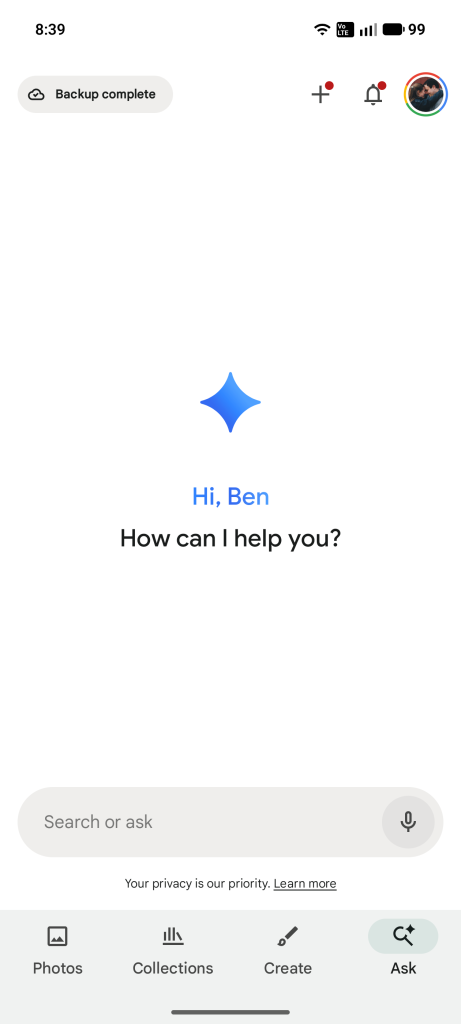
Face grouping and search is perhaps one of the best parts of Google Photos, but the pivot to focus more heavily on AI-powered search did take away one of the easy shortcuts that could help you find images of a person or a pet. Now, though, Google is bringing it back.
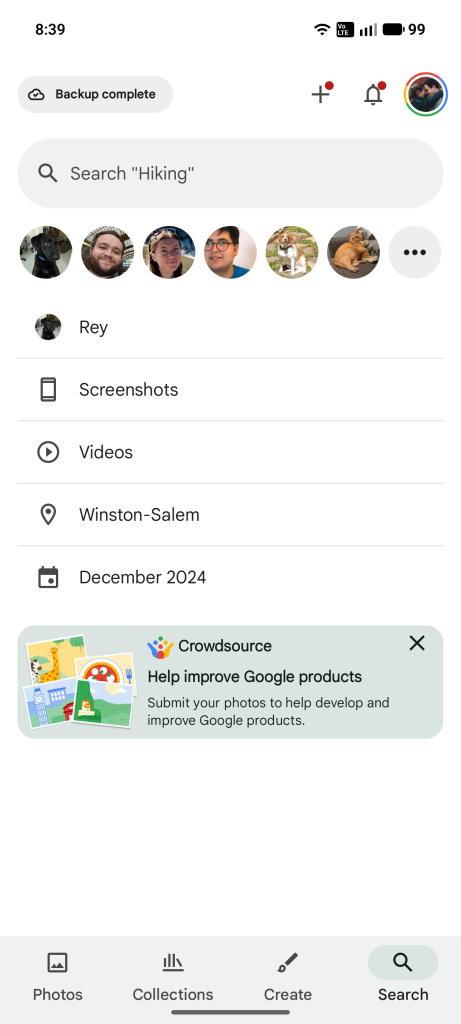
On a support page, Google has confirmed that recent updates to the Photos app have revived support for “face shortcuts” in search. These shortcuts previously appeared on the search page with images of some of your most common subjects – whether people or pets – getting easy-to-access previews across the page.
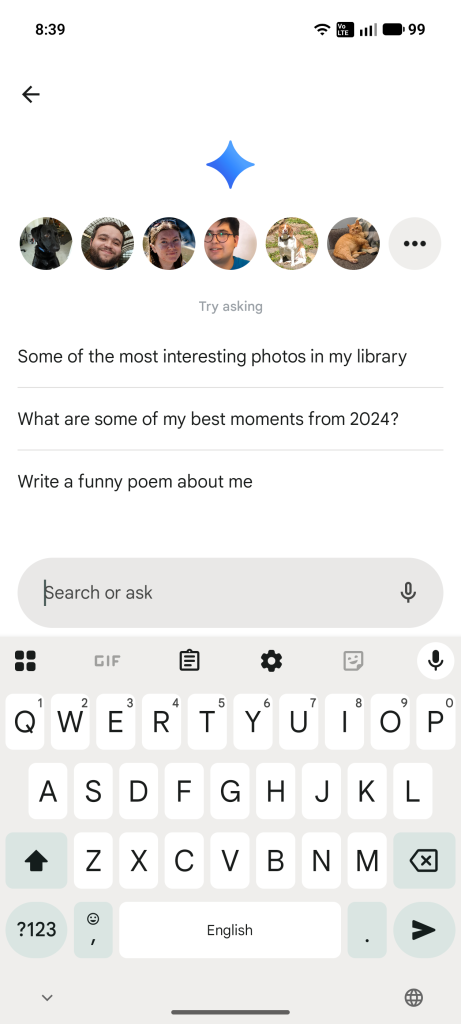
When “Ask Photos” initially rolled out, this bar of shortcuts was missing from the search experience. Even as Google has continually made adjustments, this is one feature that was missing compared to the prior search screen. The return applies to both “classic” search as well as “Ask Photos,” with the latter seeing it appear after tapping the text field to start a search, where it shows immediately in “classic” search.
Google says:
Great news! We heard your feedback about wanting an easier way to find photos and videos of the important people in your life in Google Photos. Now, we’re adding shortcuts to your face groups into classic search and Ask Photos on Android, iPhone, and iPad.
In the “Search” or “Ask” tab:
- To go to the page of one of your top people or pets: Tap on their face.
- To find pages of other people or pets: Tap More (3 dots).
Notably, this doesn’t appear to have just now returned, but rather rolled out over the course of the past few app updates. To use this, you’ll need to have face grouping enabled.
More on Google Photos:
- Google Photos reminds users how deleting works across devices and backups
- Google Photos ‘Remix’ rolls out to more countries, adds more style choices
- Google Photos rolling out video editor redesign on Android, iOS
Follow Ben: Twitter/X, Threads, Bluesky, and Instagram


FTC: We use income earning auto affiliate links. More.


Comments