

It should come as no surprise that Google is hard at work behind the scenes on the software for Android XR glasses, but a new companion app has now surfaced in the latest Android Canary builds to show off some of that work in action.
As noted by u/Oguie13 on Reddit, the latest Android Canary build on Android Studio contains a “Glasses” app that appears in the app drawer and looks to be used for Android XR glasses. It carries the straightforward package name “com.google.android.glasses.companion.” The folks over at Android Authority were quick to point out that this is the same app seen in some of Google’s Android XR documentation, and it shows some interesting tidbits.
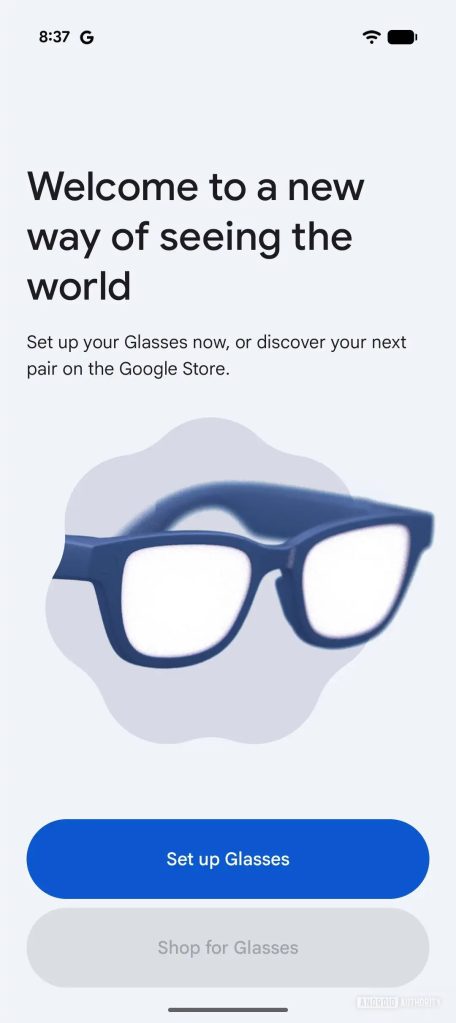
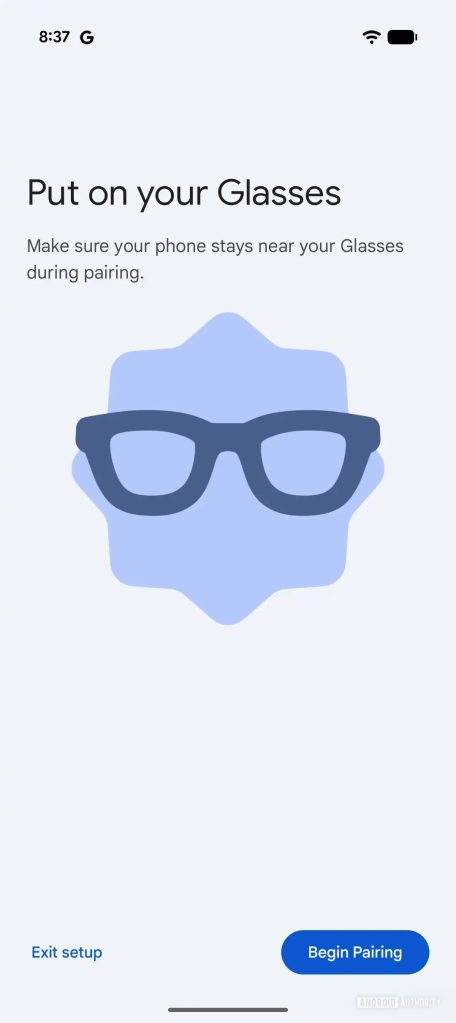
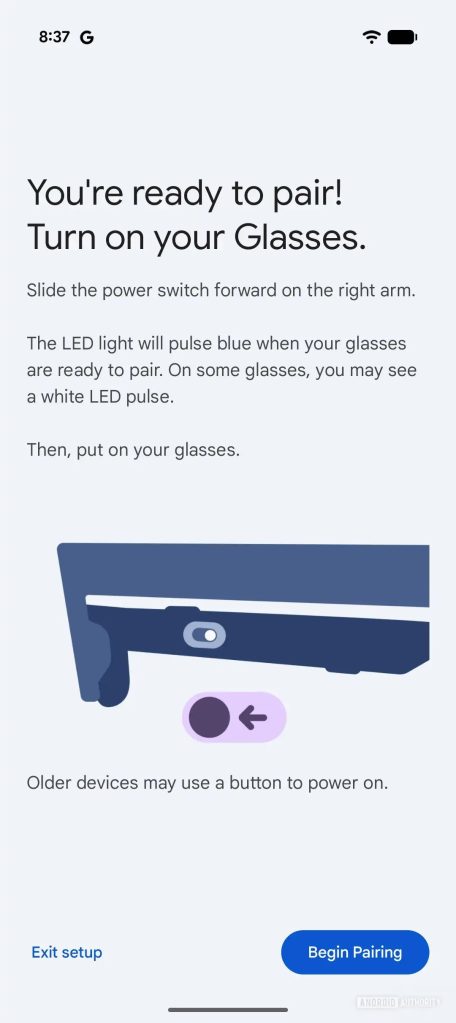
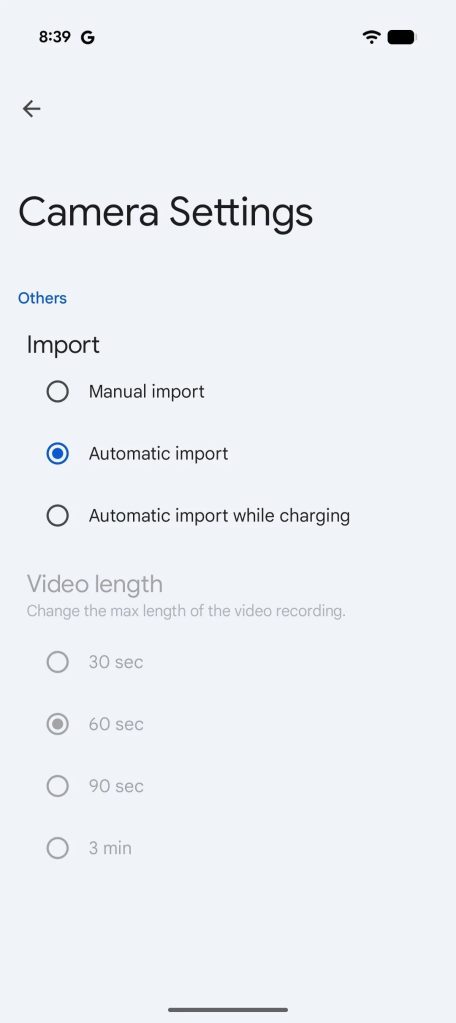
The app itself is obviously pretty barebones without glasses to pair to it, showing a generic pair of smart glasses on opening and mentioning that users can “Set up your Glasses now, or discover your next pair on the Google Store.” The button that would link to purchasing glasses is greyed out. The app also mentions a physical switch (or button) used to power on the glasses. A settings page then shows that the built-in camera will have the option to import photos and videos either manually, automatically, or while charging, and video clip length can range from 30 seconds up to 3 minutes, just like Meta Ray-Bans. A code snippet suggests video will be captured at 1080p, with an “experimental” 3K mode, and AA also found an audio clip that says “Can’t capture when the front LED is covered,” again mimicking functionality from Meta Ray-Bans.
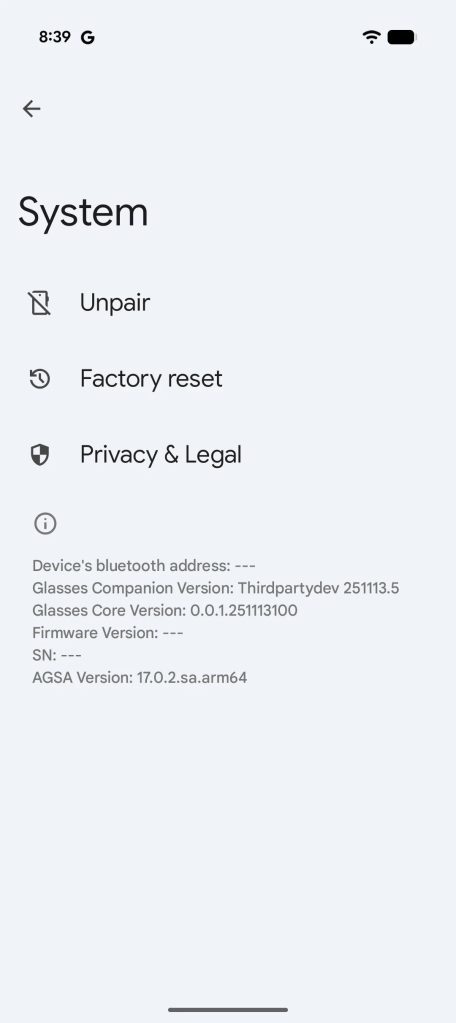
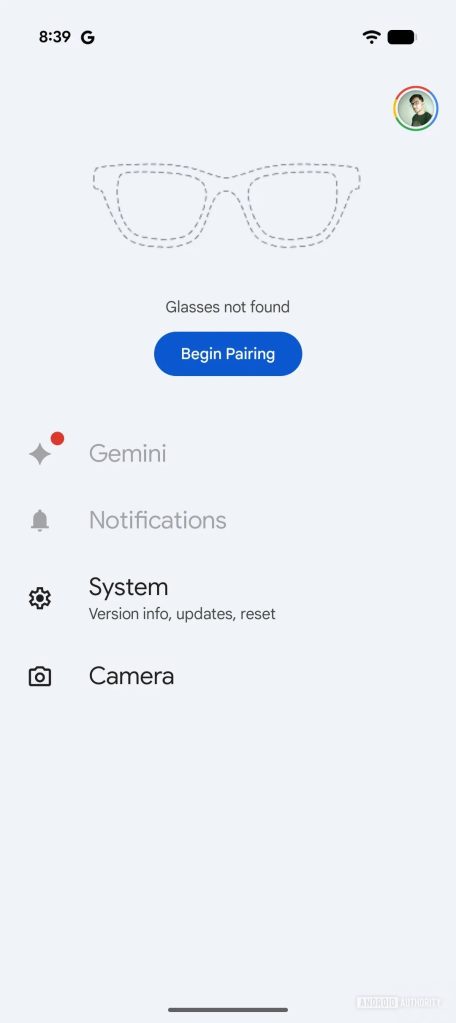
Further strings in the app’s code reveal “Conversation detection,” where “Gemini will automatically silence spoken notifications when you’re talking.” That feature is entirely handled on-device, as Google says: “To protect your privacy, all conversation detection processing happens on your glasses. No raw audio, images, or conversation data is shared with Google or other services.” The strings also suggest the ability to pause “spoken notifications” for specific lengths of time.
There are also some strings hinting at display settings, including brightness control and an “audio-only” mode of some kind.
- <string name=”settings_displayless_mode_description”>Turns off the glasses display</string>
- <string name=”settings_displayless_mode_title”>Audio-only mode</string>
- <string name=”settings_brightness_slider_content_description”>Brightness Slider</string>
- <string name=”settings_brightness_title”>Brightness</string>
The first Android XR glasses are expected to launch from Samsung sometime in 2026, but it’s certainly interesting to see Google’s companion app this far advanced, as it suggests Samsung’s hardware will rely heavily even more heavily on Google’s software than Galaxy XR already does.
More on Android XR:
- Smart glasses are better than ever, but the promise of Android XR is too close to ignore
- XREAL is going all-in on Android XR with more glasses coming in Google partnership
- 2026: Showtime for Android XR glasses
Follow Ben: Twitter/X, Threads, Bluesky, and Instagram


FTC: We use income earning auto affiliate links. More.


Comments