
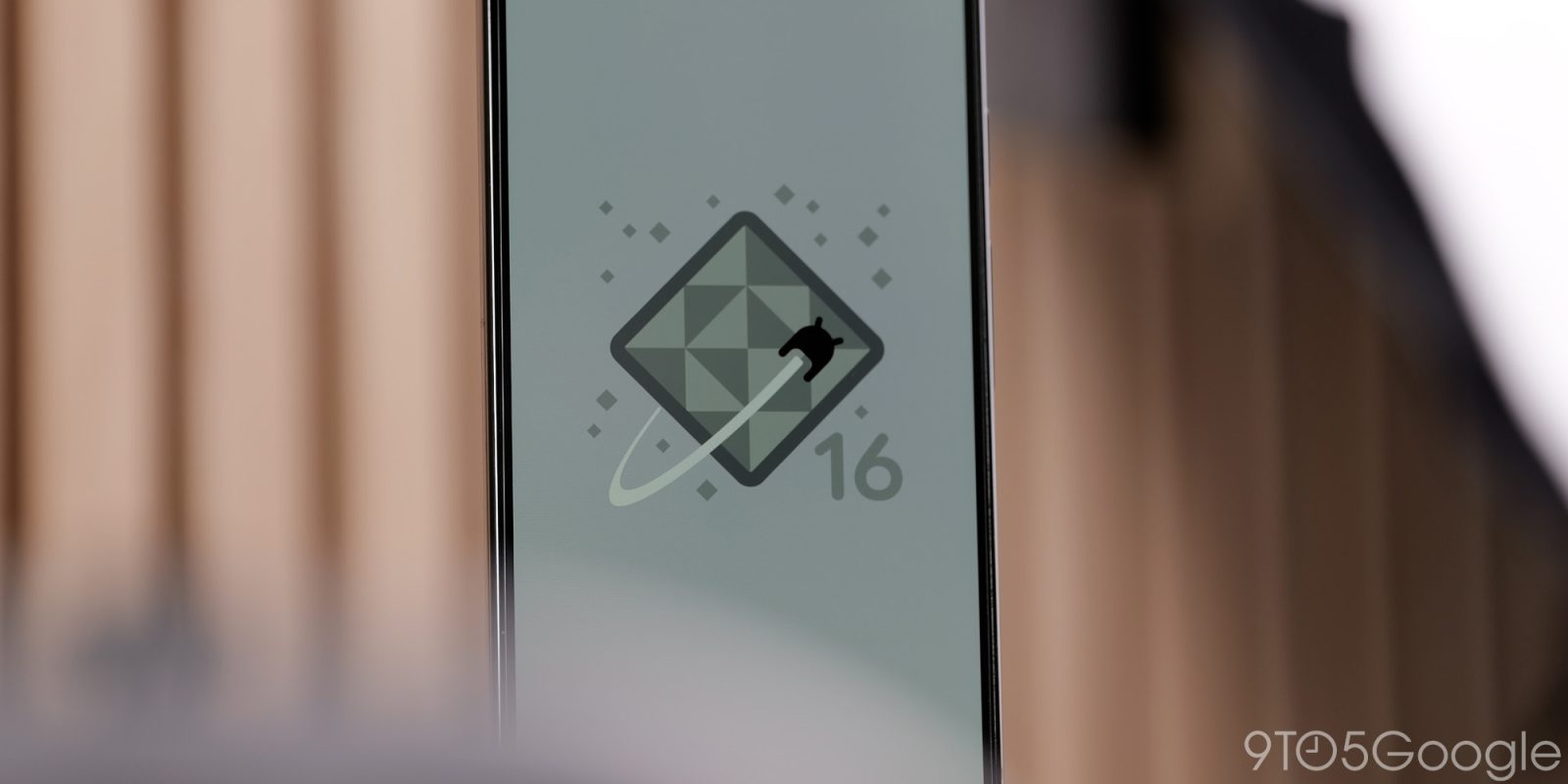
At the moment, Gemini’s “Computer Use” efforts are focused on desktop web as seen by the Gemini Agent available for AI Ultra subscribers. Availability on Android seems inevitable, with 16 QPR3 Beta 2 preparing for that with a new “Screen automation” permission.
About APK Insight: In this “APK Insight” post, we’ve decompiled the latest version of an application that Google uploaded to the Play Store. When we decompile these files (called APKs, in the case of Android apps), we’re able to see various lines of code within that hint at possible future features. Keep in mind that Google may or may not ever ship these features, and our interpretation of what they are may be imperfect. We’ll try to enable those that are closer to being finished, however, to show you how they’ll look in case that they do ship. With that in mind, read on.
In Android 16 QPR3 Beta 2, going to Settings > Apps > Special app access reveals a new “Screen automation” item: “Allow apps to help you complete tasks by interacting with other apps’ screen content.” This permission only appears on our Pixel 10 devices, but not the Pixel 9 series. It’s unclear whether availability will expand in the future.
The Google app (which is responsible for Gemini) appears as the only supported application with three options: Always allow, Ask every time (default), and Don’t allow.
This app will be able to see and interact with other apps’ screen content to help you complete tasks, even when the apps are in the background


The few strings/descriptions we have today about this are referred to as “computer_control.”
<string name=”request_computer_control_access_dialog_description”>This app will be able to see and interact with other apps\’ screen content to help you complete tasks, even when the apps are in the background</string>
Additionally:
- <string name=”automated_app_launch_warning_dialog_description”>To view task progress, open the %1$s app.\n\nIf you stop the task now, you may lose your progress. To restart, open the %1$s app.</string>
- <string name=”automated_app_launch_warning_dialog_stop”>Stop task & open app</string>
For Google, computer use involves agents navigating the web and applications “just as humans do: by clicking, typing and scrolling.”
Back in May, Google showed Project Astra (which is used to test future Gemini Live capabilities) being able to scroll Chrome for Android and click throughout the YouTube app.
Google is laying the groundwork for all that in Android 16 QPR3, but it remains to be seen when the Gemini part will go live.


FTC: We use income earning auto affiliate links. More.



Comments