
While the free tier of the Gemini app allows you to be quite productive, subscribing to Google AI Pro unlocks a lot more.
Usage limits
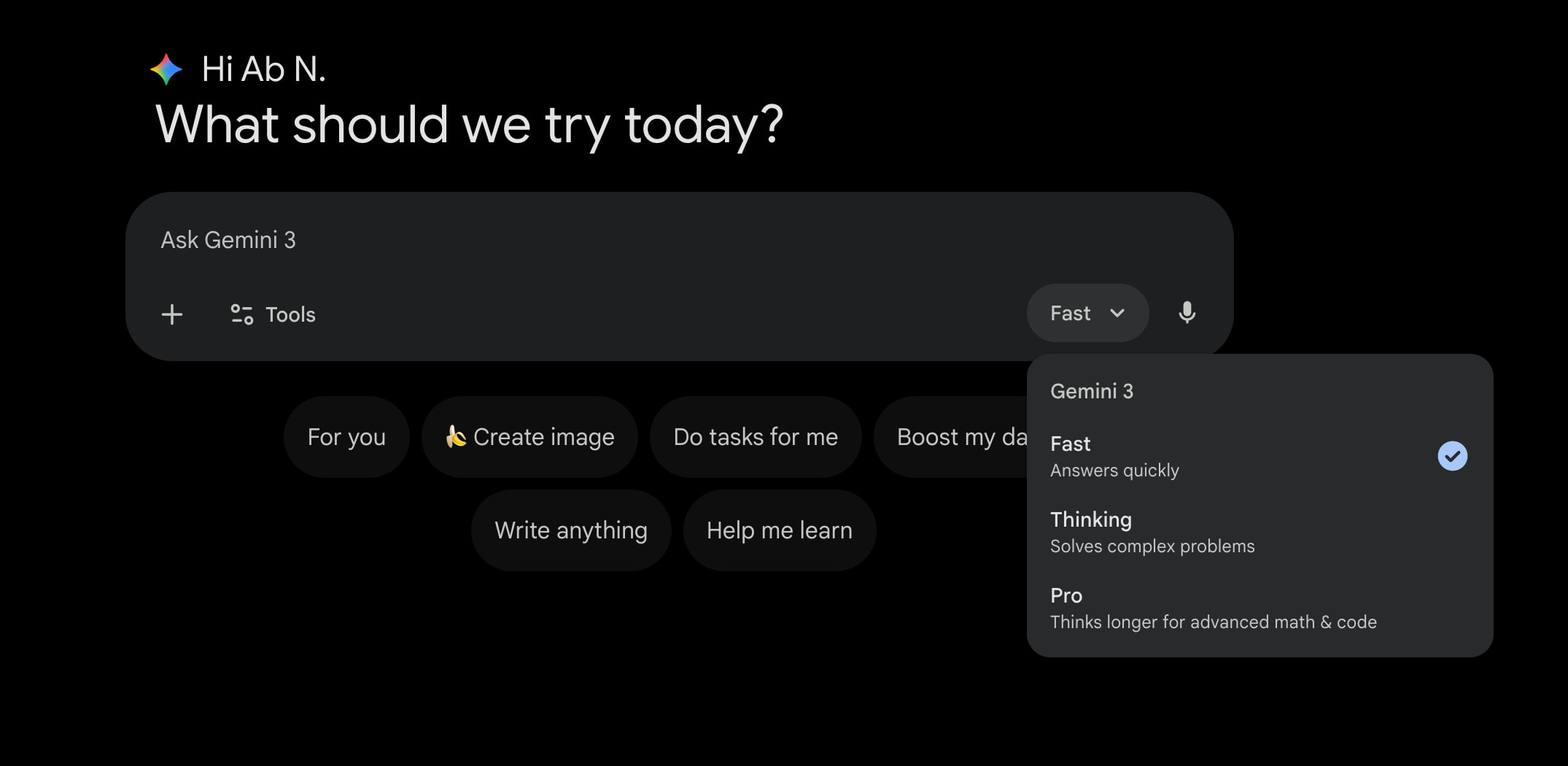
All Gemini users have “General access” to the Fast model (Gemini 3 Flash) that “Answers quickly.”
Thinking (also Gemini 3 Flash) “Solves complex problems.” It spends more time “reasoning” on your prompt before responding, with Google providing free users “Basic access,” though the “daily limits may change frequently.”
Pro (Gemini 3 Pro) “Thinks longer for advanced math & code.” There’s once again “Basic access” that only allows for a handful of prompts in a 24-hour period. Previously, the usage limits for Thinking and Pro were combined, but Google in January split them.
As a Google AI Pro subscriber, you get 300 prompts per day with Thinking and 100 Pro prompts. For non-professional usage, this $19.99 per month subscription will suffice and lets you use the cutting edge that Google offers.
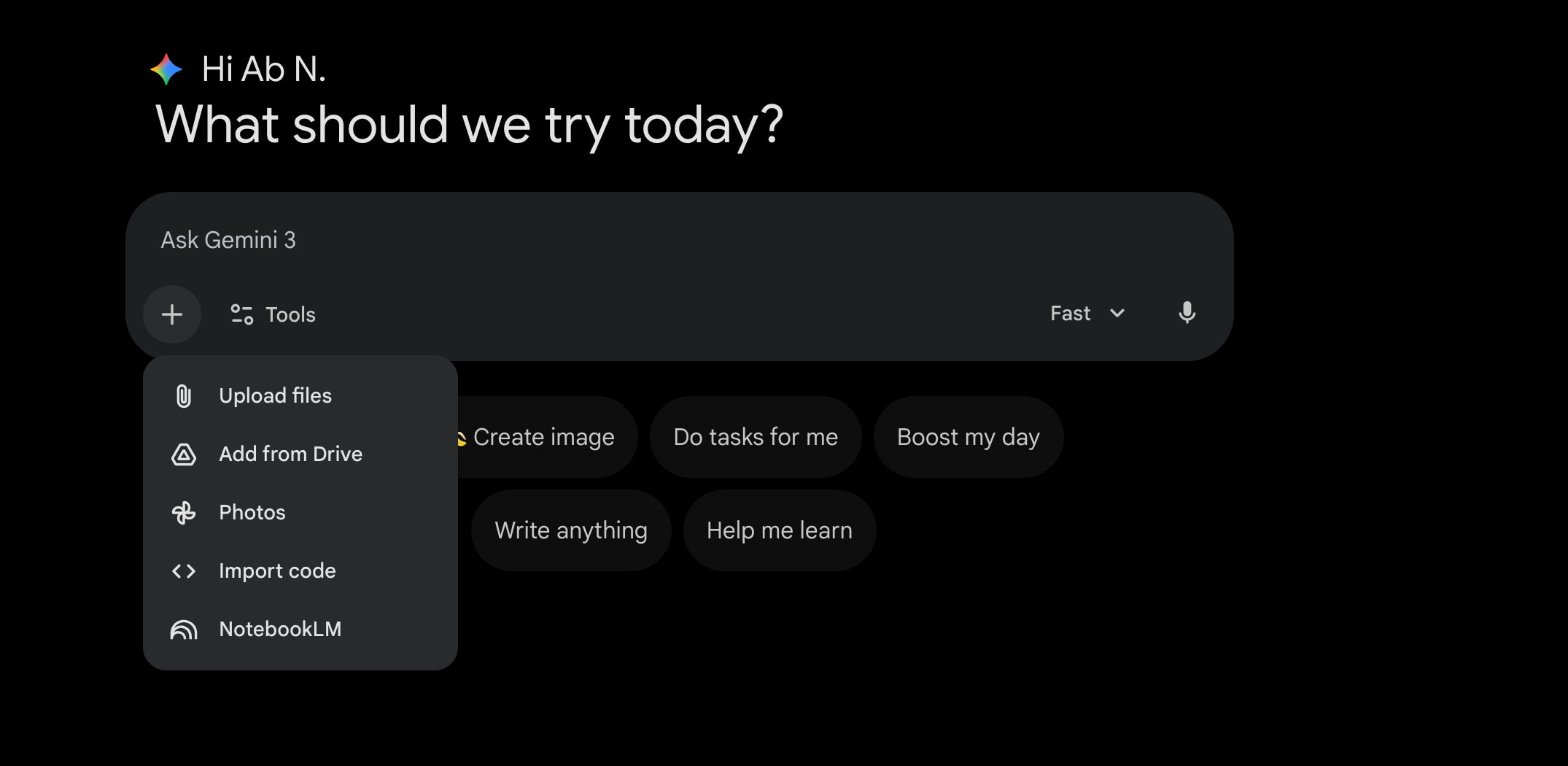
Another important consideration is the context window:
When you upload files to Gemini Apps, it needs to ‘read’ the content to provide useful insights or answers. The context window is like the reading capacity. It determines how much content can be understood together at one time.
Free accounts are limited to 32,000 tokens or “around 50 pages of text.” AI Pro’s 1 million tokens translates to 1,500 pages of text or 30,000 lines of code.
This also has an impact on file uploads. Free users can only upload videos that are up to 5 minutes in length versus 1 hour with AI Pro. Similarly, audio goes from 10 minutes on the free tier to 3 hours with a paid account. Uploading code is also restricted to a subscription. Additionally, free users will encounter:
…rolling limits for how much you can upload and analyze files in a period of time. After some time, the limit will reset, and you will be able to upload and analyze files again.
Personal Intelligence
All users can provide “Instructions for Gemini.” (Open the settings menu in the bottom-left corner on the web or the account menu on mobile.) This lets you customize Gemini’s responses without having to specify every time in the prompt. For example:
- Start responses with a TL;DR summary
- Use bullet points for long paragraphs
- When trip planning, include the cost per day
AI Pro subscribers have access to a “Past Gemini chats” setting wherein “Gemini learns from your chats to understand more about you and your goals.” This is very useful when starting a new conversation about something you’ve previously discussed with Gemini.

This month, Personal Intelligence gained Connected Apps support. This allows Gemini to access data in your:
- Google Workspace: Including Gmail, Calendar, Drive, etc.
- Google Photos
- YouTube: Watch history
- Search services: Including Search, Shopping, News, Maps, Google Flights and Hotels
This results in hyper-personalized responses that take into account your preferences as reflected by your emails, images, and more.
Image and Video generation
As a free user, you can generate and edit 100 images with Nano Banana (Gemini 2.5 Flash Image) per day. That jumps to 1,000/day with AI Pro.
Nano Banana Pro (Gemini 3 Pro Image) is even more capable with a limit of three daily images as a free user. You get 100/day as a subscriber.
Video generation with Veo 3.1 Fast is only available to AI Pro members (3/day).
Free vs. pro


Other features
Scheduled actions are prompts that automatically run at a time or condition of your choosing. This capability is only available for subscribers with a limit of 10 actions at a time.
Free users get 5 Deep Research reports per month using the Thinking model. Subscribers get appreciably more at 20 reports/day using Pro.
- Dynamic view: 25 versus 250 prompts per day
- Audio Overviews: 20 per day for all users
- Slide generation: 20 per day for all users
More: What Gemini features you get with Google AI Pro and AI Ultra


FTC: We use income earning auto affiliate links. More.




Comments