
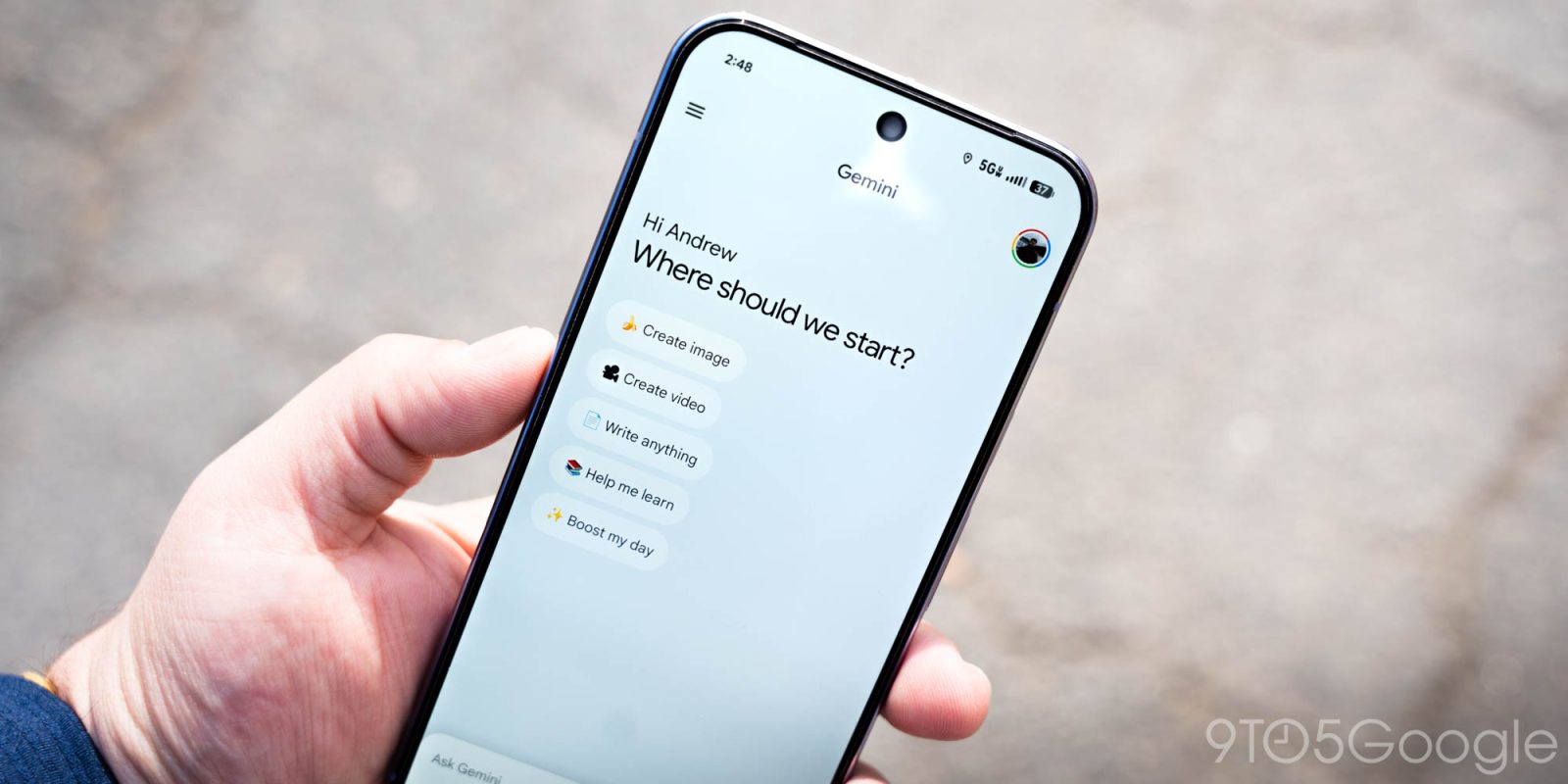
Following the web earlier this week, Gemini is giving the Tools menu on Android and iOS a redesign. There are also changes to My stuff in the side panel.
On Android, the “Tools” sheet that slides up is now named. At the bottom, you’ll find a new “Experimental features” section that has a “Labs” badge.
Old vs. new


For Google AI subscribers in the US, there’s a new “Personal Intelligence” on/off toggle that applies to your current conversation.
The Gemini app on iOS sees Tools switch from the native pop-up menu style to a bottom sheet, just like the model picker. The ‘plus’ menu for attachments is unchanged.
This updated Tools menu is rolling out now.


In other changes, “My stuff” (previously “My Stuff”) on Android and the web has removed the preview of your three most recent items. On gemini.google.com, it’s accompanied by a smiley star-shaped icon that’s playful. This makes for a cleaner side panel.
At the same time, iOS users are seeing the updated Documents and Media organization that was first introduced on the web. This is not live on Android yet.

More on Gemini:
- Google airing Gemini ad at the Super Bowl: ‘New Home’ [Video]
- Gemini ‘screen automation’ will place orders, book rides for you on Android [APK Insight]
- Gemini Live rolling out floating pill redesign on Android


FTC: We use income earning auto affiliate links. More.


Comments