
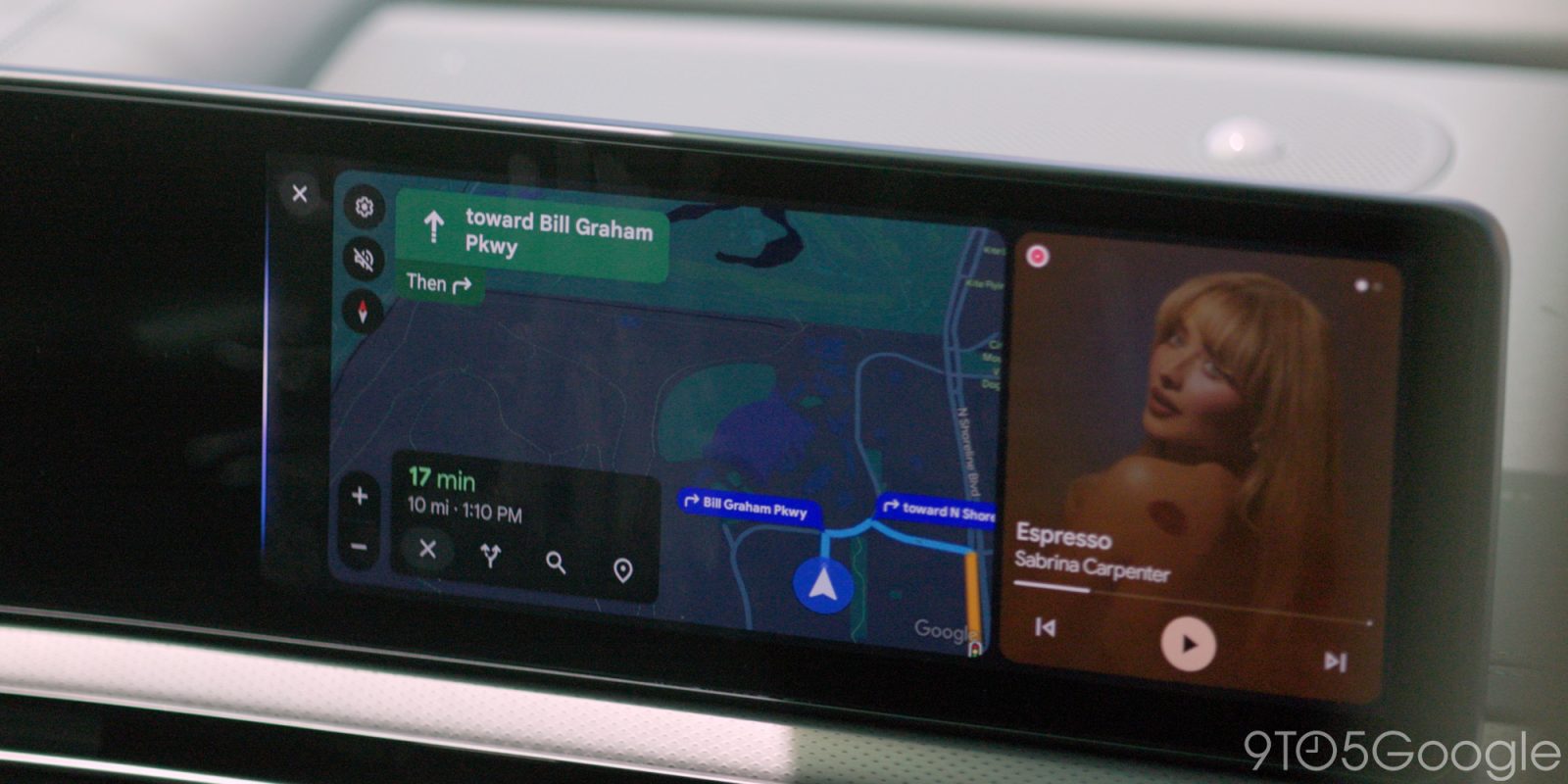
The new Google Maps custom car icons have been available for a year, and more recently, the existence of custom icons in the Android Auto build. A new APK teardown report alleges that Google is preparing to bring that car color and icon picker to Android Auto displays, too.
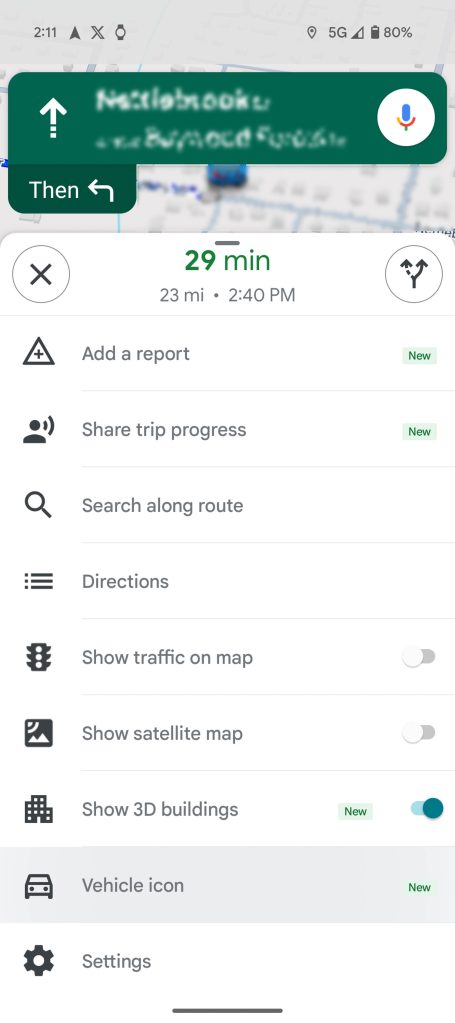
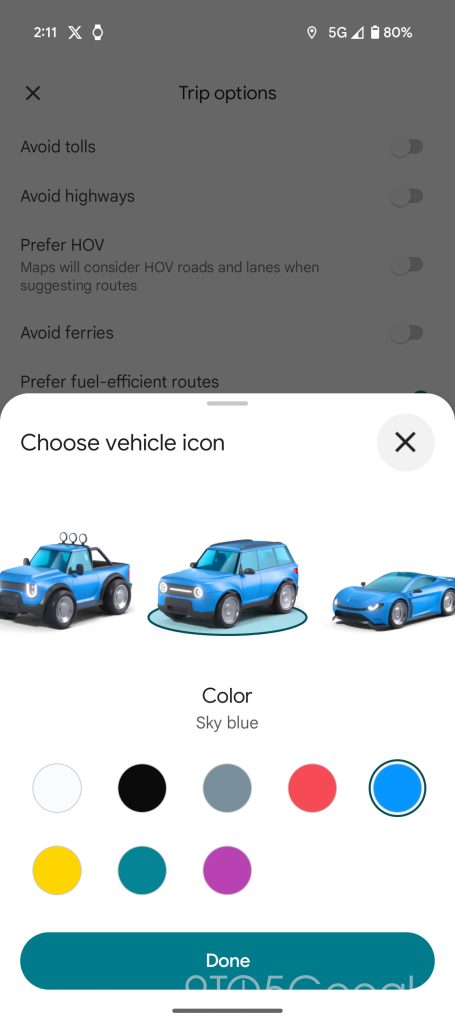
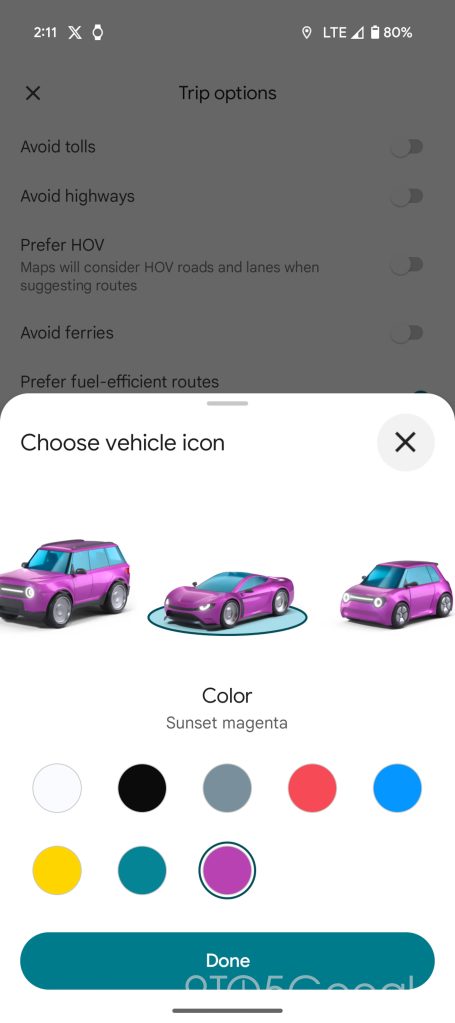
According to a report from Android Authority, Google Maps is preparing to bring the car and color selection screen from the mobile app to the Android Auto build. That screen lets users choose their car icon from 5 modern designs and 3 traditional looks. The app also offers a color picker for the recently added designs, allowing users to tailor the avatar to their real-life vehicle.
The option was found in Android Auto version 16.2.660604.
Back in February 2025, Google Maps launched the customization feature for Google Maps on Android. Several months later, the custom icon started showing up in the Android Auto version of Google Maps, where a large number of users use the service these days. Currently, the only way to set a custom vehicle style and color is to do it through the mobile app. From there, it shows up in Android Auto.
The discovery alleges that Google will add the selection screen to the Android Auto Google Maps build directly, nullifying the need to do it on a phone. The option will appear in the navigation settings under “Driving avatar.” The screen that follows will house the same options we see in the Google Maps Android app.

There’s no word on when the option will be available on Android Auto. The existence of the option, while it remains hidden from the public-facing UI, suggests the feature is in the late stages of development. Still, that means next to nothing regarding a release date.


FTC: We use income earning auto affiliate links. More.






Comments