
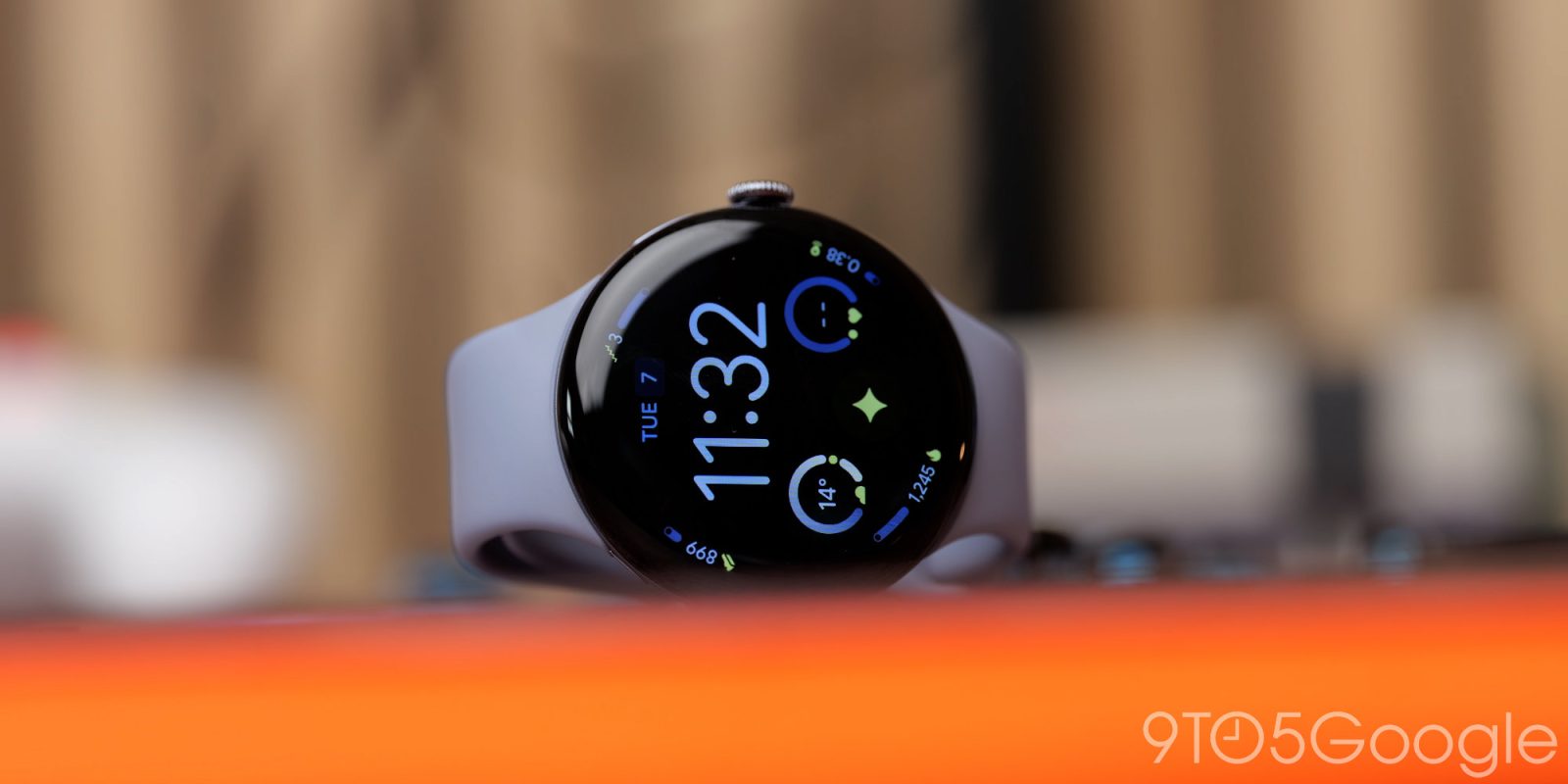
Months on from the original launch, the honeymoon is over, but do we still have that “spark” with the Pixel Watch 4? Discounts have been forthcoming, but with six or so months before we get a follow-up, just where did Google do well, and do poorly? Here is everything you need to know.
Design and durability
I have been using the Pixel Watch almost daily since it was made available in early October 2025, and to the credit of the team behind this wearable, it feels largely the same as the day I unboxed it. I couldn’t say the same of any previous Pixel Watch generation due to the domed shape and, likely, the softer materials used on those versions.
After a quarter of a year of daily wear, think bumping into door frames, reaching into car trunks, picking up weights from a rack at the gym, and the general abuse of life, I’m genuinely surprised. The glass is remarkably free from any scrapes or micro-abrasions. I have caught it a few times on jacket buttons and zippers, and no damage so far. Whatever Google did with the hardening process on this Actua 360 display, it’s holding up better than previous generations during a similar time period from release.
Even the colored metal frame has maintained its “Moonstone” finish without the any sort of “pitting” you can sometimes see on some cheaper aluminum wearables. Not that I worried too much about that, as I’m not an overly sweaty person. This is the first time in a while that I have kept a Pixel Watch “stock” as it were. No extra accessories, straps or add-ons. Just default. Which is out of character for me, but I haven’t wanted to hide the design this time for whatever reason. Luckily, the improved repairability means I’m babying this thing, but it helps that it is holding up nicely.
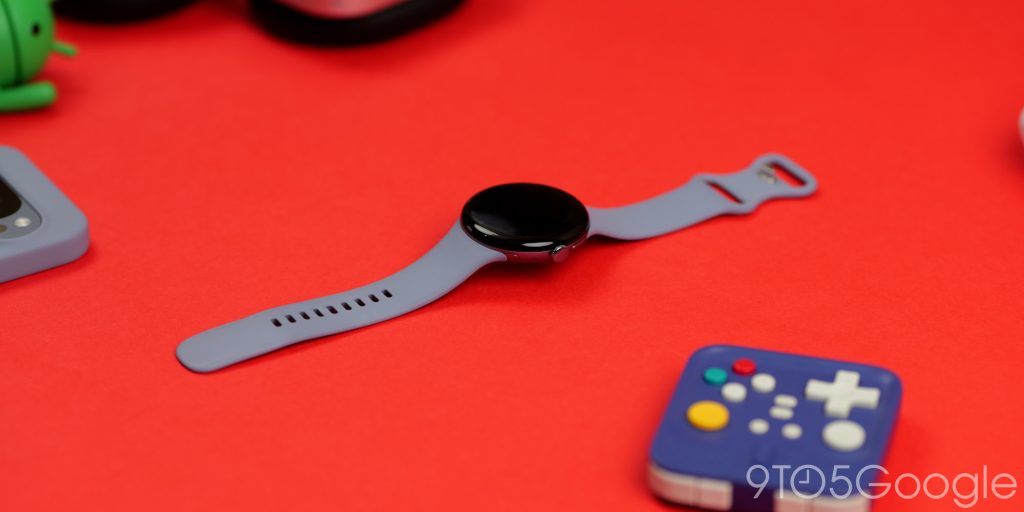
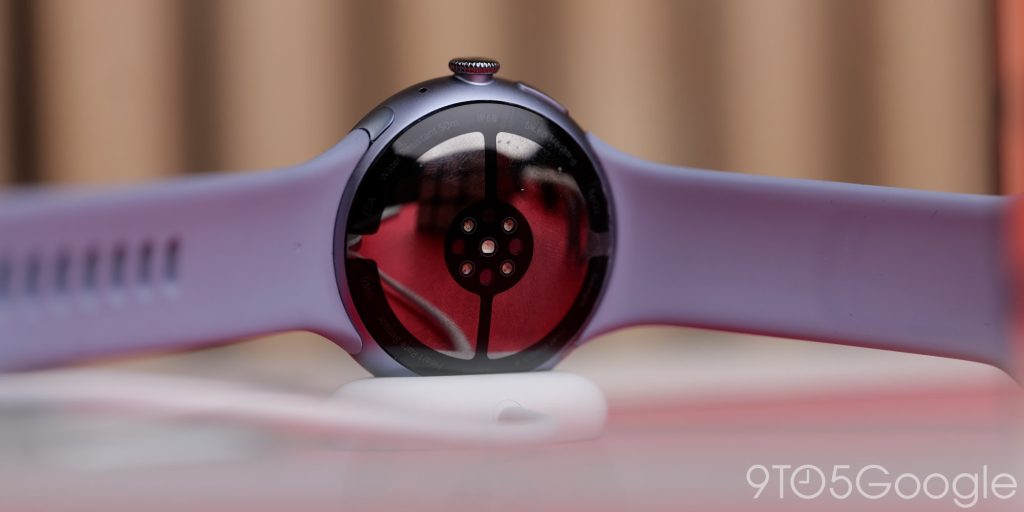
Just back to the display for more than a brief moment, as this remains the highlight of the entire Pixel Watch 4. It is utterly gorgeous. One of the best displays of its type. As we said in our initial review, it just bleeds into the soft curves and sort of floats, and I haven’t tired of looking at it.
Before I get into Wear OS, we need to talk about the lack of watchfaces that take true advantage of this better-than-ever screen shape. Lots of the options that came out of the box still feel derivative. They’re great, don’t get me wrong, but they are more like remixes of the same three or four designs we’ve seen since the first generation. I will admit the use of color tonal sections is better now, but surely we can get more options?
With this much screen real estate and this unique curvature, I want to see Google push the boundaries—give us something that actually uses that convex shape for more than just a cool reflection.
Other things to note, or things I have noticed. The haptics are a marginal step up over the competition. It’s one area where Google leads other Android wearables. You get a crisp buzz when a text or email pops up. I do feel that the enhanced dome shape enhances this experience.
We’ll get into some of the use cases, but the speaker still needs work. While haptics are “full,” the speaker is tinny, tiny, and doesn’t get particularly loud. I haven’t enjoyed taking calls from my wrist when in public for that reason, as it just isn’t loud enough to cut through low-volume traffic or even in a loud supermarket. For a quick Gemini response, I’m satisfied, but it isn’t great.
Wearing the OS
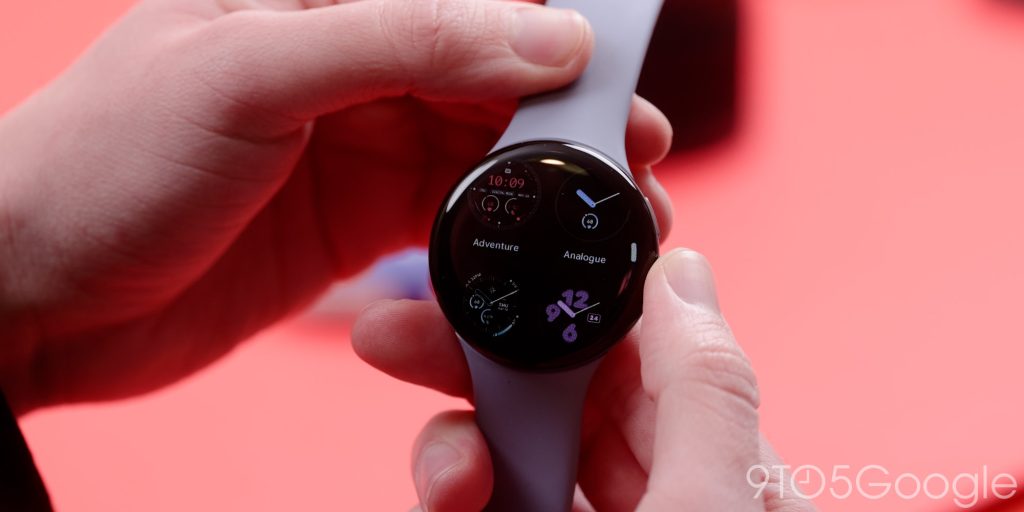
Wear OS is the culmination of what Material You has always meant to be. It feels perfectly at home on the larger display, and all the touches help elevate the Pixel Watch 4’s out-of-the-box experience far above the previous versions. It’s at home here, which is what I’m trying to say.
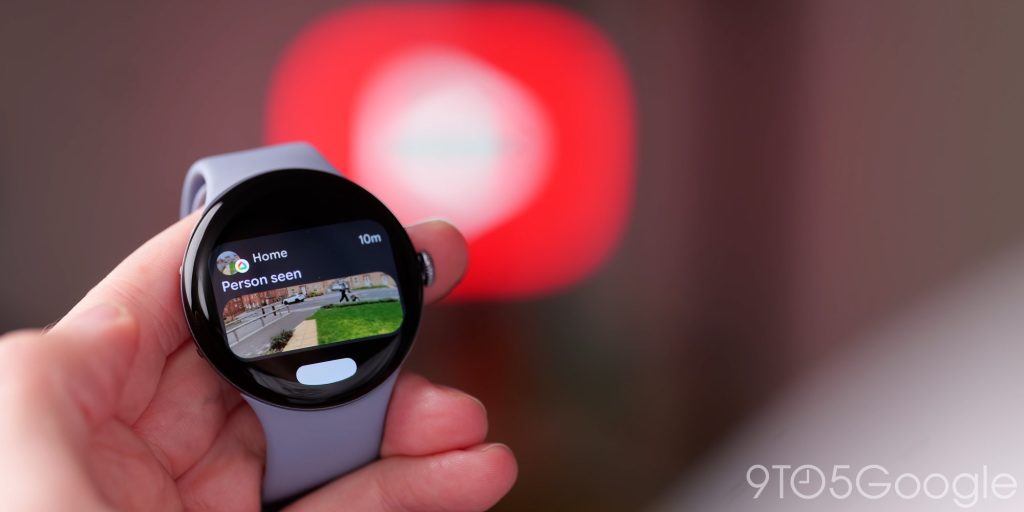
It isn’t without some irksome areas, though. Some notifications still need work. Google Home, in particular, remains finicky. Getting a doorbell alert only to have the image or clip go missing on the watch screen is a specialized kind of frustration. It’s likely an app-level issue rather than a “watch” issue, but when this is a key selling point of a Google smartwatch, you expect these things to just work. I’m hesitant to give it a pass, but yes, it could just be an app-specific issue I’m overlooking or nitpicking.
A bigger problem I am frustrated by is that, at least according to the literature, Google is currently sticking to 3 years of updates for the Pixel Watch 4. In a world where Samsung is pushing 4 years (and Google itself offers 7 years for their phones), this hurts and feels like a miss. If this is truly the “best of Google” hardware, they need to match the industry leaders in longevity. Why not do it for the firm’s most repairable wearable? It seems like an oversight.
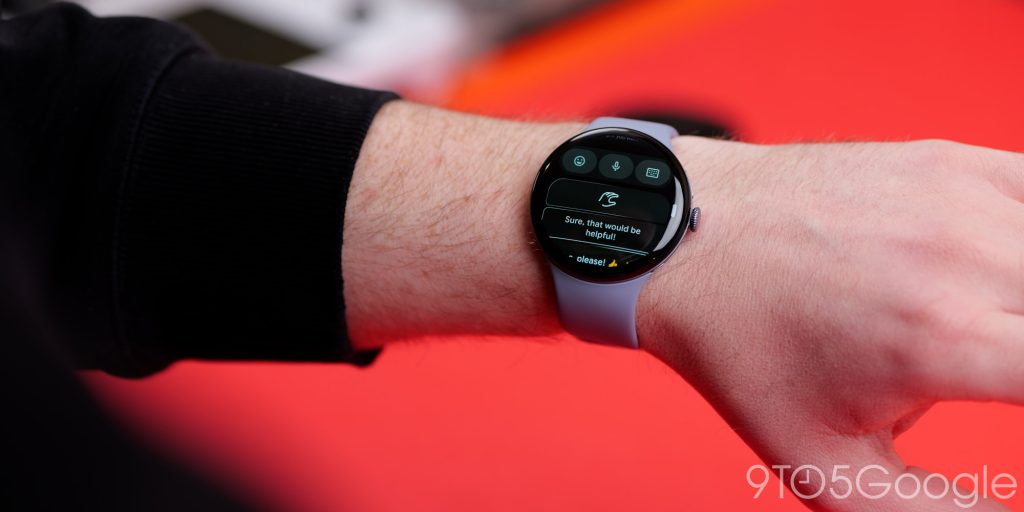
One of the major functions that the Pixel Watch 4 touts is “Raise to Gemini.” When it works, it’s still magic. I love being able to raise my wrist, ask a question, and get an answer. No “Hey Google” required, but you can still use that if you want.
I don’t think it’s a game-changer in the way my colleague Ben Schoon does, but I do think it is very, very good. Good, but not perfect, though. I’ve had my fair share of random activations. Think: Gemini trying to join a conversation it wasn’t invited to. I’ve actually disabled and re-enabled it a few times over the past few months because of this, as it just blurts out random interjections with only a small percent of context.
Currently, it’s back on because the utility of setting a reminder or checking the weather mid-task is too high to give up, but Google needs to dial in that “intent” recognition. When cooking, I can have it just interrupt my zen culinary creation session.
I do love the “double pinch” gesture controls that let you quickly reply to text messages or access certain UI elements. It is good to see that Google is willing to add new software functions to make your wearable even more useful as often it’s only the smartphones that get new stuff to add utility. It works flawlessly, too, in my own experience, and in tandem with the enhanced Smart Reply, it’s great for quickly sending an SMS response. Maybe we could get more gestures, but for now, it’s a great addition.
The new Snapdragon chip feels no different to me; however, the optimizations and larger screen real estate on such a small form factor improve things drastically. I think we hit an inflection point a few years back with the move away from the awful Snapdragon Wear 4100 processors. Most smartwatches run nicely now, and the Pixel Watch 4 is smooth as silk 99.9% of the time. I’ve only had slowdowns when my battery level was below 10%. I think that seems fine.
Fitness tracking
I’m going to be blunt: I do not use the Pixel Watch 4 for fitness functions in the traditional sense. I find the obsession with “tracking” every calorie and every movement fluctuation a bit redundant, to me specifically.
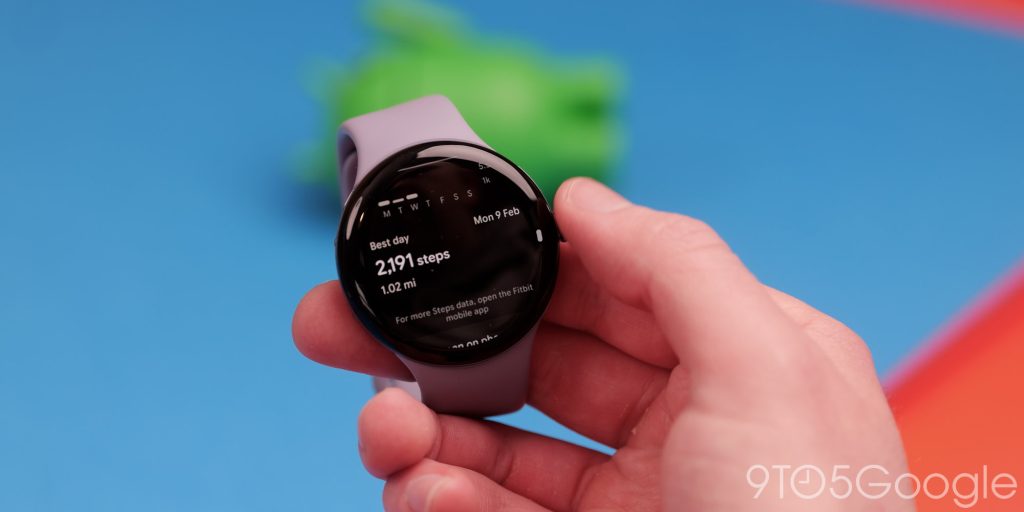
I see it as a “nice to have” rather than an essential. Most of my fitness tracking boils down to walking and step count, or distance specifically. The best news after a quarter of a year of wear is that Fitbit is exponentially better at tracking walks and activity after the fact.
As a “passive” method of tracking my movements, I really like it. As I can see, that map of an evening or morning dog walk. In that regard, the Pixel Watch is great for walking, running, that kind of thing, but it still relies far too heavily on the Fitbit Premium subscription. Putting deep insights behind a paywall on a $400 watch is still a bitter pill to swallow, and while Google is not doing anything that other brands are not, it could do with some revamps to really make that subscription worth it. I’m lucky in that I get it as part of my monthly Google One plan in the UK. I wouldn’t pay for the service otherwise, put it that way. Not even the expanded Fitbit Coach has enticed me.
I’m also very hesitant to use a smartwatch for weight lifting. It feels pointless when I can just note my progress on my phone. No Android smartwatch has truly perfected the “gym” experience yet. The OnePlus Watch 3 has a more robust, body-specific weight training option that’s heading in the right direction, but Fitbit? Rep tracking is essentially non-existent.
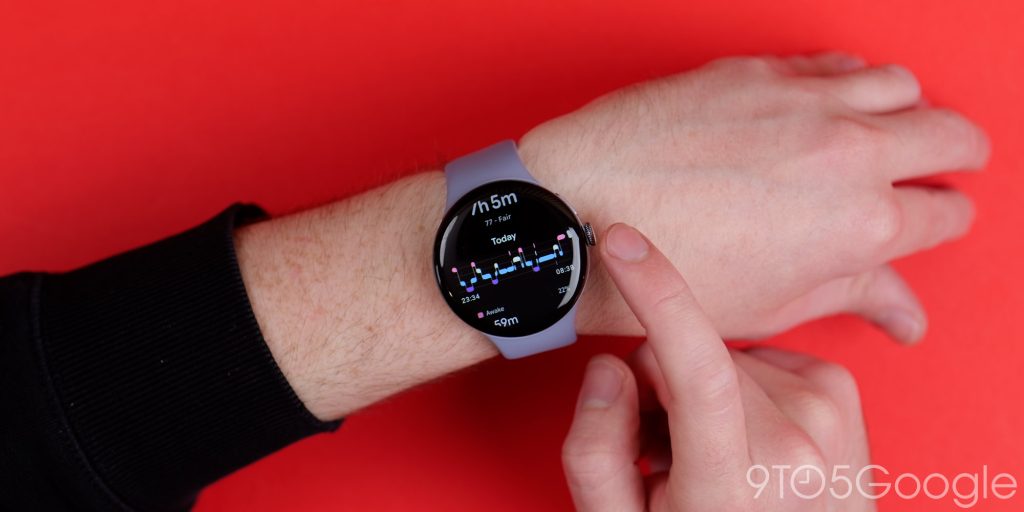
That said, I don’t get frustrated with the fitness options of the Pixel Watch 4, though, because I simply don’t look for them. The same goes for sleep tracking. To me, that’s the definition of redundant. I know when I haven’t slept well; I don’t need a graph to tell me I’m tired. In fact, the “added anxiety” of seeing poor sleep scores actually made me stop wearing it to bed entirely. Add in the slight discomfort of wearing a metal and glass puck while trying to rest, and it’s an easy feature to skip.
While I don’t see myself as the target demographic for the Fitbit suite, the tracking is adequate. Nothing more, nothing less.
Lifespan
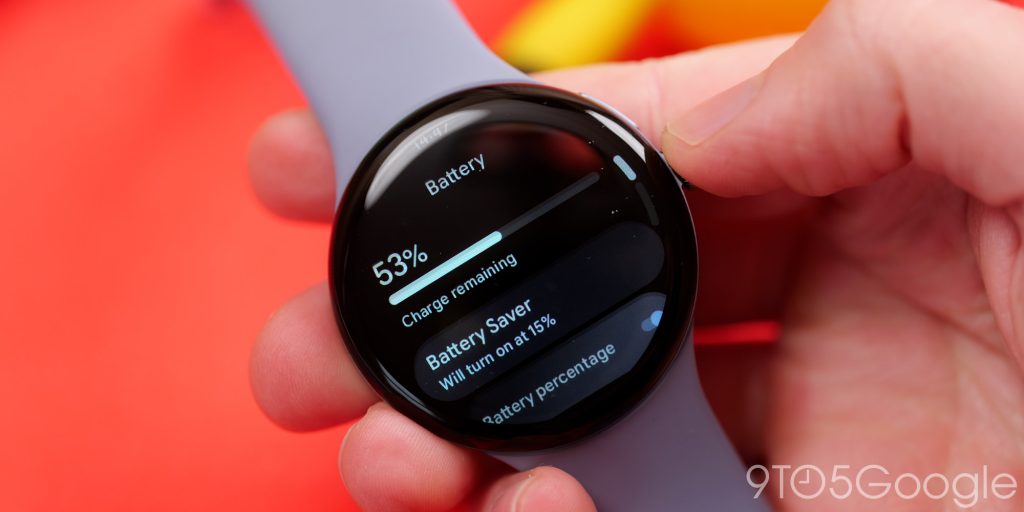
I wear my watch every single day for upwards of 12+ hours, of which two days of wear are more than possible given I don’t try to track my workouts. It’s a decent chunk of time better than my experience with the 45mm Pixel Watch 3, which was closer to a 36-hour watch. That’s the baseline we’ve wanted for years, but the real standout remains the rapid charge cycle, as it eliminates any anxiety I have had with charge level.
I know, I know, we all groaned when Google changed the charger again. Yes, it does break up the clean aesthetic, and I hated the visual footprint at first. But after three months, I’ve done a total 180. The new side-mounted dock is significantly more reliable than the old pin-pads.
I haven’t had a single “ghost charge” where one pin might not be fully aligned, dirt might not have prevented it from connecting fully, or the watch strap has curled up and dislodged it from charging. That happened to me so many times with the Pixel Watch 3. I would sometimes just remove the strap entirely to guarantee my watch would charge. No such issues with a dense, stable base like this. It also helps that it looks better when docked – more on that in just a moment.
The charging speed has changed how I charge the Pixel Watch 4 over the past few months. I used to charge in the morning, now I just take my watch off for 5 or 10 minutes while at my desk to get a bit more juice. In most cases, that can give me anywhere between 30% and 50% extra lifespan. A day of extra wear for the sake of that short space of time really does change how you view a wearable like this.
Just touching on the dock for a second again. I’m still hopeful we’ll get some kind of “mini Smart Display” integration where the watch shows a Nest-style clock face while docked, but honestly, it charges so fast now that you’re rarely looking at it on the stand for long enough to care. Maybe we could have a “slow” mode for overnight chargers. I think that could be a cool function to have, but no signs of that being the case at this stage.
Final thoughts
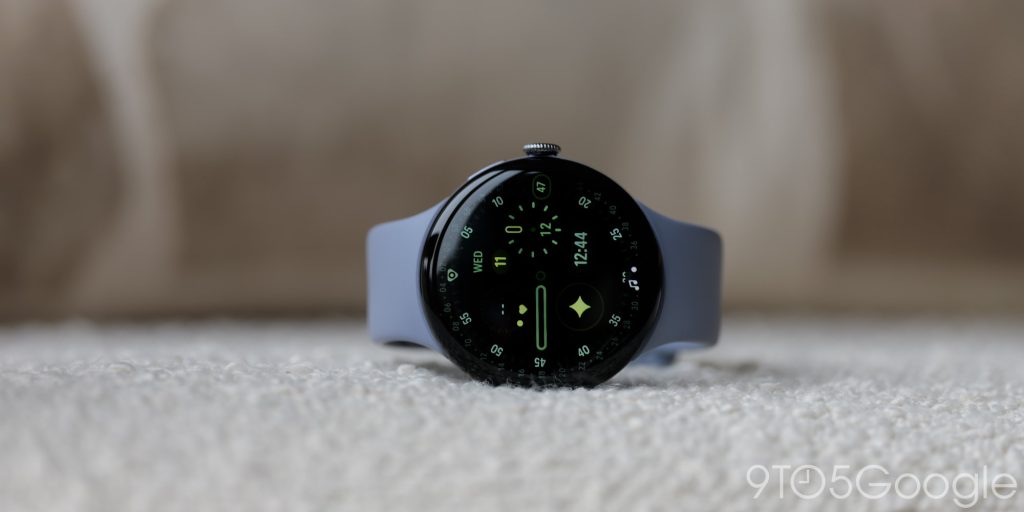
A quarter of a year after hitting store shelves, and almost 6 months after being unveiled on stage, the dust has finally settled. And in that settled dust, the Pixel Watch 4 has emerged as an obvious candidate for the best product in Google’s current lineup.
To understand why I would say that, take the Pixel 10 for example. While a decent product in its own right, it feels more like a “9S” or “9+” in lots of ways; it just refines what was already working well. The Pixel Watch 4 on paper should do the same. Instead, it feels like the first time Google has fully realized its vision for a wearable. It has the design that was Google likely desired from day one, and it finally has the hardware to back up the software ambitions.
I shouldn’t be surprised that it is more durable than I anticipated, given the even “domier” design. I do not baby this thing, and it looks pristine so far. If you have a Pixel phone, it’s the perfect companion. Simple, effective, and it blends into the background without feeling overly “techy” or too fitness-focused.
It has overtaken my previous favorite, the OnePlus Watch 3, to be the best overall Wear OS watch for most people to buy. Given my fairly low expectations when it arrived a few months ago, I think that is a big step for the Pixel Watch.


FTC: We use income earning auto affiliate links. More.



Comments